
App Introduction
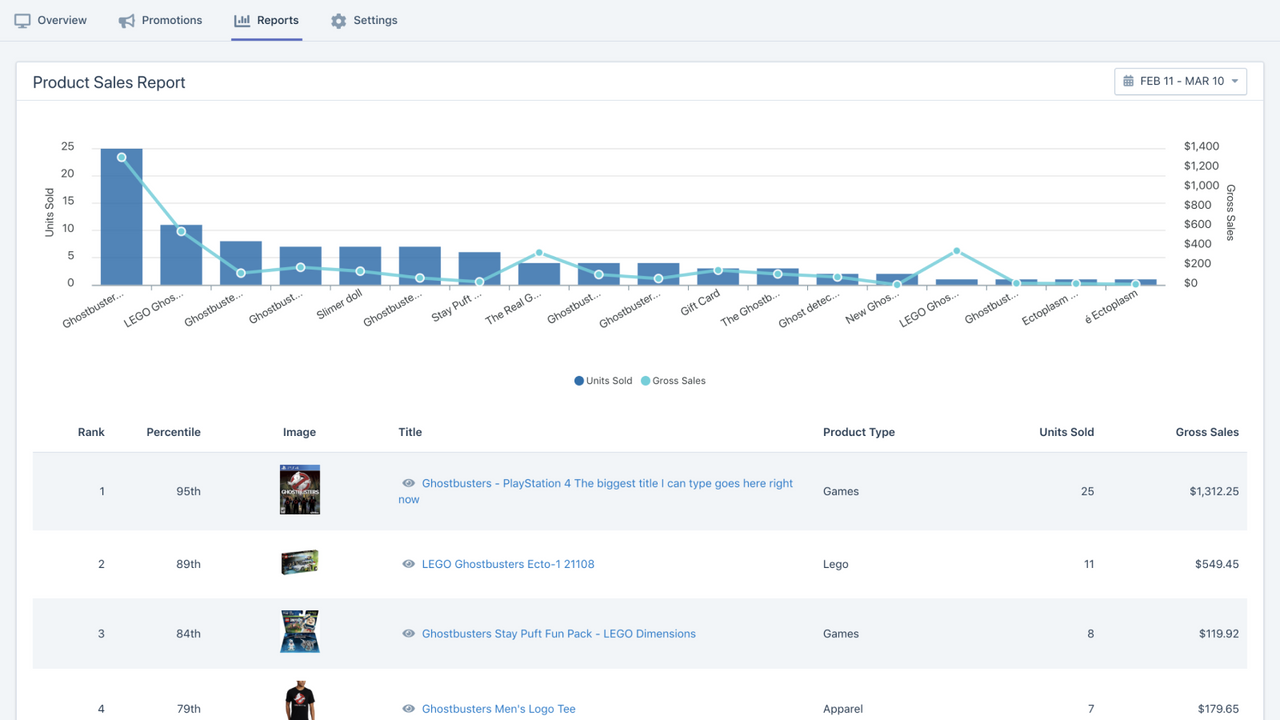
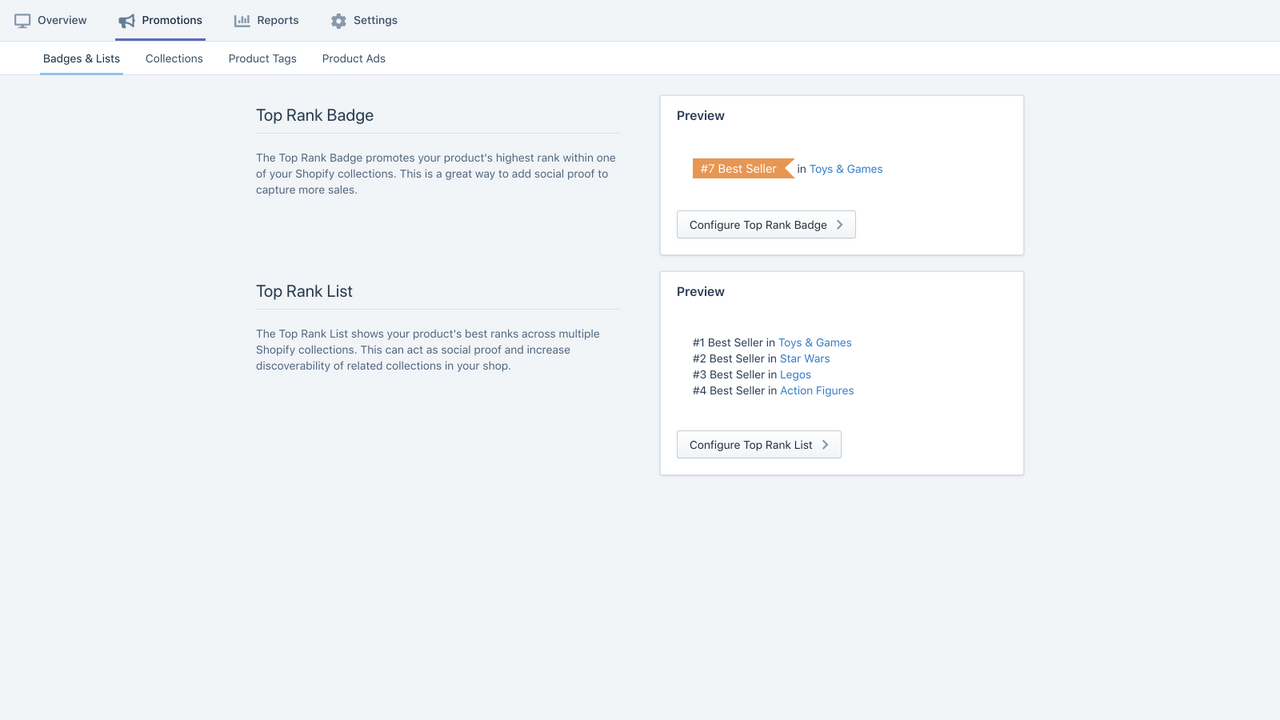
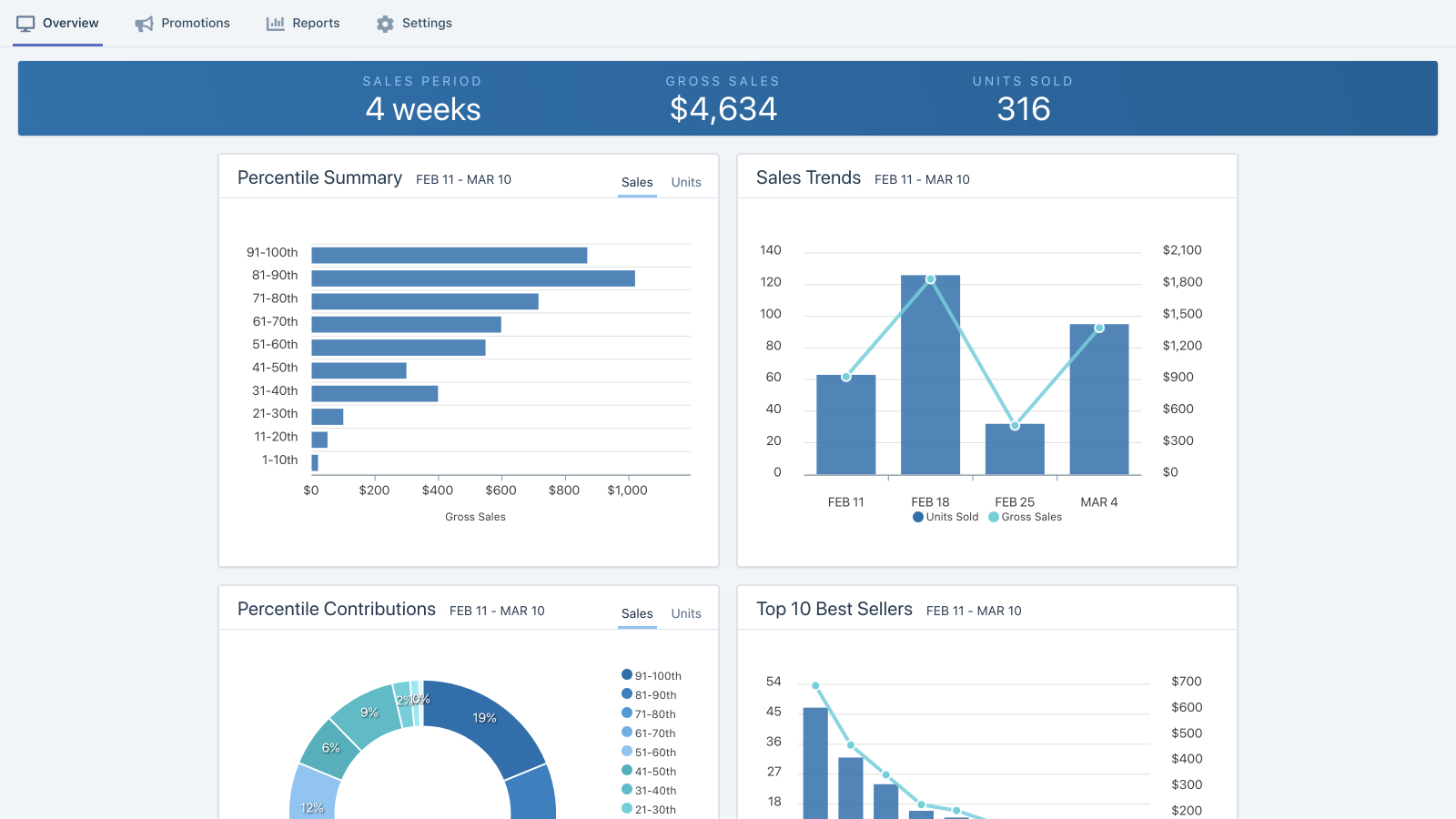
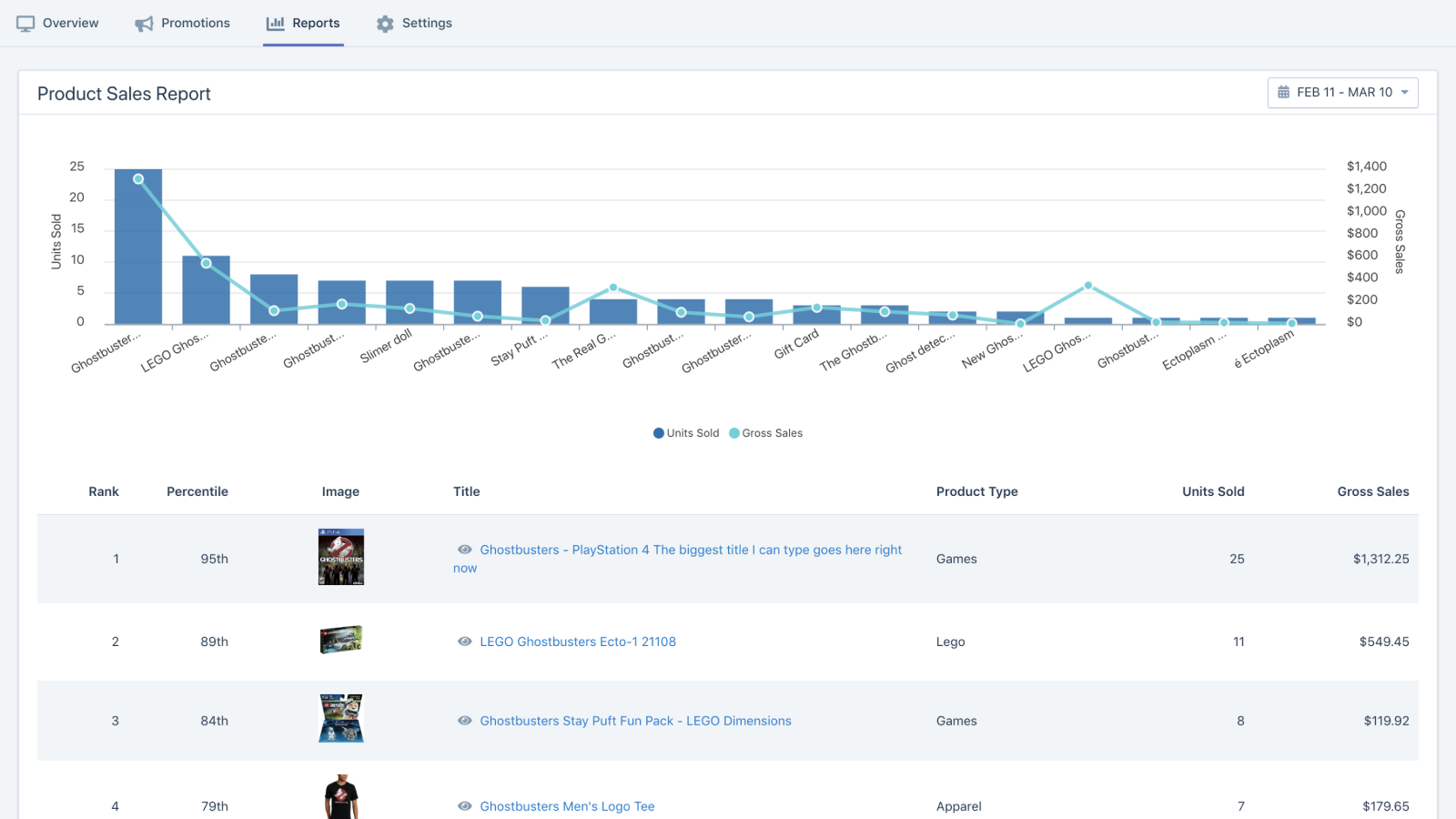
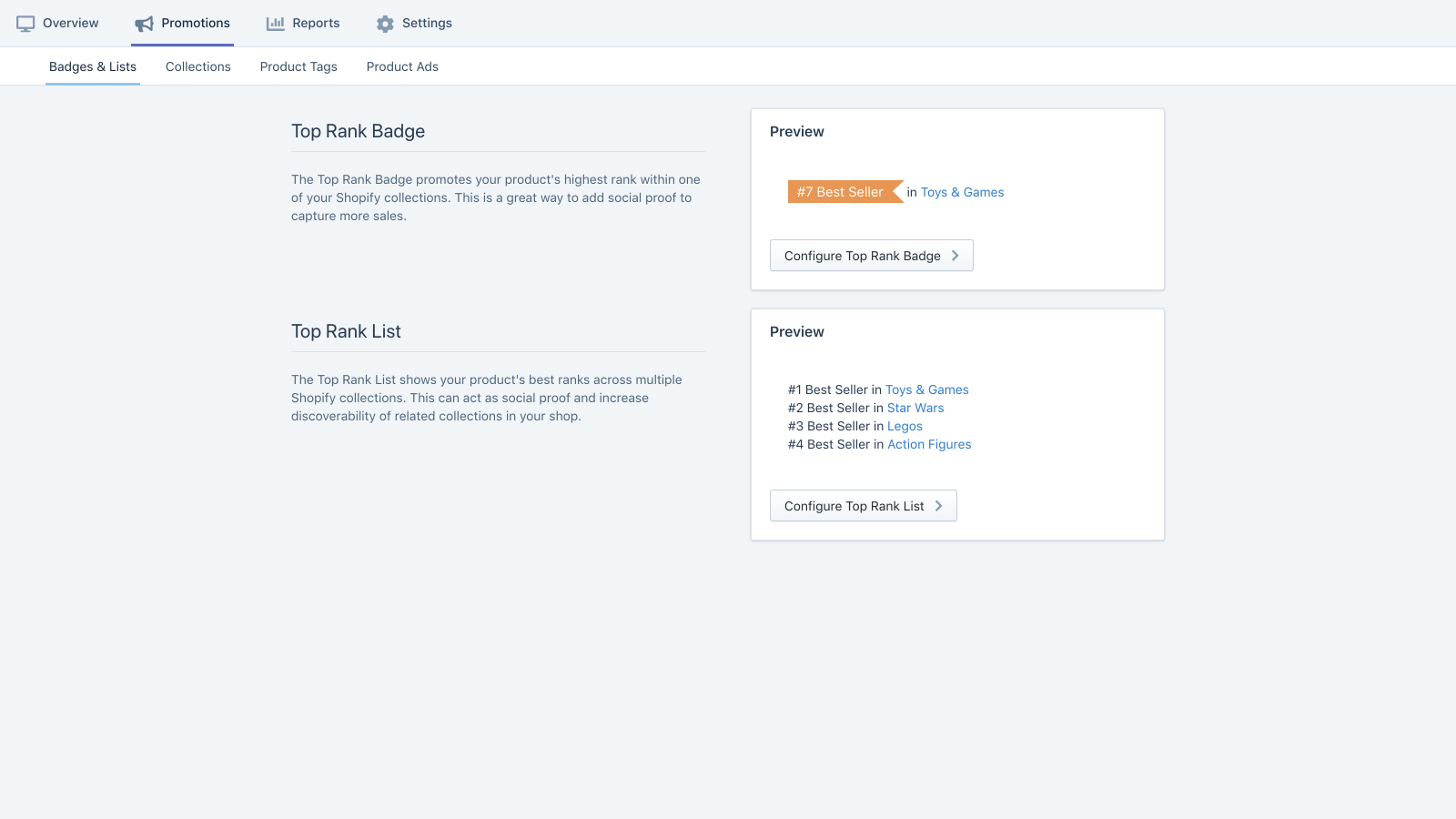
Promote your best-selling products to maximize sales. Get an intuitive view of bestseller trends and reports. Best Seller Insights empowers you to easily showcase your most popular products across your store to boost sales and conversion rates. Feature proven products prominently so customers can’t miss them, maximizing your sales. Automatically pin top products to the top of collections, add bestseller badges, and more. Use our bestseller reports to intuitively view your top product trends—including product photos. Customize your bestseller formula based on weeks, orders, units, and total sales.
Core Functionality
- Boost sales and conversion rates by featuring your most popular products prominently.
- Customize best-selling product tracking based on weeks, orders, units, and total sales.
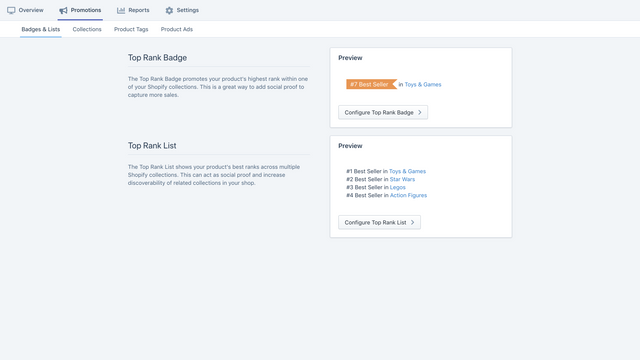
- Automatically promote best-selling products at the top of collections.
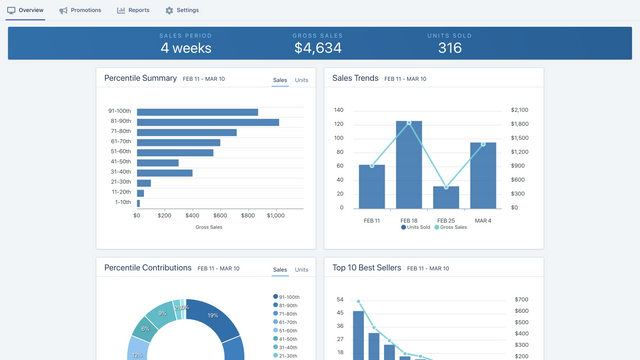
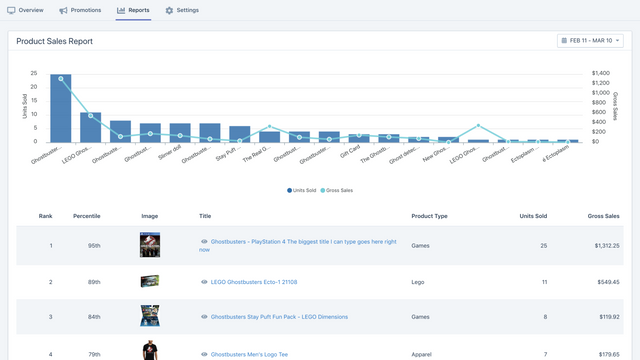
- Visually view your top product trends via photos, sales rankings, and percentiles.
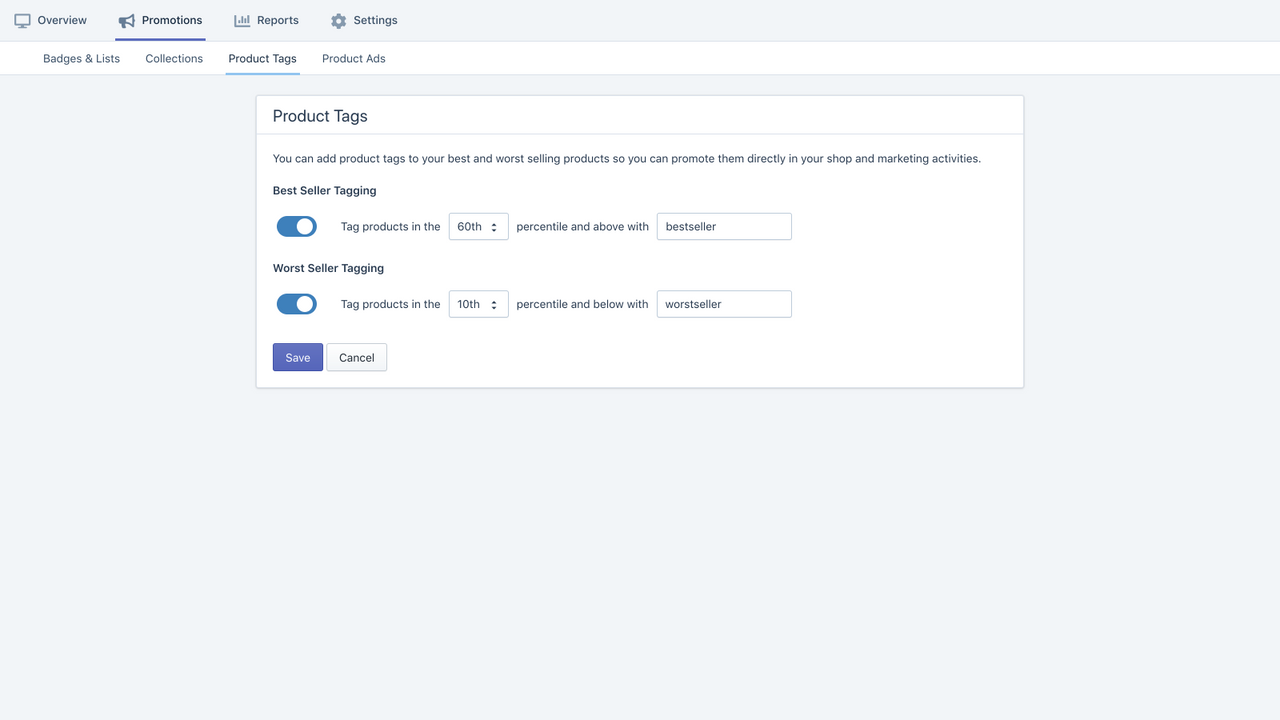
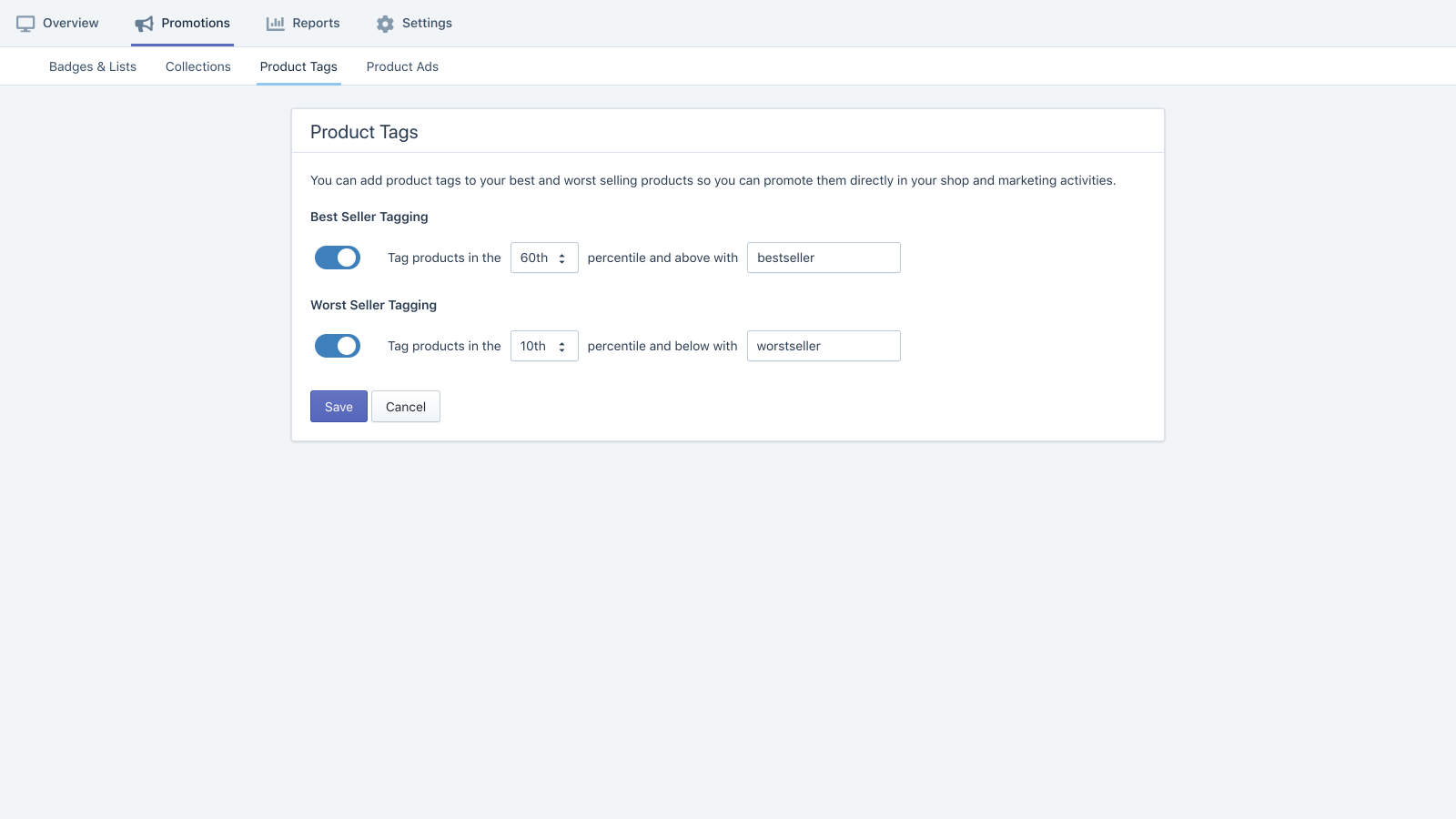
- Set up best-selling product tags and metafields for more positioning options.
Merchant-Friendly
- Independent Station Merchants
- High-conversion E-commerce
- Multi-category Stores
- Data-analytics Merchants
Basic Information
- Developer:Burst Commerce
- Address:PO Box 4316, Cary, NC, 27519, US
- Price: Free / Free plan
- Rating:4.9 / 5
- Comment Count:15 comment
- Release Date:2016-6-6
- Supported languages:English
- Compatible products:Shopify
Application Screenshot


Price Plan
Starter
- Up to 1,000 orders per month
- Top Products & Collections Widgets
- Sort Collections by Best-Selling Products
- Best-Selling Product Tags & Metafields
Advanced
- All features of Starter, plus:
- Up to 5,000 orders per month
Premium
- All features of Advanced, plus:
- Up to 20,00 orders per month
User Location & Comments
User Location
Comments
Shopify API Used
- POST /admin/api/collections/{collection_id}/products.json
- PUT /admin/api/collections/{collection_id}/products/{product_id}.json
- GET /admin/api/collections/{collection_id}/products.json
Permission:write_products,read_products,manage_collections
- POST /admin/api/reports.json
- PUT /admin/api/reports/{report_id}.json
- GET /admin/api/reports.json
Permission:write_reports,read_reports,view_analytics
- POST /admin/api/automations.json
- PUT /admin/api/automations/{automation_id}.json
- GET /admin/api/automations.json
Permission:write_automations,read_automations,manage_collections
- GET /admin/api/analytics/products.json
- GET /admin/api/analytics/reports.json
- GET /admin/api/products.json
Permission:read_analytics,read_products,view_reports
- POST /admin/api/products/{product_id}/tags.json
- PUT /admin/api/products/{product_id}/metafields.json
- GET /admin/api/products/{product_id}/tags.json
Permission:write_products,read_products,manage_tags



