
App Introduction
Precise demand forecasting, automated replenishment, and streamlined inventory management. Bee Forecast & Replenishment predicts customer demand and automates replenishment across multiple locations. It delivers deep inventory management insights through detailed analytics and inventory reports to maximize profitability. The app helps avoid revenue loss from stockouts and reduces costs associated with overstocking. With robust sales and inventory reports, it’s the perfect solution for Shopify stores seeking efficient inventory management and comprehensive sales reporting.
Core Functionality
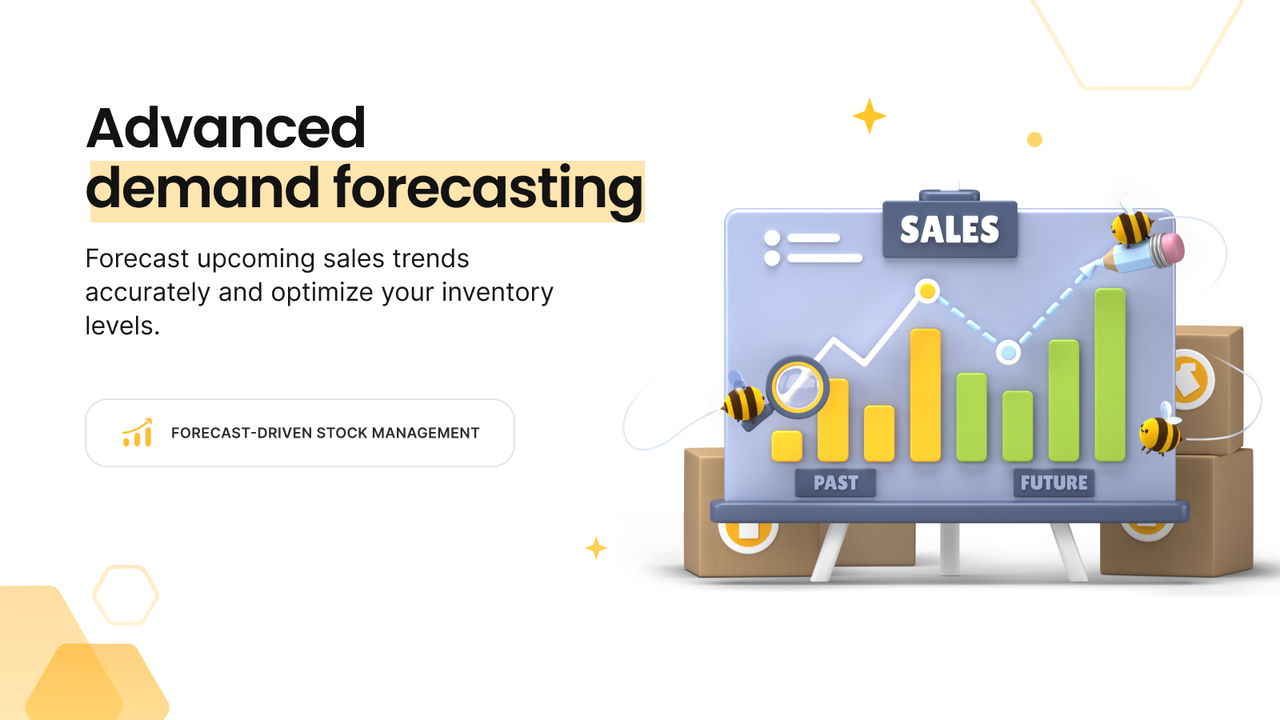
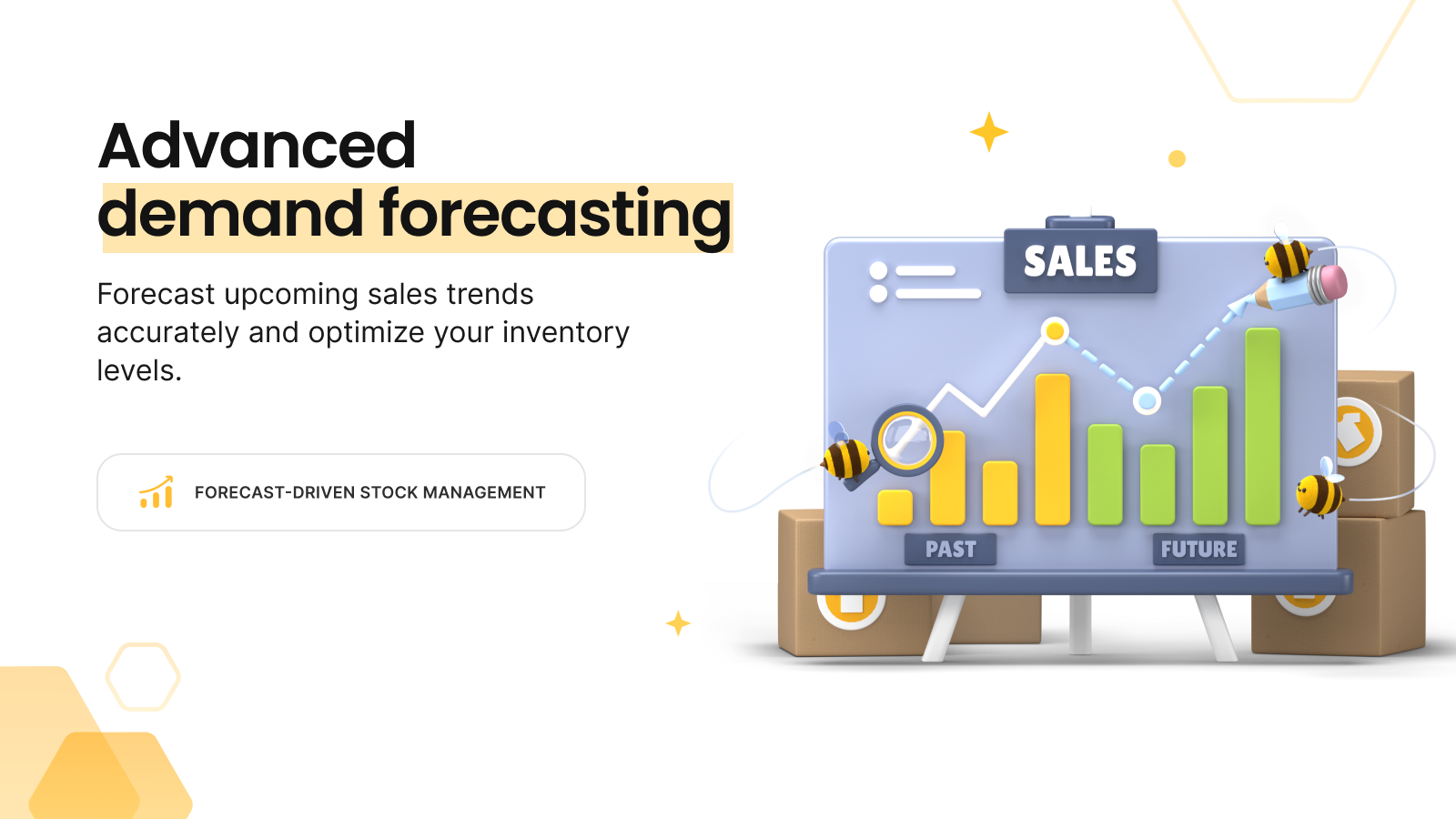
- Accurately predict future sales trends to effectively optimize inventory levels
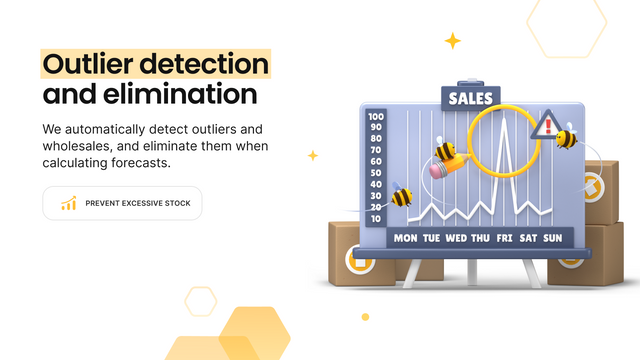
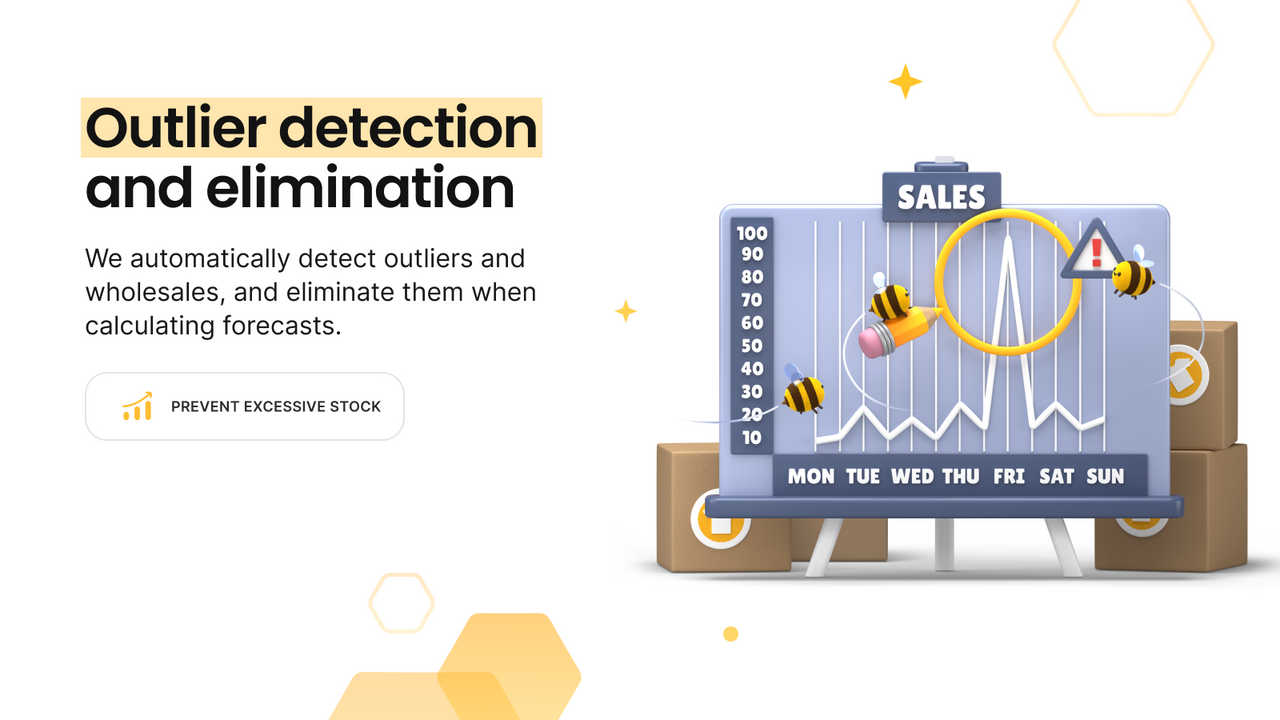
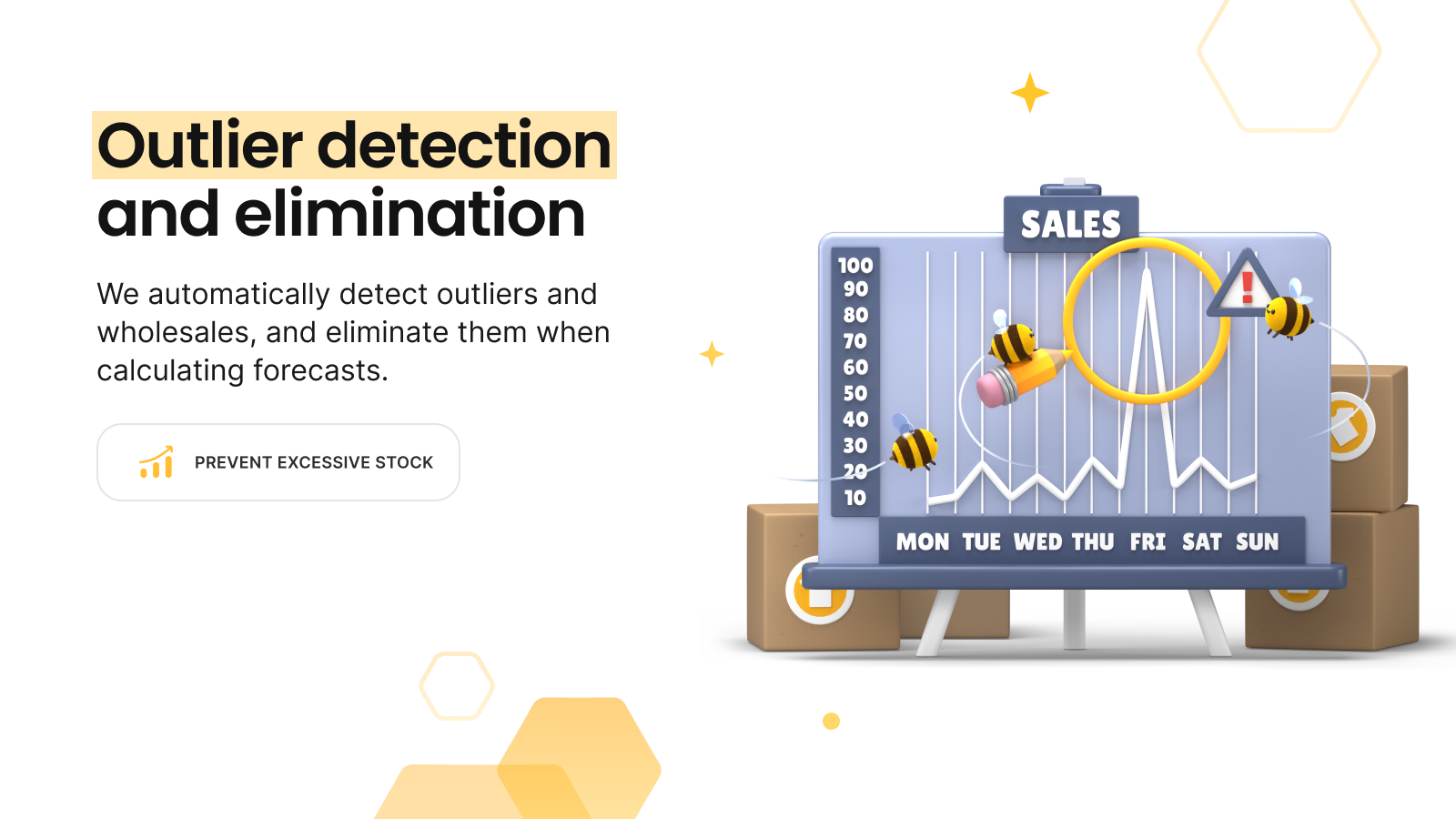
- Exclude abnormal sales from forecasts to prevent excess inventory
- Identify restocking needs through detailed sales reports
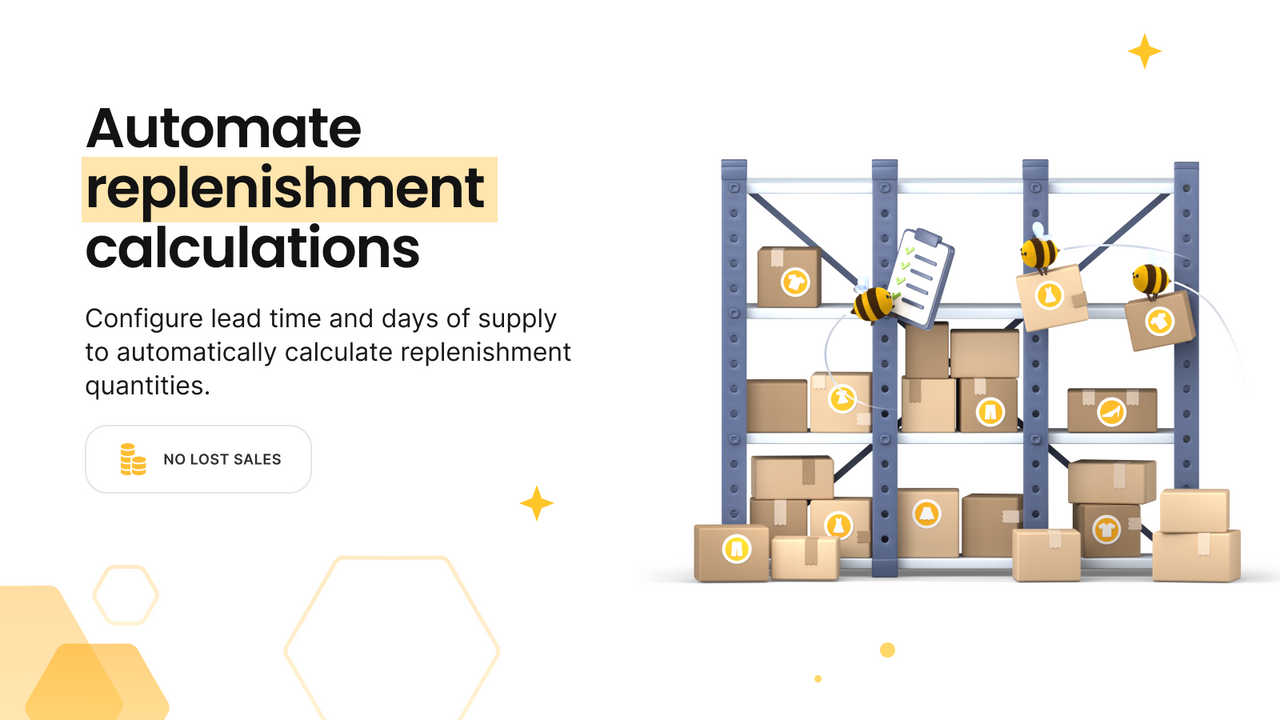
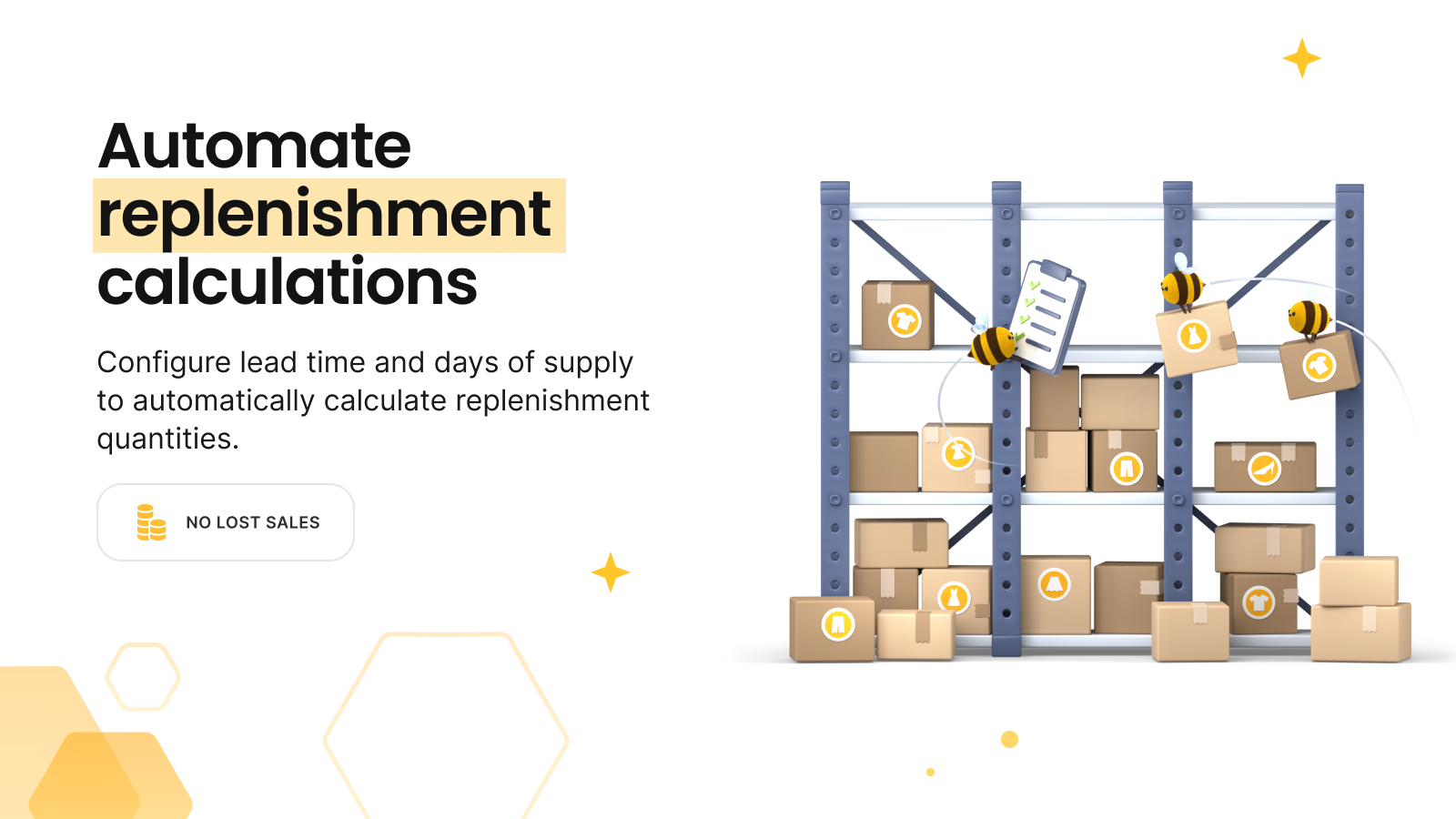
- Ensure optimal inventory levels across all locations to reduce stockout risks
- Gain valuable insights from historical sales and inventory reports
Merchant-Friendly
- Traditional Retail Transition Merchants
- FMCG E-commerce Merchants
- Multi-warehouse E-commerce Merchants
- Seasonal Goods E-commerce Merchants
Basic Information
- Developer:merchbees
- Address:Antalya, TR
- Price: Free / Free plan
- Rating:5 / 5
- Comment Count:1 comment
- Release Date:2024-4-9
- Supported languages:English
- Compatible products:Shopify
Application Screenshot



Price Plan
Free Plan
- Up to 100 SKUs
- Demand Forecasting and Planning
- Replenishment Recommendations
- Anomaly Detection
- Sales, Forecasting, Inventory, and KPI Reports
Basic Plan
- Up to 5,000 SKUs
- Demand Forecasting and Planning
- Replenishment Recommendations
- Anomaly Detection
- Sales, Forecasting, Inventory, and KPI Reports
Professional Plan
- Up to 50,00 SKUs
- Demand Forecasting and Planning
- Replenishment Suggestions
- Anomaly Detection
- Sales, Forecast, Inventory, and KPI Reports
Advanced Plan
- Up to 100,000 SKUs
- Demand Forecasting and Planning
- Replenishment Recommendations
- Anomaly Detection
- Sales, Forecast, Inventory, and KPI Reports
User Location & Comments
User Location
Comments
Shopify API Used
- POST /admin/api/sales_forecasts.json
- GET /admin/api/sales_forecasts.json
- PUT /admin/api/sales_forecasts/{id}.json
Permission:read_analytics,write_sales_forecasts,manage_inventory
- POST /admin/api/sales_forecasts/exclude.json
- GET /admin/api/sales_forecasts/excluded.json
- DELETE /admin/api/sales_forecasts/excluded/{id}.json
Permission:read_analytics,write_sales_forecasts,manage_inventory
- GET /admin/api/reports/sales.json
- POST /admin/api/reports/sales/export.json
- GET /admin/api/reports/sales/analysis.json
Permission:read_analytics,read_reports,manage_inventory
- POST /admin/api/inventory/allocate.json
- GET /admin/api/inventory/allocation.json
- PUT /admin/api/inventory/allocation/{id}.json
Permission:read_inventory,write_inventory,manage_locations
- GET /admin/api/reports/historical_sales.json
- GET /admin/api/reports/historical_inventory.json
- POST /admin/api/reports/historical/insights.json
Permission:read_analytics,read_reports,read_inventory



