App Introduction
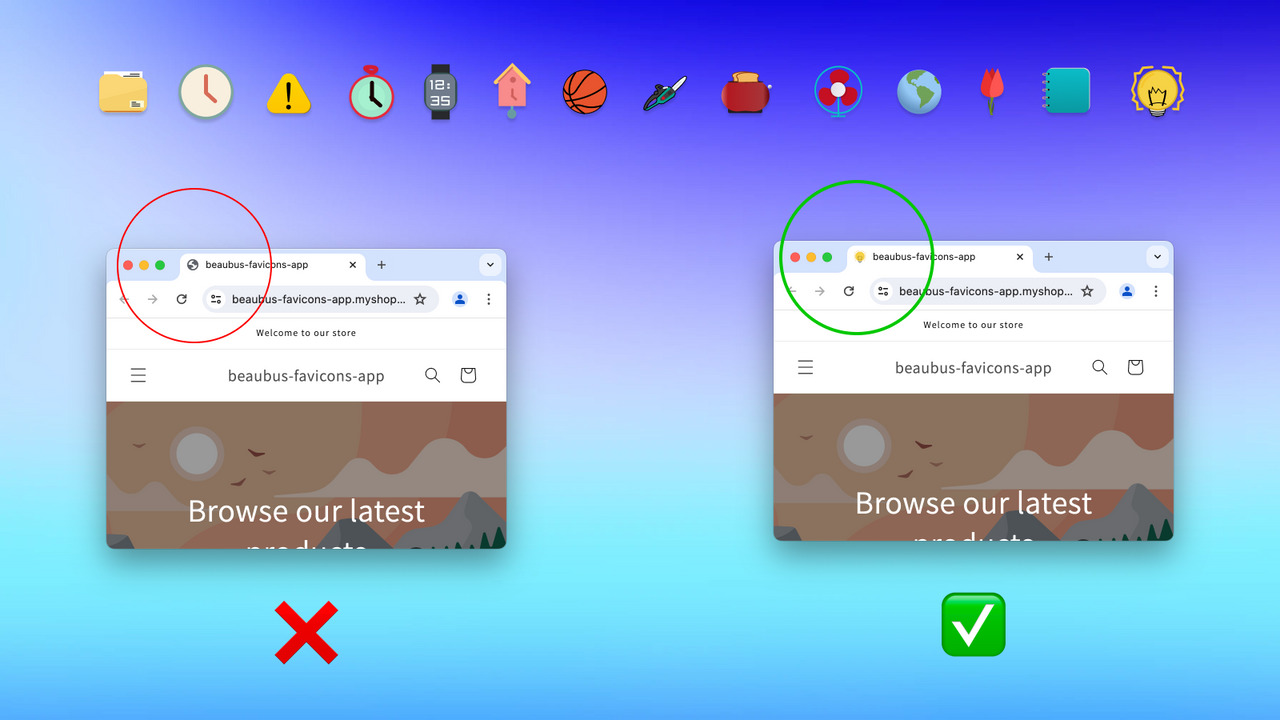
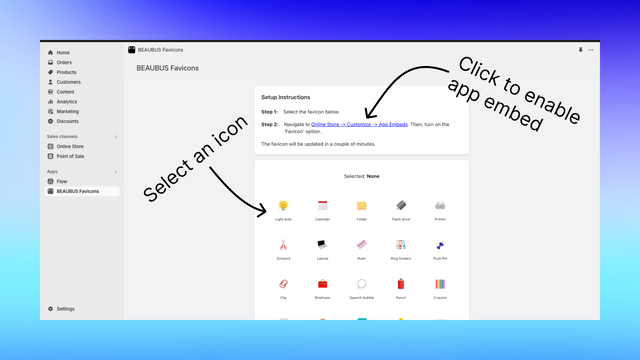
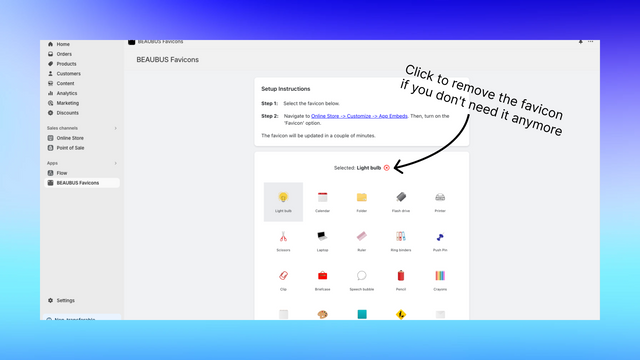
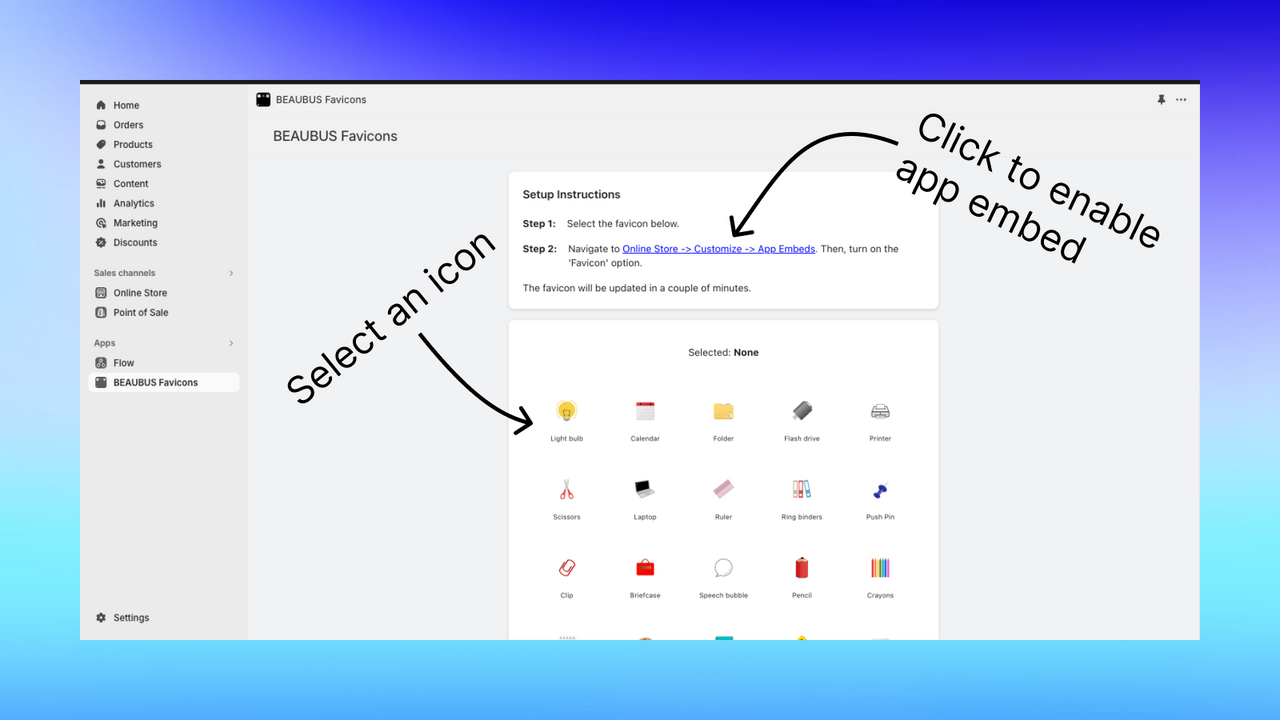
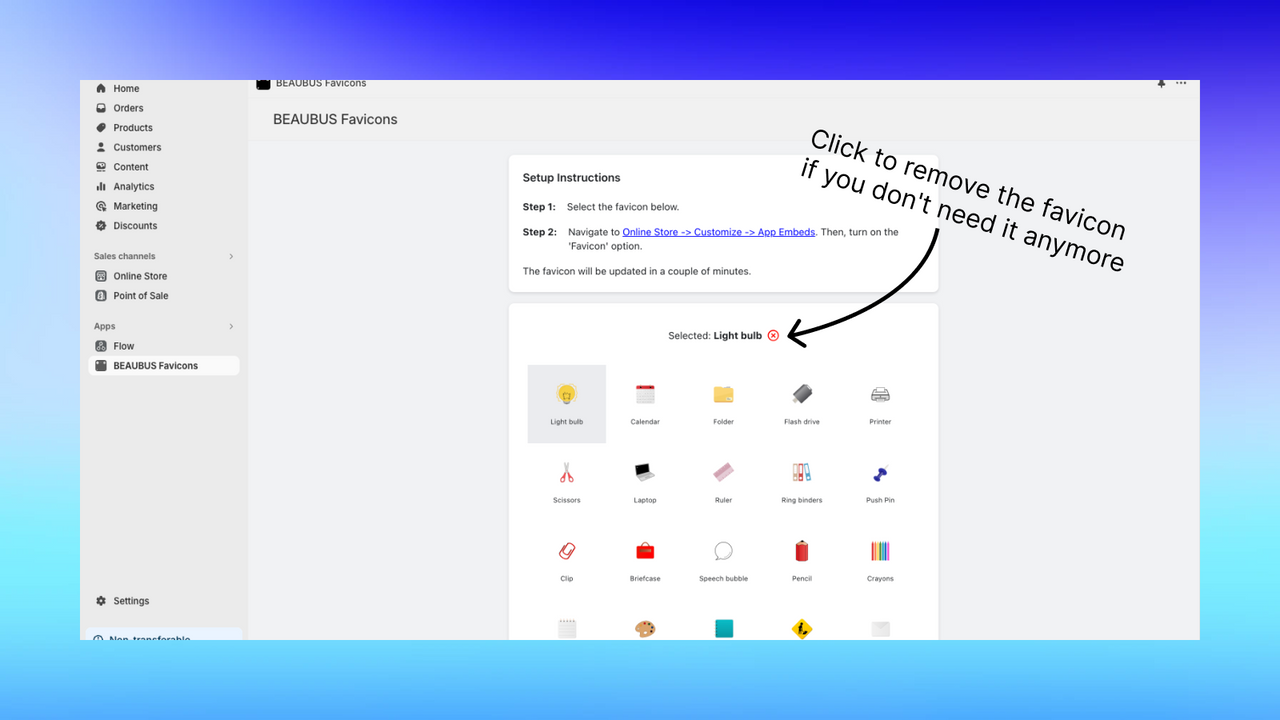
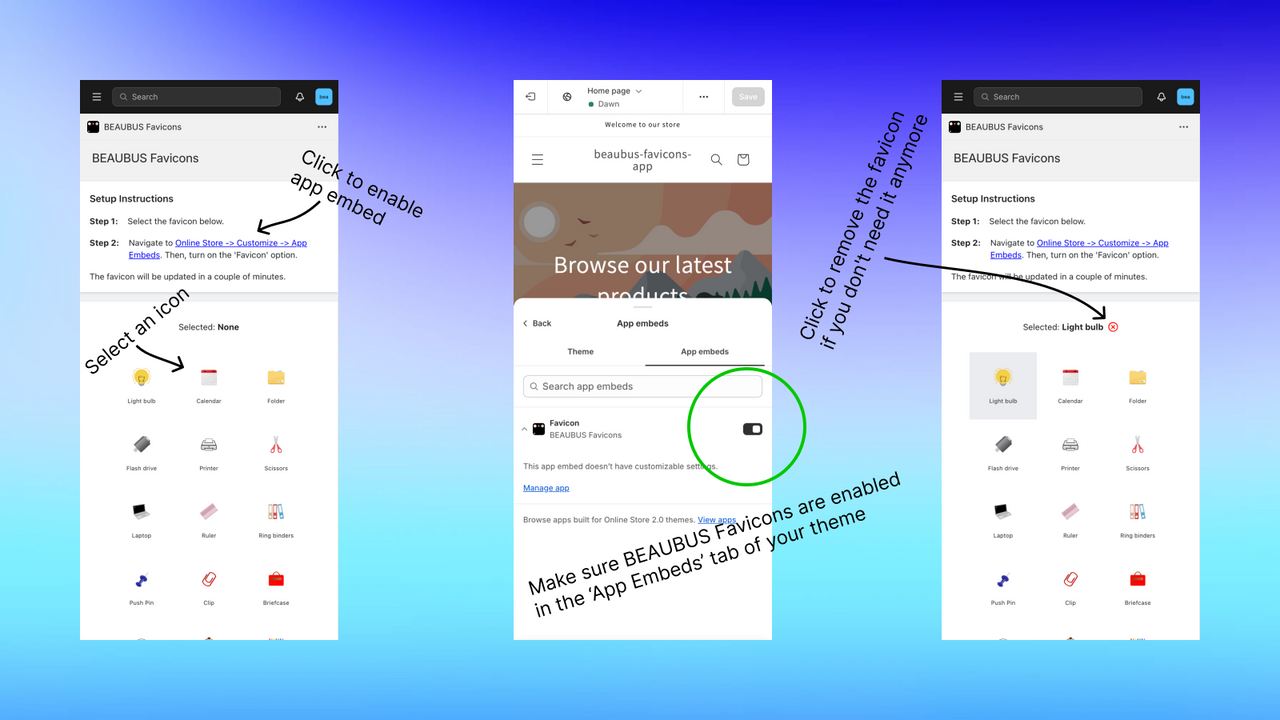
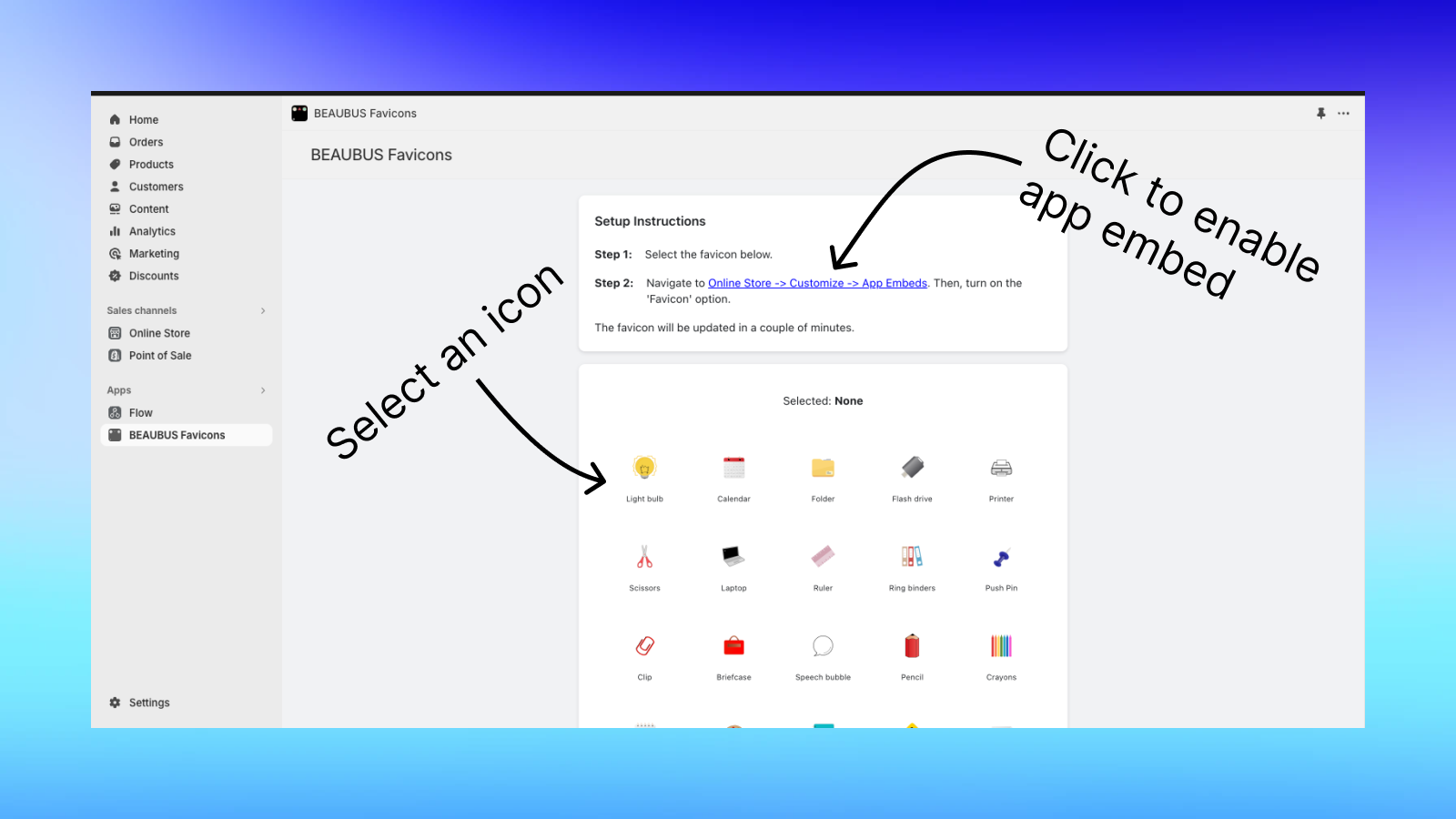
Select your perfect icon, browser tab, bookmark, and search list icon from a set of options. A simple way to personalize your online storefront by choosing unique icons from a vast library of cross-browser compatible icons. This powerful tool not only enhances your store’s visual recognition but also makes it easy to identify and remember. The user-friendly design of «BEAUBUS Favicons» lets you update icons with one click, adding professional and personalized touches.
Core Functionality
- Personalize your storefront: Choose an icon from a set of custom icons
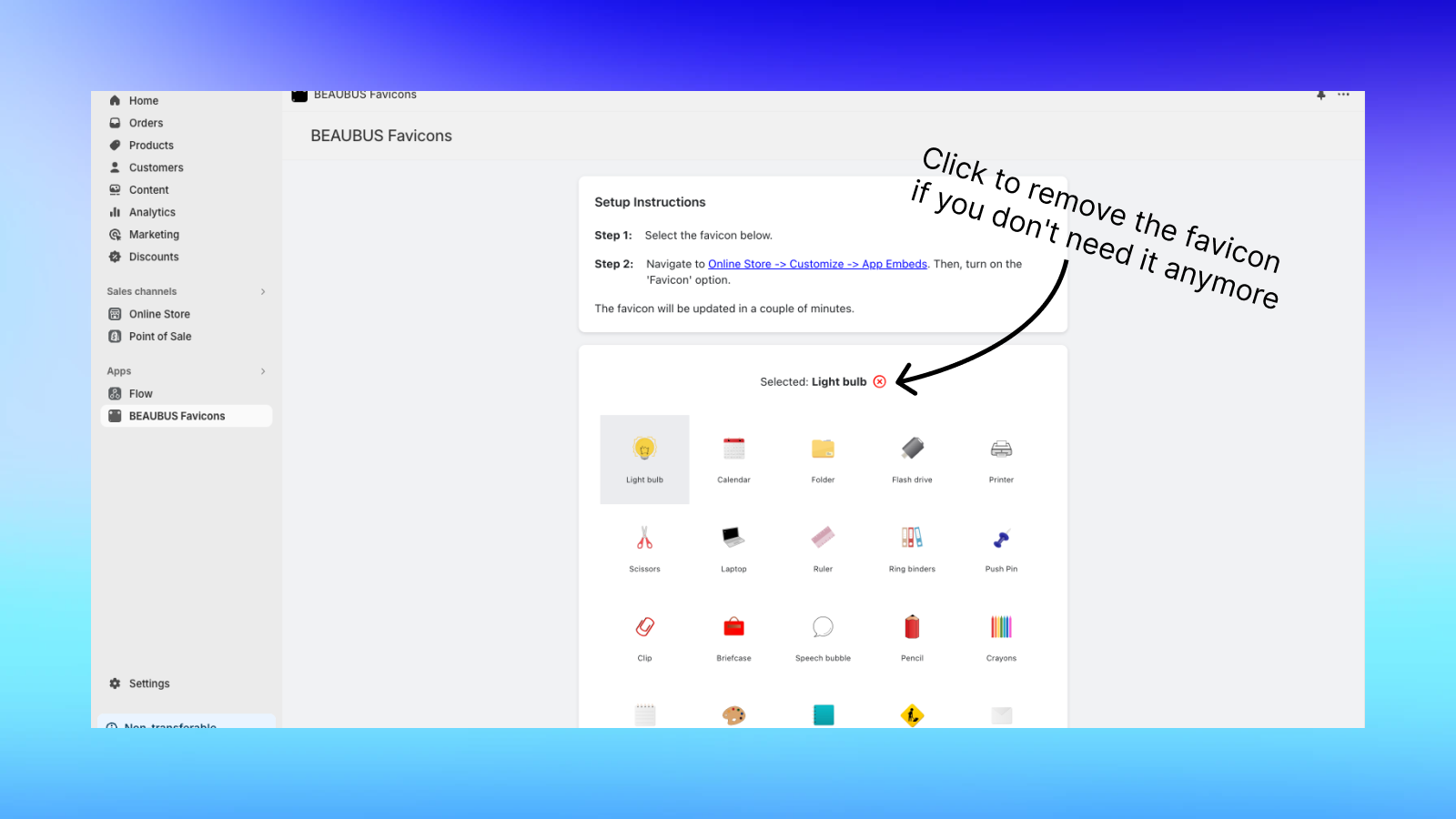
- User-friendly interface: Update icons with one click.
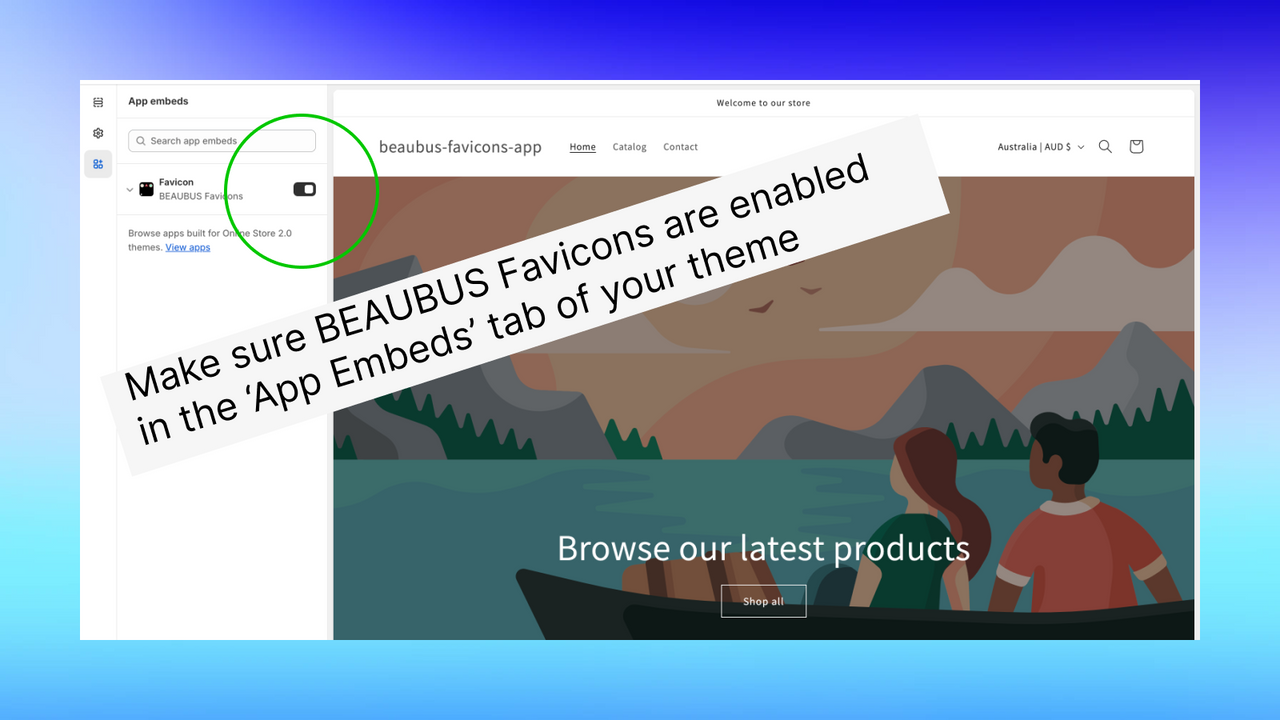
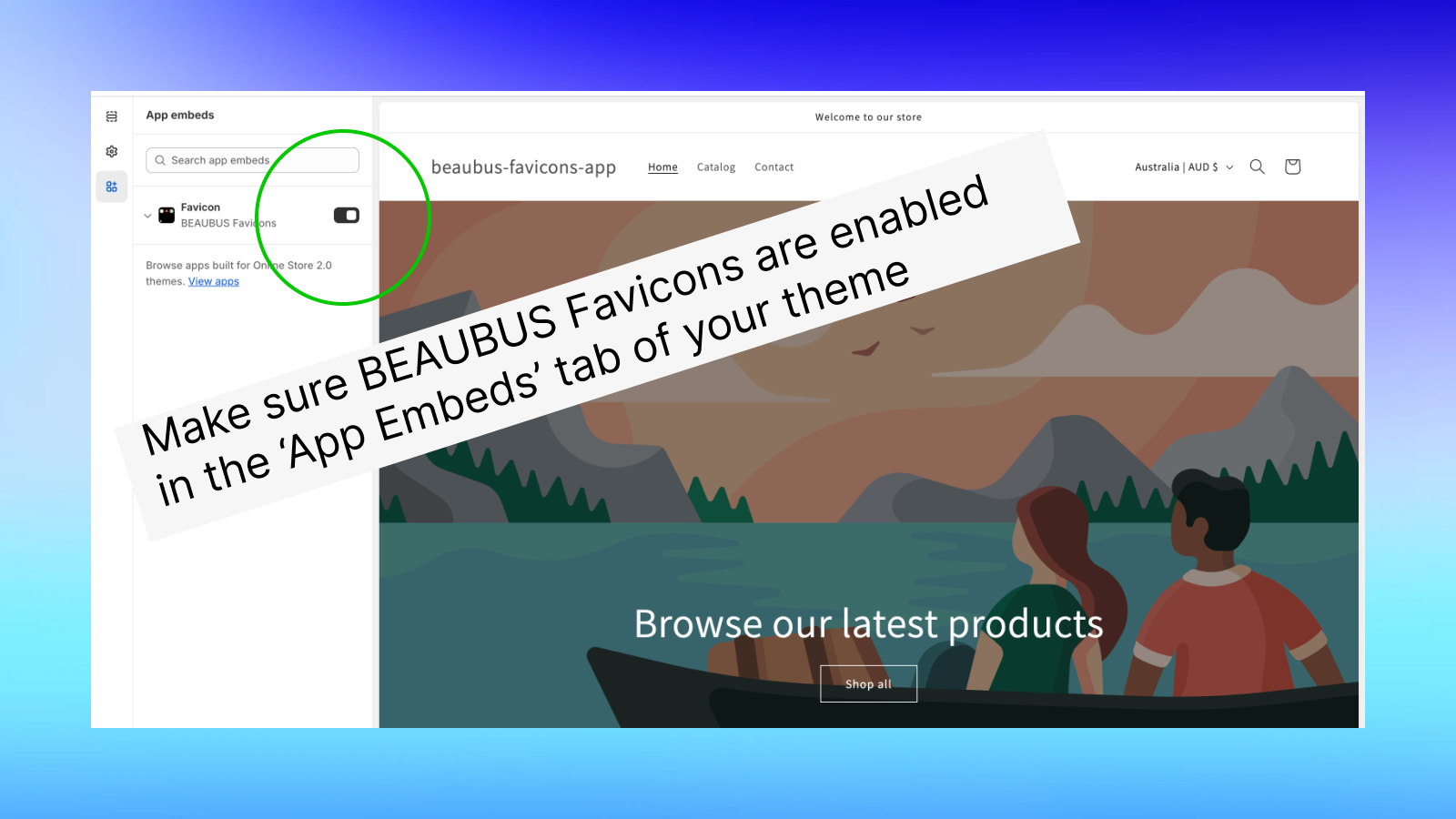
- Seamless integration: Icons display correctly across all browsers.
Merchant-Friendly
- Independent Station Merchants
- Brand E-commerce Stores
- Boutique E-commerce Stores
- Multi-category E-commerce
Basic Information
- Developer:BEAUBUS
- Address:samgoris raioni, politsiis I chikhi N5, sartuli 2, N4a, Tbilisi, 0162, GE
- Price: Free / Free plan
- Rating:0 / 5
- Comment Count:0 comment
- Release Date:2023-9-5
- Supported languages:English
- Compatible products:Shopify
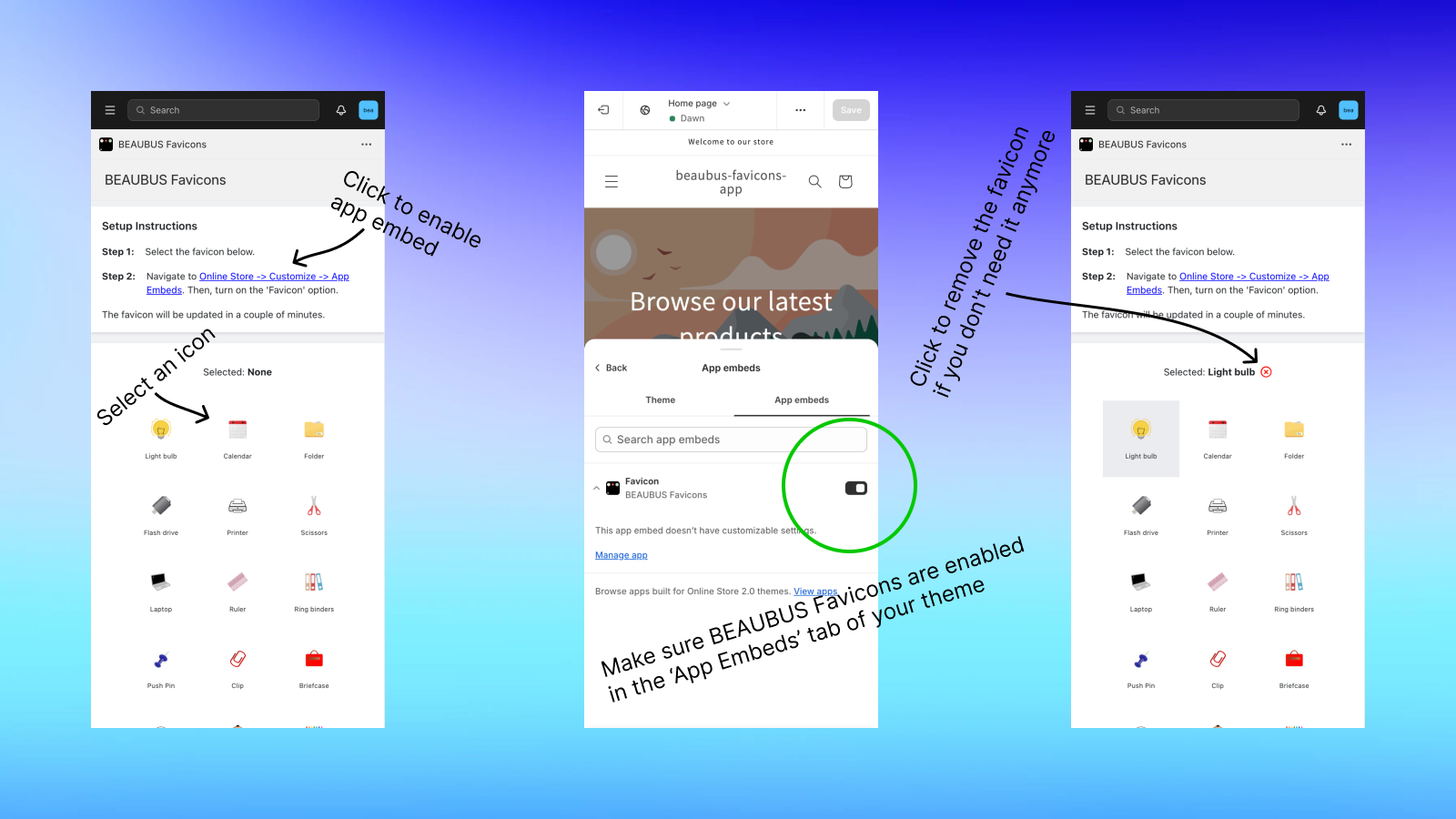
Application Screenshot

Price Plan
Free
Free Plan
User Location & Comments
User Location
Comments
Shopify API Used
- POST /admin/api/shop/themes/{theme_id}/assets.json
- GET /admin/api/shop/themes/{theme_id}/assets.json
- PUT /admin/api/shop/themes/{theme_id}/assets.json
Permission:write_themes,read_themes,manage_shop
- POST /admin/api/shop/themes/{theme_id}/assets.json
- PUT /admin/api/shop/themes/{theme_id}/assets.json
- GET /admin/api/shop/themes/{theme_id}/assets.json
Permission:write_themes,read_themes,manage_shop
- GET /admin/api/shop/themes/{theme_id}/assets.json
- POST /admin/api/shop/themes/{theme_id}/assets.json
- PUT /admin/api/shop/themes/{theme_id}/assets.json
Permission:read_themes,write_themes,manage_shop