
App Introduction
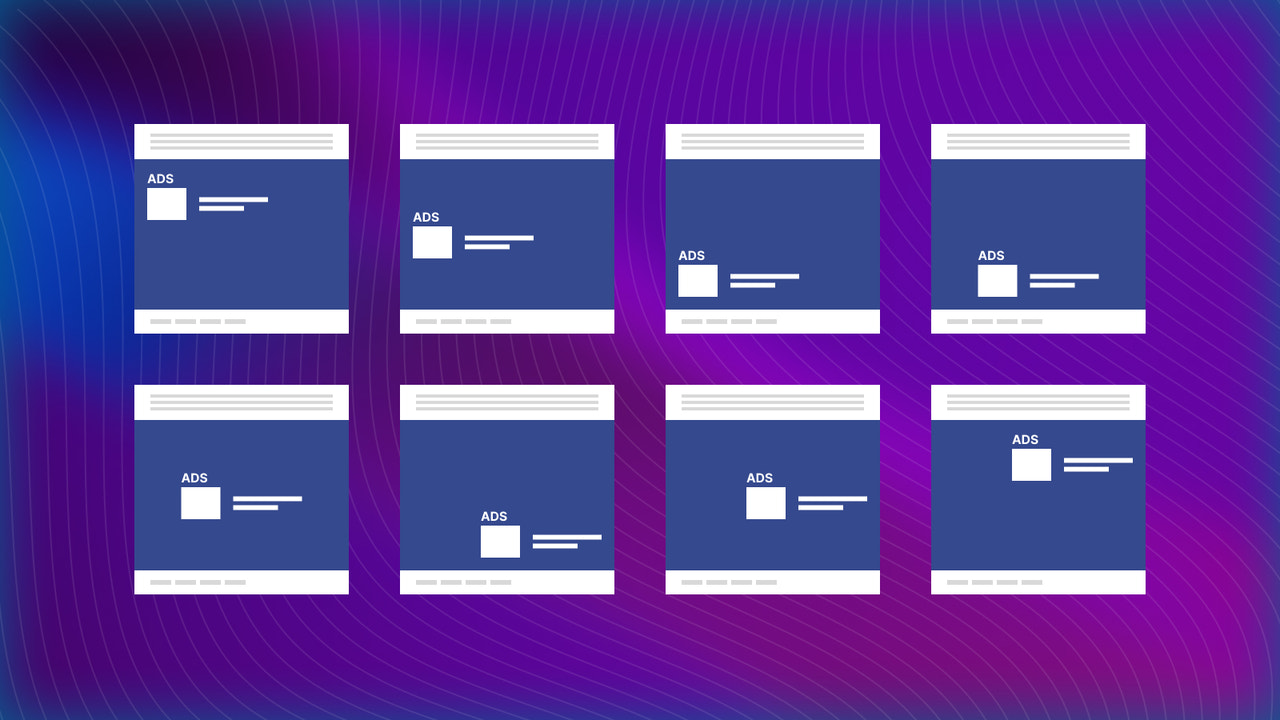
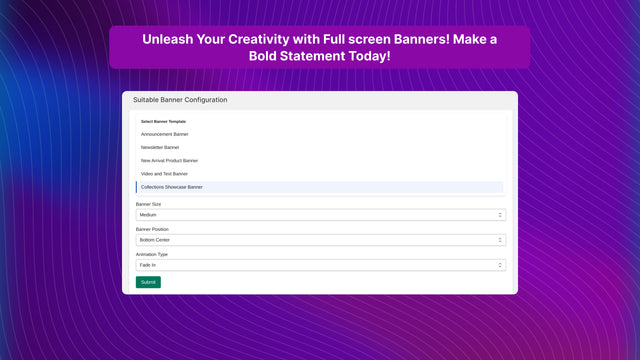
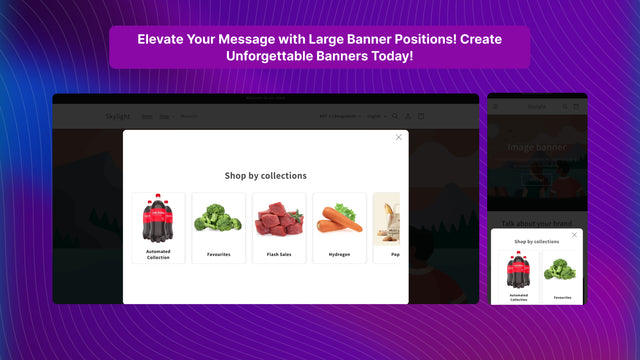
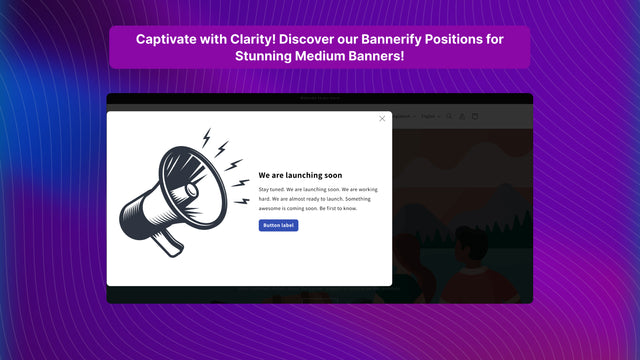
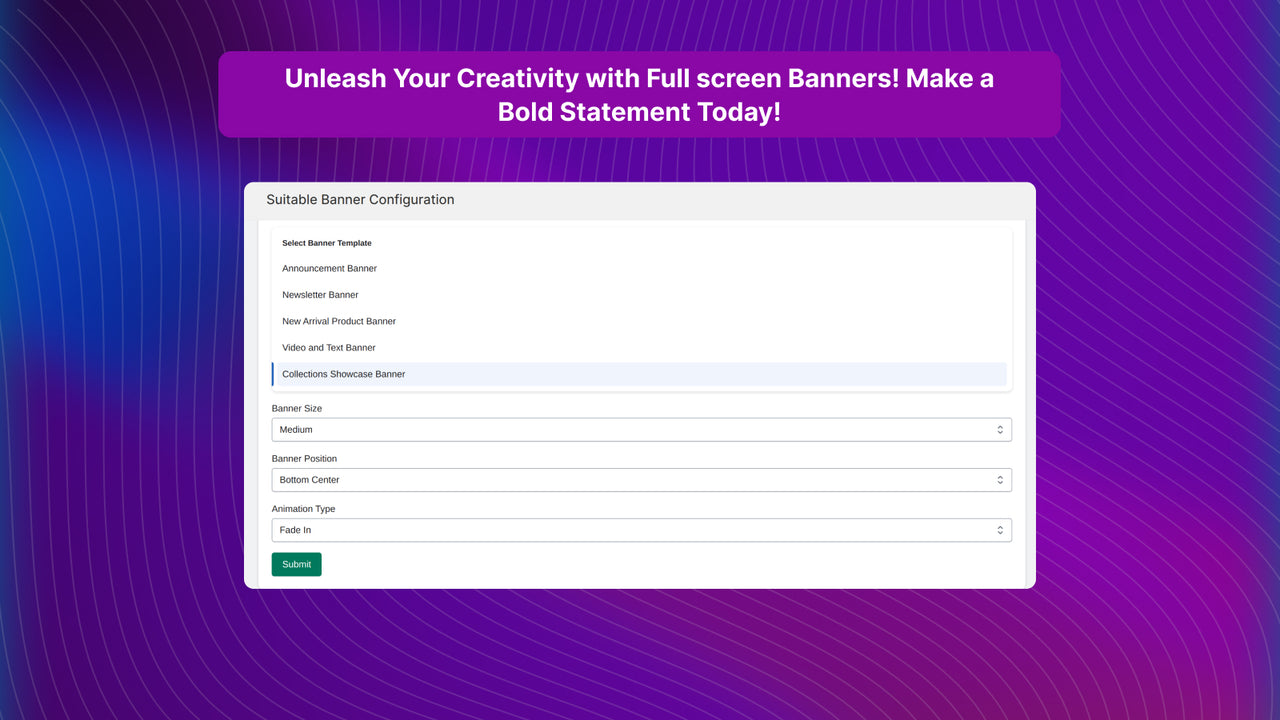
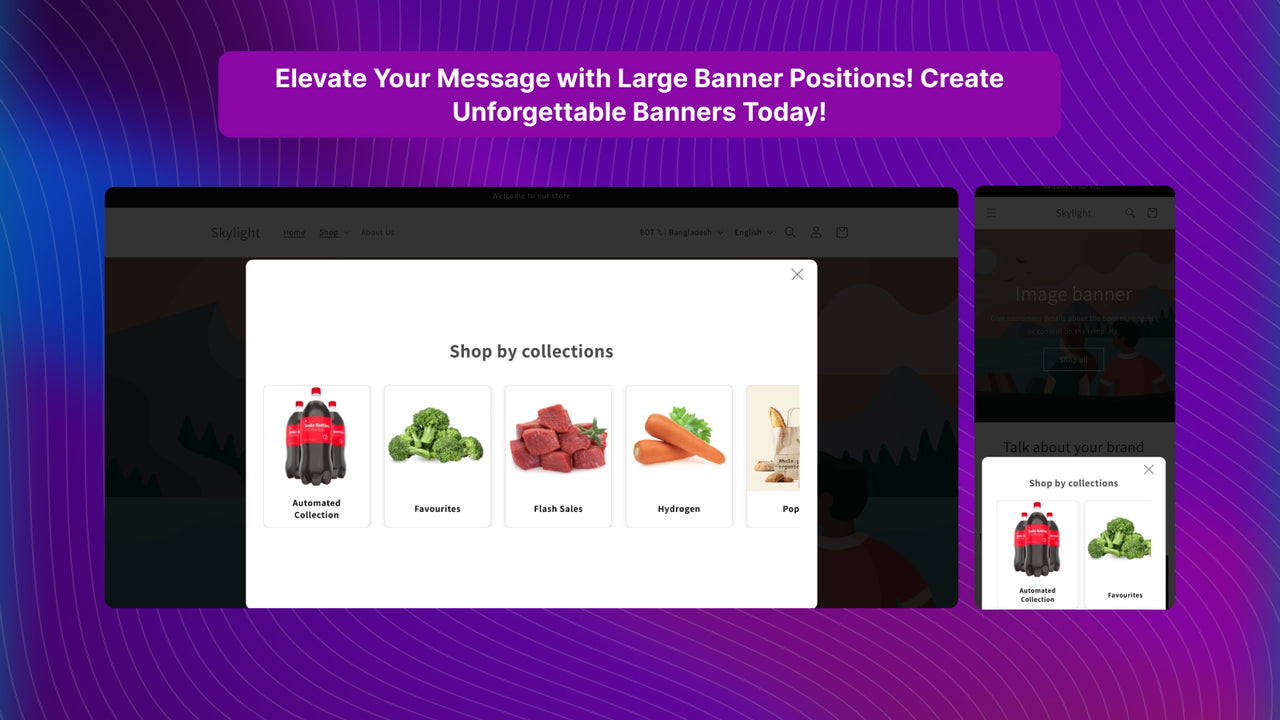
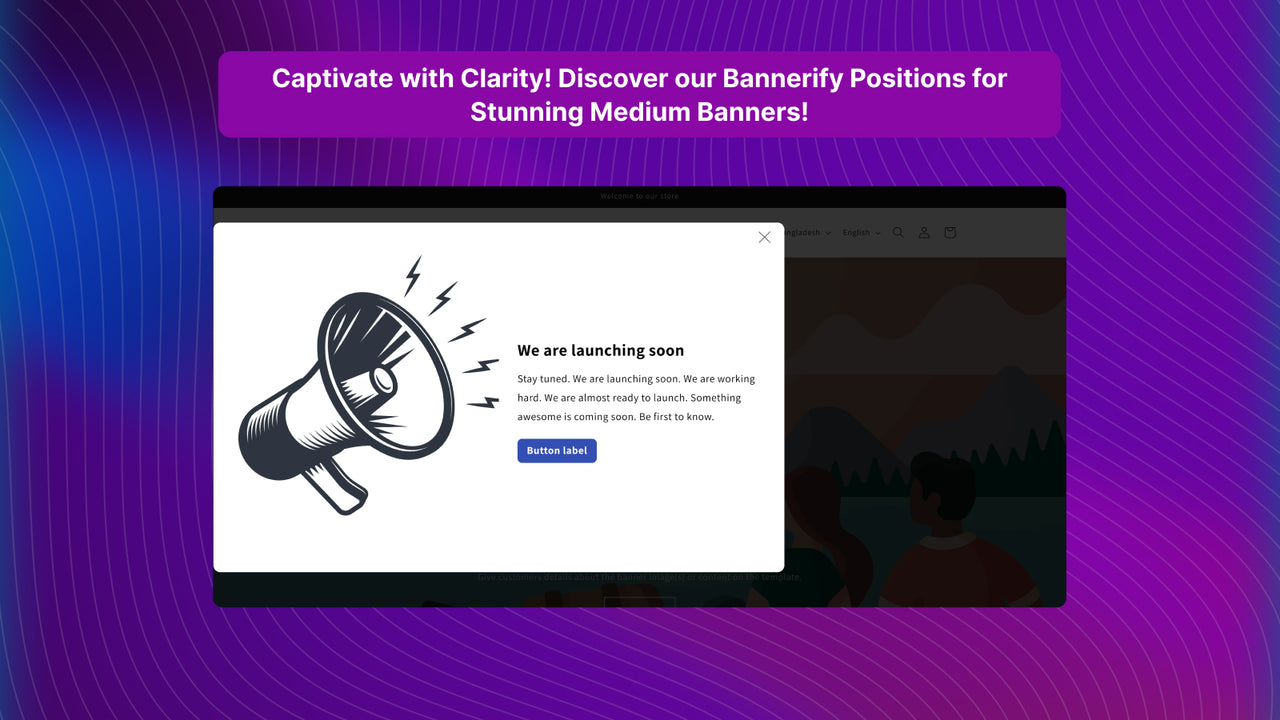
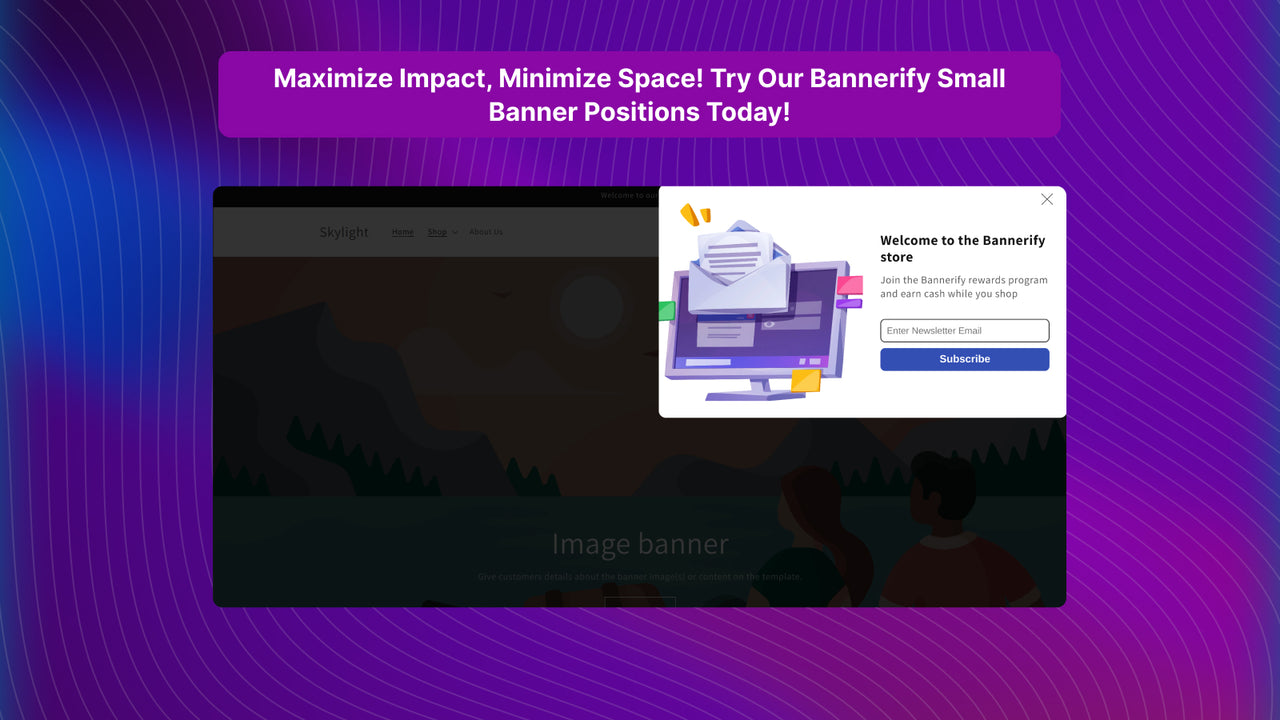
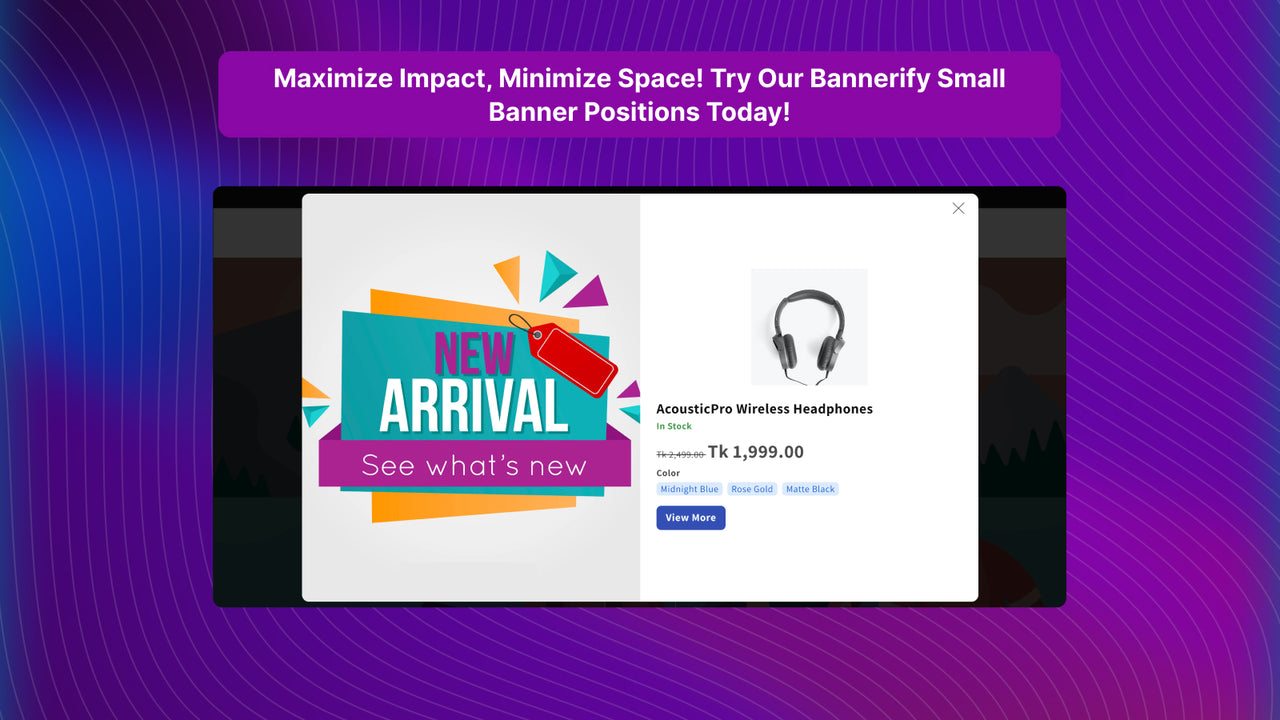
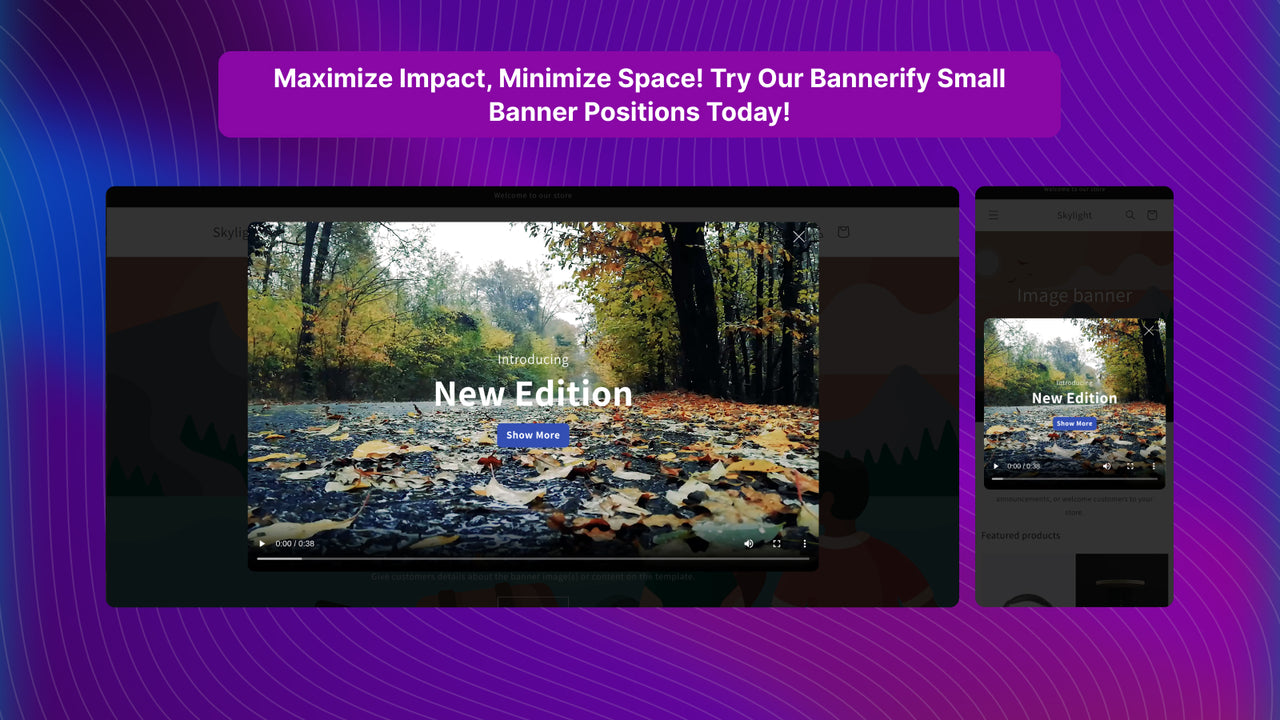
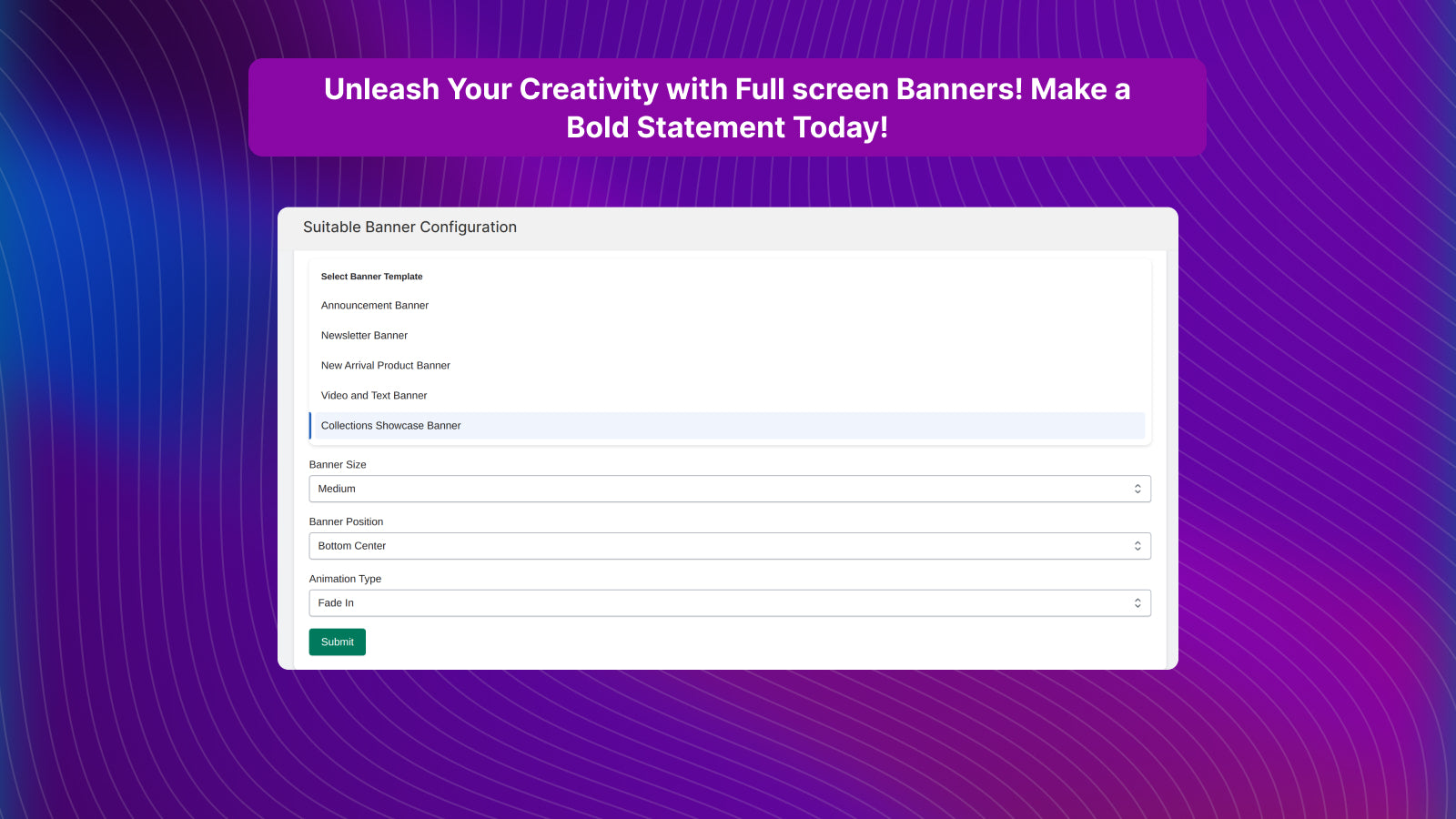
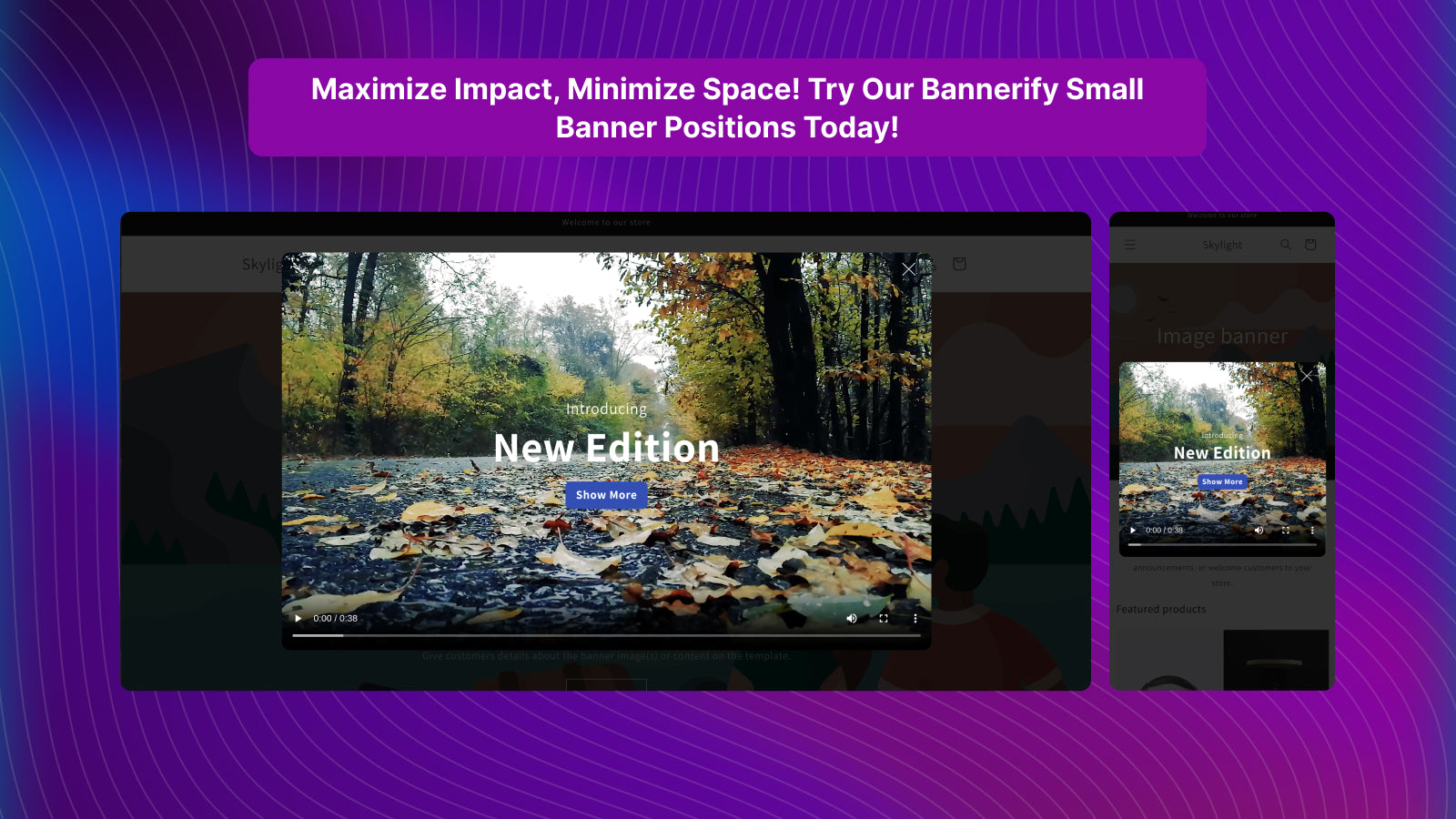
Showcase your store with pop-up banners using 5 dynamic templates and 9 flexible positions. Celebrate your store’s uniqueness with Bannerify, the ultimate app for creating eye-catching pop-up banners. Highlight your promotions, products, and collections in style with 5 dynamic templates, 9 flexible positions, and 5 animations. Choose from templates like announcement pop-ups, newsletter pop-ups, new arrival pop-ups, video & text pop-ups, and collection showcase pop-ups to communicate your message effectively.
Core Functionality
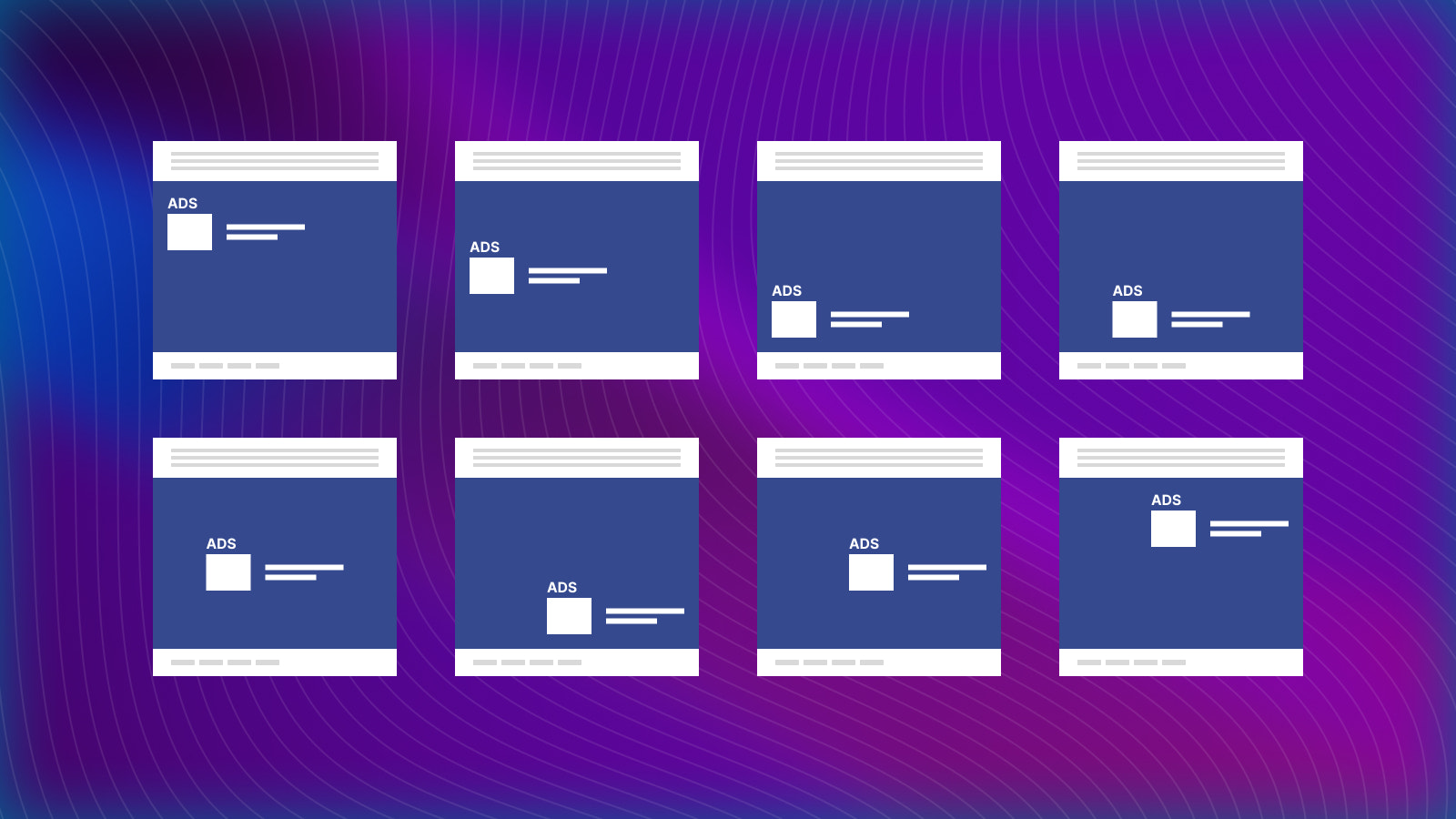
- Precisely place your pop-up banner exactly where you want it with 9 customizable positions.
- Choose from 5 professionally designed templates to match your campaign goals.
- Use the announcement banner to share important updates, promotions, or events.
- Showcase your latest products with a new arrivals banner.
- Ensure a seamless user experience across all devices with 5 useful animations.
Merchant-Friendly
- Independent Station Merchants
- Retail E-commerce Merchants
- Promotion Event Merchants
- New Product Promotion Merchants
Basic Information
- Developer:Brain Station 23 PLC
- Address:8th Floor, 2 Bir Uttam AK Khandakar Road, Dhaka 1212, Dhaka, 1212, BD
- Price: Free / Free plan
- Rating:0 / 5
- Comment Count:0 comment
- Release Date:2023-12-5
- Supported languages:English
- Compatible products:Shopify
Application Screenshot
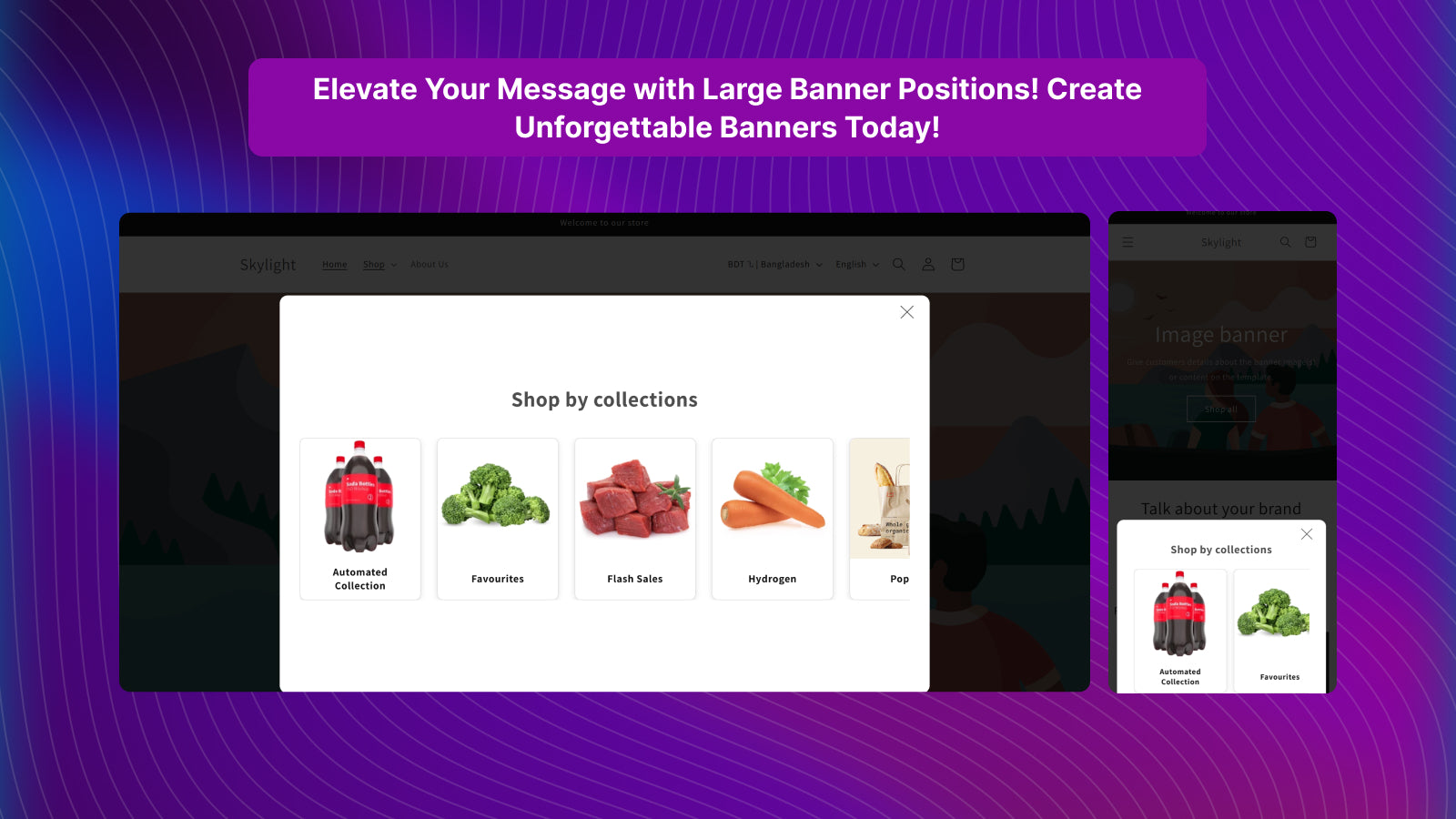
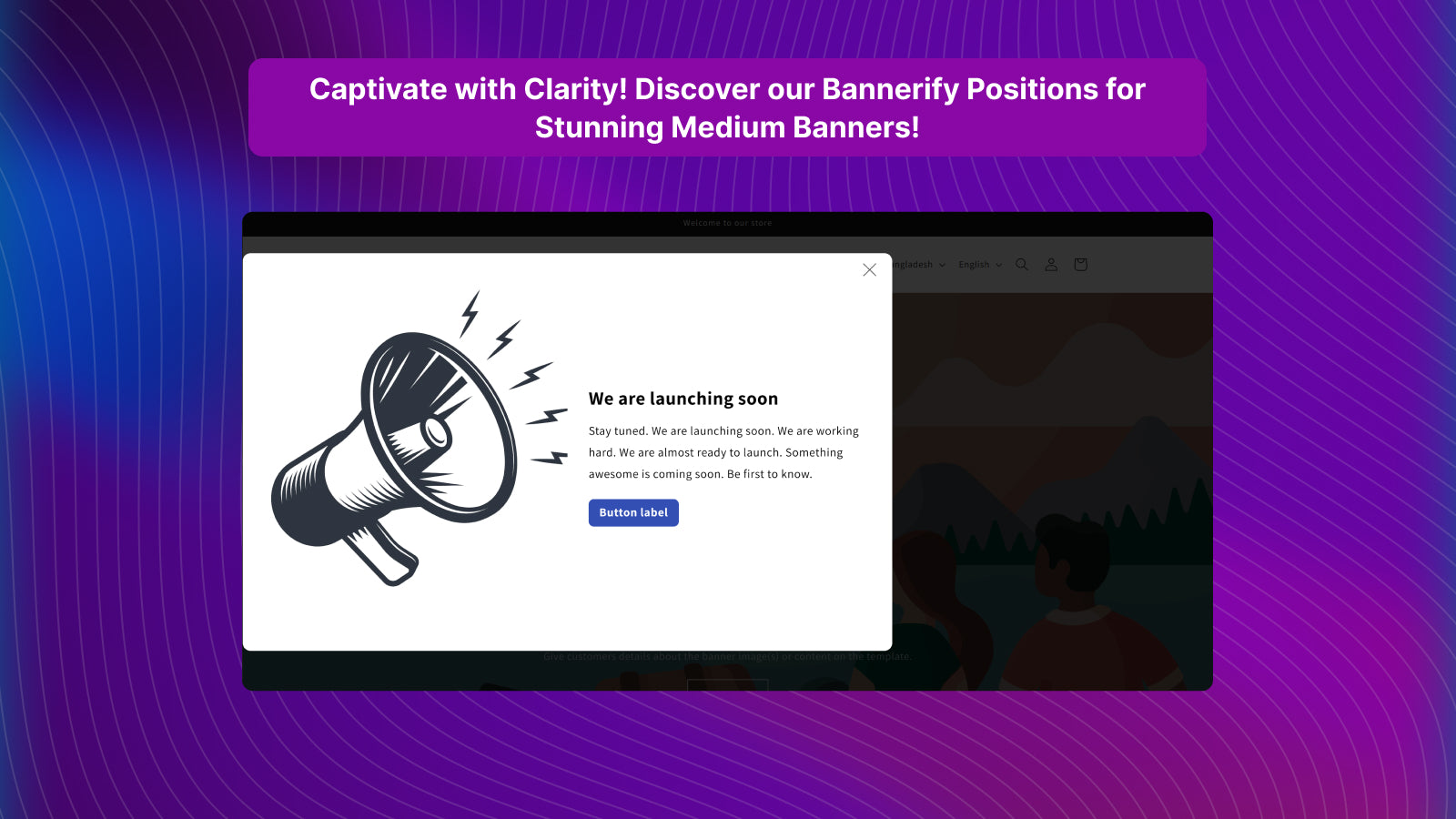
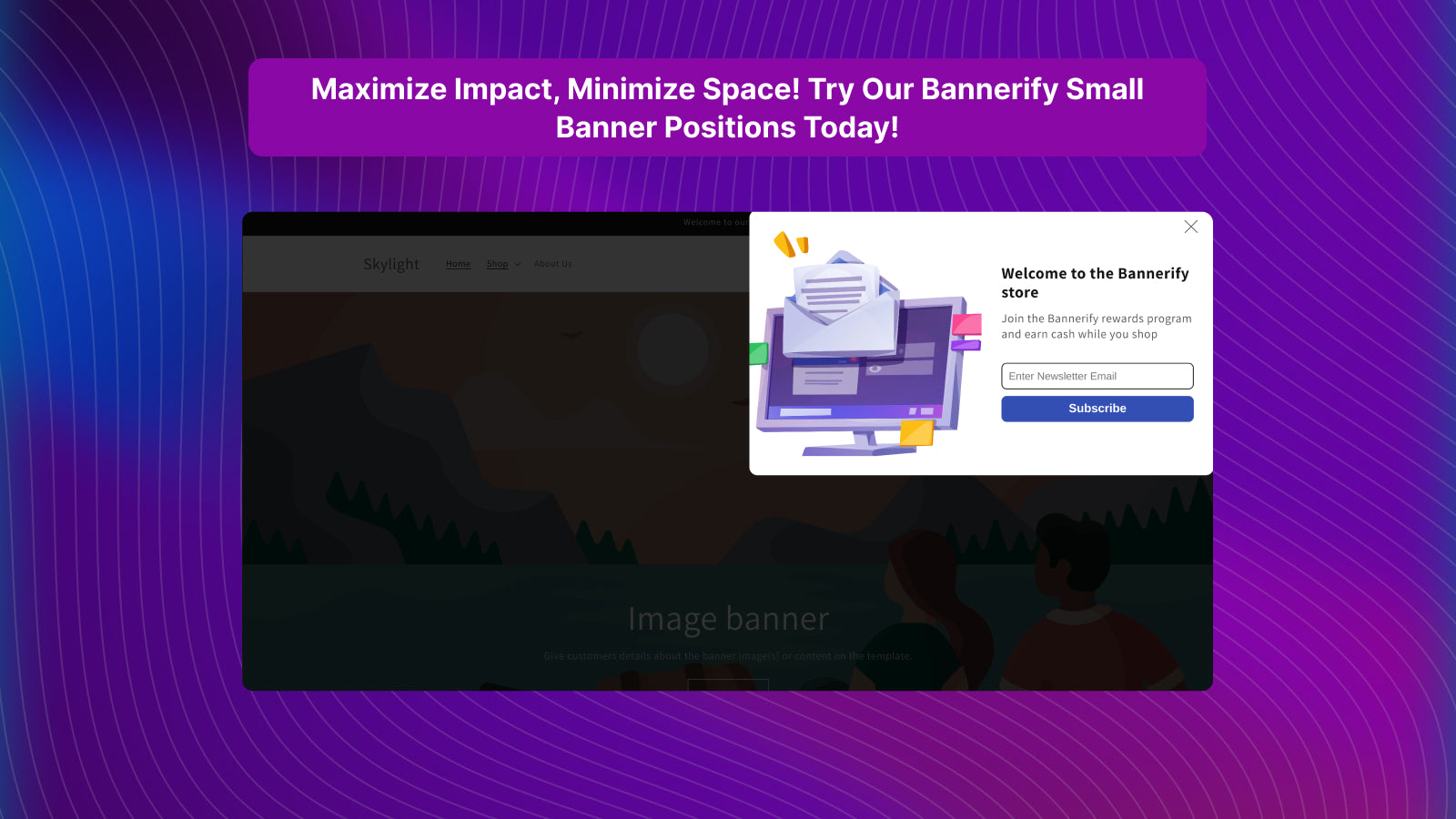
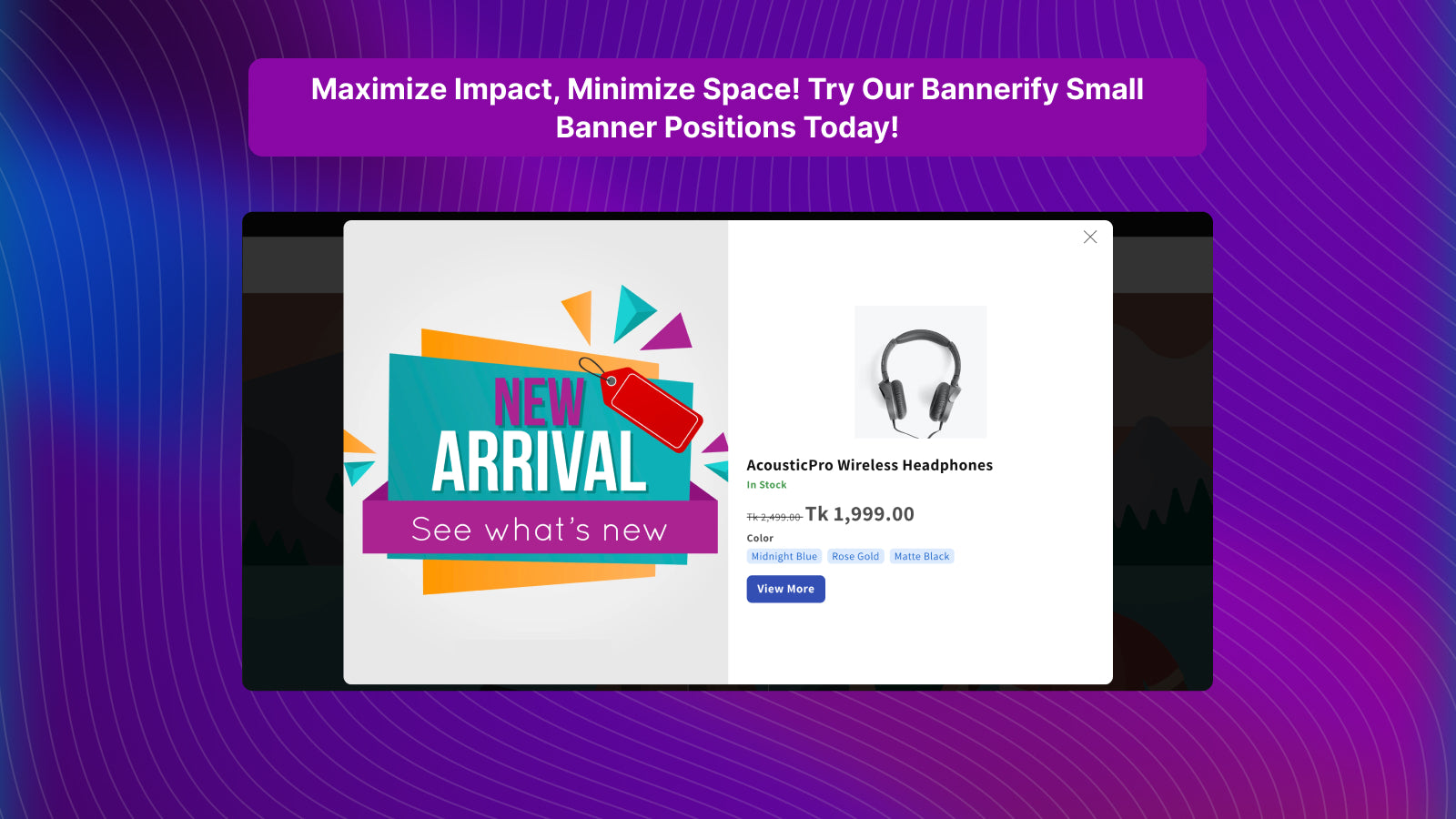
Price Plan
Free
User Location & Comments
User Location
Comments
Shopify API Used
- POST /admin/api/sections.json
- PUT /admin/api/sections/{section_id}.json
- GET /admin/api/sections.json
Permission:write_themes,read_themes,manage_online_store
- POST /admin/api/online_store/banners.json
- PUT /admin/api/online_store/banners/{banner_id}.json
- GET /admin/api/online_store/banners.json
Permission:write_themes,read_themes,manage_online_store
- POST /admin/api/online_store/announcements.json
- PUT /admin/api/online_store/announcements/{id}.json
- GET /admin/api/online_store/announcements.json
Permission:write_themes,read_themes,manage_online_store
- POST /admin/api/online_store/banners.json
- PUT /admin/api/online_store/banners/{banner_id}.json
- GET /admin/api/online_store/banners.json
Permission:write_themes,read_themes,manage_products
- PUT /admin/api/sections/{section_id}.json
- POST /admin/api/online_store/banners.json
- GET /admin/api/online_store/banners.json
Permission:write_themes,read_themes,manage_online_store



