
App Introduction
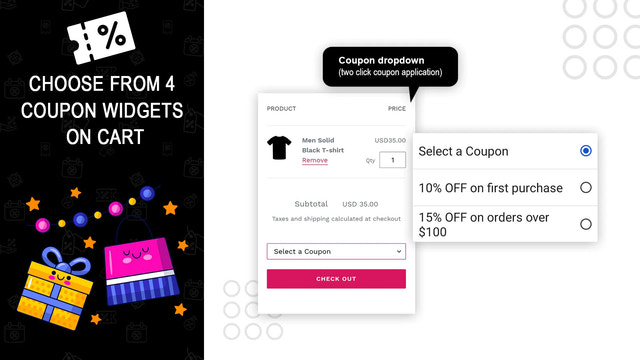
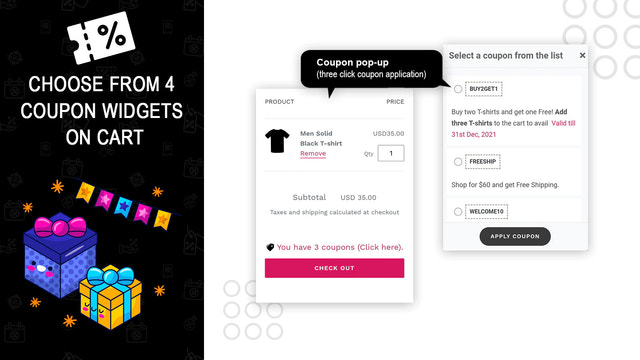
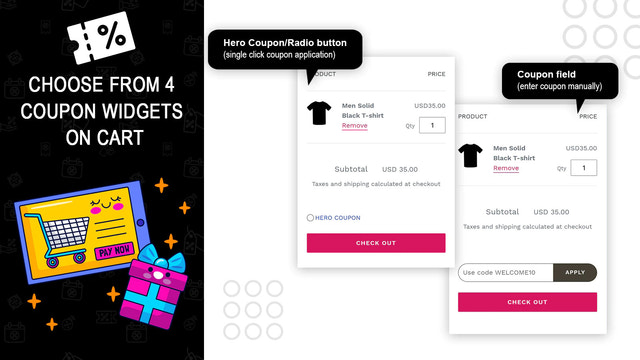
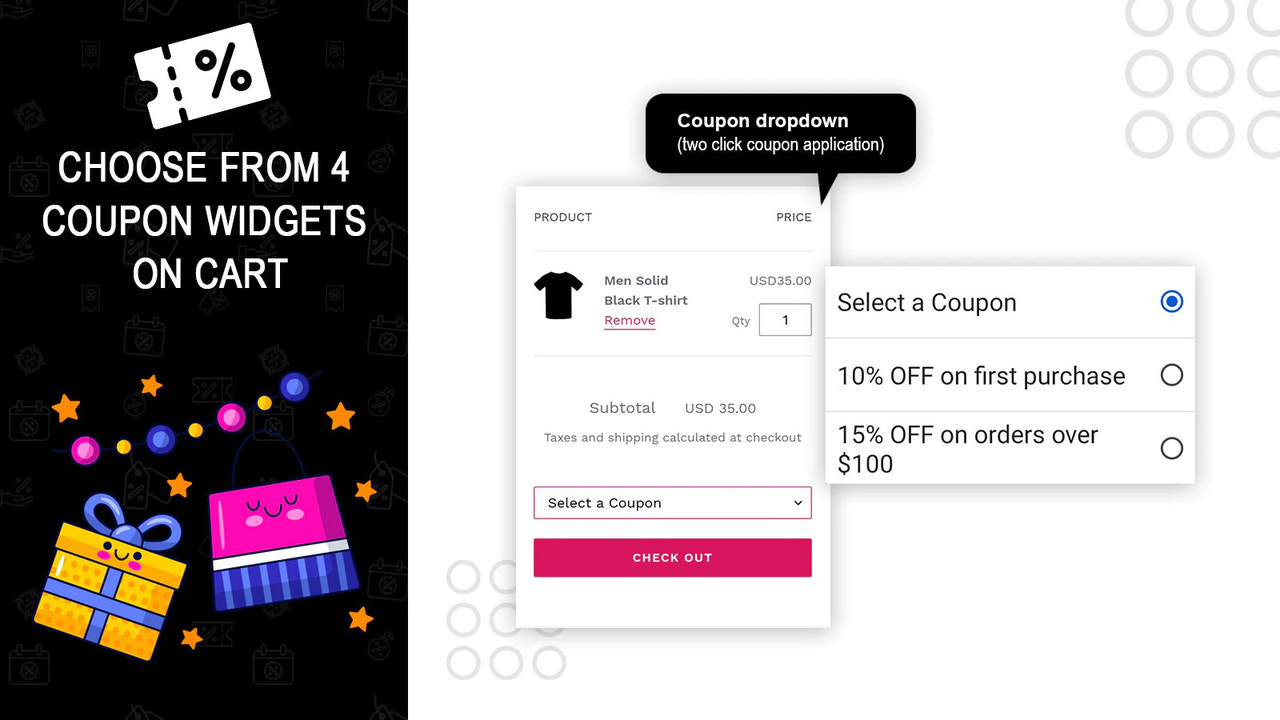
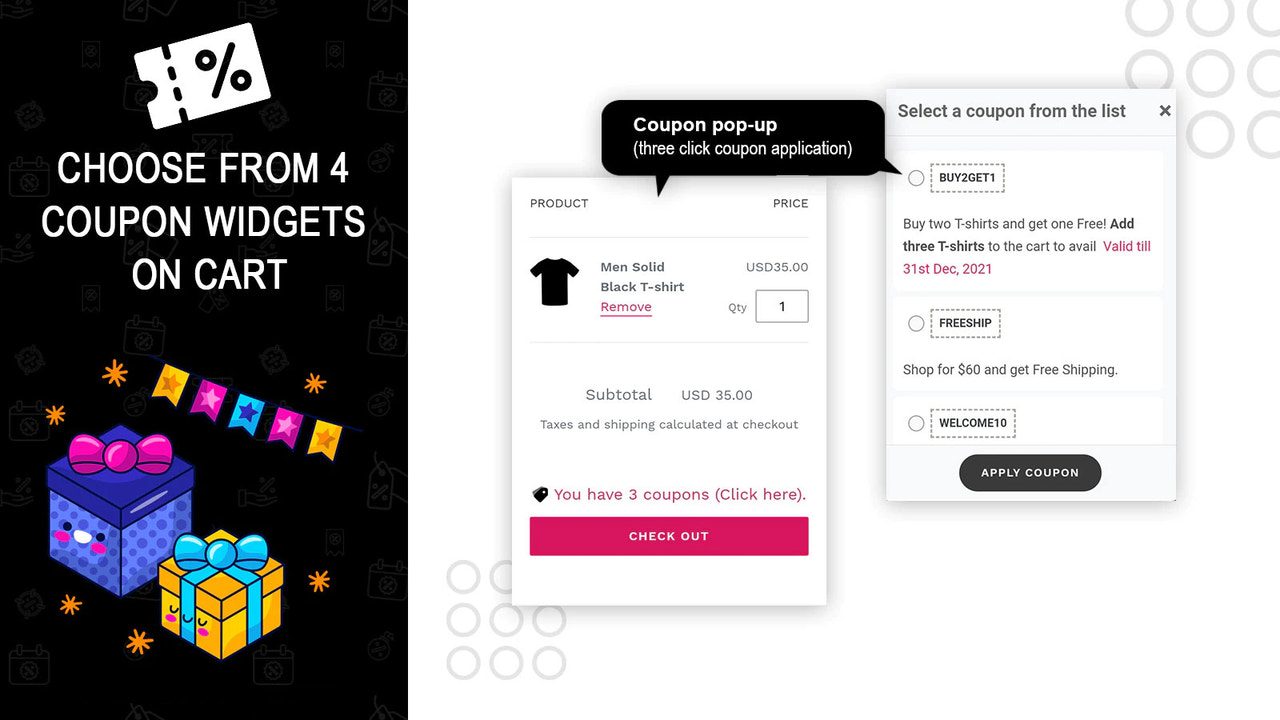
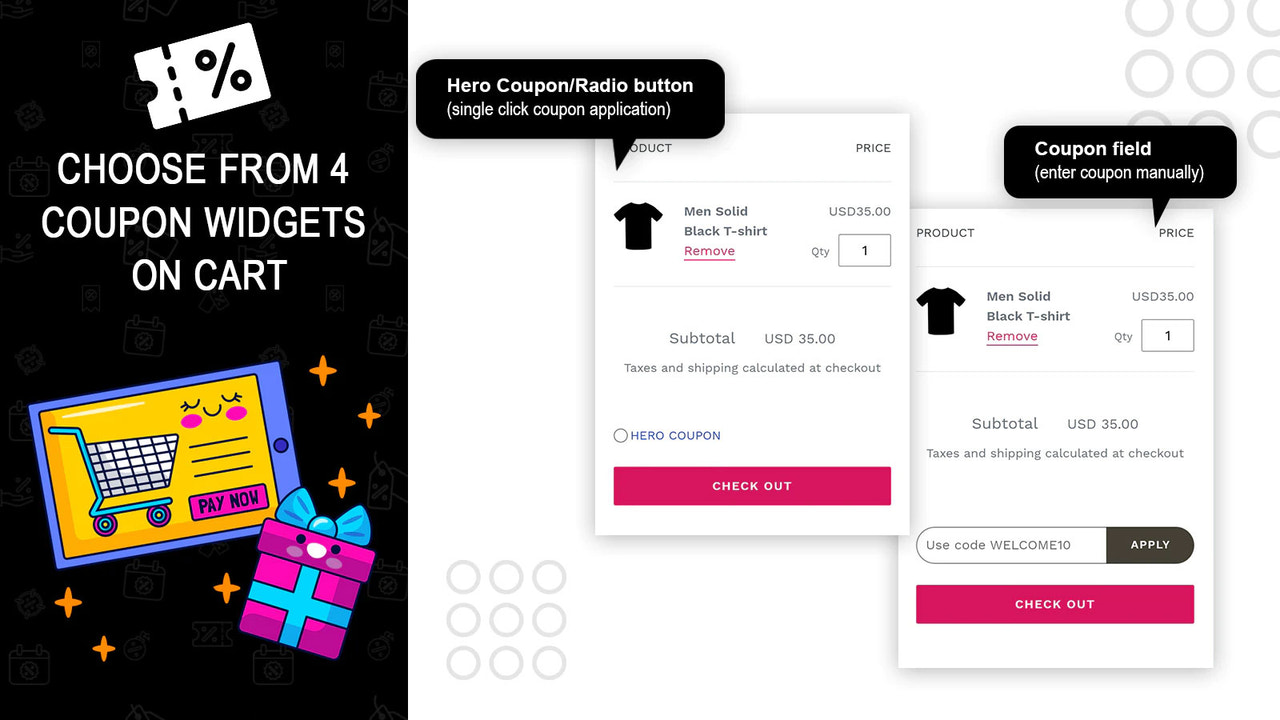
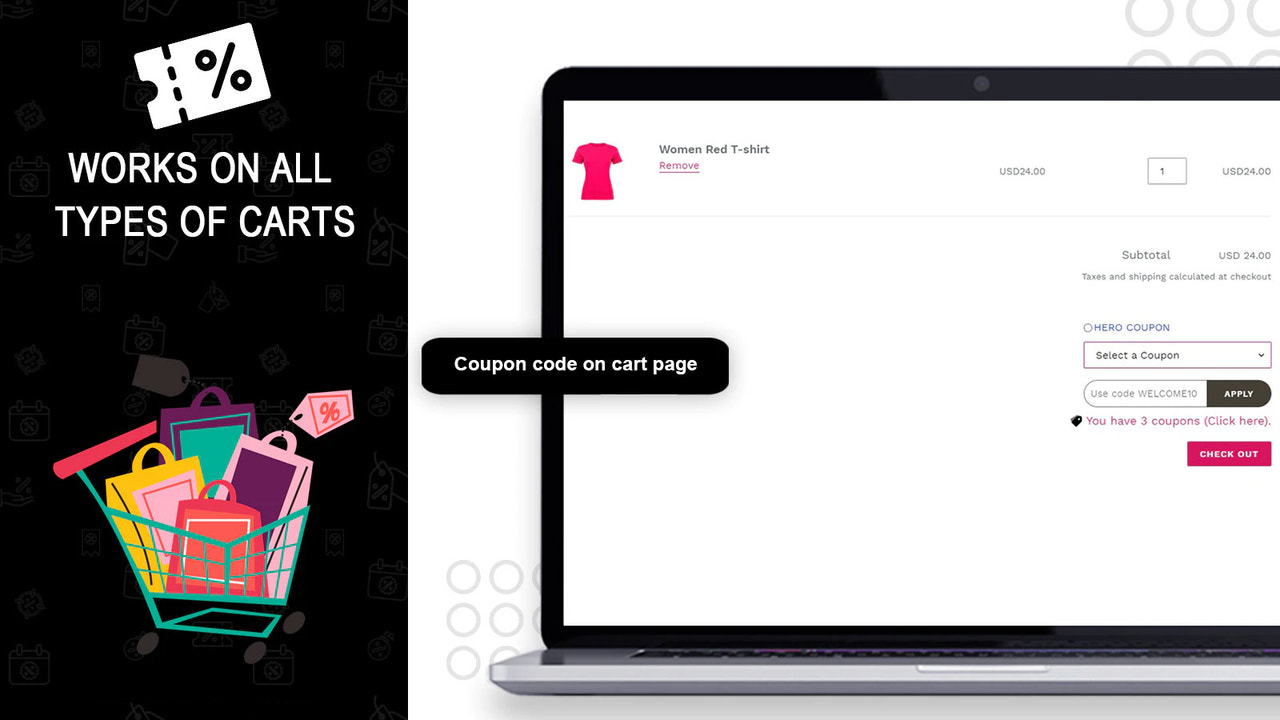
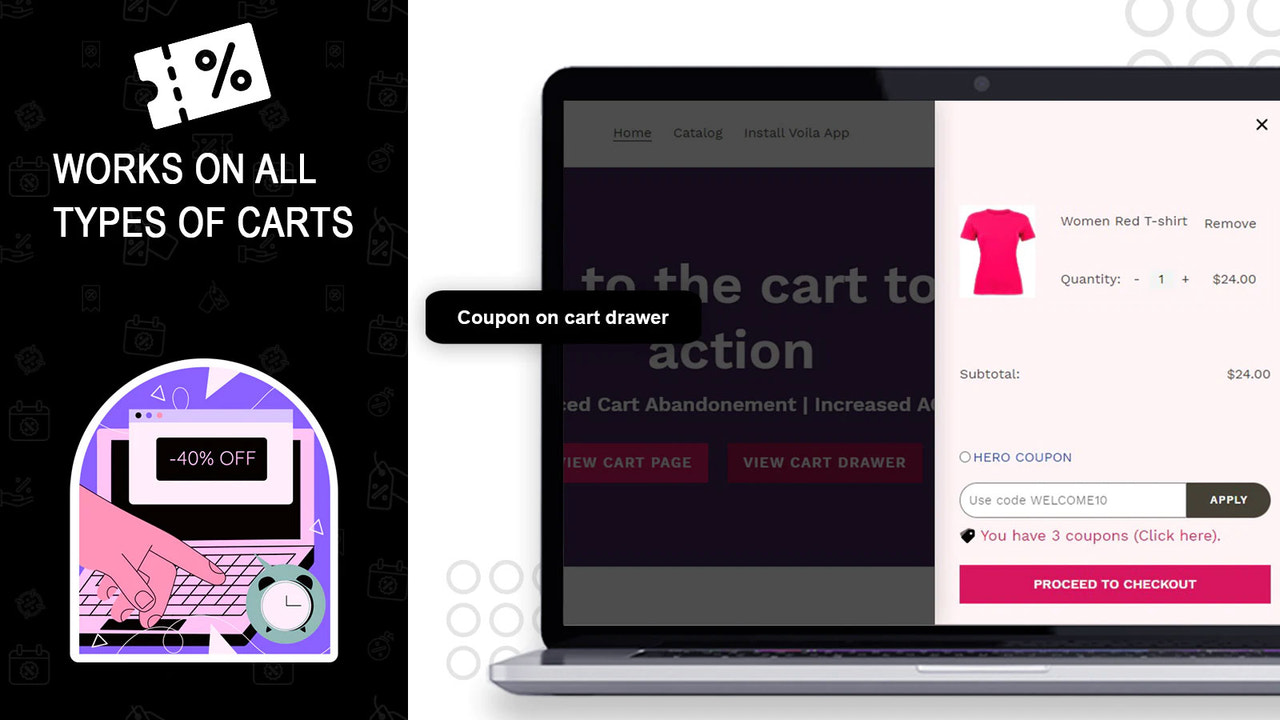
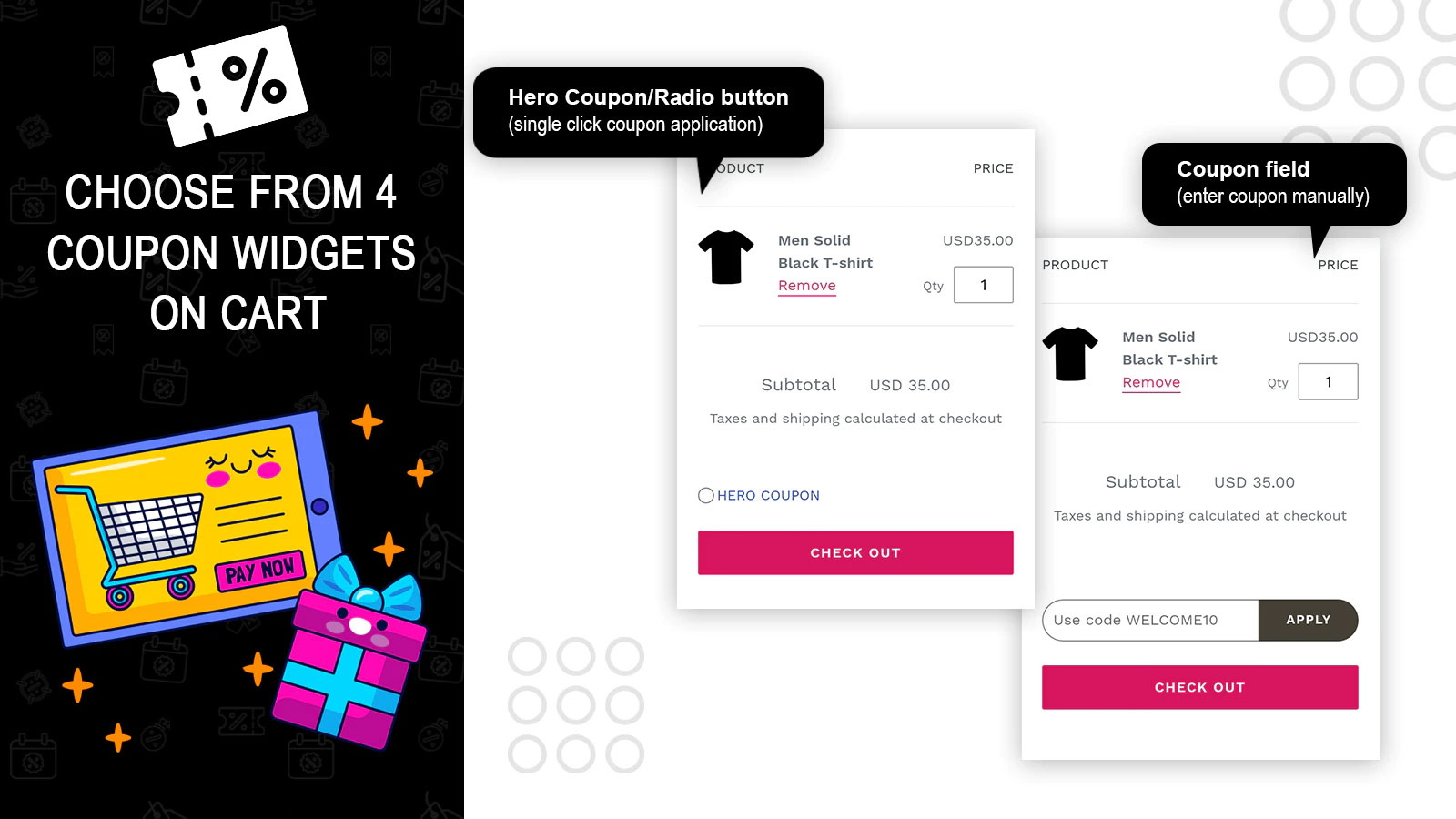
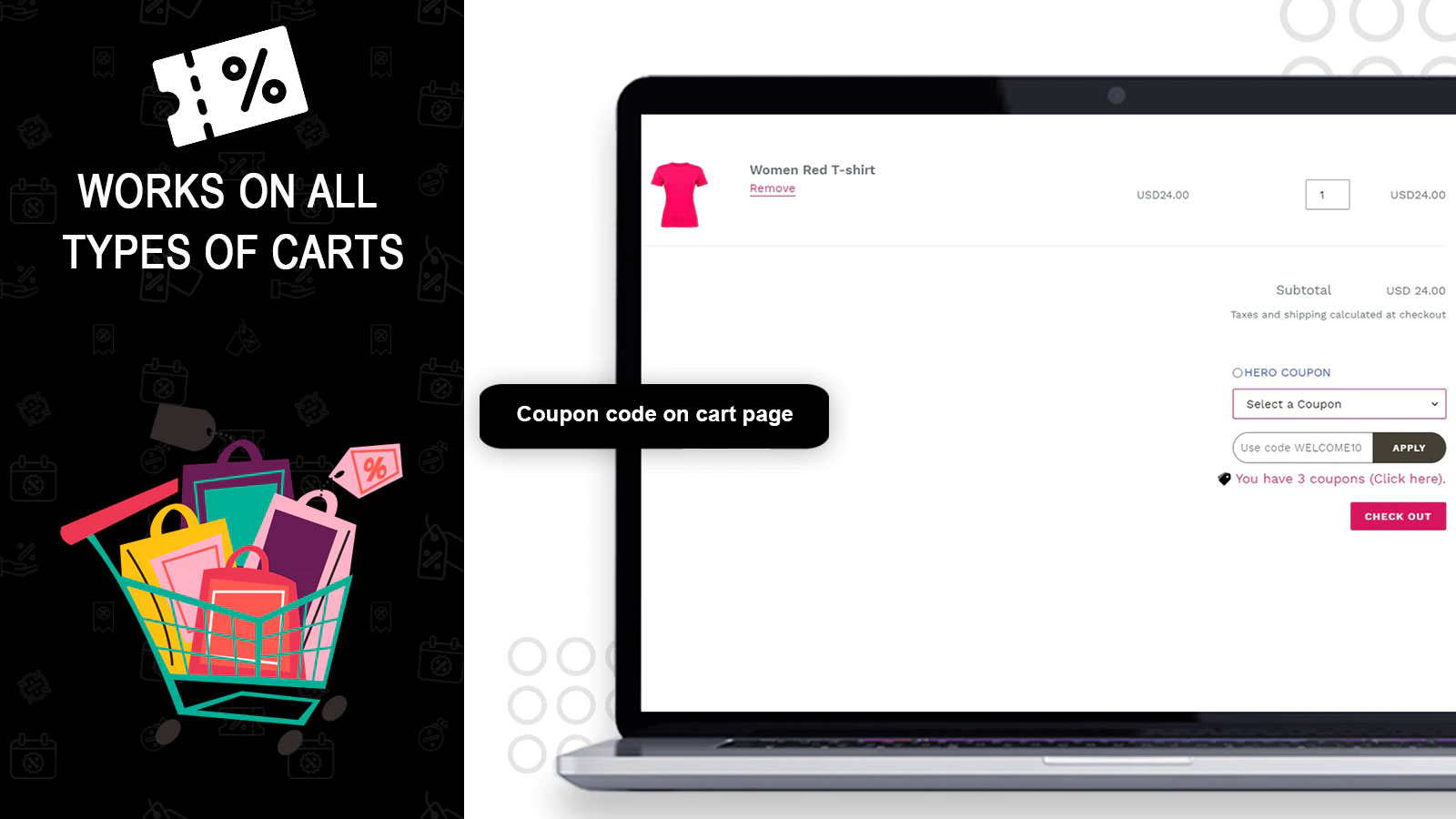
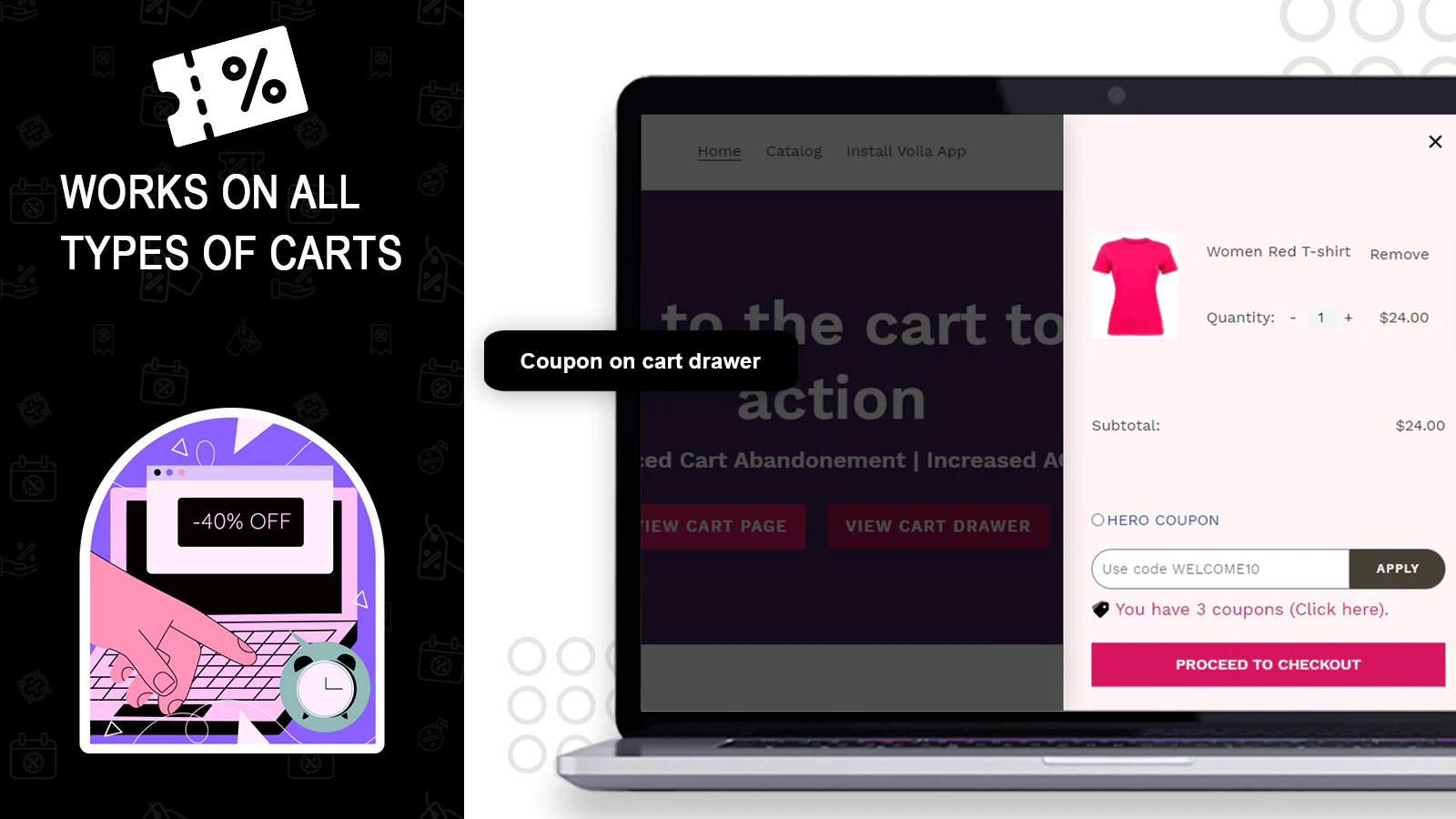
Display multiple coupon discount codes in the cart. Make it super easy for customers to select and apply them. Cart abandonment is a challenge for almost every online store. When customers can’t find coupon or discount codes on the cart page during checkout, the cart abandonment rate increases significantly. In Shopify, your customers can only apply discount codes at checkout. But the problem is that most visitors who add items to the cart need to reach the checkout page. That’s why we developed the **Cart Discount Coupons** Shopify discount app.
Core Functionality
- Show multiple discount coupons in the cart.
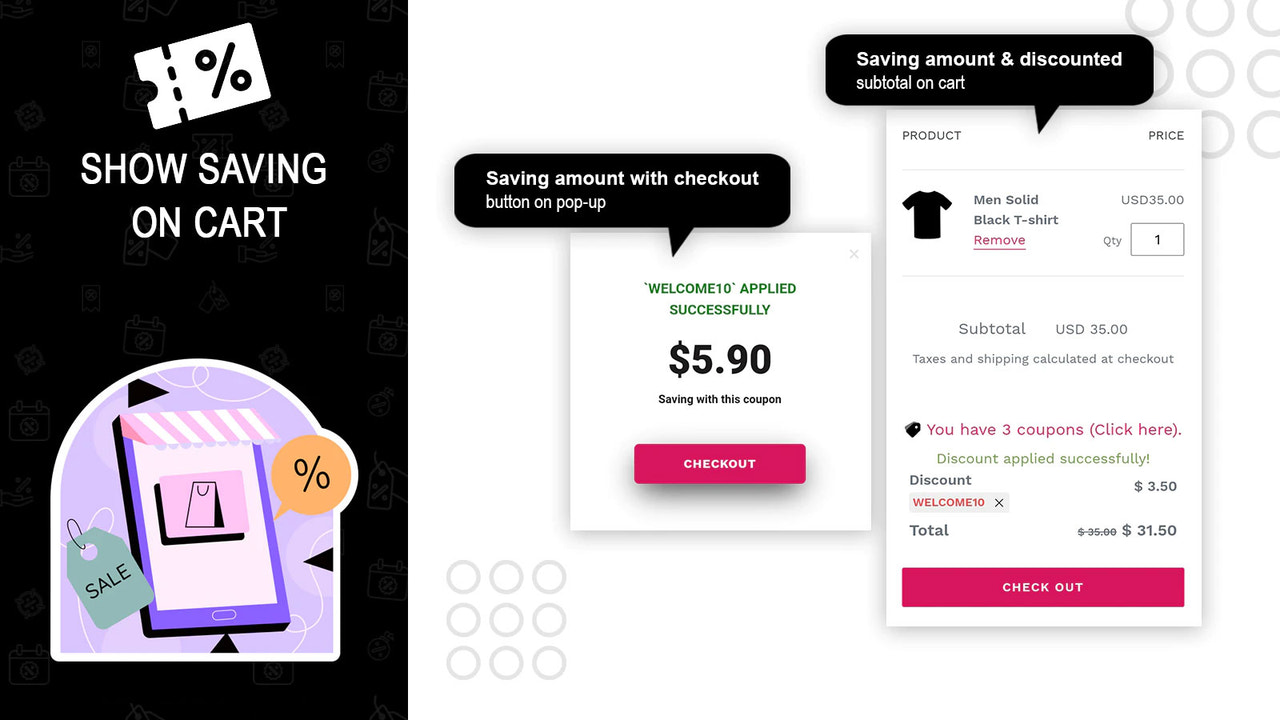
- Display the amount saved to customers once a discount coupon code is applied.
- Reduce cart abandonment rate with multiple coupon codes.
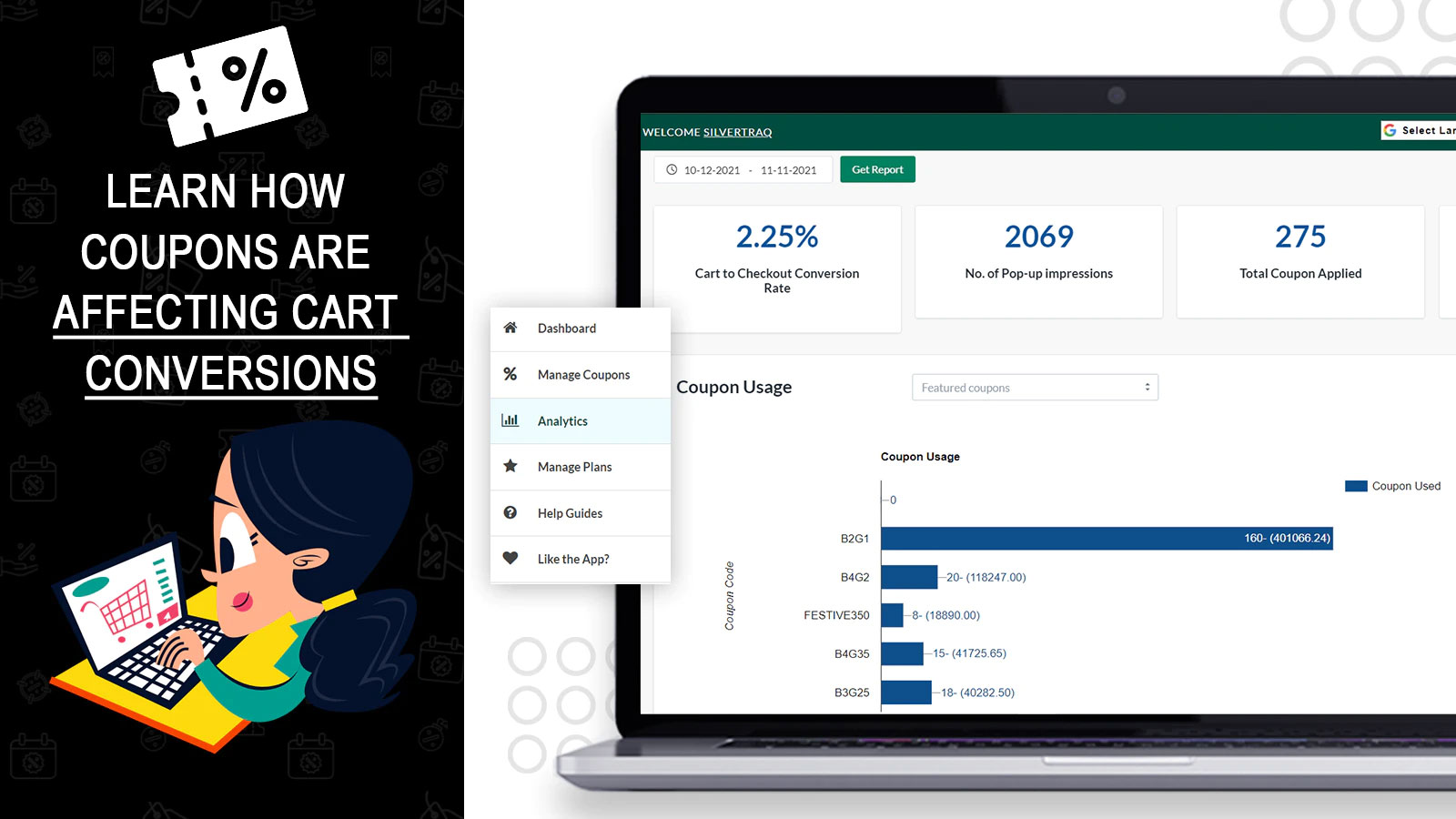
- The Cart Discount Coupons app helps boost conversion rates during shopping sessions.
- Cart discount coupons help increase conversion sales and average order value.
Merchant-Friendly
- Independent Station Merchants
- Discount-Focused E-commerce
- High-AOV Merchants
- Multi-Category Retailers
- Traffic Conversion Merchants
Basic Information
- Developer:MS Web Designer
- Address:Singapore, Singapore, 207628, SG
- Price: Free / Free plan
- Rating:3.7 / 5
- Comment Count:46 comment
- Release Date:2020-10-15
- Supported languages:English
- Compatible products:Shopify
Application Screenshot
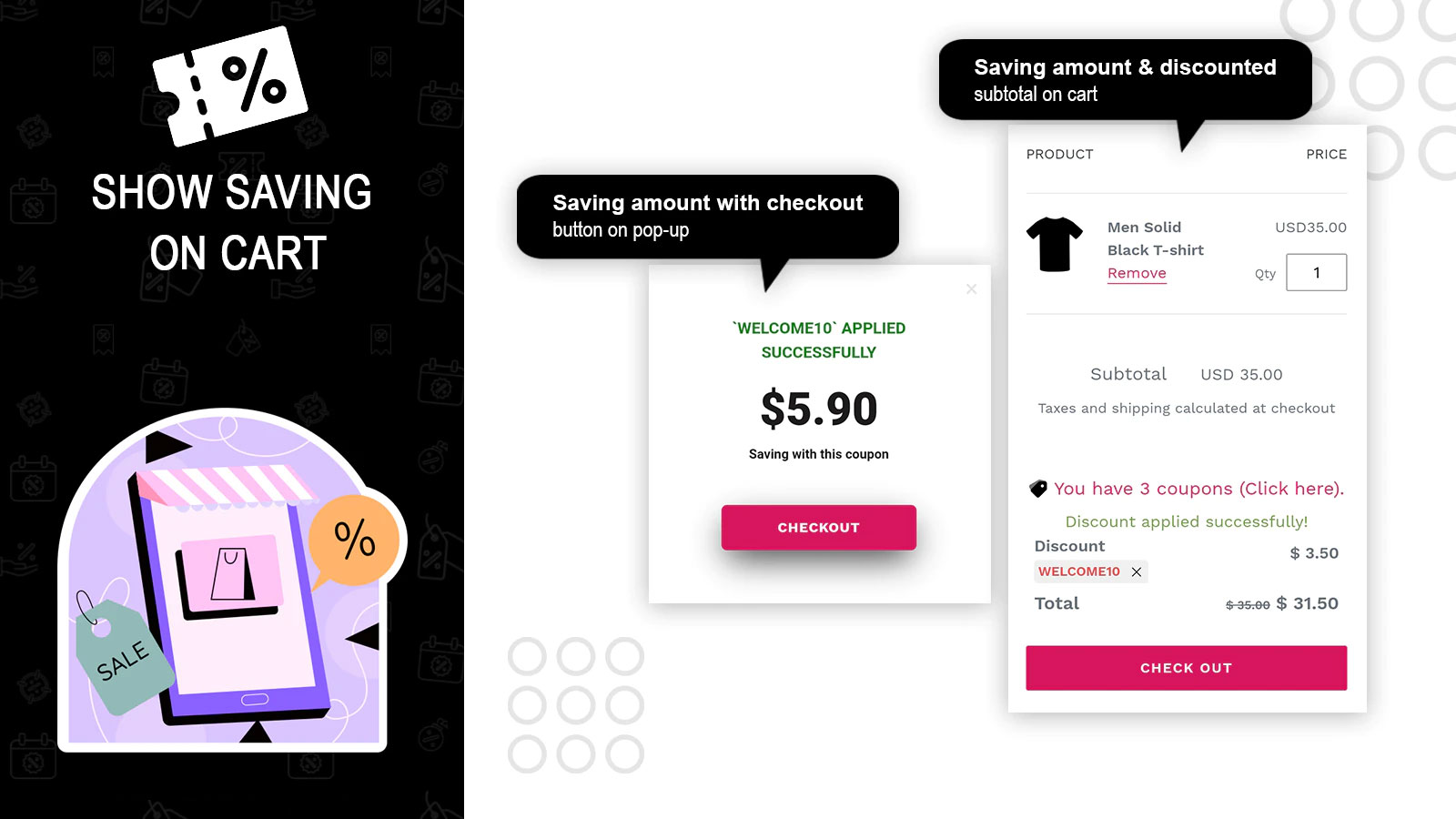
Price Plan
Basic
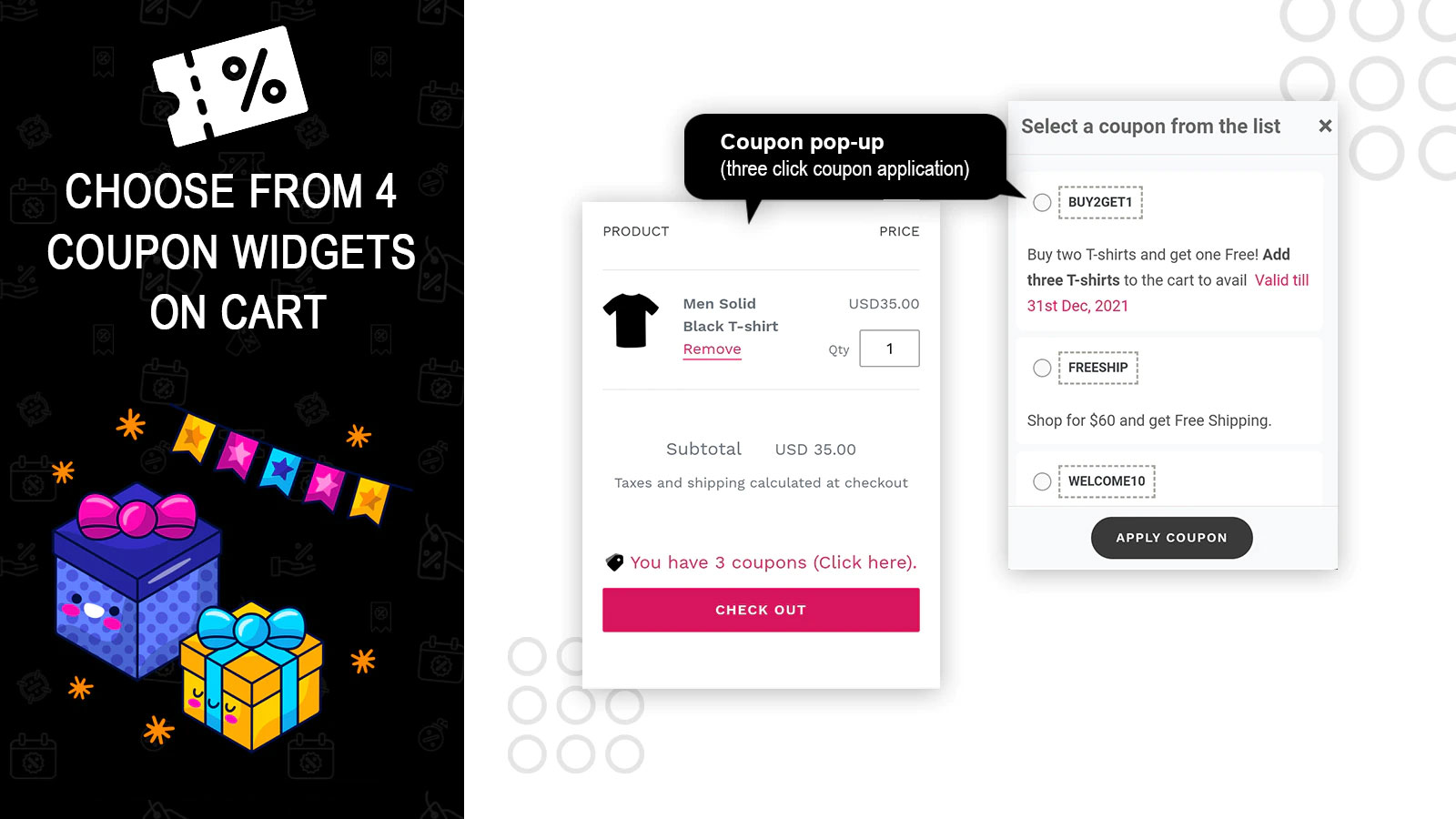
- Display selected discount coupons in a popup
- Show up to 2 coupons at a time
- Up to 100 popup displays per month
- Coupon fields
- Email support
Premium
- All Coupon Popup Features
- 3,00 Monthly Popup Impressions
- Quick Checkout Popup
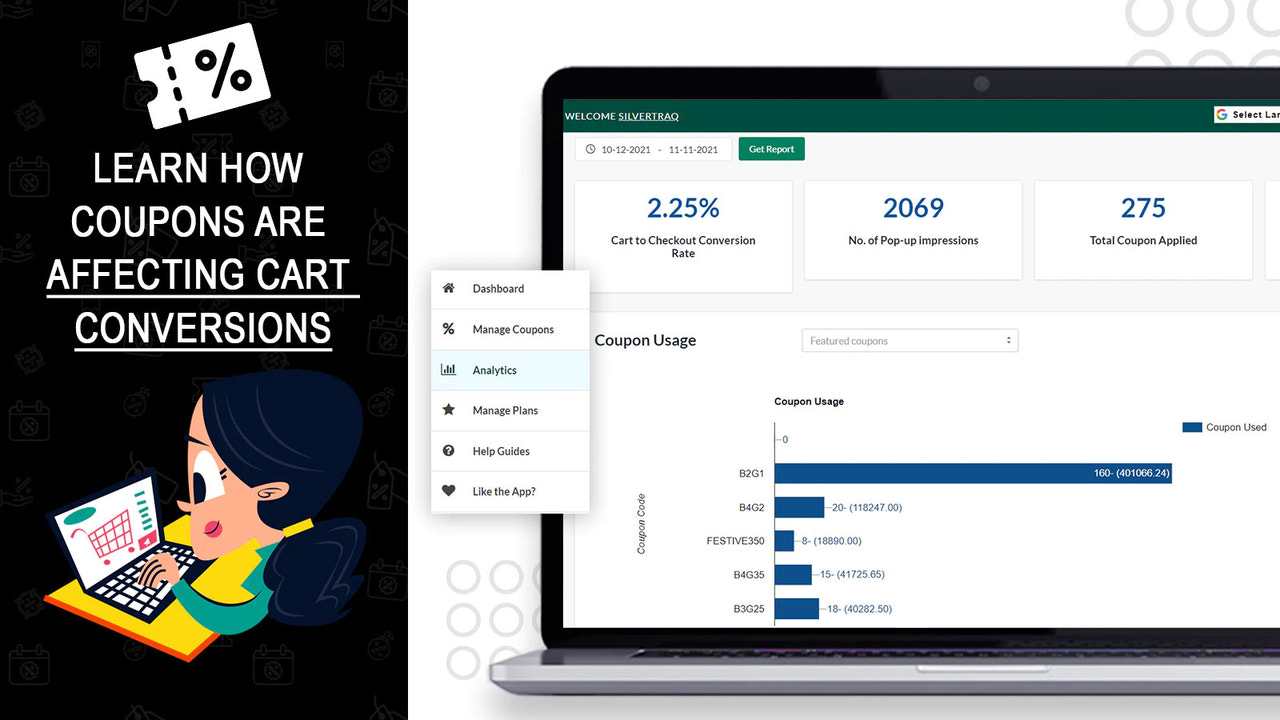
- Performance Analytics
- Priority Support & Customization
GROWTH
- Featured Coupons in Cart
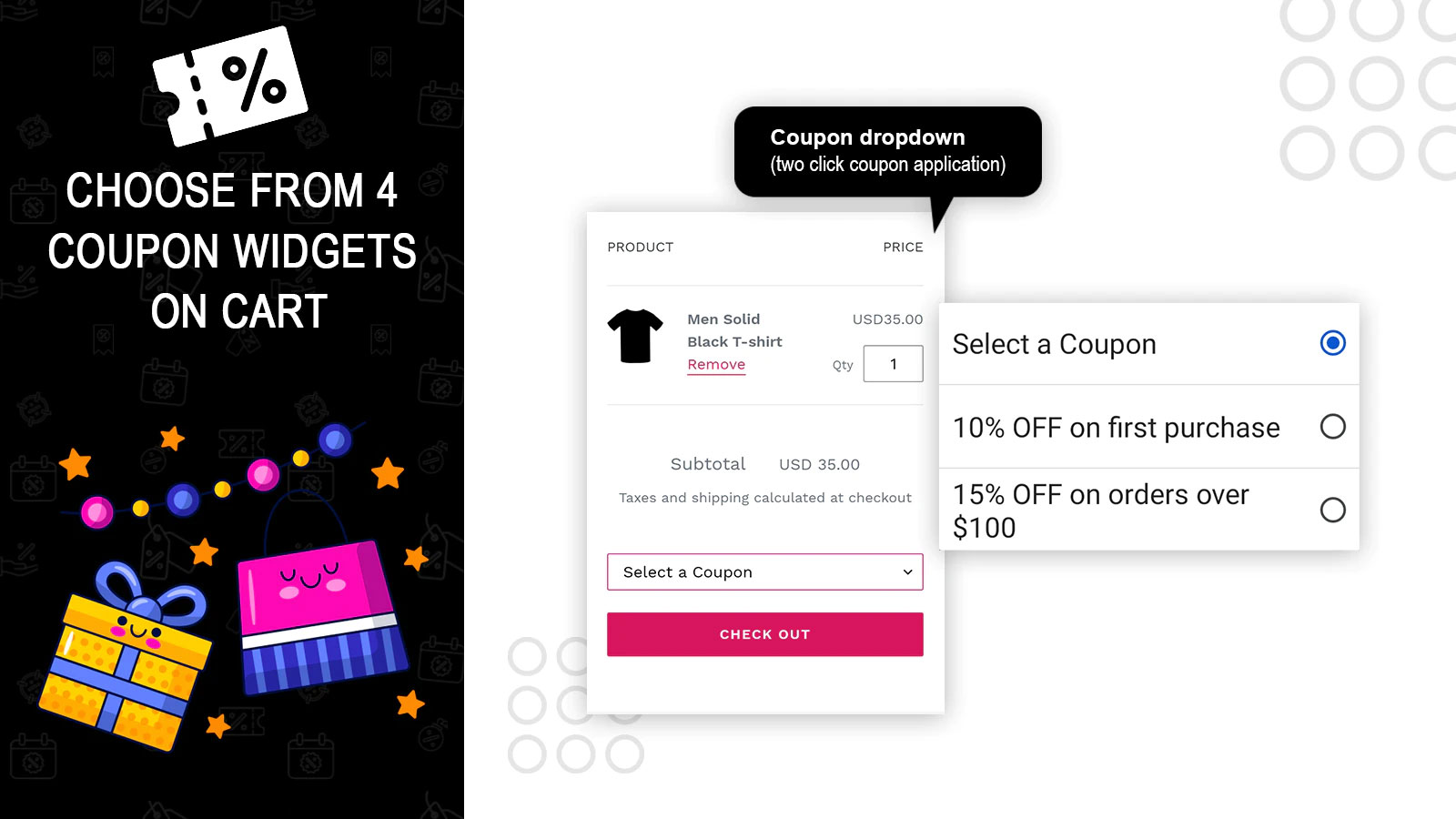
- Discount Coupon Dropdown Menu
- All Coupons Popup Functionality
- 8,00 Monthly Impressions
- Priority Support and Customization
Premium
- All Growth Plan Features
- Unlimited Monthly Displays
- Combination Discounts
- Free Shipping Bar Feature
- High-Priority Email and Chat Support
User Location & Comments
User Location
Comments
Shopify API Used
- GET /admin/api/cart_discounts.json
- POST /admin/api/cart_discounts.json
- PUT /admin/api/cart_discounts/{id}.json
Permission:read_cart_discounts,write_cart_discounts,manage_orders
- GET /admin/api/cart_discounts/{id}/savings.json
- POST /admin/api/cart_discounts/apply.json
- GET /admin/api/cart.json
Permission:read_cart,read_cart_discounts,manage_orders
- POST /admin/api/cart_discounts/batch_apply.json
- GET /admin/api/cart_abandonment.json
- PUT /admin/api/cart_discounts/validation.json
Permission:write_cart_discounts,read_cart_abandonment,manage_orders
- GET /admin/api/cart_discounts/conversion.json
- POST /admin/api/cart_discounts/trigger.json
- GET /admin/api/cart_discounts/performance.json
Permission:read_cart_discounts,read_orders,manage_products
- GET /admin/api/cart_discounts/order_value.json
- POST /admin/api/cart_discounts/upsell.json
- PUT /admin/api/cart_discounts/tiered.json
Permission:write_cart_discounts,read_orders,manage_products



