
App Introduction
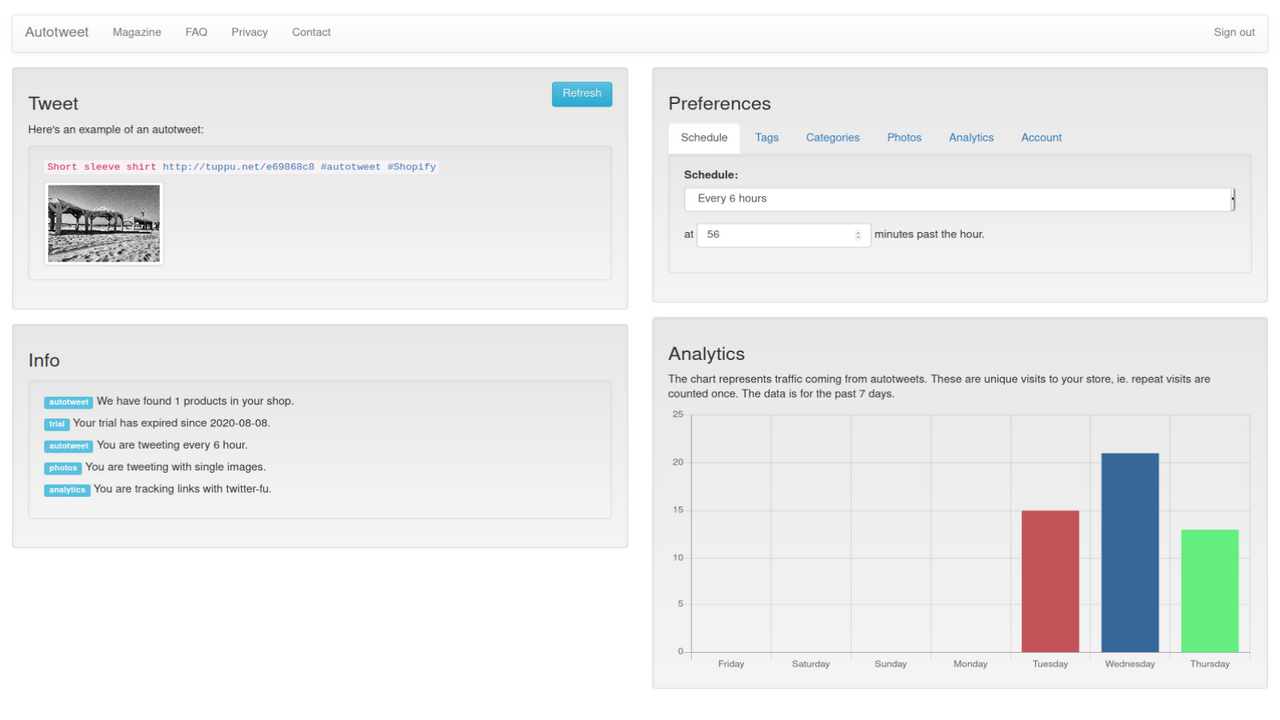
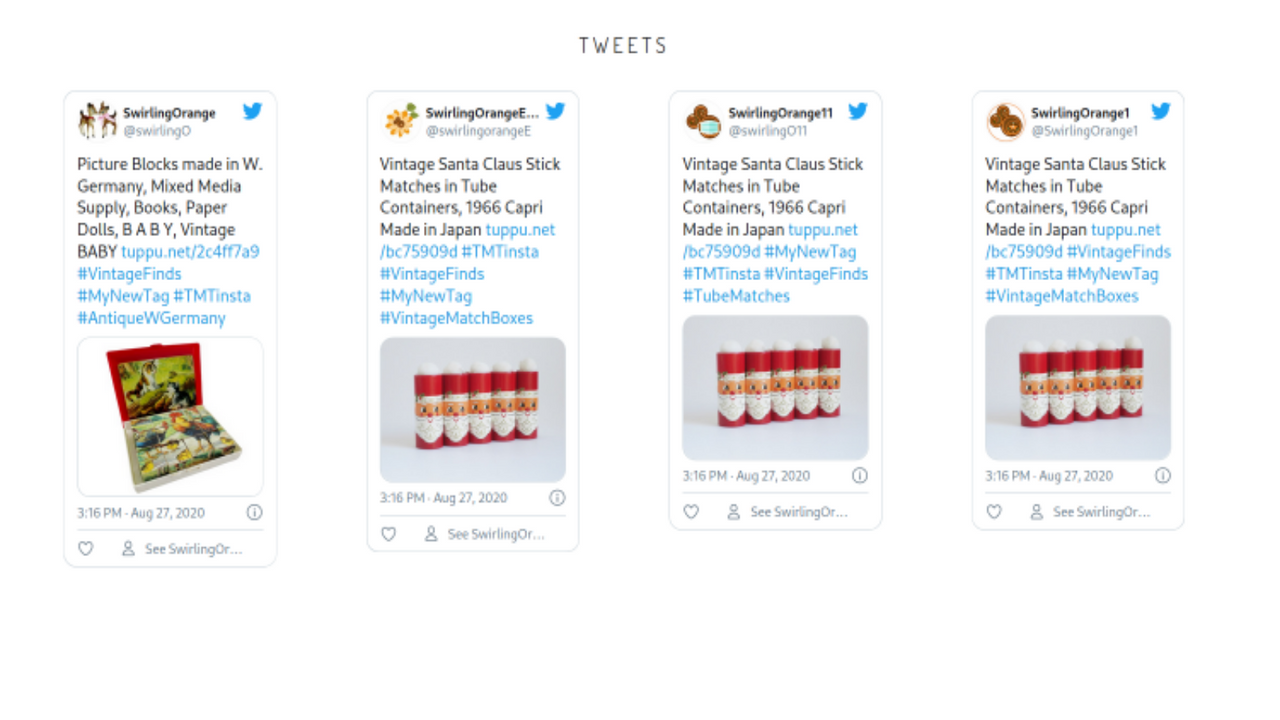
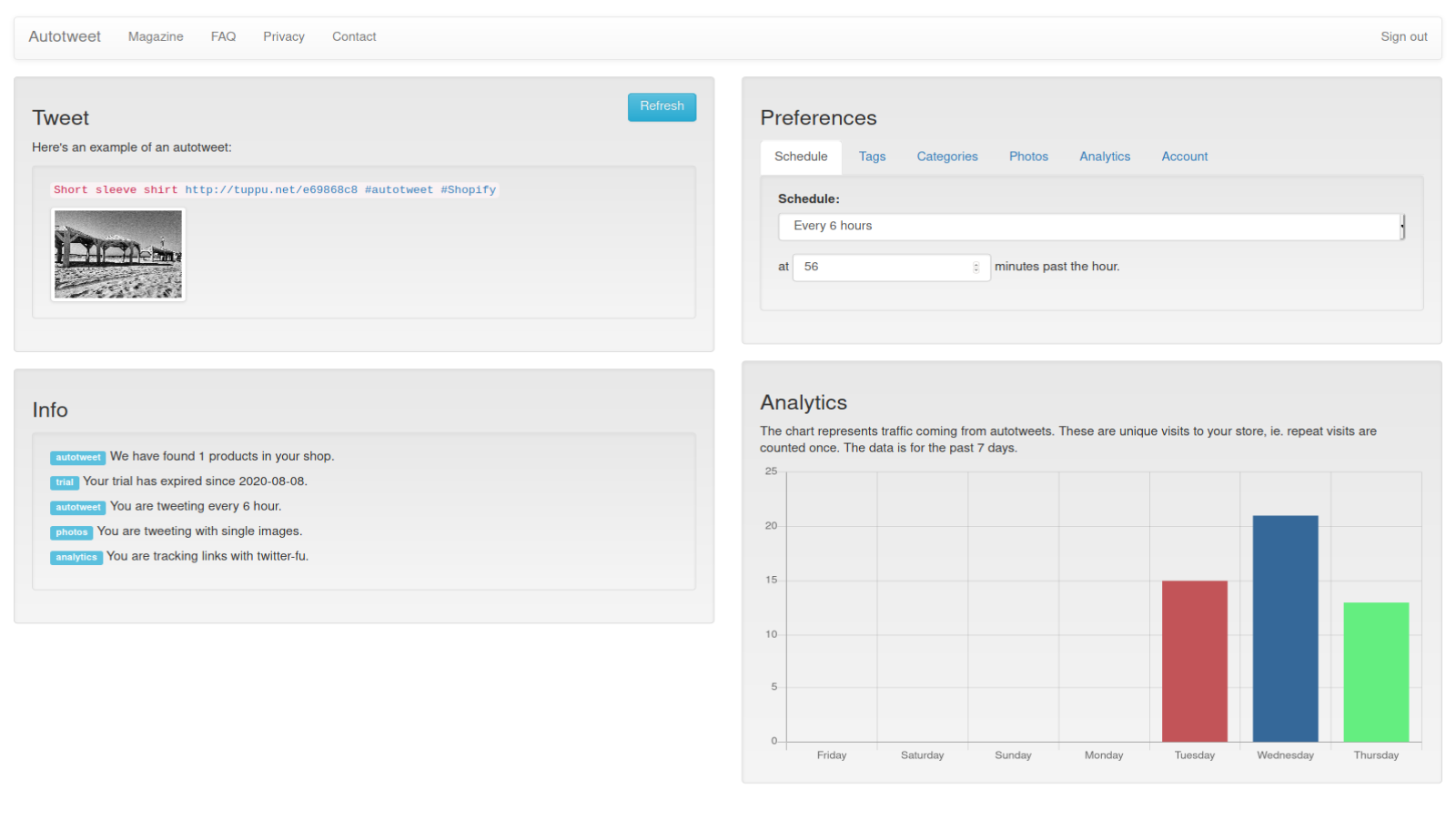
This app drives traffic to your store via social media, covering platforms like Twitter, LinkedIn, and Pinterest. It automates the process of tweeting your products—you only need to set it up once. After that, we’ll randomly pull a product from your store’s inventory and tweet it worldwide on your chosen schedule. If you were tweeting manually or via a scheduler, you’d need to be consistent, systematic, and highly disciplined to keep your products and tweets in sync. This app solves these issues, freeing up more time for you to focus on your core business.
Core Functionality
- Auto-tweet – set it and forget it, focusing on your core business
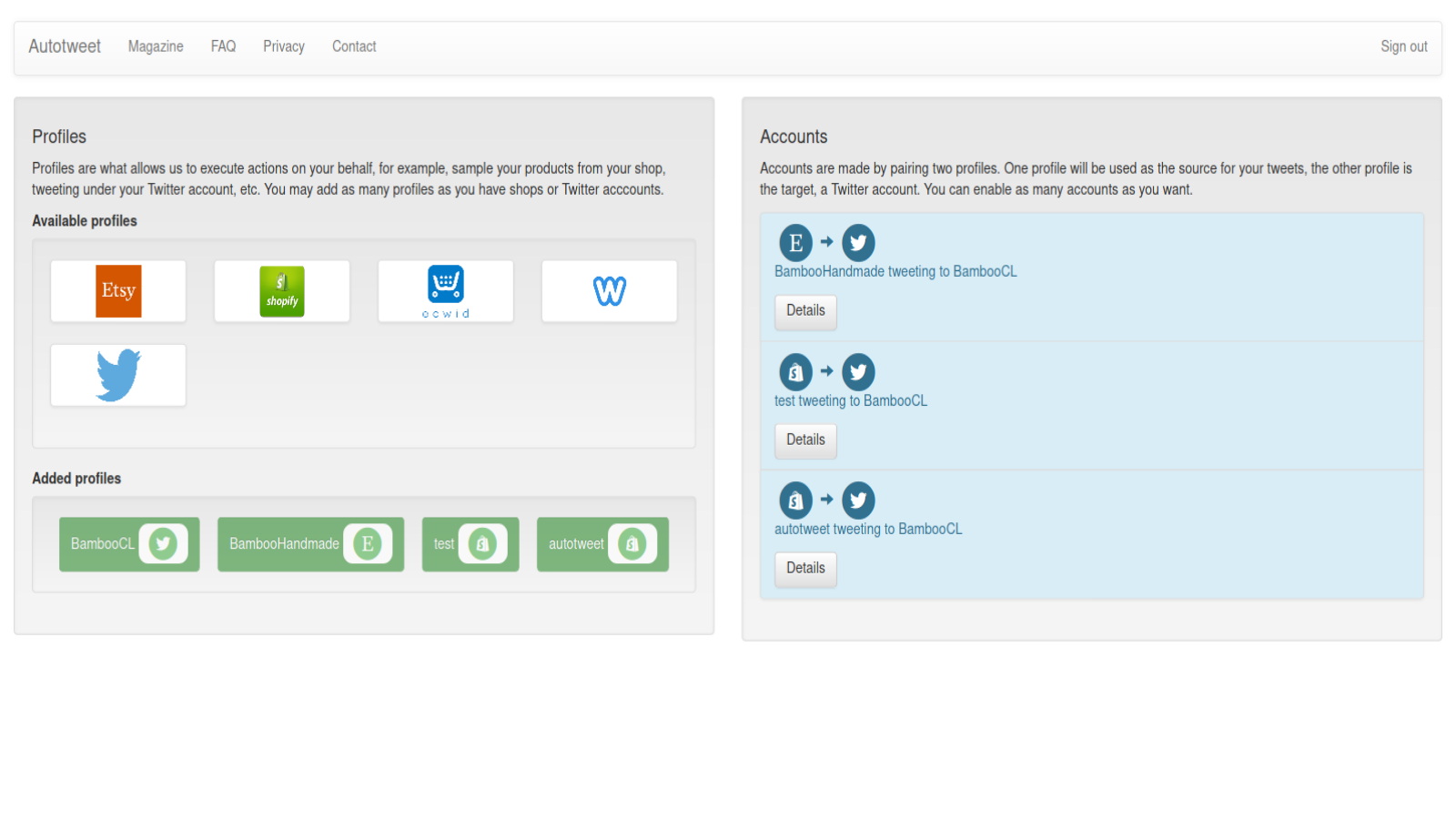
- Supports LinkedIn and Pinterest, with the number of supported platforms growing
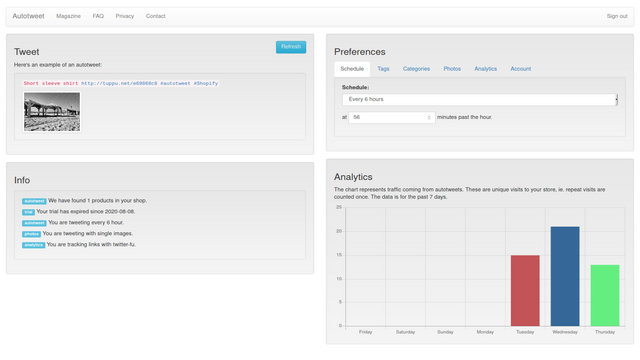
- Analytics: We’ll show you how your tweets perform
Merchant-Friendly
- Brand Independent Station Merchants
- Cross-border E-commerce Sellers
- Content E-commerce Merchants
Basic Information
- Developer:Sapiens Sapiens
- Address:Rashi 54, Tel Aviv, 6326569, IL
- Price: Free / Free plan
- Rating:5 / 5
- Comment Count:1 comment
- Release Date:2020-9-16
- Supported languages:English
- Compatible products:Shopify
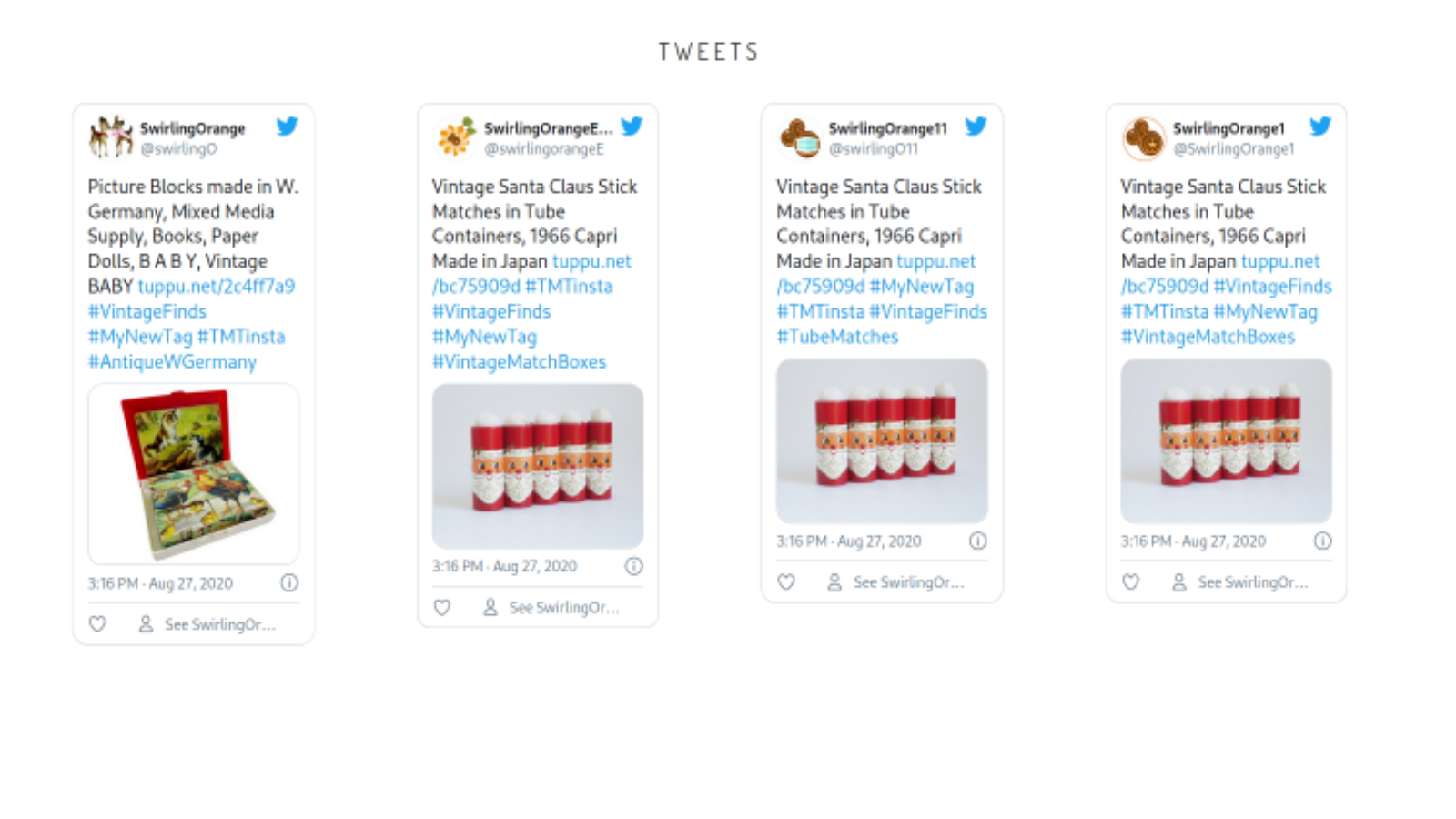
Application Screenshot


Price Plan
入门计划
- 200 Auto-Tweets per Month
- 2.5 Credits per Tweet
- Performance Report (Analytics)
普通计划
- 1,000 automatic tweets per month
- 1 cent per tweet
- Performance Report (Analytics)
专业计划
- 4,000 Automatic Tweets per Month
- 0.5 Points per Tweet
- Performance Report (Analysis)
User Location & Comments
User Location
Comments
Shopify API Used
- POST /admin/api/social_posts/auto_rules.json
- PUT /admin/api/social_posts/auto_rules/{id}.json
- GET /admin/api/social_posts/auto_rules.json
Permission:write_social_posts,read_social_posts,manage_products
- POST /admin/api/social_accounts/link.json
- PUT /admin/api/social_accounts/link/{platform}.json
- GET /admin/api/social_accounts/linked_platforms.json
Permission:write_social_accounts,read_social_accounts,manage_channels
- GET /admin/api/social_posts/analytics.json
- GET /admin/api/social_posts/analytics/{post_id}.json
- GET /admin/api/social_posts/analytics/reports.json
Permission:read_social_posts,read_analytics,manage_reports



