
App Introduction
Stop manually updating products and prices at midnight – Automate your promotions, discounts, and new product launches Tired of setting alarms at midnight to manually start your promotions? Auto Schedule eliminates the stress of timed promotions through reliable automation, so your business can run smoothly while you sleep. Perfect for Black Friday launches, flash sales, daily deals, and new product releases. Focus on growing your business while automation handles your timed promotions.
Core Functionality
- Schedule fixed-amount or percentage-based product discounts
- Set products to publish, unpublish, or change status at specific times
- New CSV import feature for bulk scheduling
- Create recurring schedules with flexible time options
- Add customizable countdown timers to any theme location
Merchant-Friendly
- Independent Station Merchants
- Promotion-focused Merchants
- Multi-product E-commerce
- Time-limited Event Merchants
Basic Information
- Developer:JD Ecommerce
- Address:8-10 Christchurch Road, Second Floor, The Chocolate Box, Bournemouth, ENG, BH1 3NA, GB
- Price: Free / Free plan
- Rating:4.8 / 5
- Comment Count:24 comment
- Release Date:2019-4-17
- Supported languages:English
- Compatible products:Shopify
Application Screenshot





Price Plan
Entry
- Schedule promotions, discounts, and sales
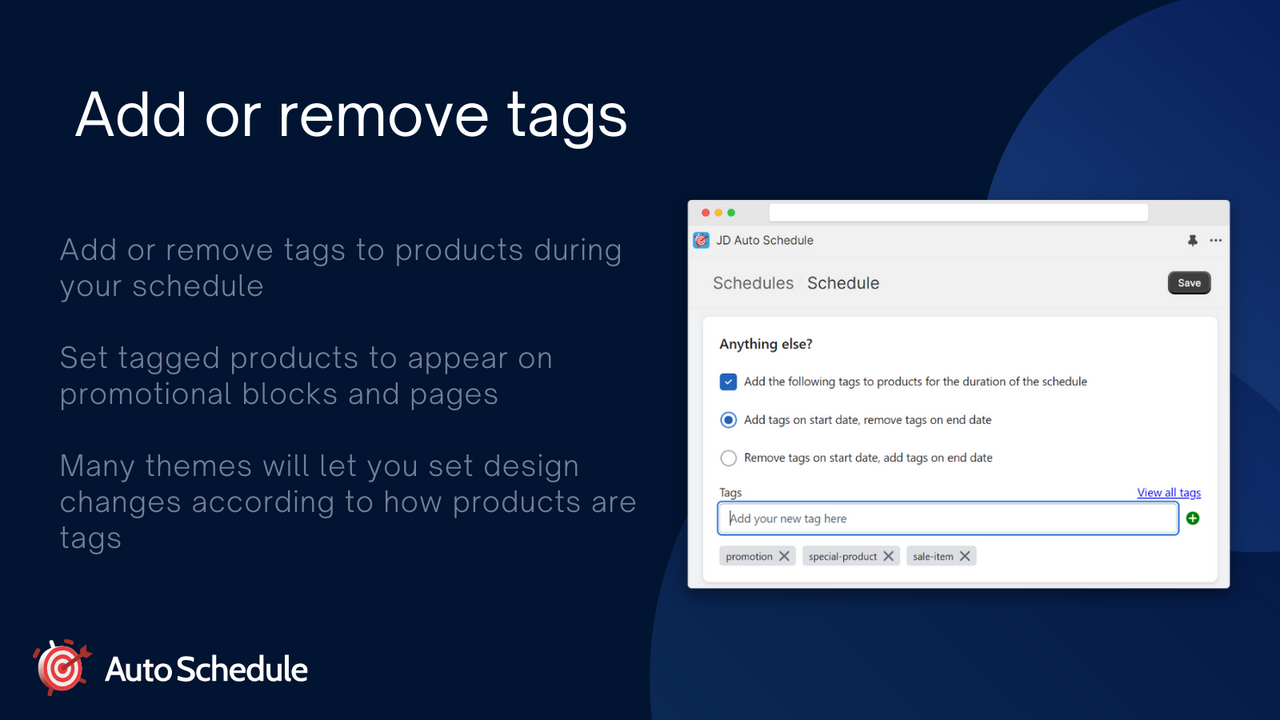
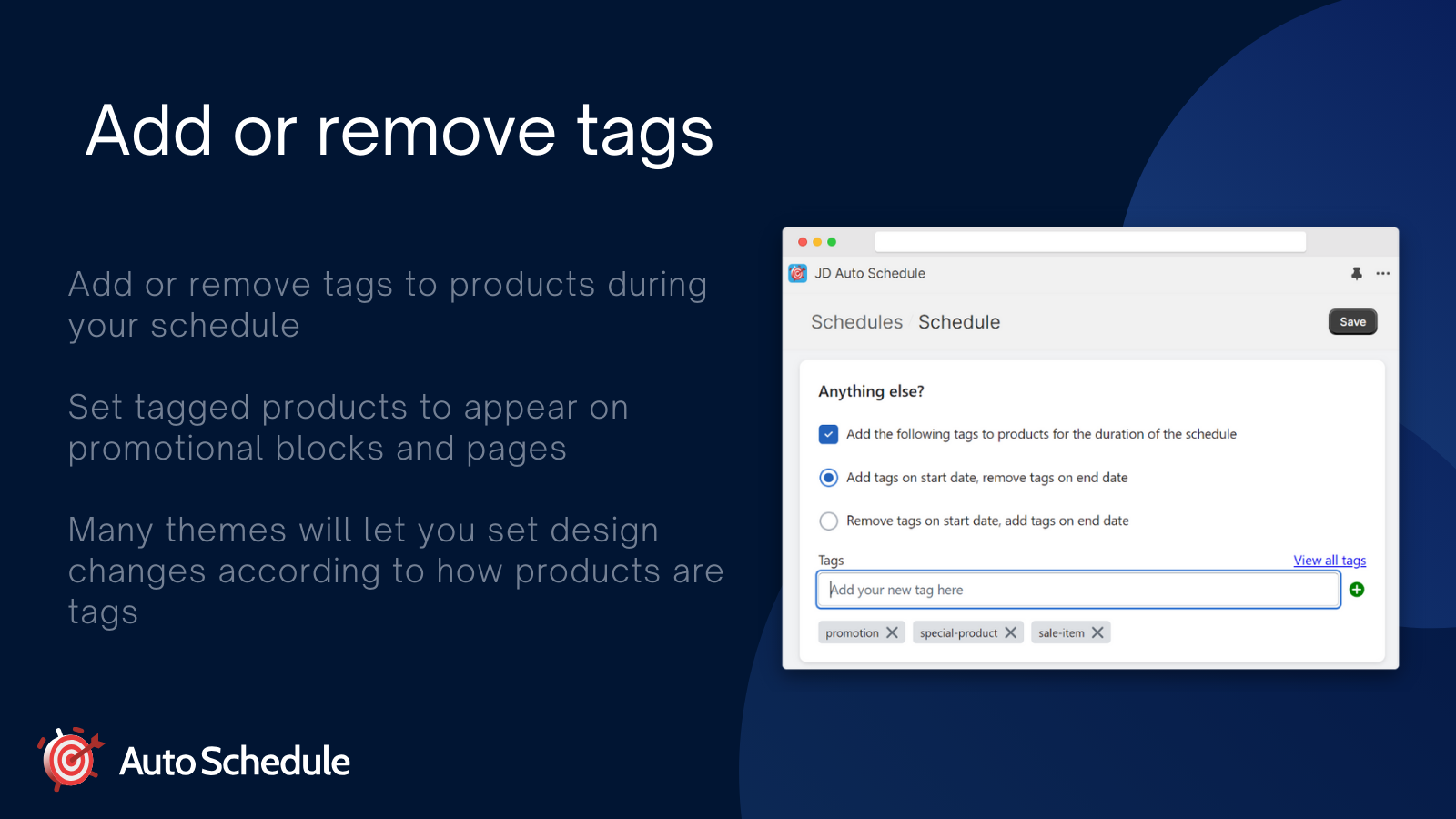
- Schedule product launches and tags
- Schedule up to 10 products at a time
Unlimited
- Schedule Promotions, Discounts, and Sales
- Schedule Product Launches and Tags
- Schedule Unlimited Products
- Flexible Recurring Schedules
- Countdown Timer
Professional
- CSV Import - Bulk Upload Schedules
- Schedule Promotions, Discounts, and Sales
- Schedule Product Launches and Tags
- Schedule Unlimited Products
- Flexible Recurring Schedules
- Countdown Timer
User Location & Comments
User Location
Comments
Shopify API Used
- POST /admin/api/discounts.json
- PUT /admin/api/discounts/{id}.json
- GET /admin/api/discounts.json
Permission:write_discounts,read_discounts,manage_products
- PUT /admin/api/products/{id}.json
- GET /admin/api/products.json
- POST /admin/api/products/{id}/status.json
Permission:write_products,read_products,manage_products
- POST /admin/api/bulk_operations.json
- GET /admin/api/bulk_operations/{id}.json
- PUT /admin/api/bulk_operations/{id}/cancel.json
Permission:write_bulk_operations,read_bulk_operations,manage_products
- POST /admin/api/schedules.json
- PUT /admin/api/schedules/{id}.json
- GET /admin/api/schedules.json
Permission:write_schedules,read_schedules,manage_products
- POST /admin/api/sections.json
- PUT /admin/api/sections/{id}.json
- GET /admin/api/sections.json
Permission:write_themes,read_themes,manage_online_store



