
Nova: Multi Currency Converter
App Introduction
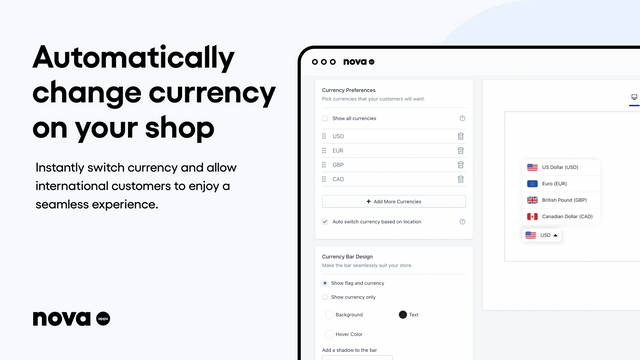
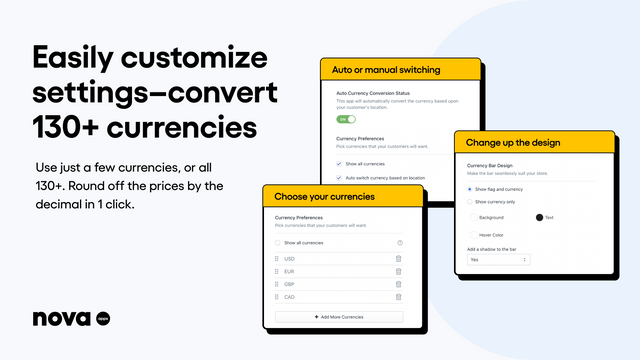
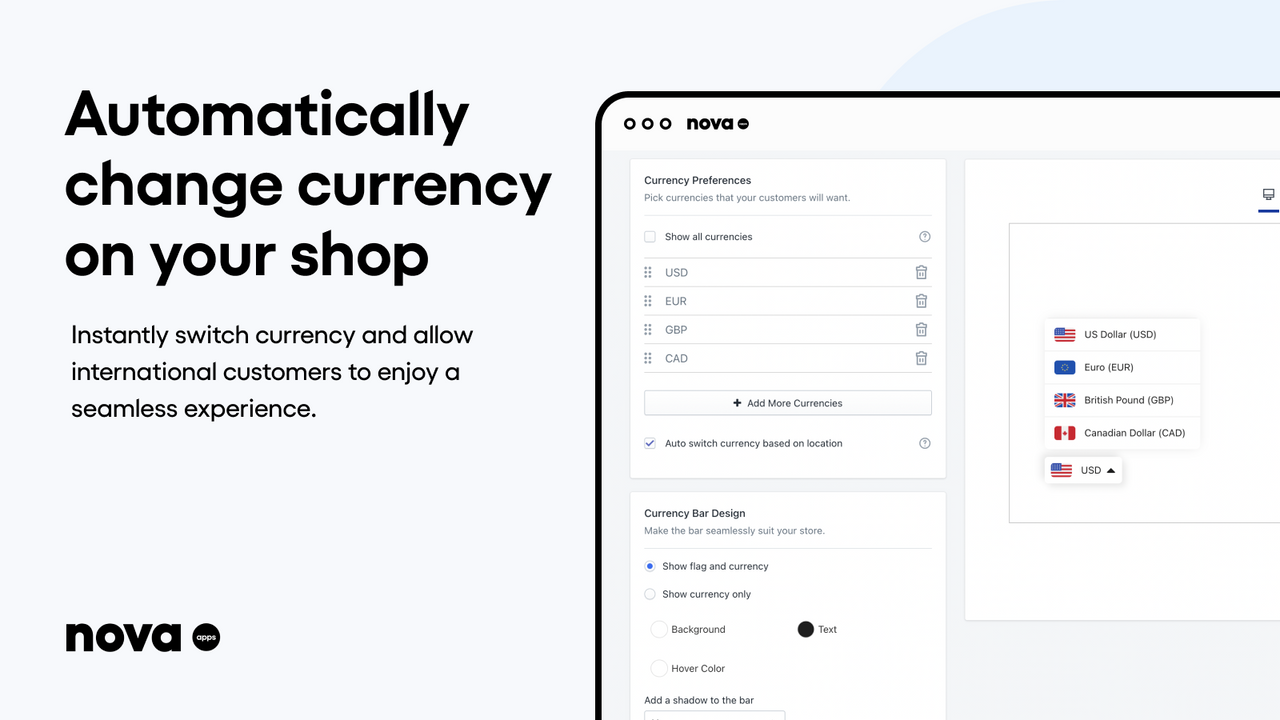
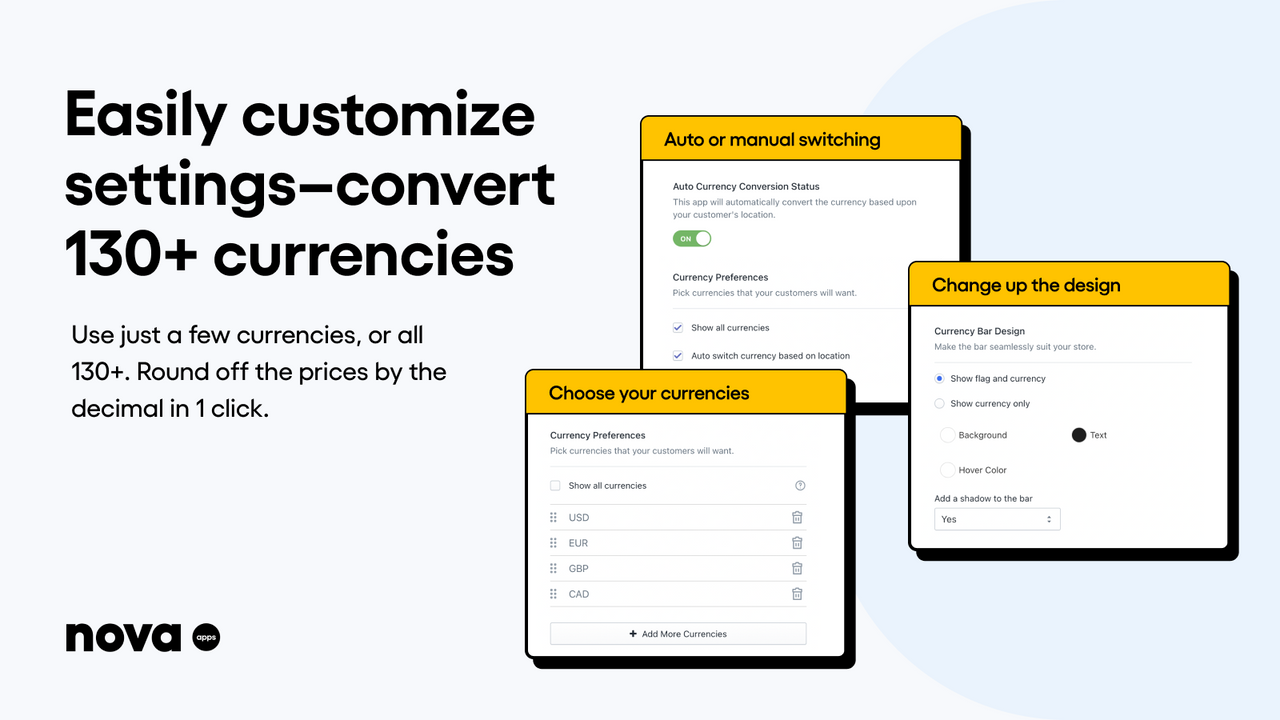
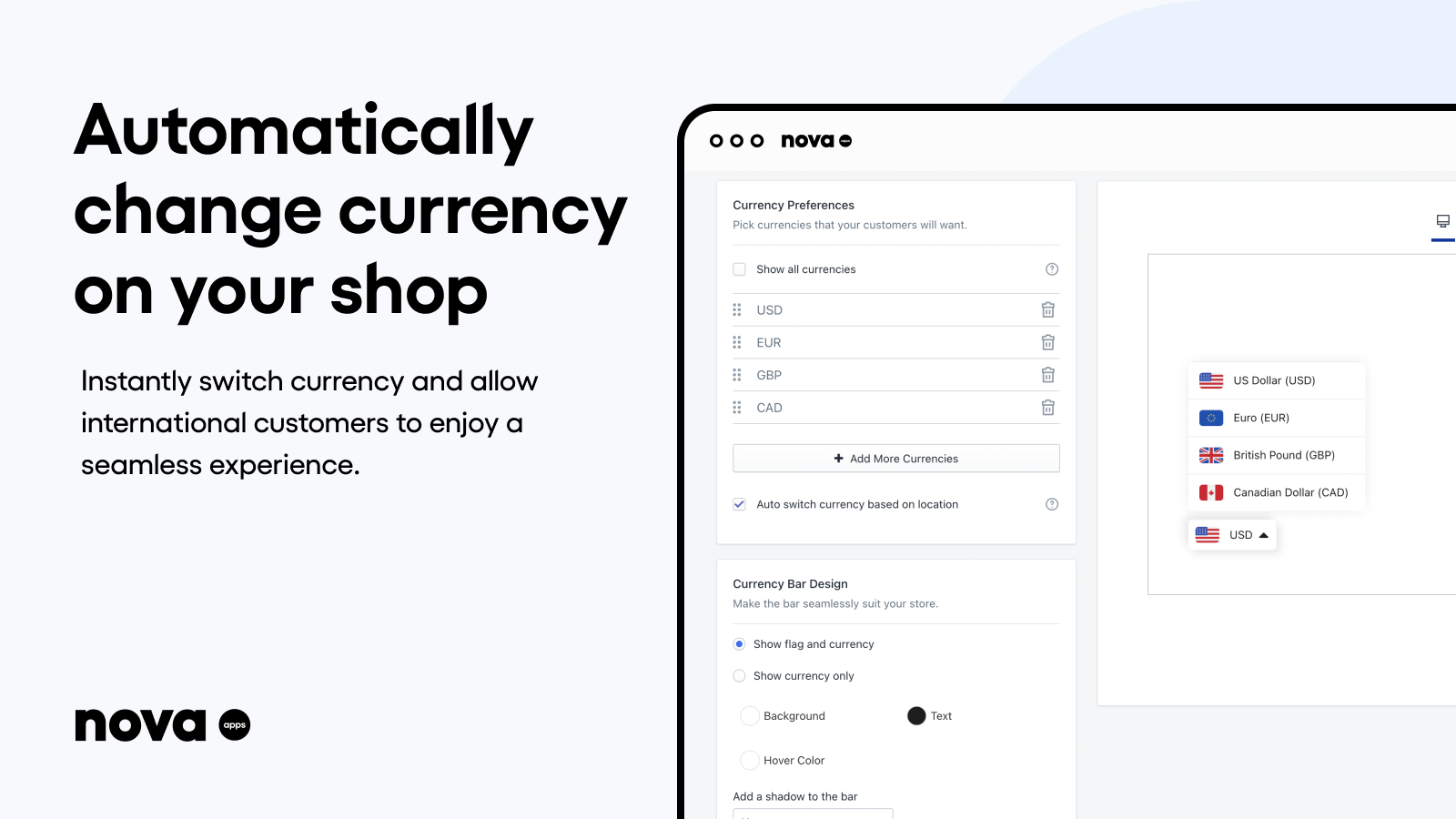
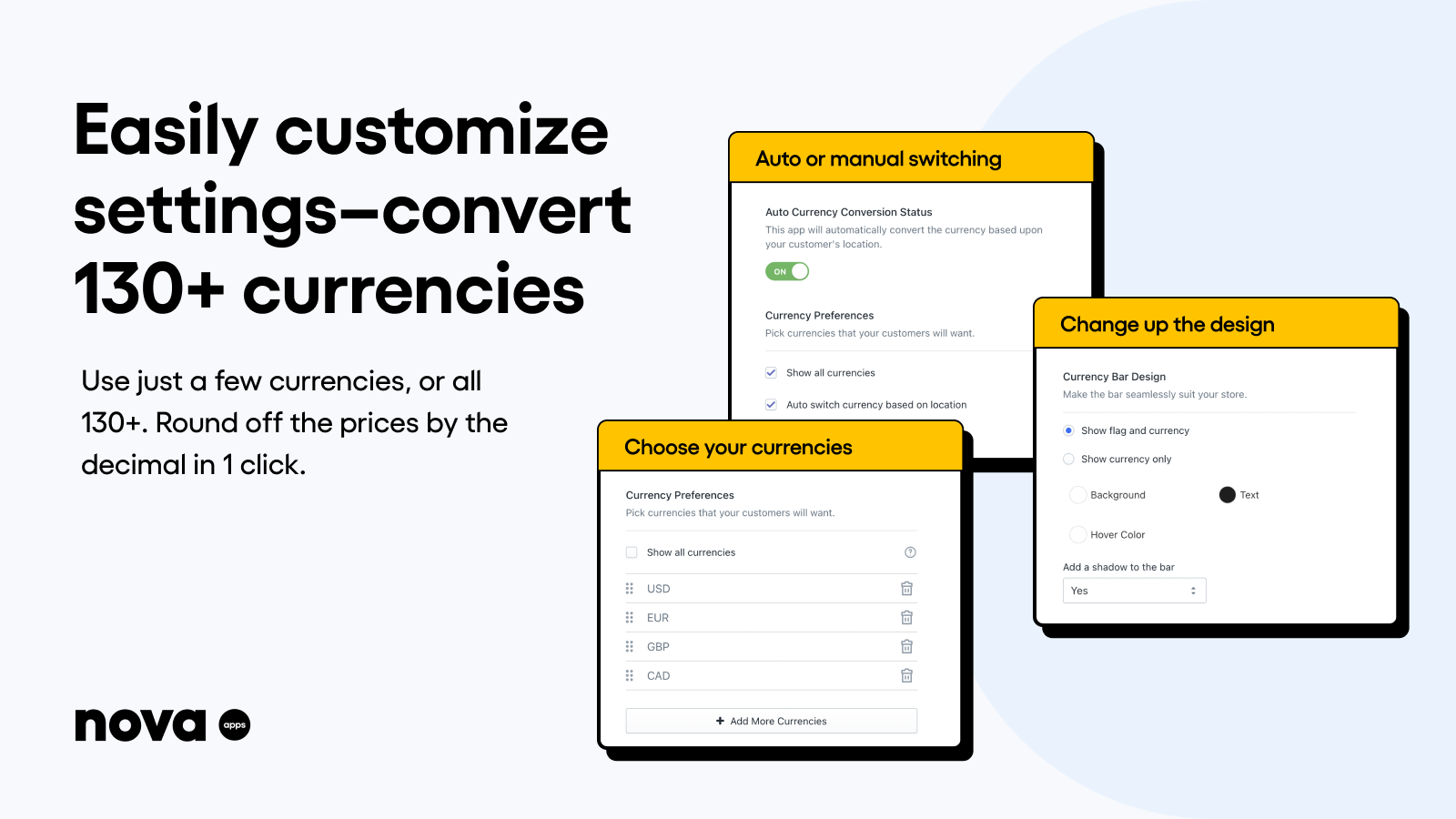
Location-Based Automatic Currency Converter, Designed to Boost International Sales Deliver a seamless shopping experience for your global customers with a currency switcher. This floating currency bar automatically converts currencies based on location and rounds prices to the nearest decimal. You can choose from several currencies or enable all 130+ currencies with one click. The currency bar will display your customers’ local currency, while still using your store’s currency at checkout. Customize the look and feel of the floating currency bar to match your store’s brand with just a few clicks.
Core Functionality
- Auto or manual currency switcher based on customer location
- Easily customize settings and convert over 130 different currencies
- Change the design and color of the currency switcher to match your store’s brand
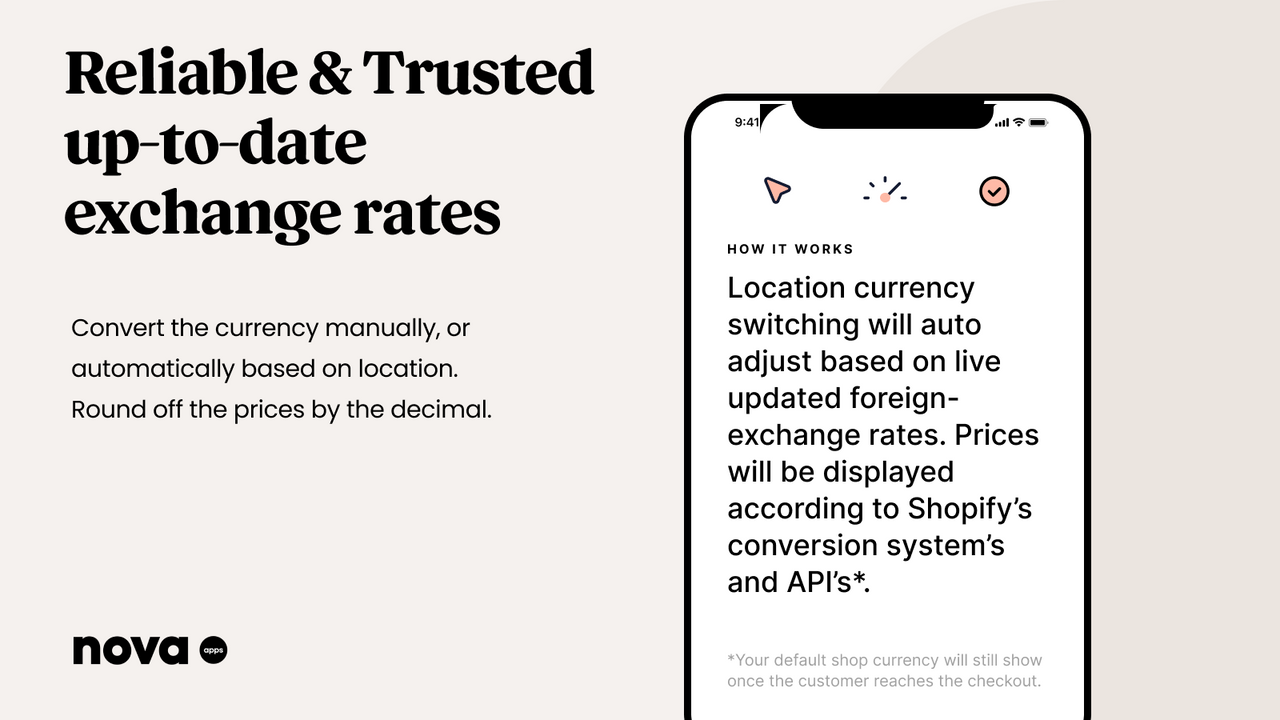
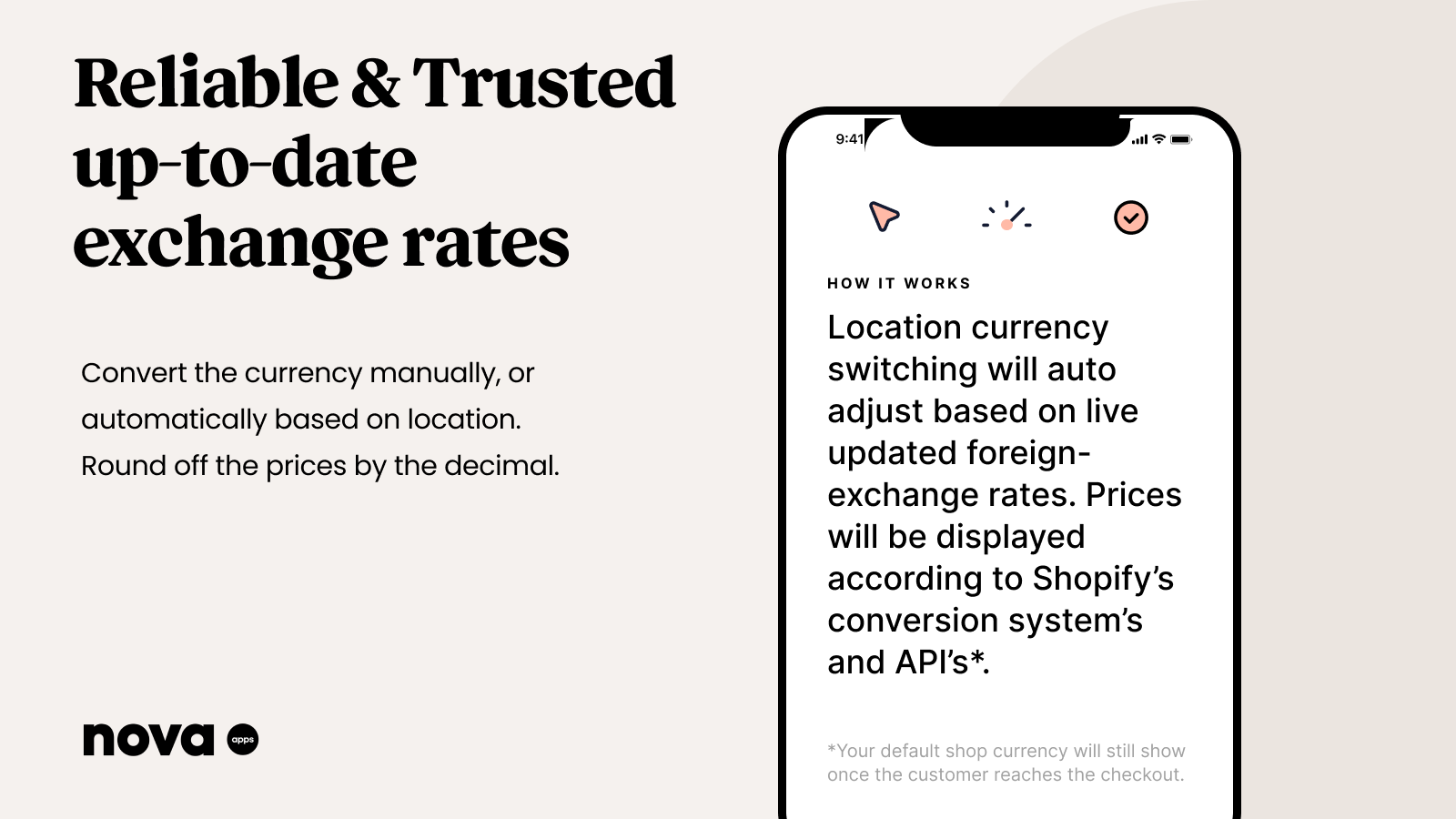
- Reliable and up-to-date exchange rates based on Shopify’s conversion system and API
- 24/7 live chat human support to answer your questions or provide assistance at any time
Merchant-Friendly
- Cross-border E-commerce Merchants
- Foreign Trade Independent Station
- Multi-region E-commerce
- Brand Going Global Stores
Basic Information
- Developer:Nova Apps
- Address:Block 3, Harcourt Centre, Harcourt Road, Dublin, D, D02 A339, IE
- Price: Free / Free plan
- Rating:4.9 / 5
- Comment Count:634 comment
- Release Date:2020-10-5
- Supported languages:English
- Compatible products:Shopify
Application Screenshot








Price Plan
Free
User Location & Comments
User Location
Comments
Shopify API Used
- POST /admin/api/currency_converter/settings.json
- PUT /admin/api/currency_converter/settings.json
- GET /admin/api/currency_converter/settings.json
Permission:write_currency_converter,read_currency_converter,manage_shop
- POST /admin/api/currency_converter/currencies.json
- PUT /admin/api/currency_converter/currencies/{code}.json
- GET /admin/api/currency_converter/currencies.json
Permission:write_currency_converter,read_currency_converter,manage_shop
- POST /admin/api/currency_converter/ui.json
- PUT /admin/api/currency_converter/ui.json
- GET /admin/api/currency_converter/ui.json
Permission:write_currency_converter,read_currency_converter,manage_themes
- POST /admin/api/currency_converter/rates/sync.json
- GET /admin/api/currency_converter/rates.json
- PUT /admin/api/currency_converter/rates/{code}.json
Permission:write_currency_converter,read_currency_converter,manage_shop