
App Introduction
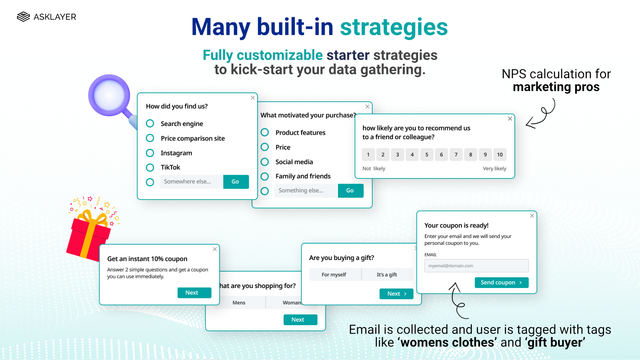
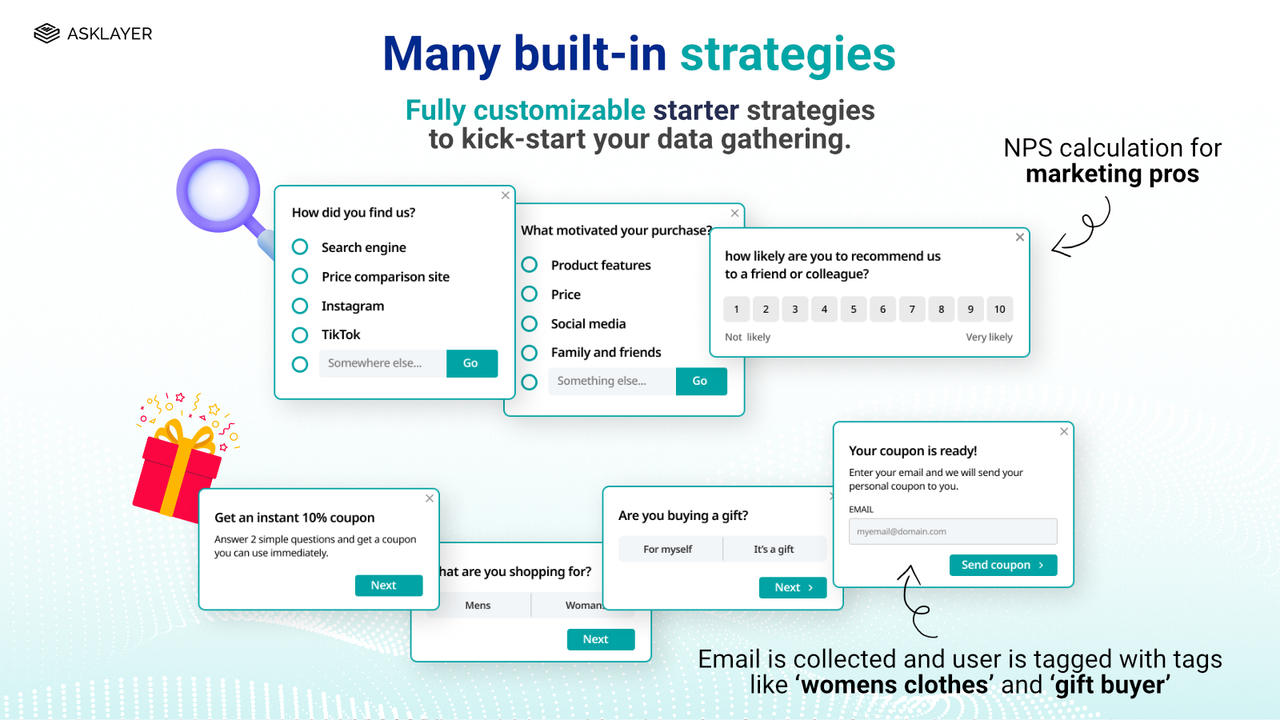
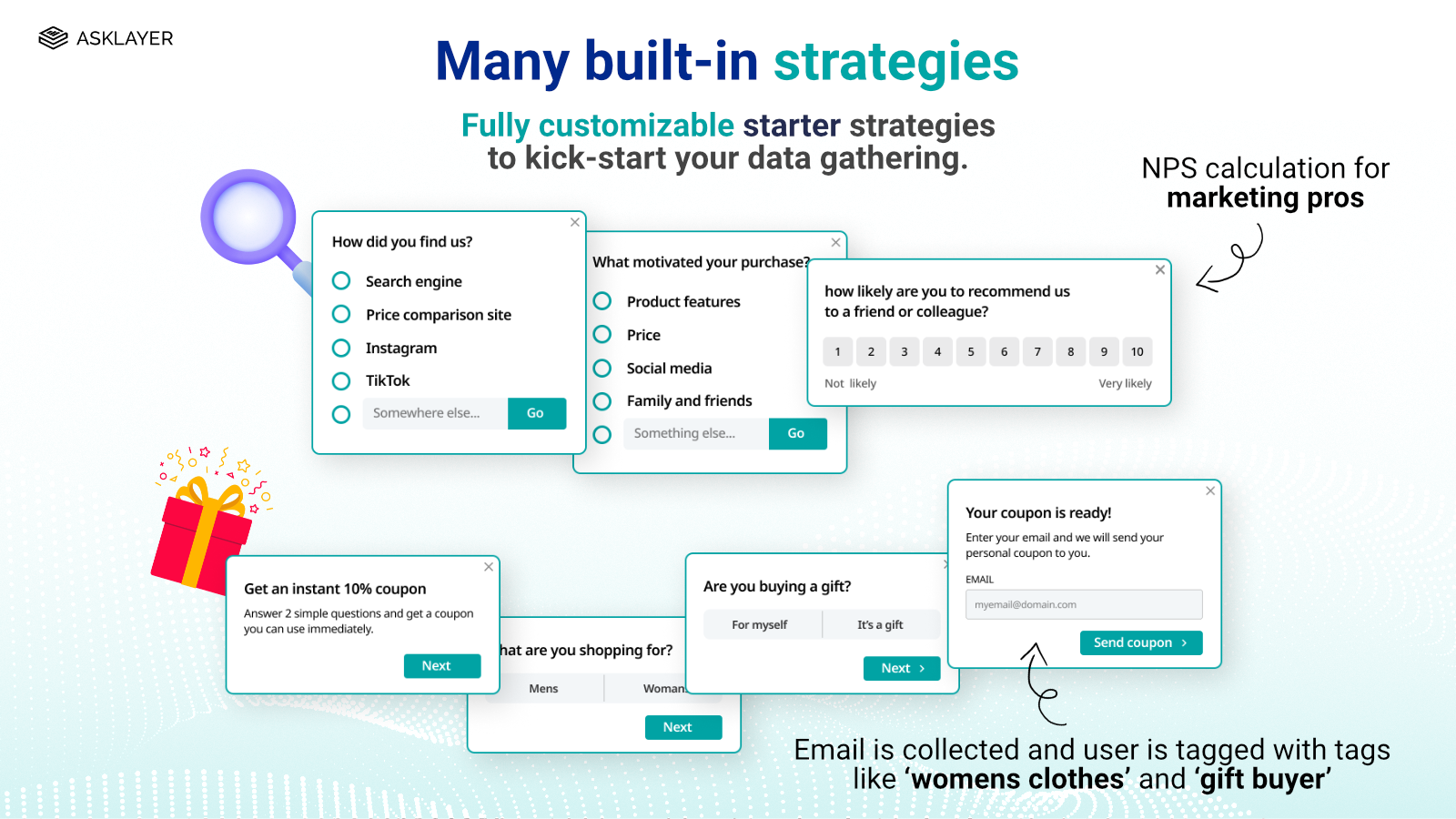
Highly configurable on-site surveys, exit surveys, post-purchase surveys, and email surveys + NPS and CSAT Asklayer helps you make informed decisions through clear, actionable feedback from your customers. We provide reports for every question with in-app charts, and you can export raw data for your own analysis. Unlimited surveys and questions, plus 15+ question types, mean you’ll get the answers you need. We offer advanced questionnaire features including multiple targeting rules, skip logic, question randomization, coupon generation, exit surveys, post-purchase surveys, email surveys, NPS, CSAT, polls, and more.
Core Functionality
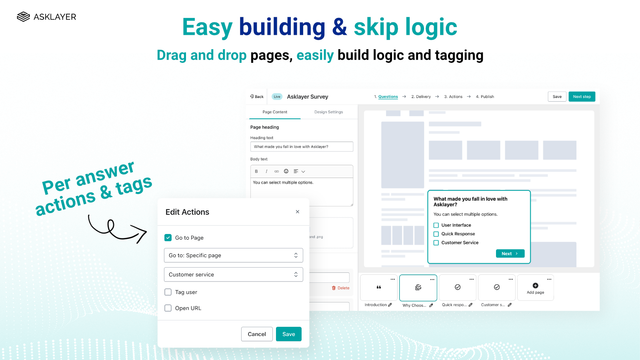
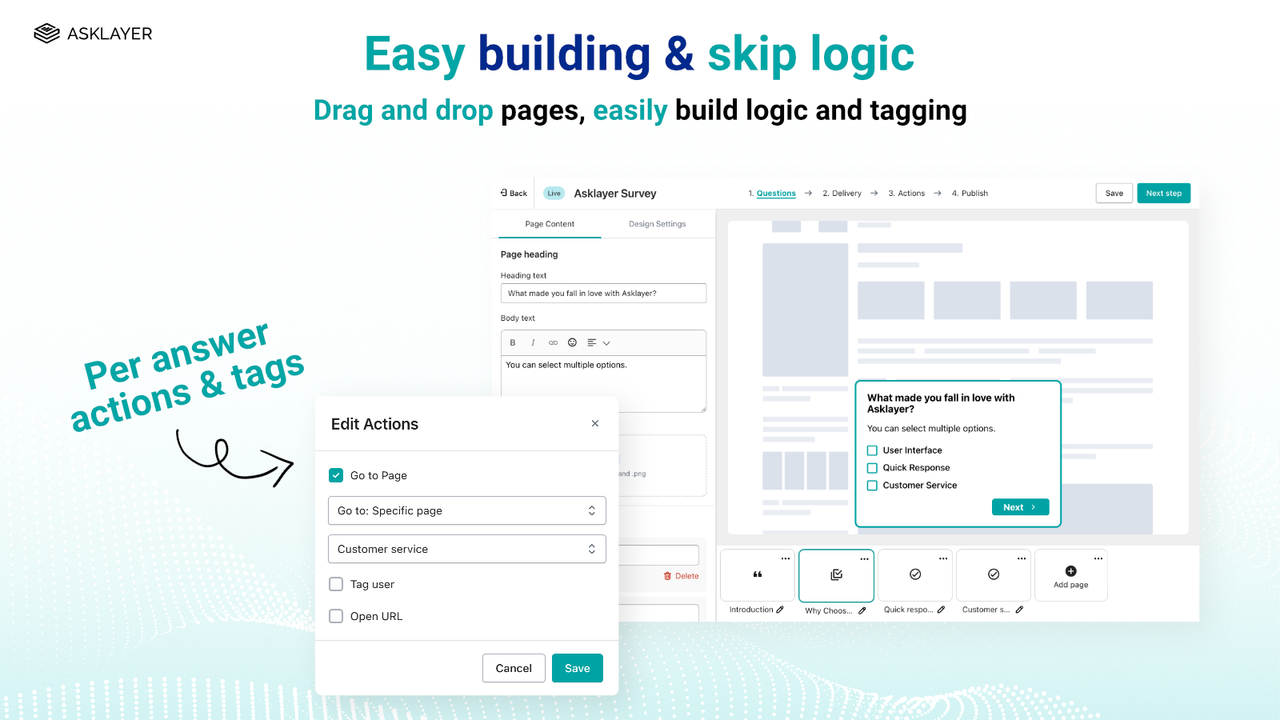
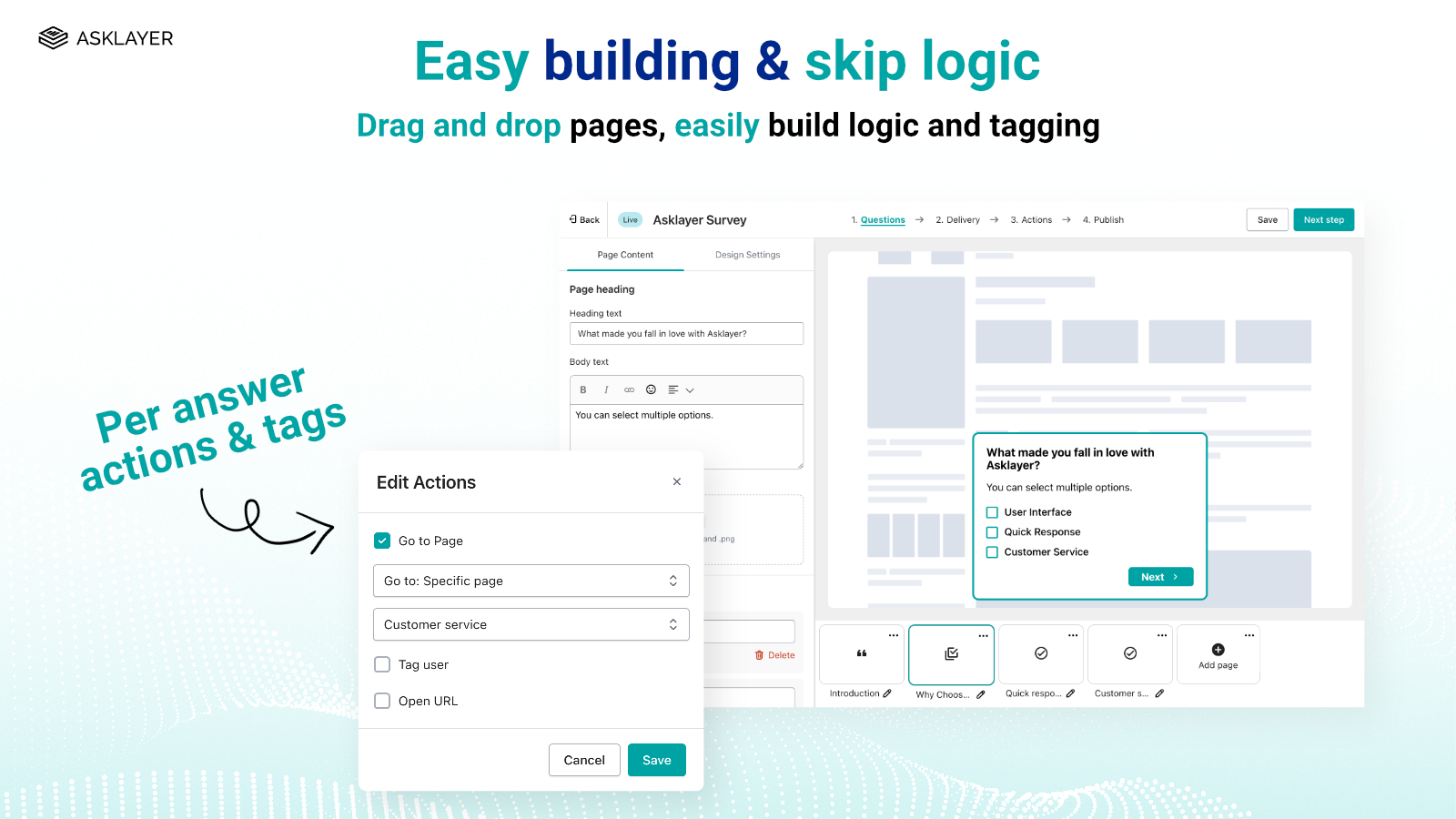
- Unlimited surveys and question pages with skip logic branching.
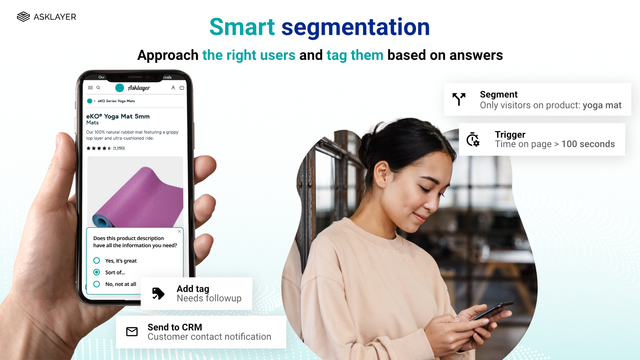
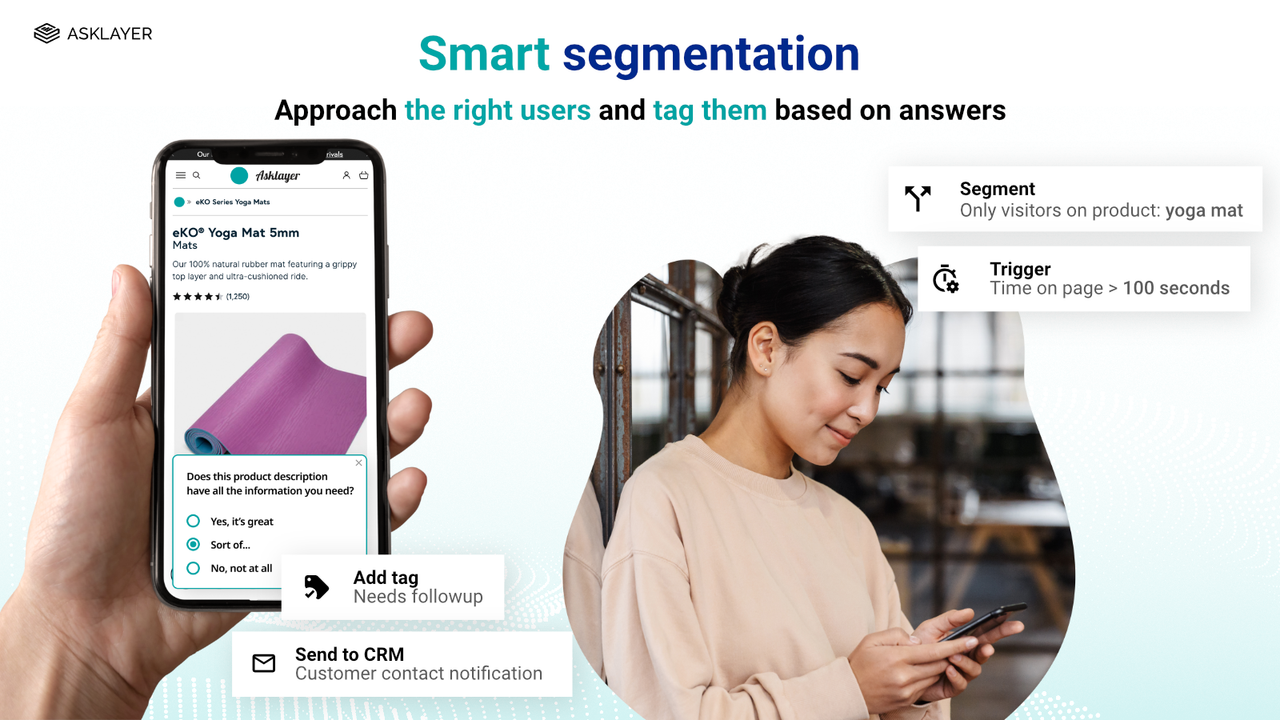
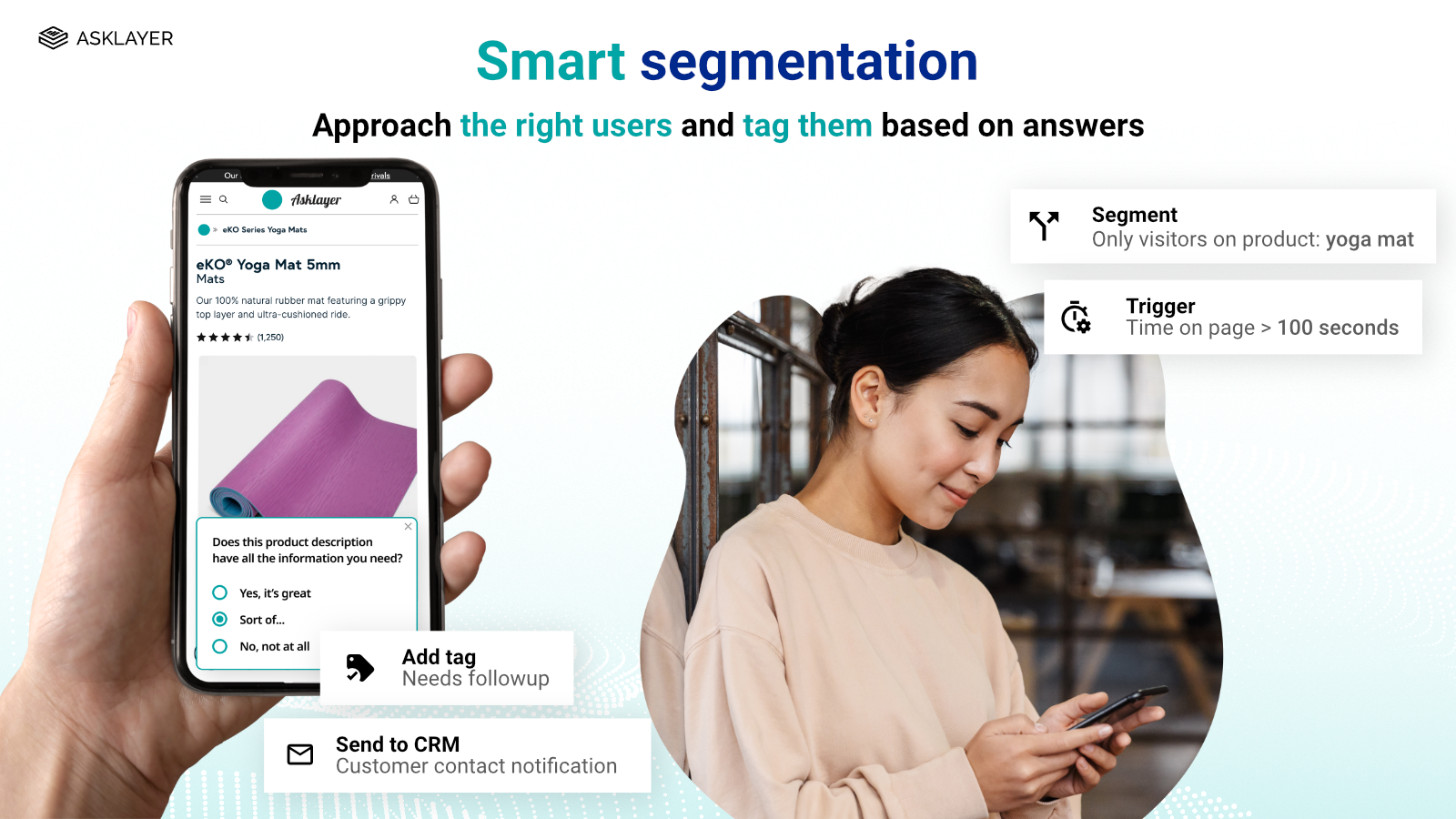
- Tag users based on their responses to supercharge your marketing engine.
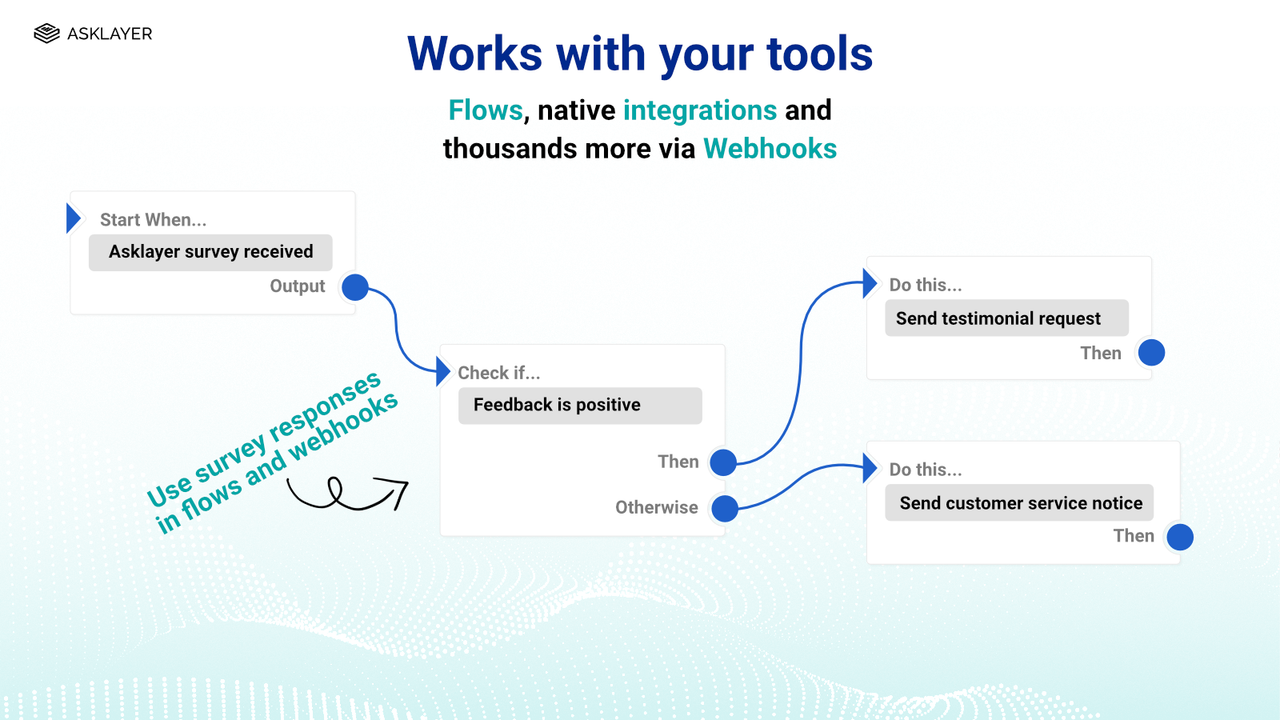
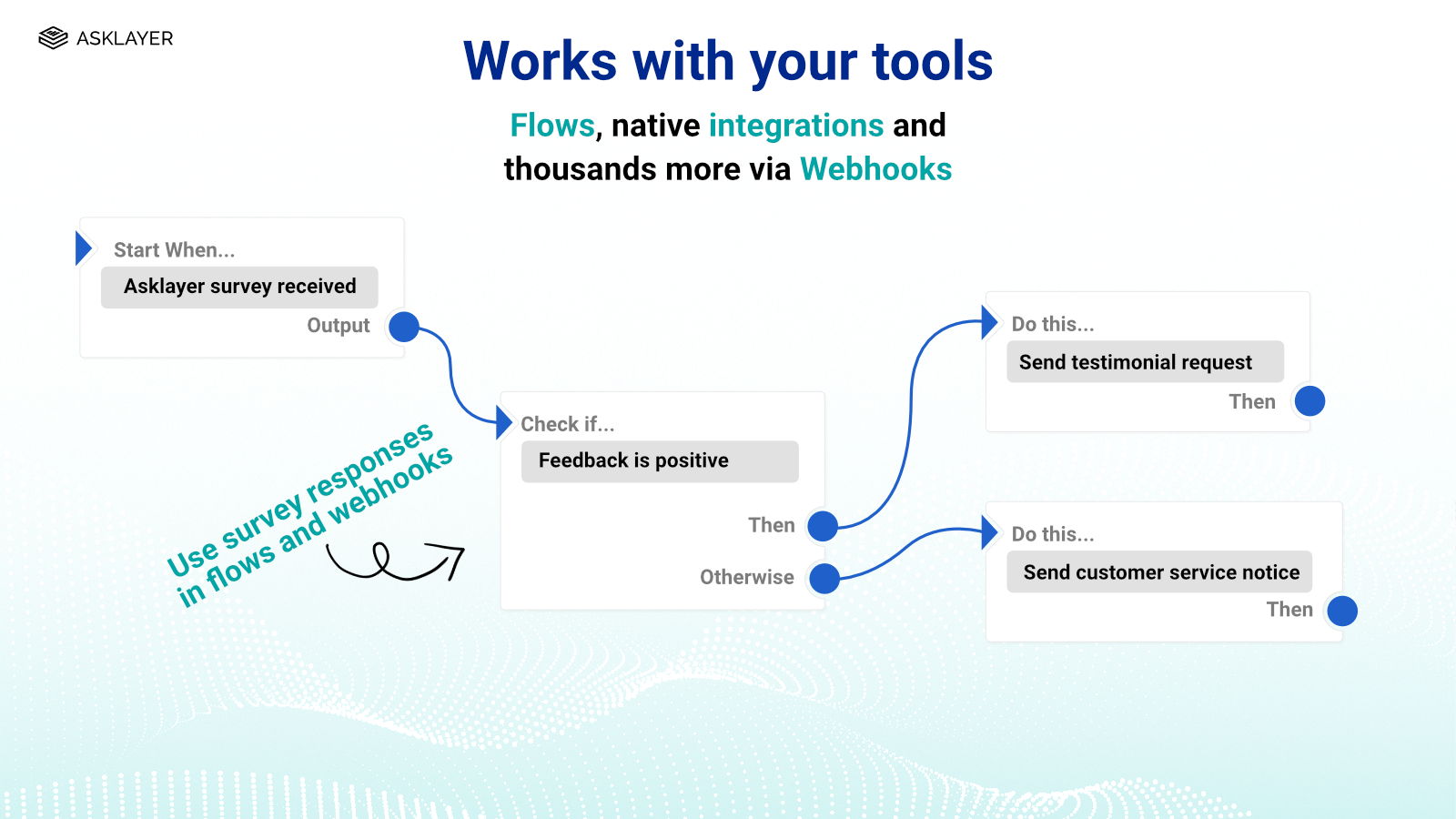
- Asklayer works seamlessly with your tools. Deep integrations with Shopify and webhooks.
- On-site surveys with advanced page-level, product-level, and user-based targeting.
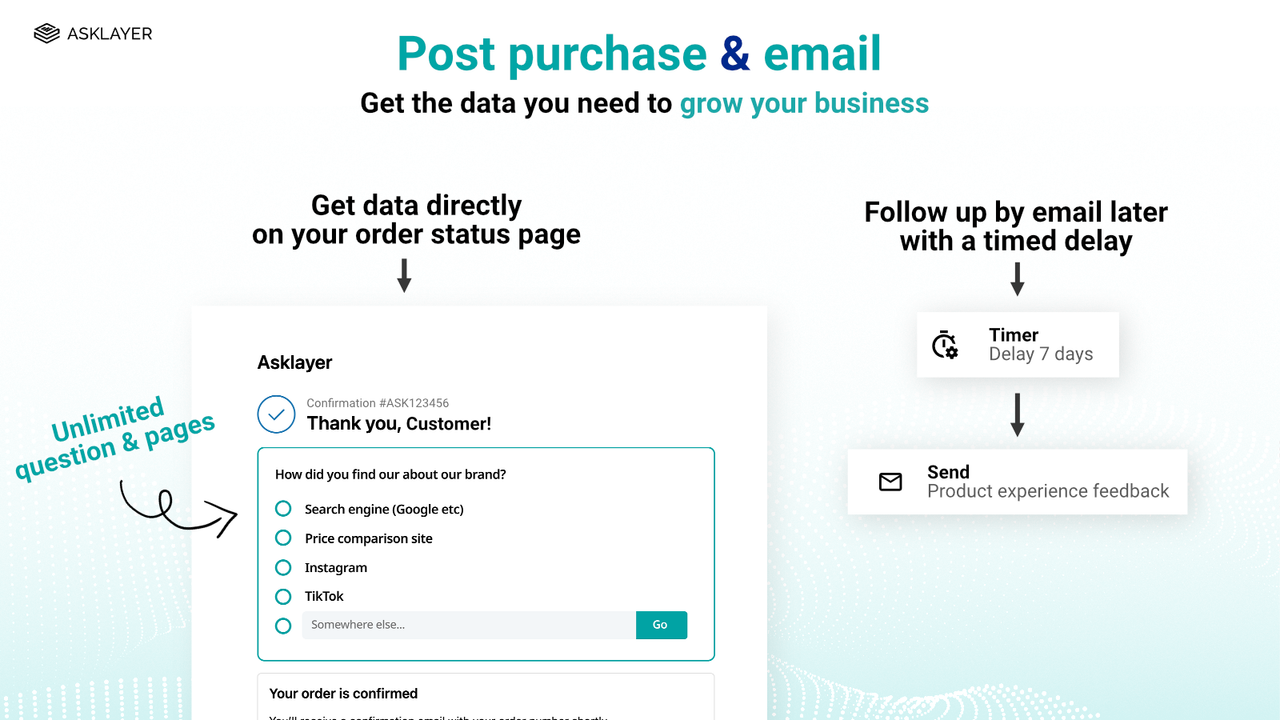
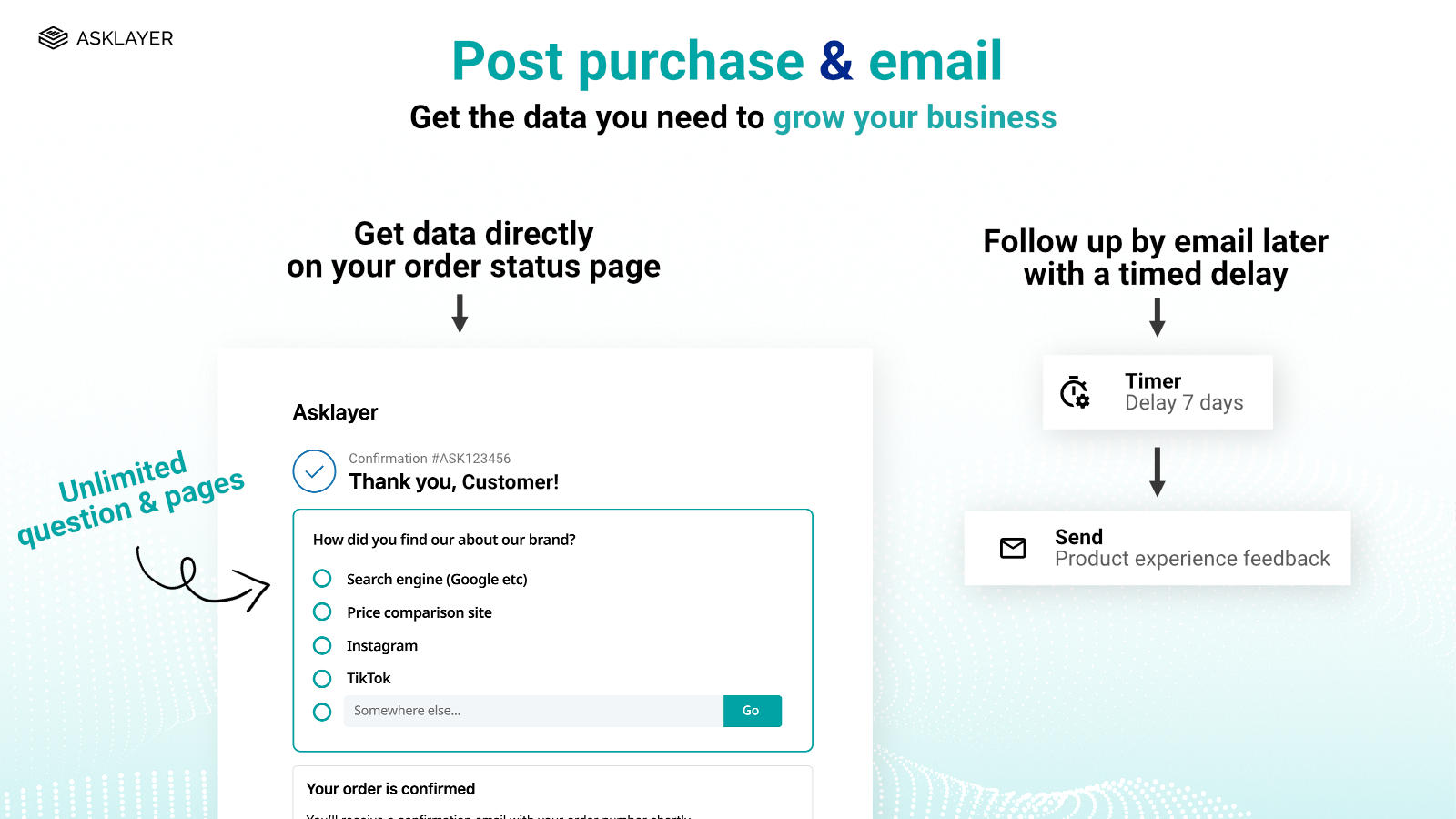
- Post-purchase surveys, automated email follow-up surveys, and exit intent surveys.
Merchant-Friendly
- Independent Station Merchants
- E-commerce Sellers
- Marketing-driven Merchants
- Multi-category E-commerce
- High-conversion Demand Merchants
Basic Information
- Developer:PEAKDIGITAL
- Address:204-2 Nishiowaribe, Yama Bld. 2F East, Nagano-shi, JP-20, 381-0031, JP
- Price: Free / Free plan
- Rating:4.9 / 5
- Comment Count:58 comment
- Release Date:2023-12-5
- Supported languages:English、Japanese
- Compatible products:Shopify
Application Screenshot


Price Plan
Free
- 25 Responses per Month
- Unlimited Surveys & Questions
- Multi-Channel
- Multiple Question Types
- Branching Logic
- Randomization
- Page, User & Cart Targeting
Micro
- Includes 100 orders
- Free +
- Unlimited Responses
- Post-Purchase, Popup, Exit-Intent, Email Surveys
- User, Page, and Product Targeting
- AI Analytics
- LTV and AOV Analysis
Basic
- Includes 500 Orders
- Free +
- Unlimited Responses
- Post-Purchase, Popup, Exit-Intent, Email Surveys
- User, Page, and Product Targeting
- AI Analytics
- LTV and AOV Analysis
User Location & Comments
User Location
Comments
Shopify API Used
- POST /admin/api/survey_pages.json
- PUT /admin/api/survey_pages/{page_id}.json
- GET /admin/api/survey_pages.json
Permission:write_survey,read_survey,manage_online_store
- POST /admin/api/customers/{customer_id}/tags.json
- PUT /admin/api/customers/{customer_id}/tags.json
- GET /admin/api/customers/{customer_id}/tags.json
Permission:write_customers,read_customers,manage_tags
- POST /admin/api/webhooks.json
- PUT /admin/api/webhooks/{webhook_id}.json
- GET /admin/api/webhooks.json
Permission:write_webhooks,read_webhooks,manage_apps
- POST /admin/api/survey_targets.json
- PUT /admin/api/survey_targets/{target_id}.json
- GET /admin/api/survey_targets.json
Permission:write_survey,read_survey,manage_products
- POST /admin/api/automated_surveys.json
- PUT /admin/api/automated_surveys/{survey_id}.json
- GET /admin/api/automated_surveys.json
Permission:write_survey,read_survey,manage_emails



