
App Introduction
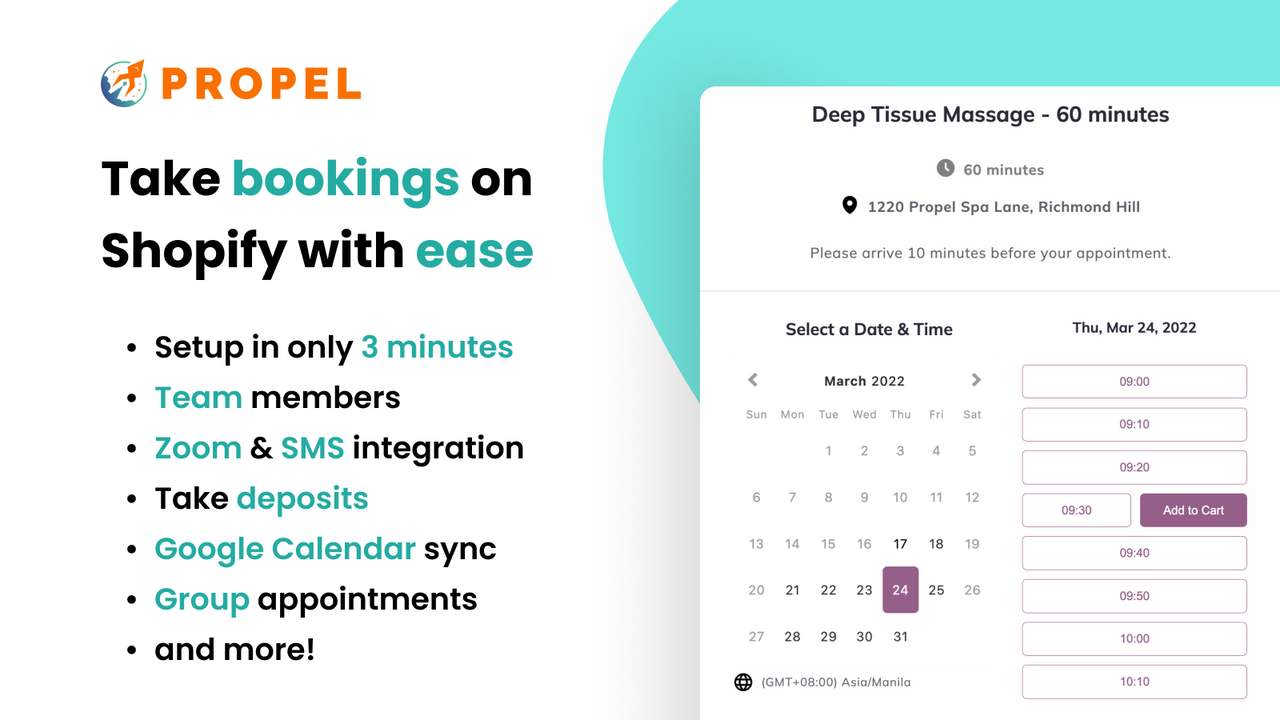
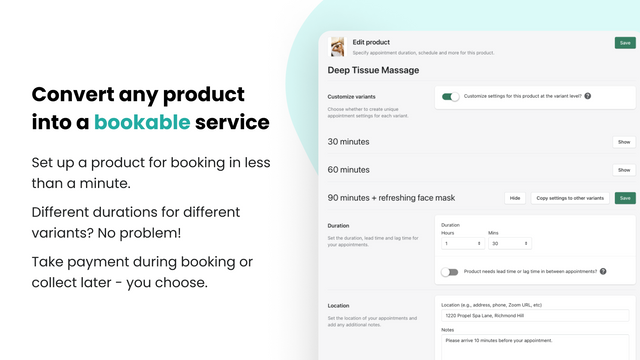
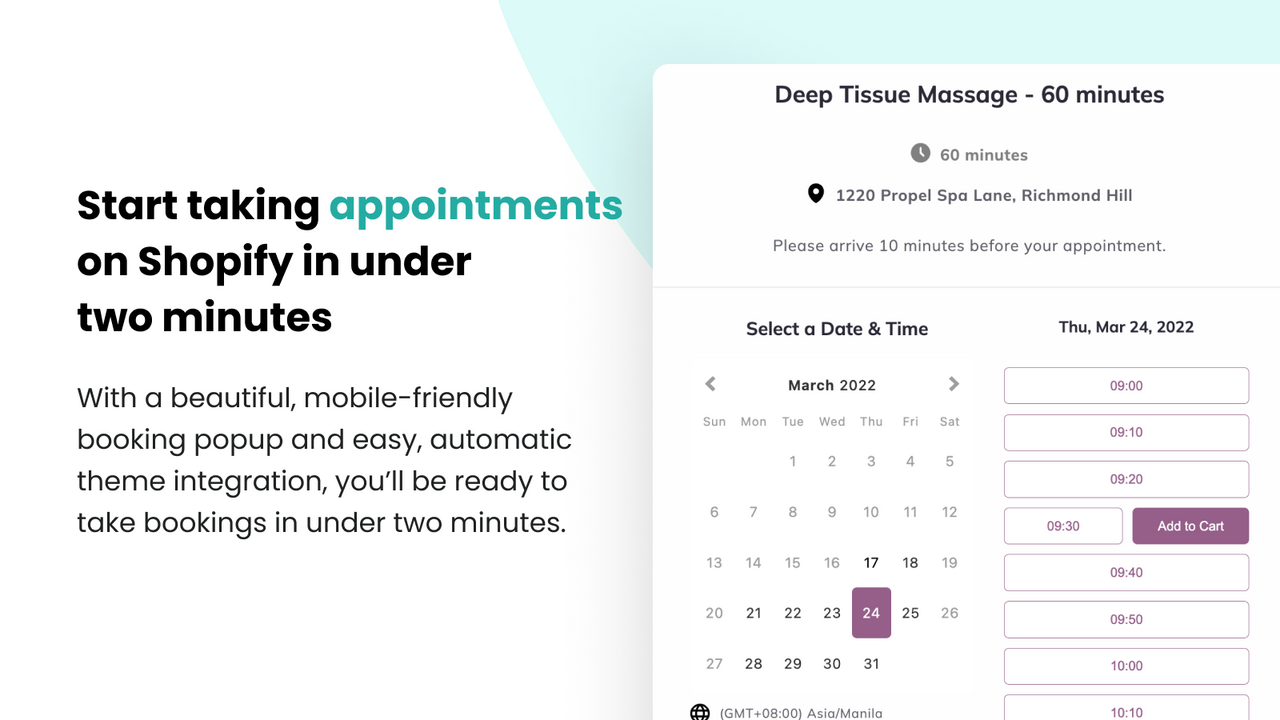
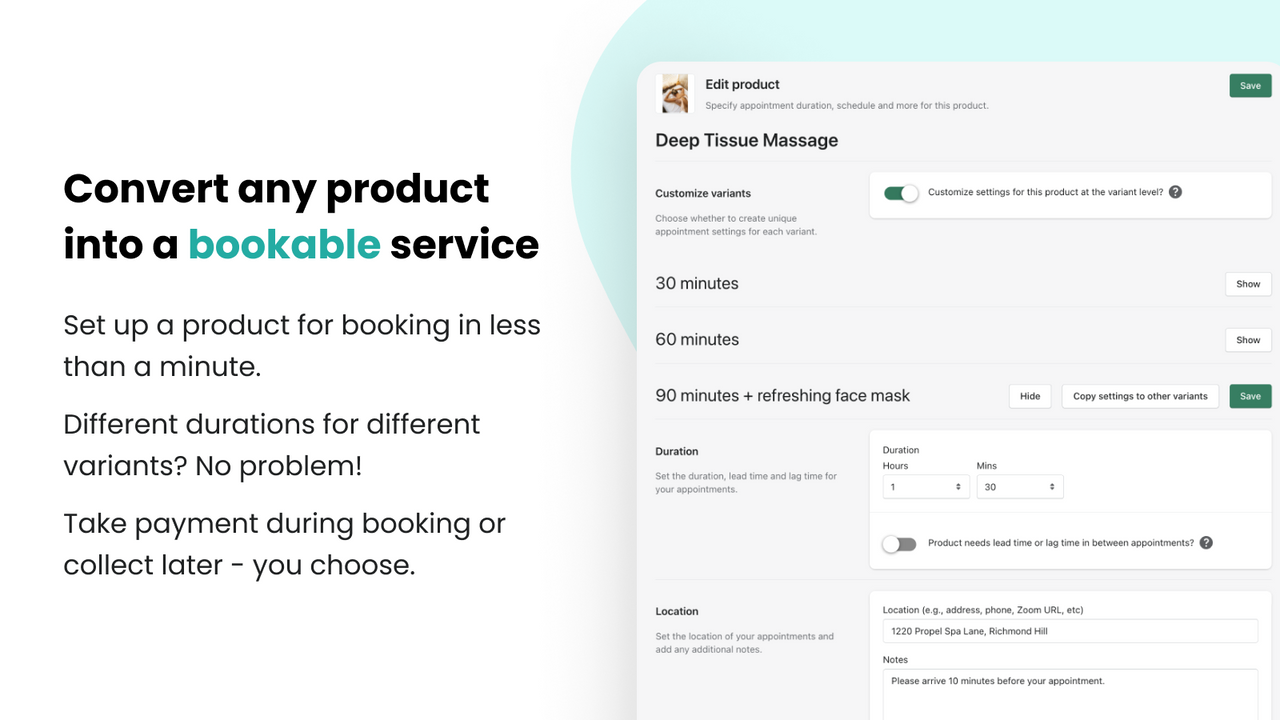
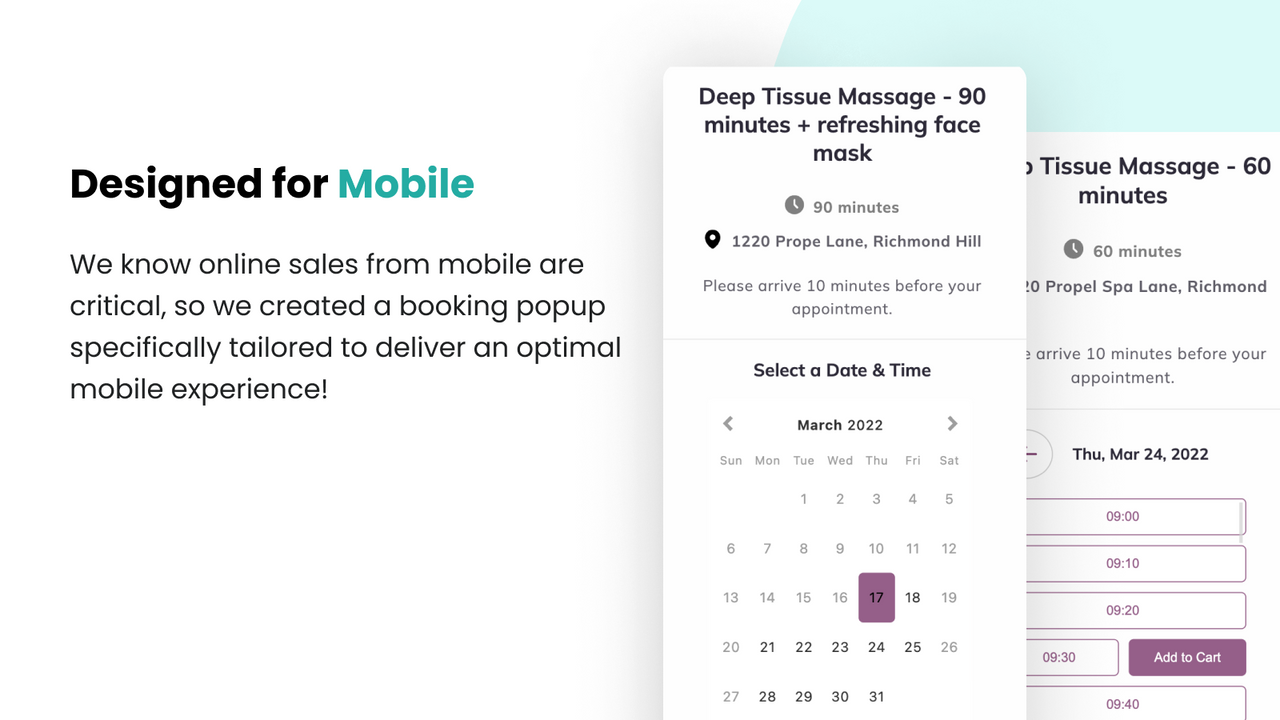
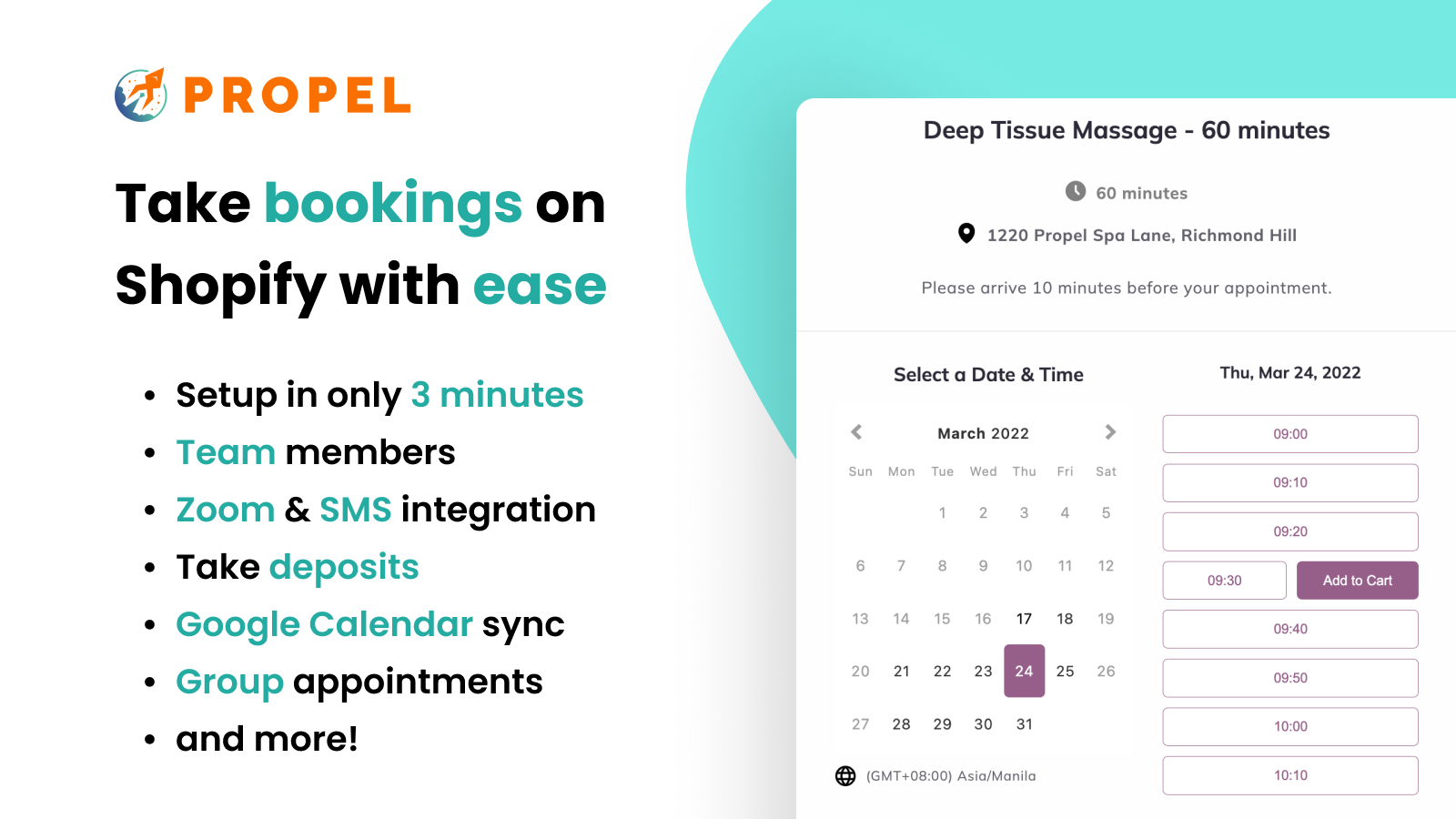
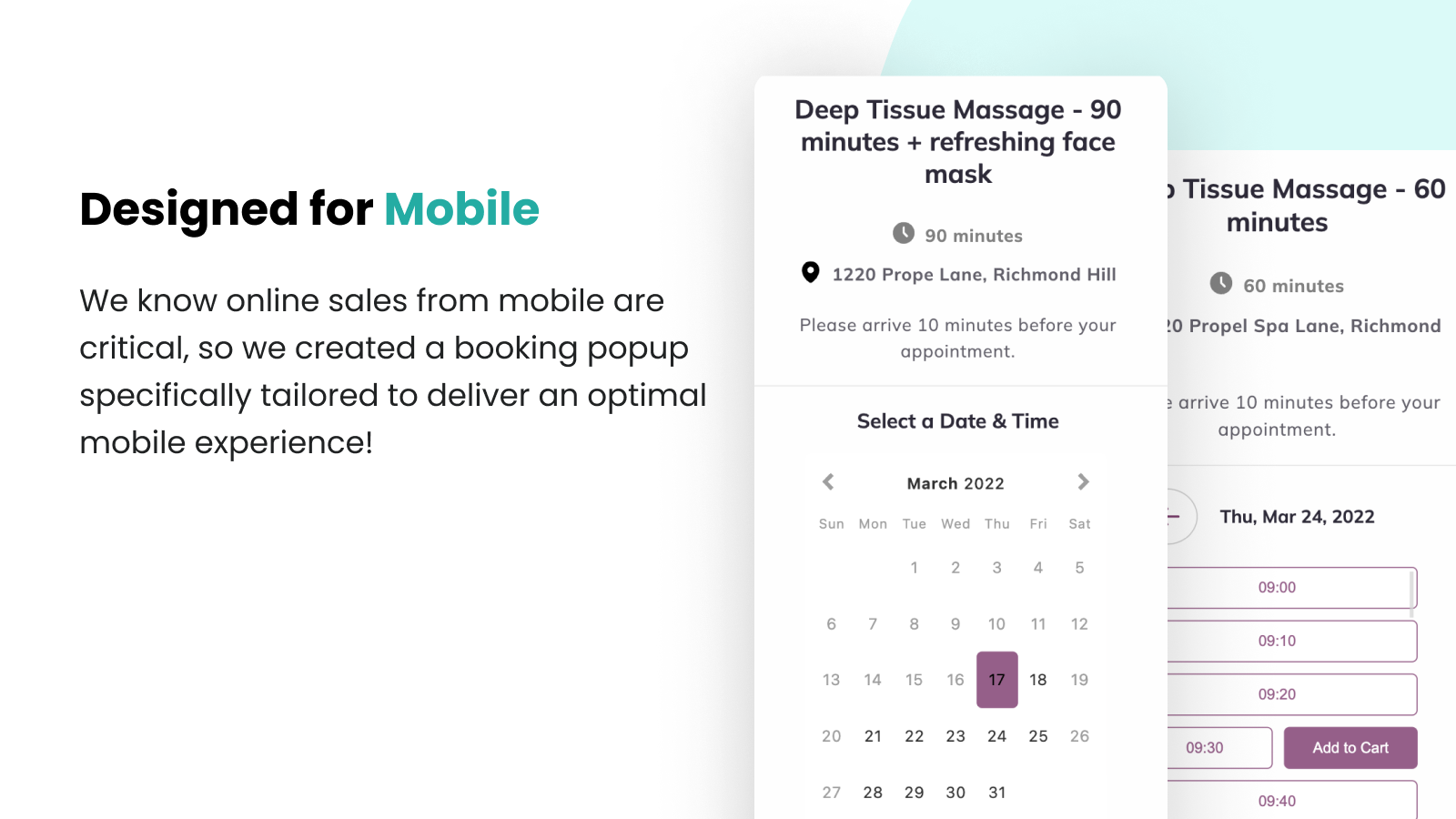
A booking and calendar app for services, events, and classes. A booking app and reservation app. This booking app can turn any product into a bookable service or event in less than 1 minute! The Propel Booking App adds a scheduling pop-up to product pages to accept bookings and reservations for services, events, classes, appointments, and workshops. With a Calendly-like, sleek mobile-first design, plus features like Zoom and Google Calendar integrations, SMS reminders, deposits, and group bookings, the Propel Booking & Reservation App will help you sell more bookings, stay organized, and reduce no-shows.
Core Functionality
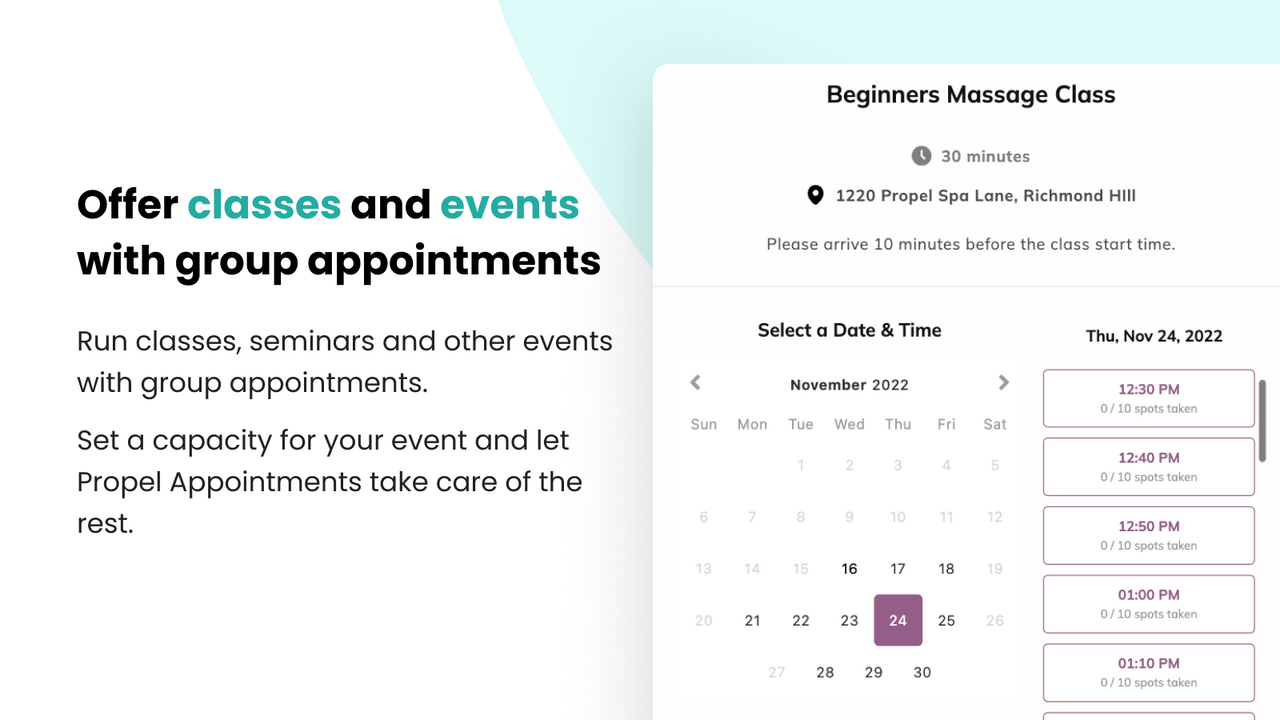
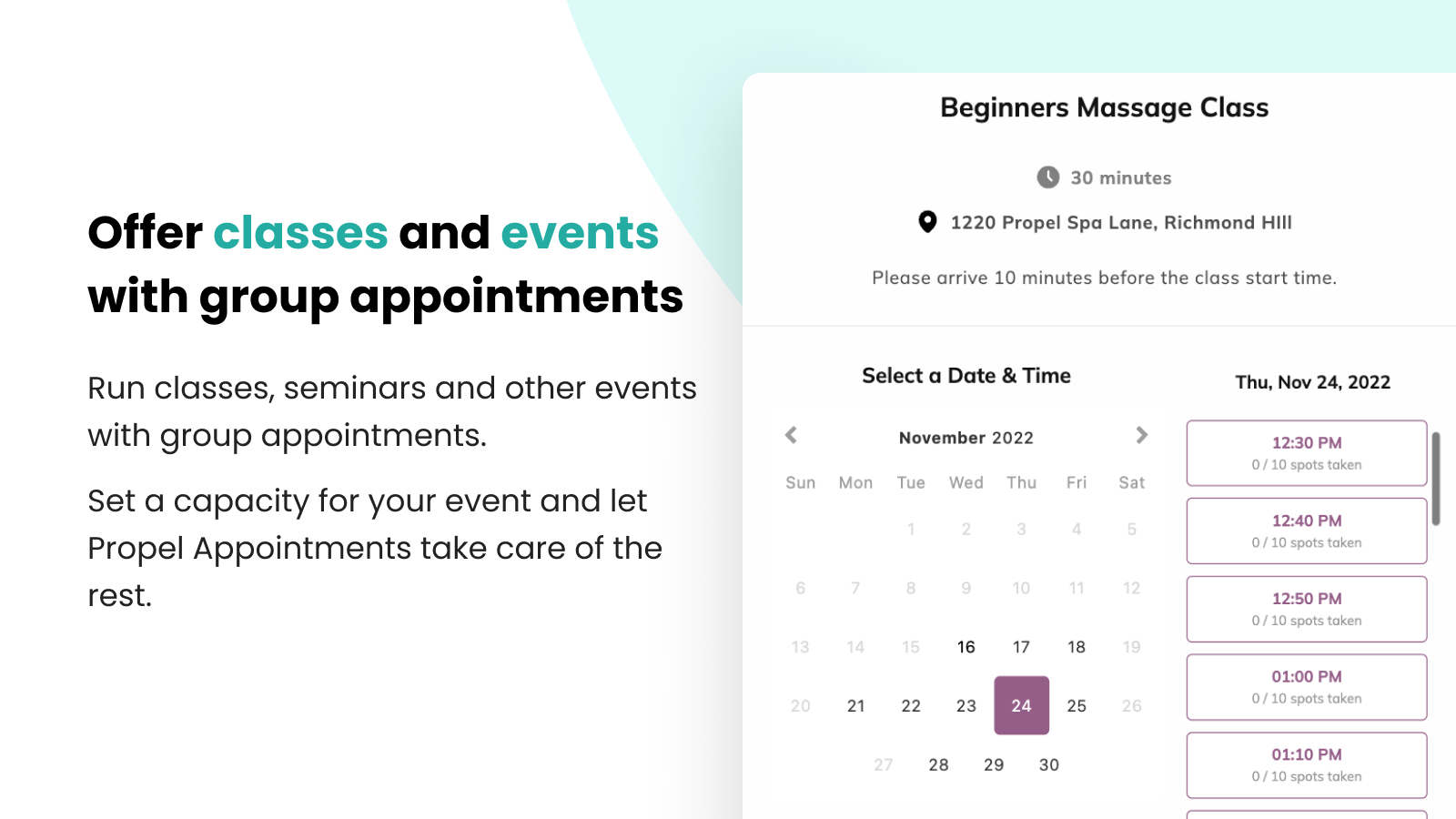
- Offer courses, webinars, events, and more with group bookings.
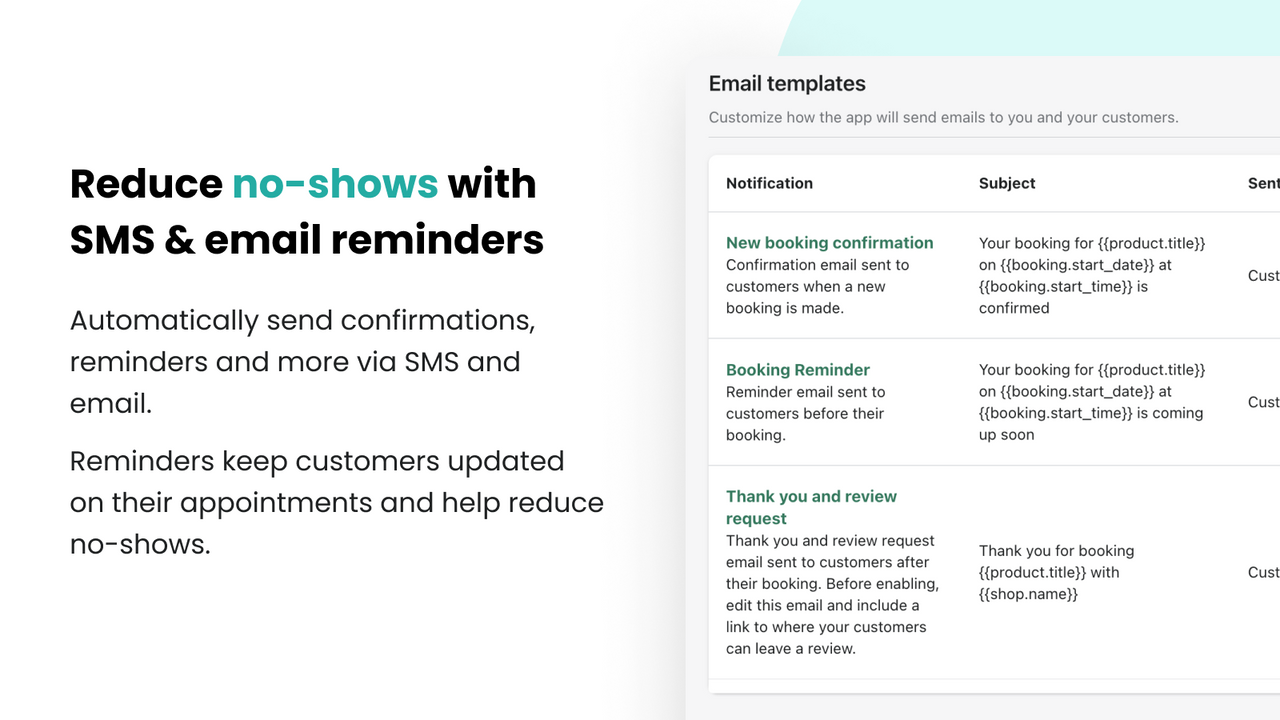
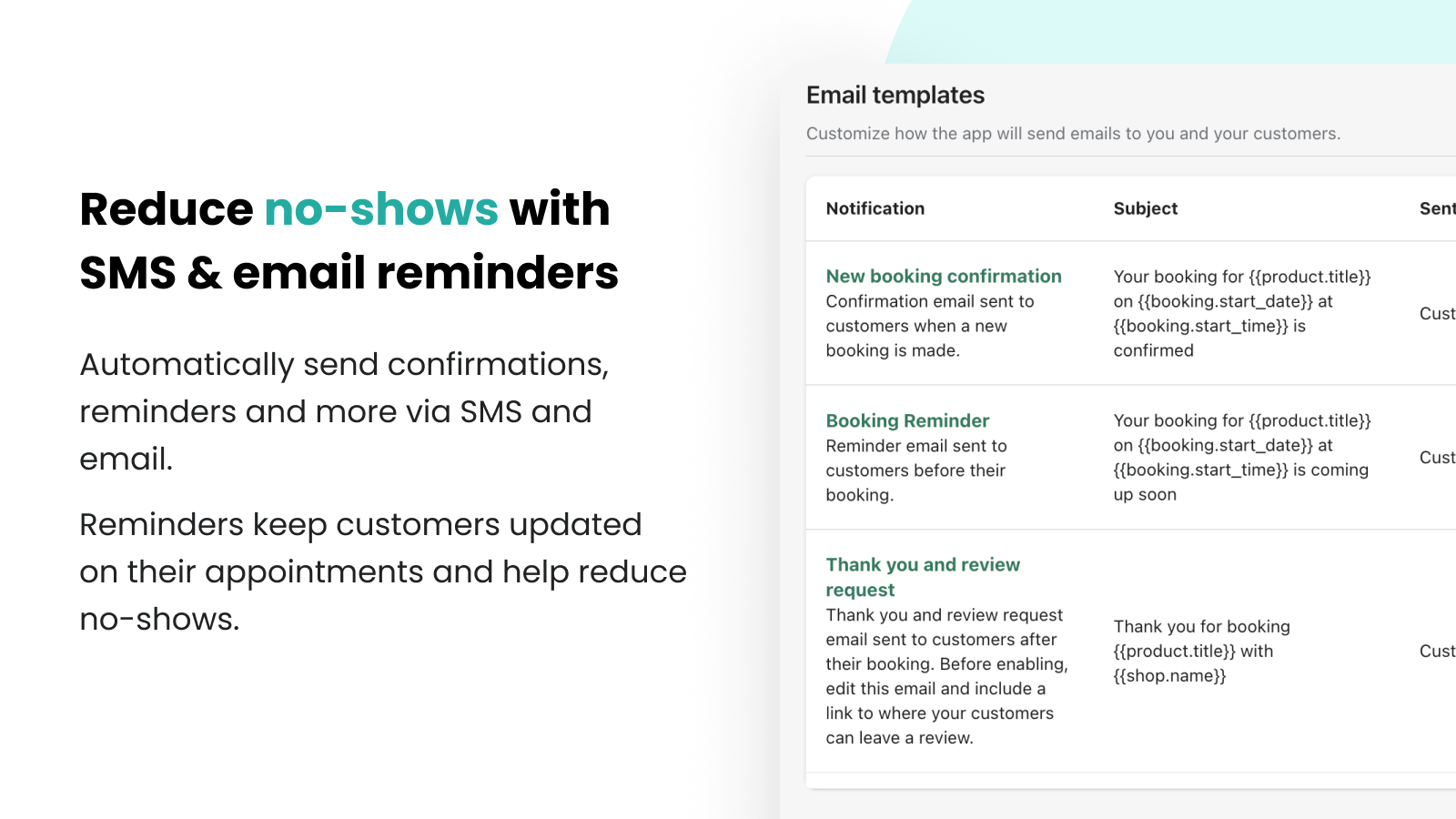
- Reduce no-shows and request reviews via SMS and email notifications.
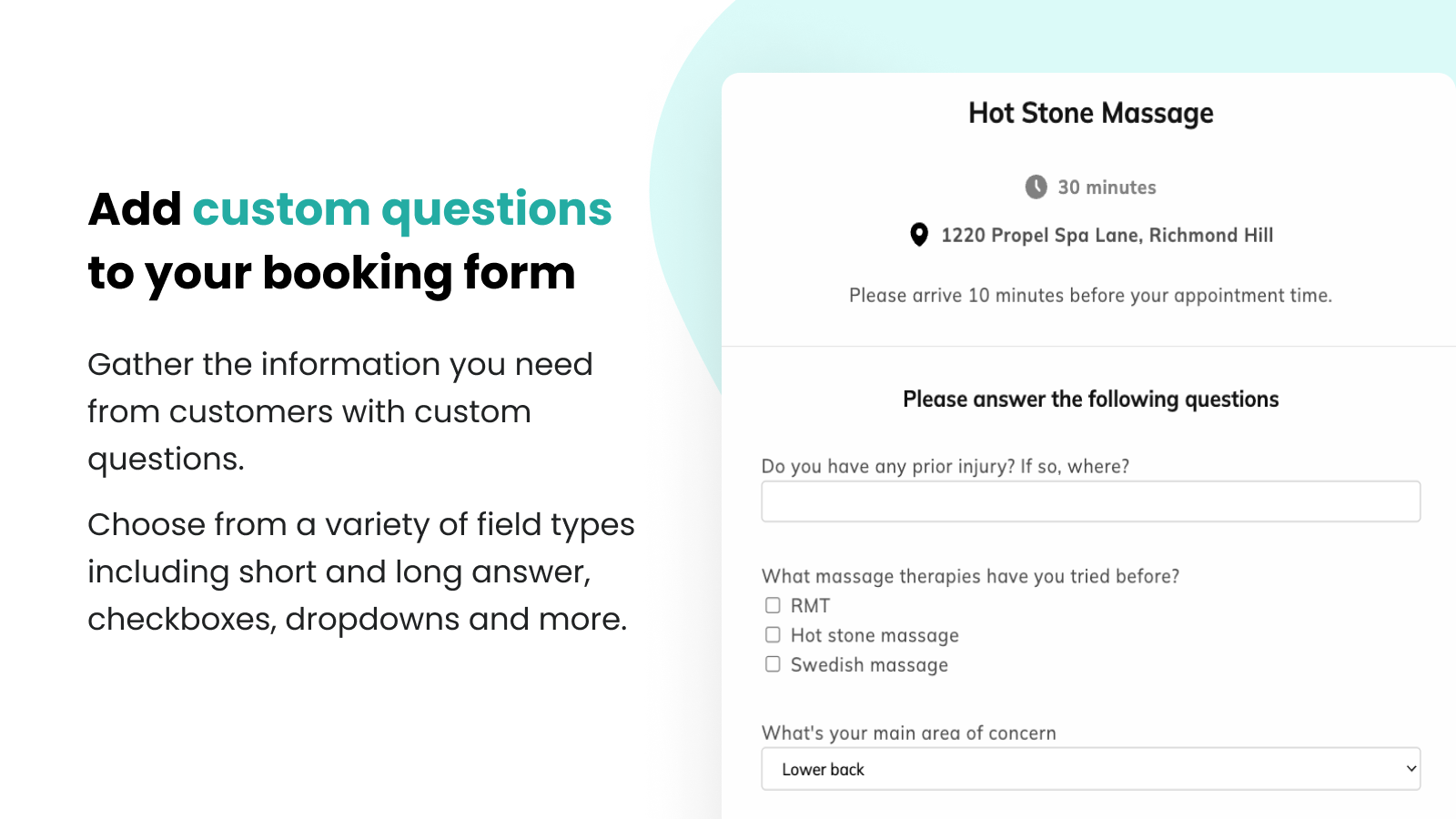
- Add custom questions to your booking form to collect necessary information.
- Easily accept deposits and partial payments to secure bookings.
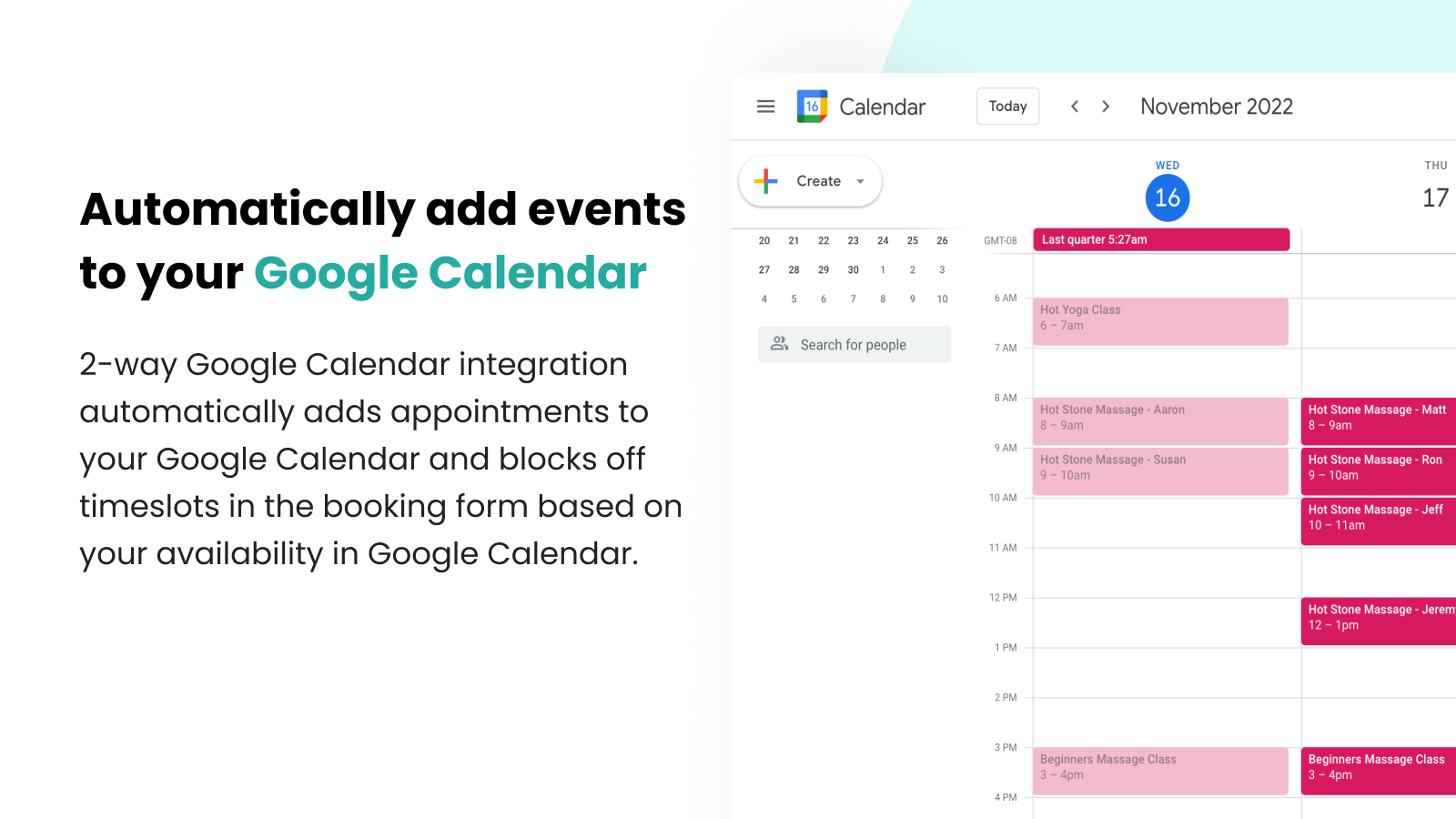
- Auto-create meeting URLs with Zoom integration. Integrate with Google Calendar.
Merchant-Friendly
- Education & Training Institutions
- Event Planning Merchants
- Online Course Sellers
- Webinar Organizers
Basic Information
- Developer:Propel Commerce
- Address:170-422 Richards St, Vancouver, BC, V6B2Z4, CA
- Price: Free / Free plan
- Rating:4.8 / 5
- Comment Count:149 comment
- Release Date:2022-4-7
- Supported languages:English
- Compatible products:Shopify
Application Screenshot






Price Plan
Free Forever
- 1 Product/Service/Event
- Unlimited Bookings
- Email Confirmation
- Date Selection/Blocking
- Admin Rescheduling & Cancellation
- Translation
Basic
- Unlimited Products/Services/Events
- Email Reminders
- Customer Rescheduling & Cancellation
- Skip Payment
- Booking Popup Customization
Pro
- Google Calendar Sync
- Manual Booking
- CSV Export
- Custom Questions
- SMS Reminders
Premium
- Team Members
- Book from Any Page
- Accept Deposit
- Group Bookings
- Multiple Calendars
- Zoom Integration
- Priority Support
User Location & Comments
User Location
Comments
Shopify API Used
- POST /admin/api/bookings.json
- PUT /admin/api/bookings/{id}.json
- GET /admin/api/bookings.json
Permission:write_bookings,read_bookings,manage_bookings
- POST /admin/api/notifications/booking.json
- PUT /admin/api/notifications/booking/{id}.json
- GET /admin/api/notifications/booking.json
Permission:write_notifications,read_notifications,send_messages
- POST /admin/api/booking_forms/questions.json
- PUT /admin/api/booking_forms/questions/{id}.json
- GET /admin/api/booking_forms/questions.json
Permission:write_booking_forms,read_booking_forms,manage_forms
- POST /admin/api/booking_payments/deposits.json
- PUT /admin/api/booking_payments/deposits/{id}.json
- GET /admin/api/booking_payments/deposits.json
Permission:write_payments,read_payments,manage_payments
- POST /admin/api/booking_integrations/zoom.json
- PUT /admin/api/booking_integrations/zoom/{id}.json
- GET /admin/api/booking_integrations/zoom.json
Permission:write_integrations,read_integrations,manage_calendars