
App Introduction
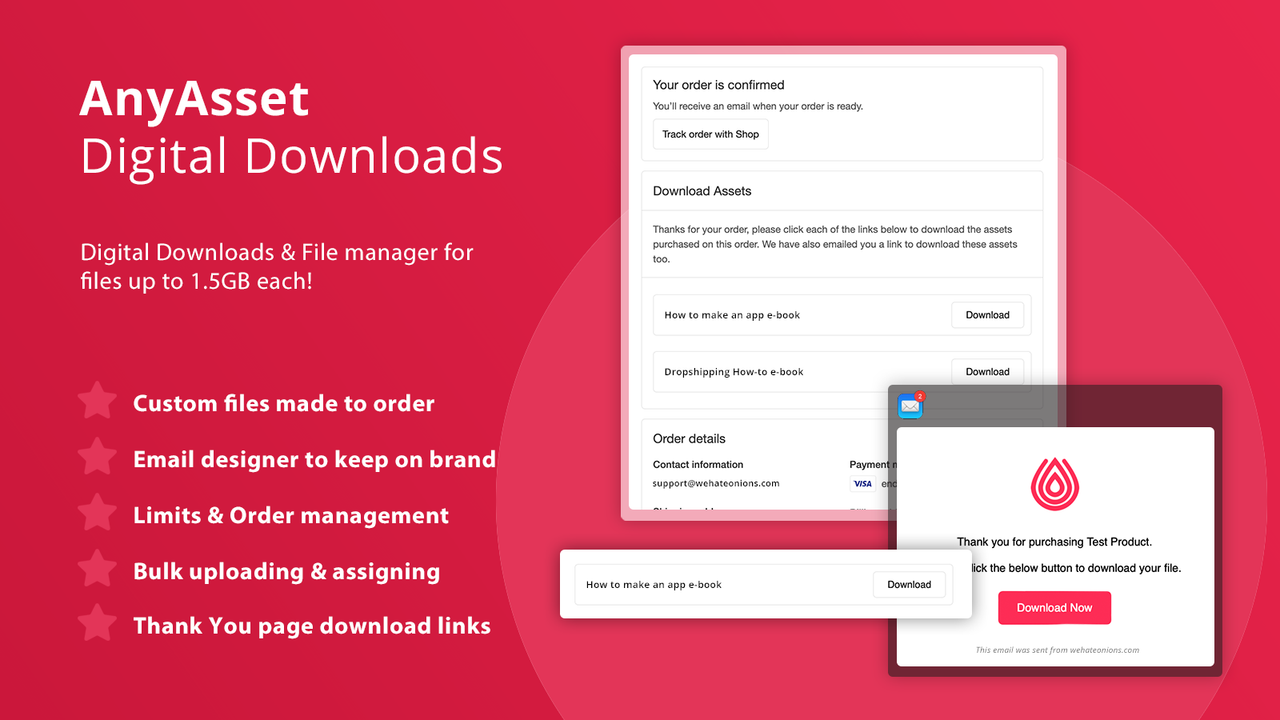
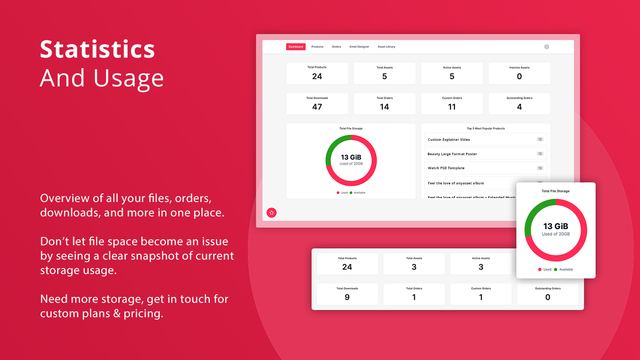
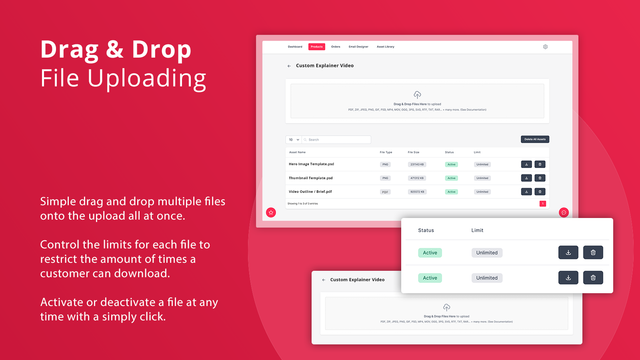
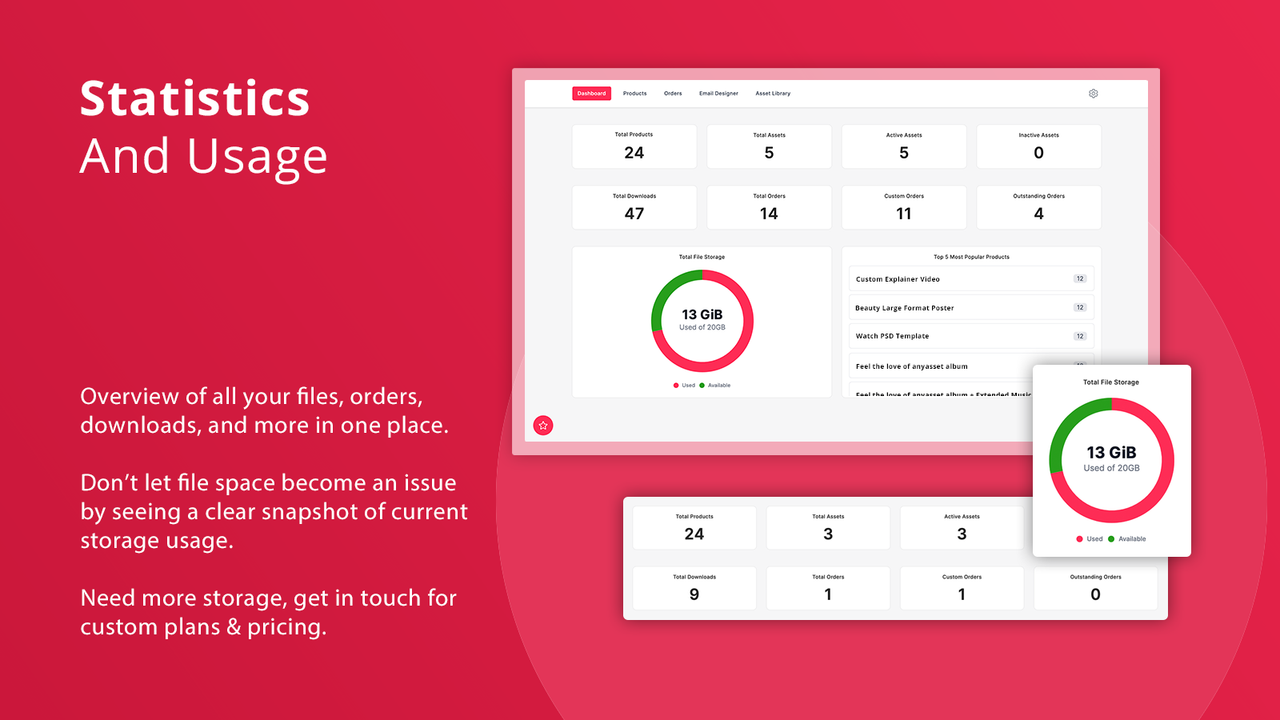
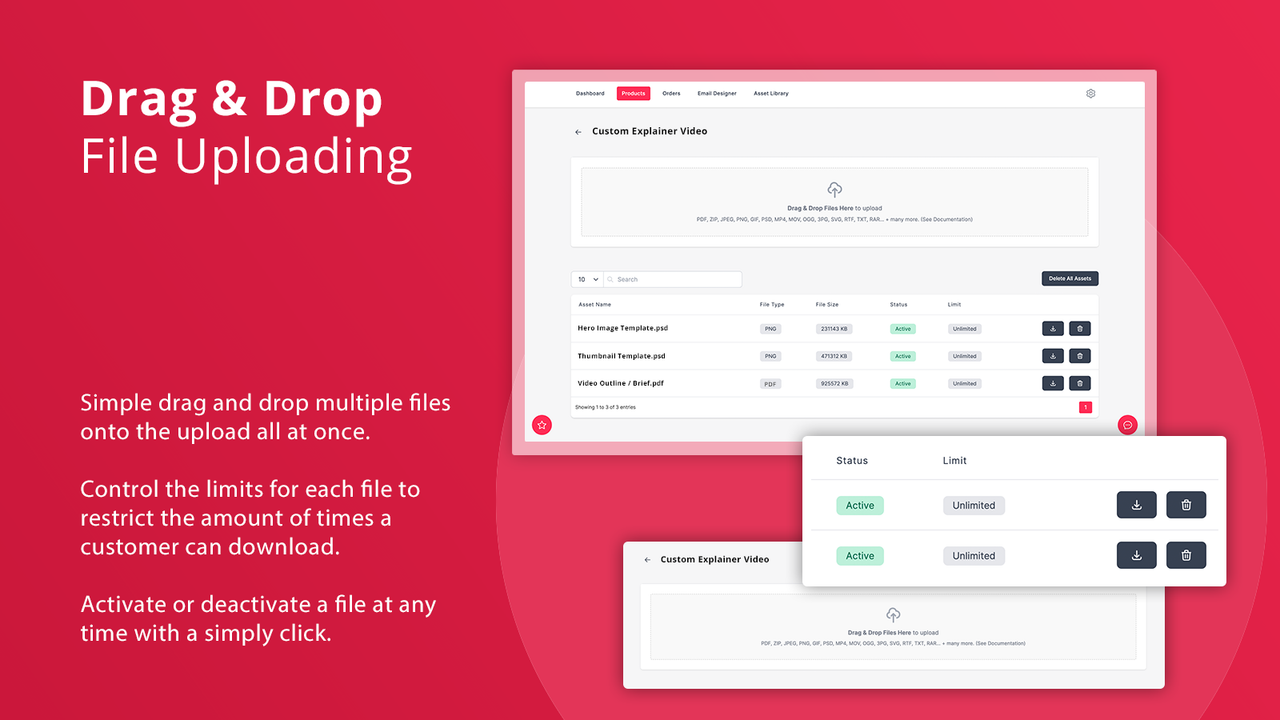
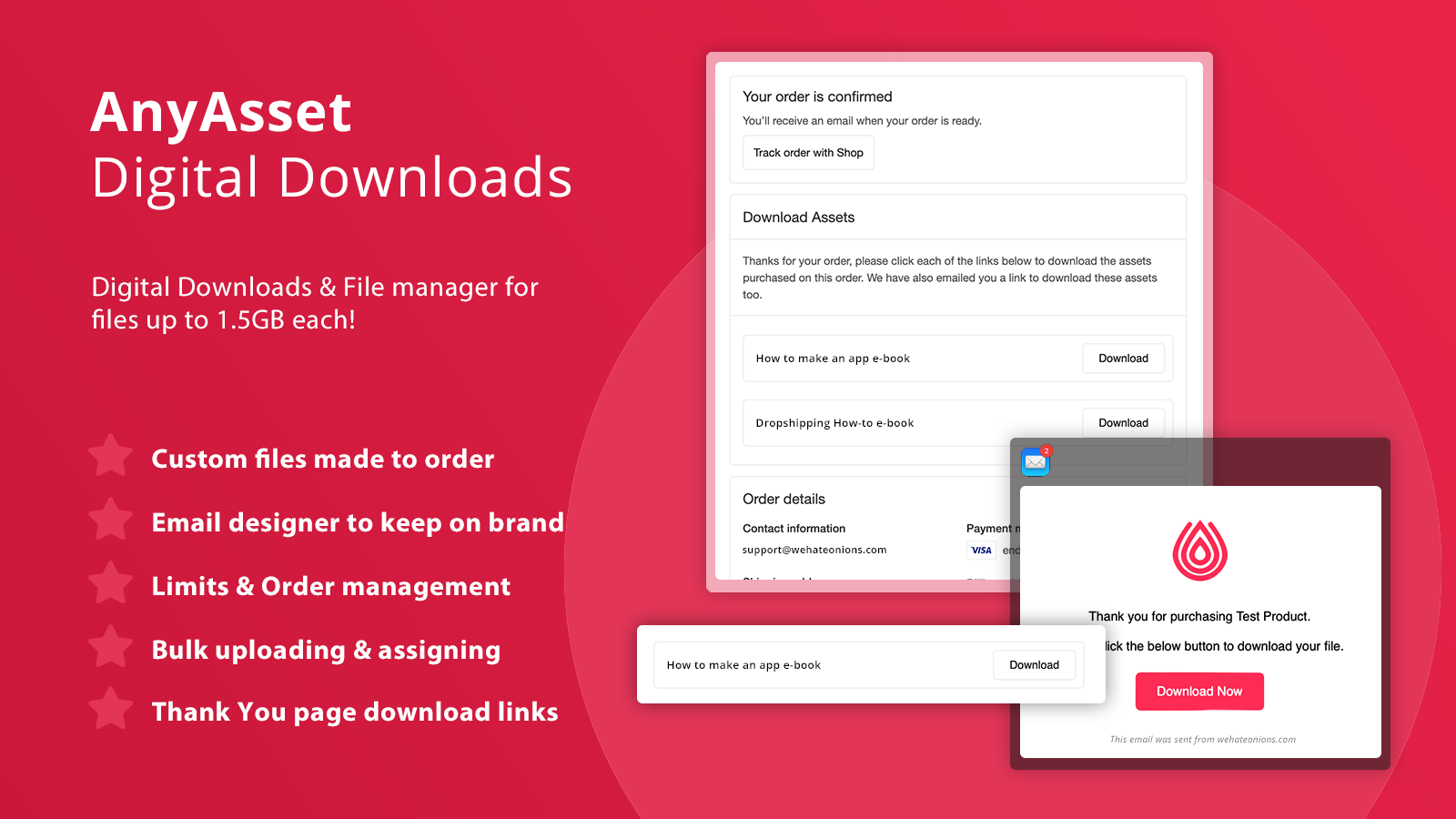
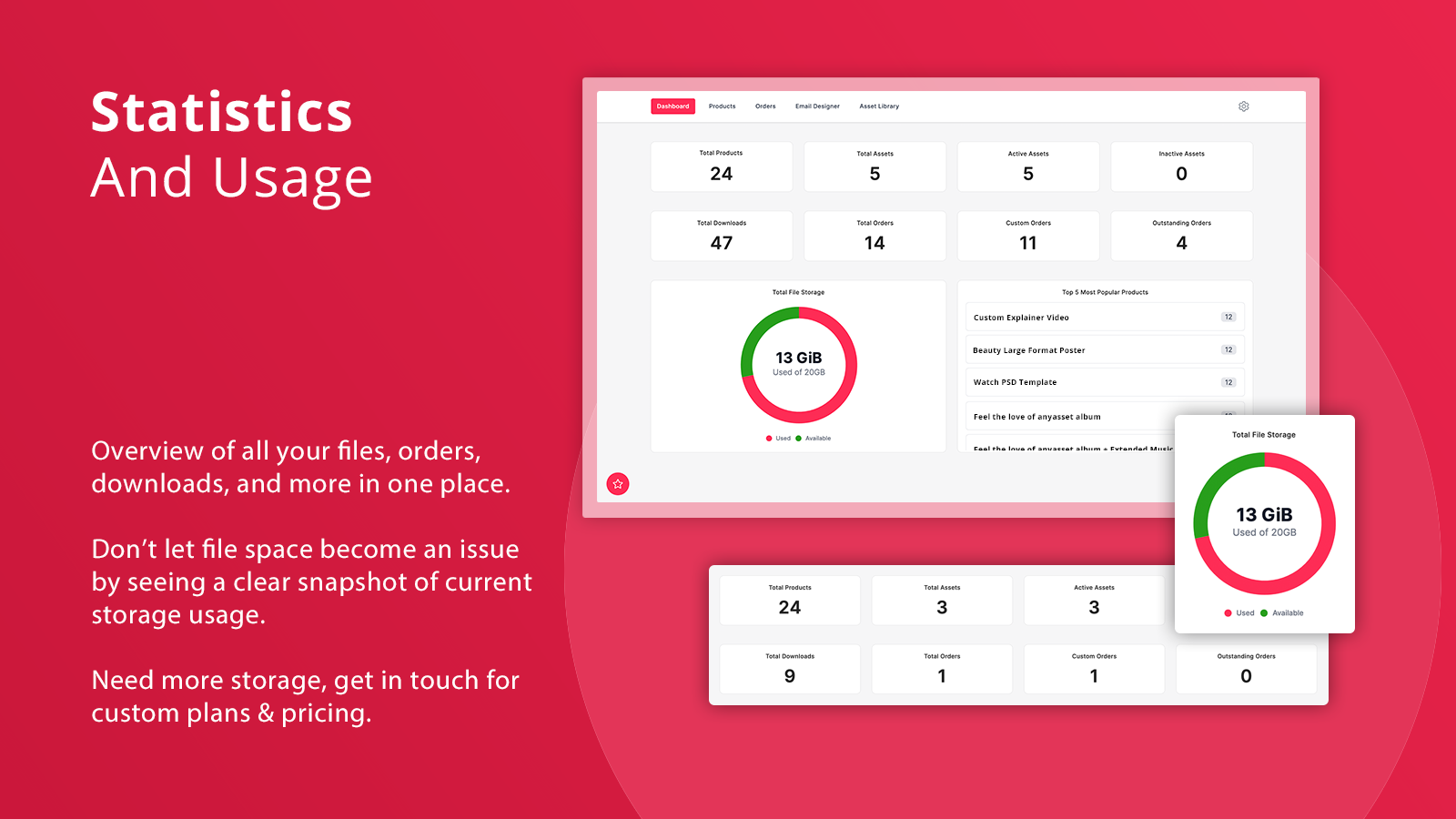
Easily sell and manage digital downloads ranging from software to music, videos, PDFs, and e-books AnyAsset lets you upload multiple large files, supporting over 40 different file types. You can link them via unique URLs within your store or assign them to products, enabling digital downloads when an order includes the product. It’s the perfect solution for digital product stores, packed with robust features like download limits, custom asset creation after order placement, and download links on the checkout page. Sell anything from software to music and videos—each file supports up to 1.5GB.
Core Functionality
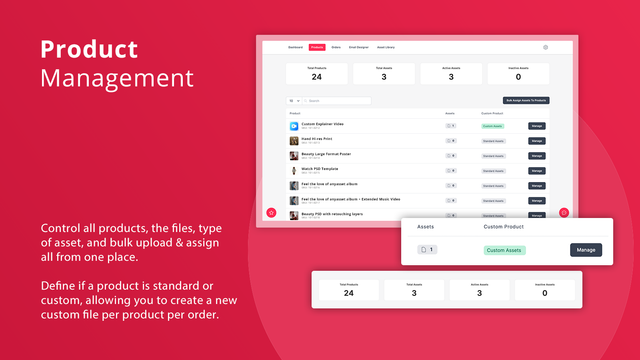
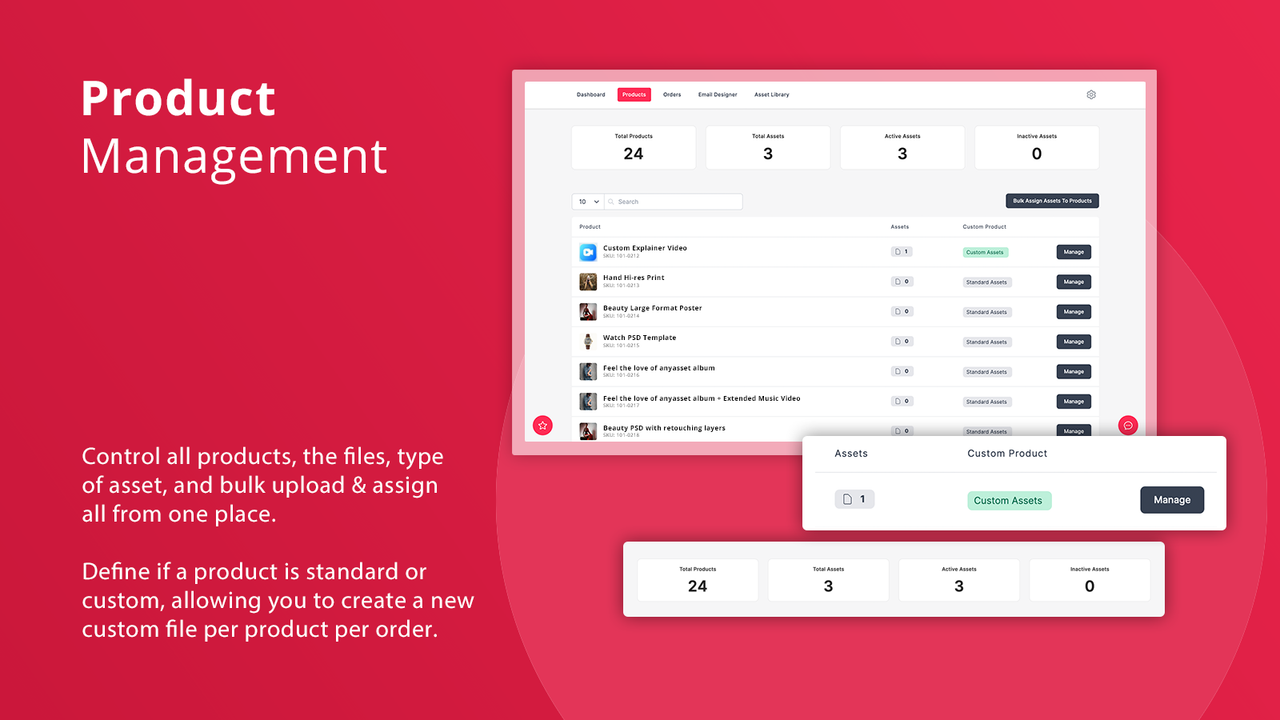
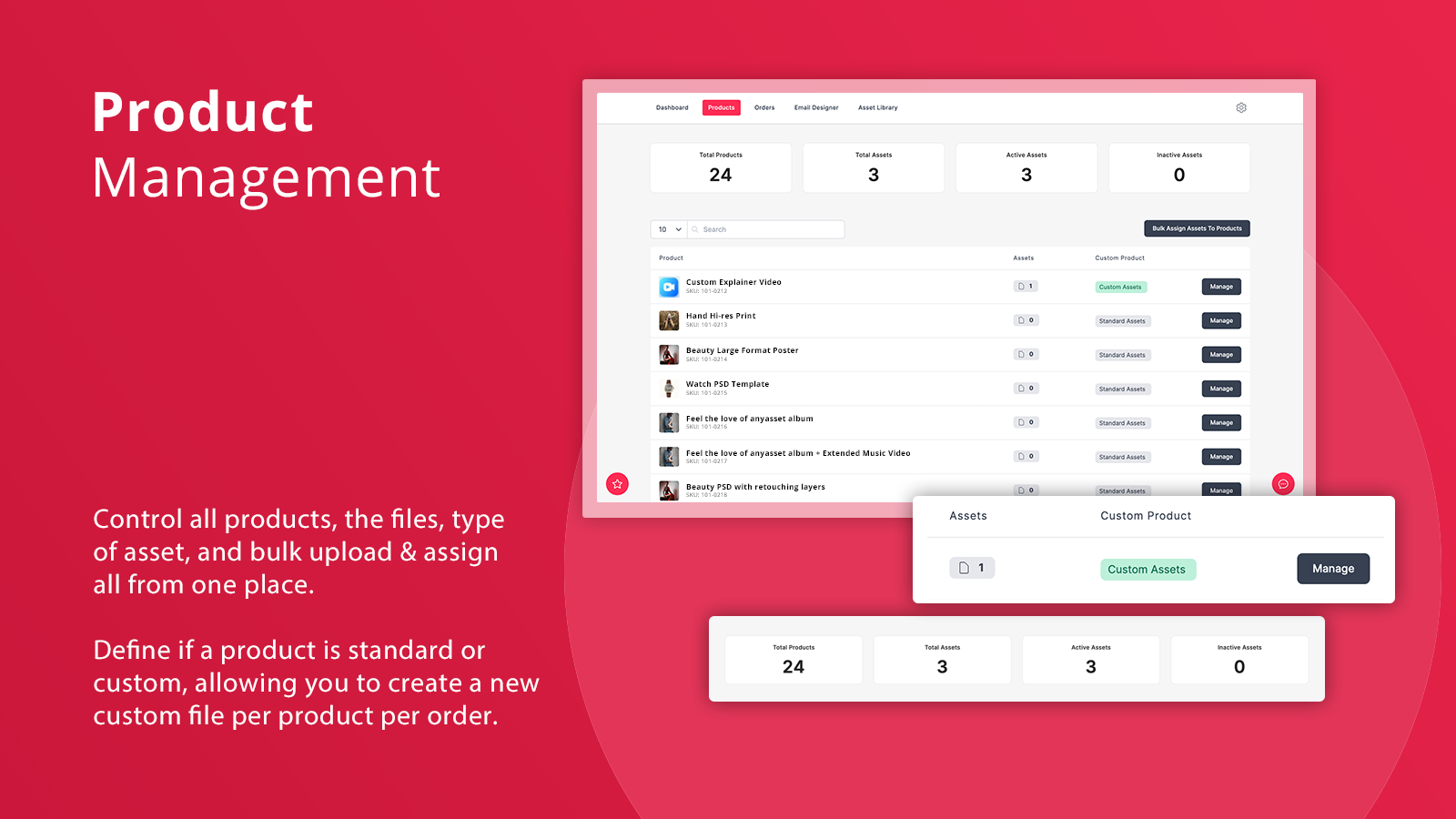
- Install, upload, and link your files to Shopify products/variants to start selling.
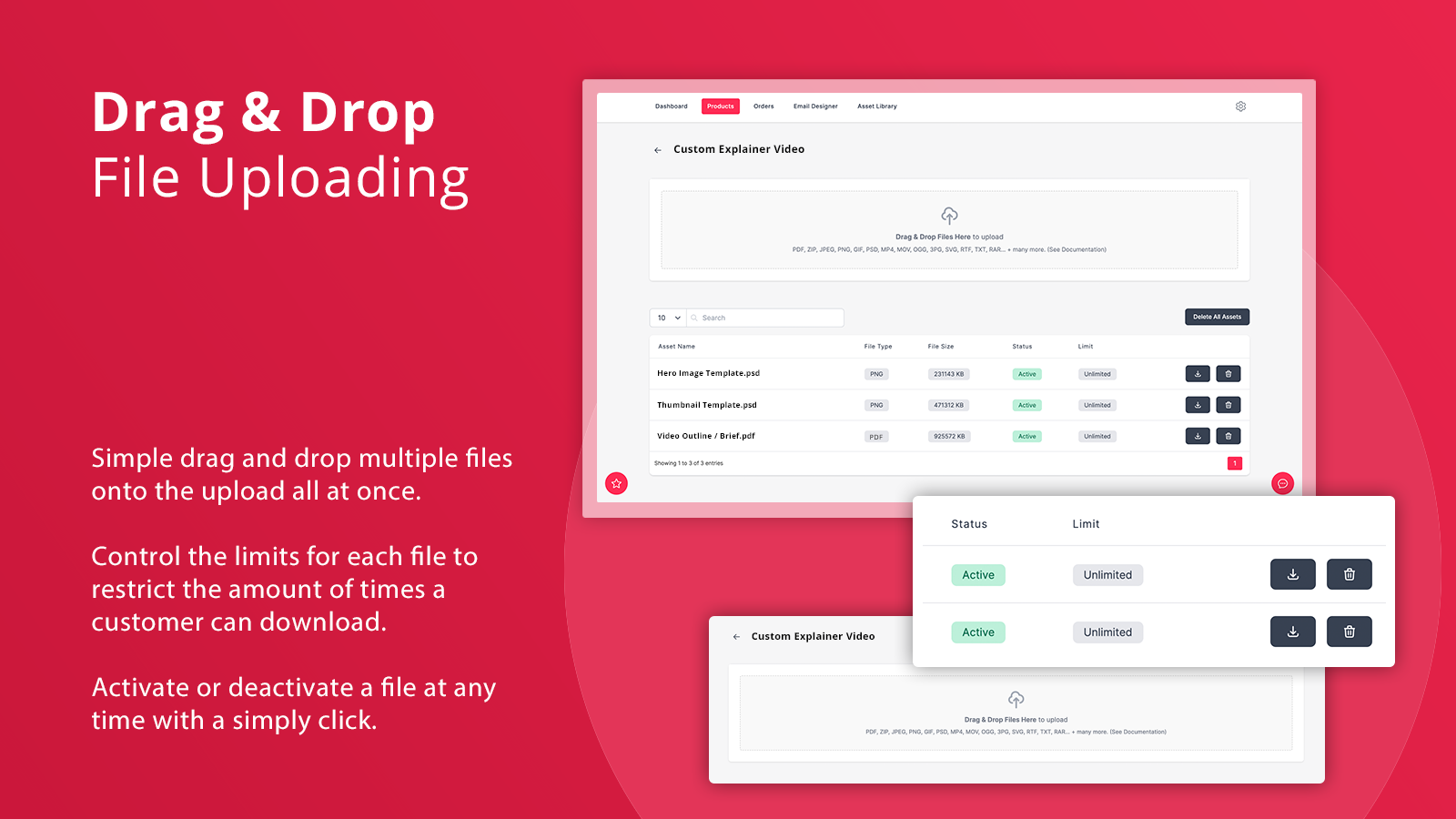
- Supports 40+ file types, with an impressive 1.5GB per file size limit.
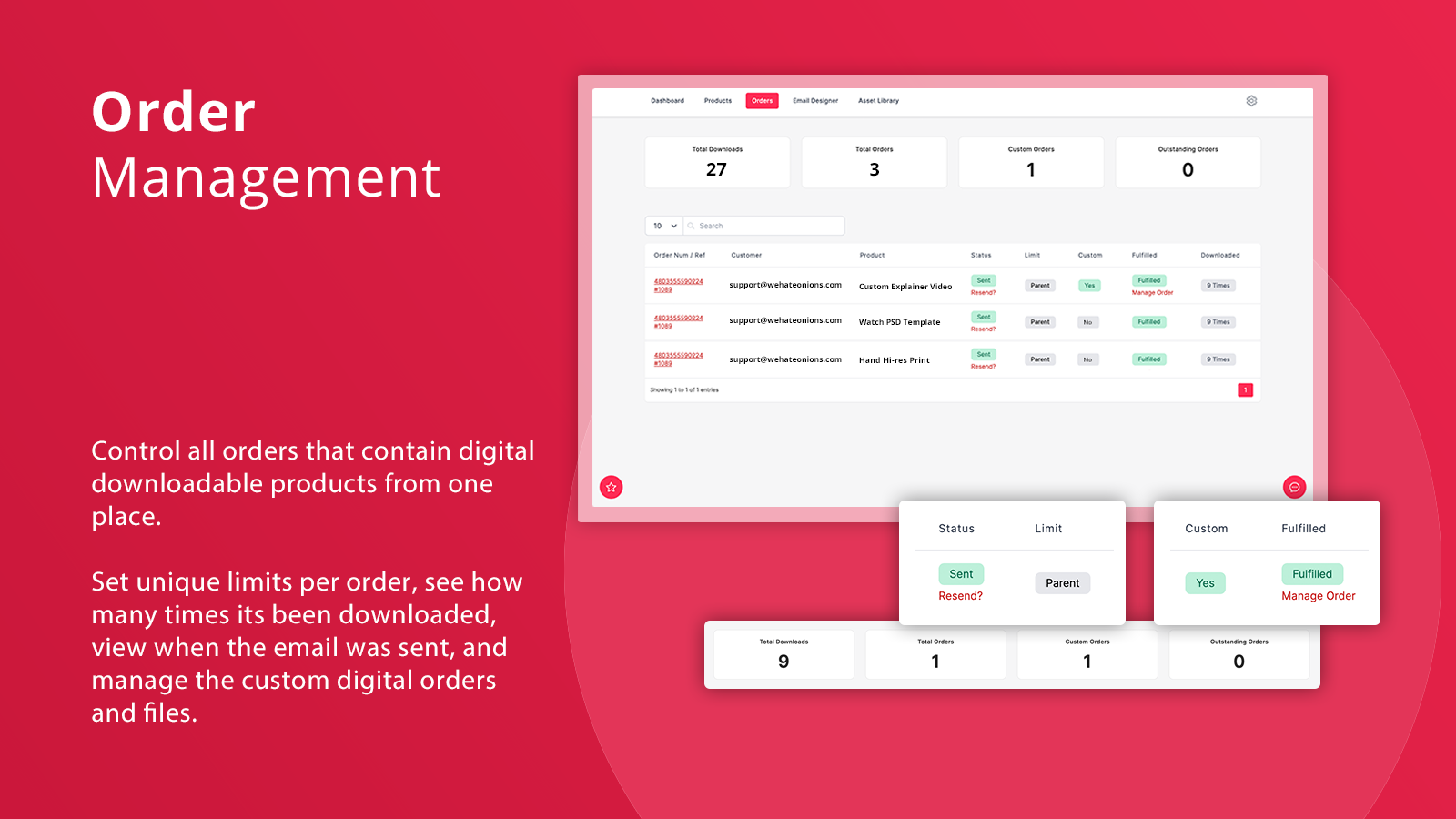
- Bulk upload & assignment + protect files by setting download restrictions.
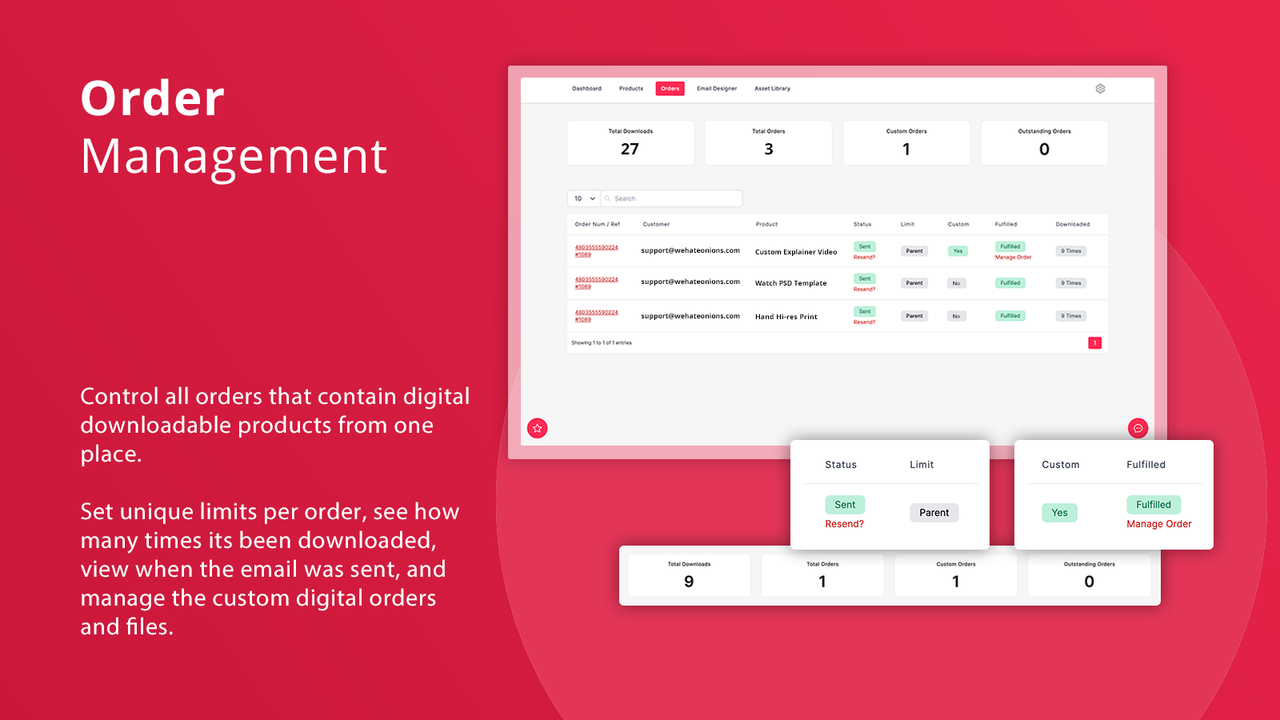
- Assign custom assets to specific orders. Perfect for custom work.
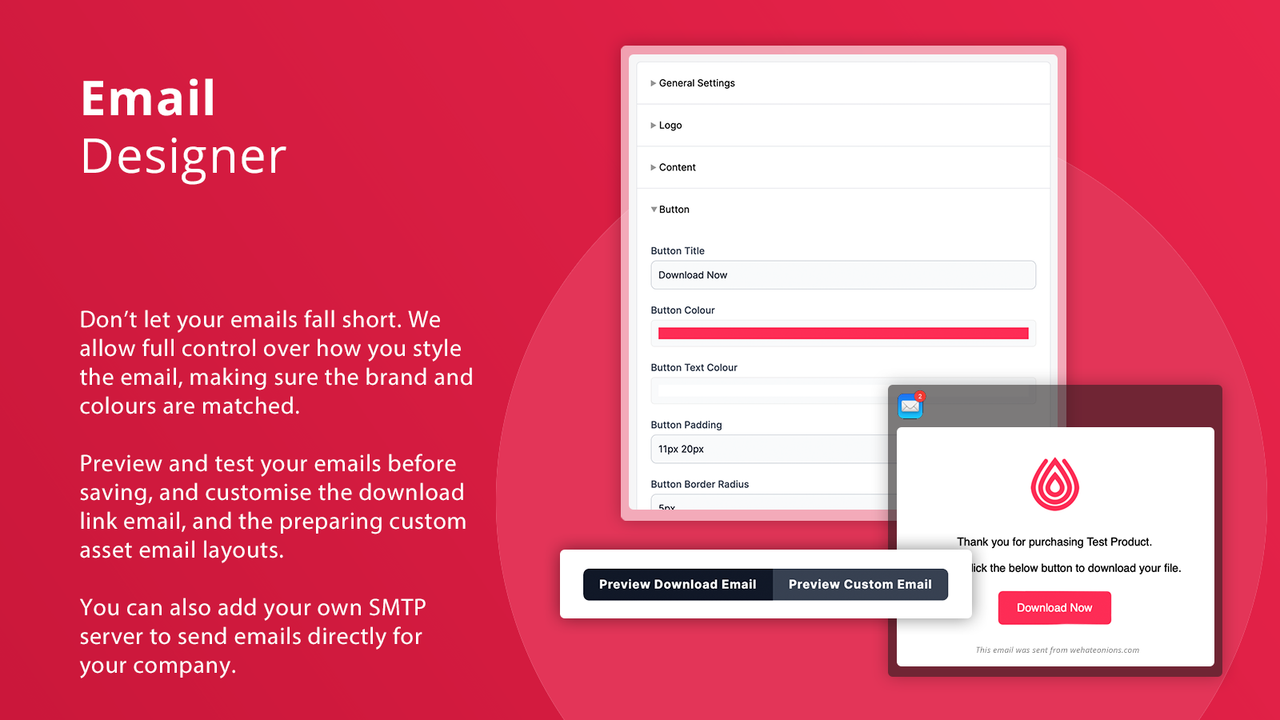
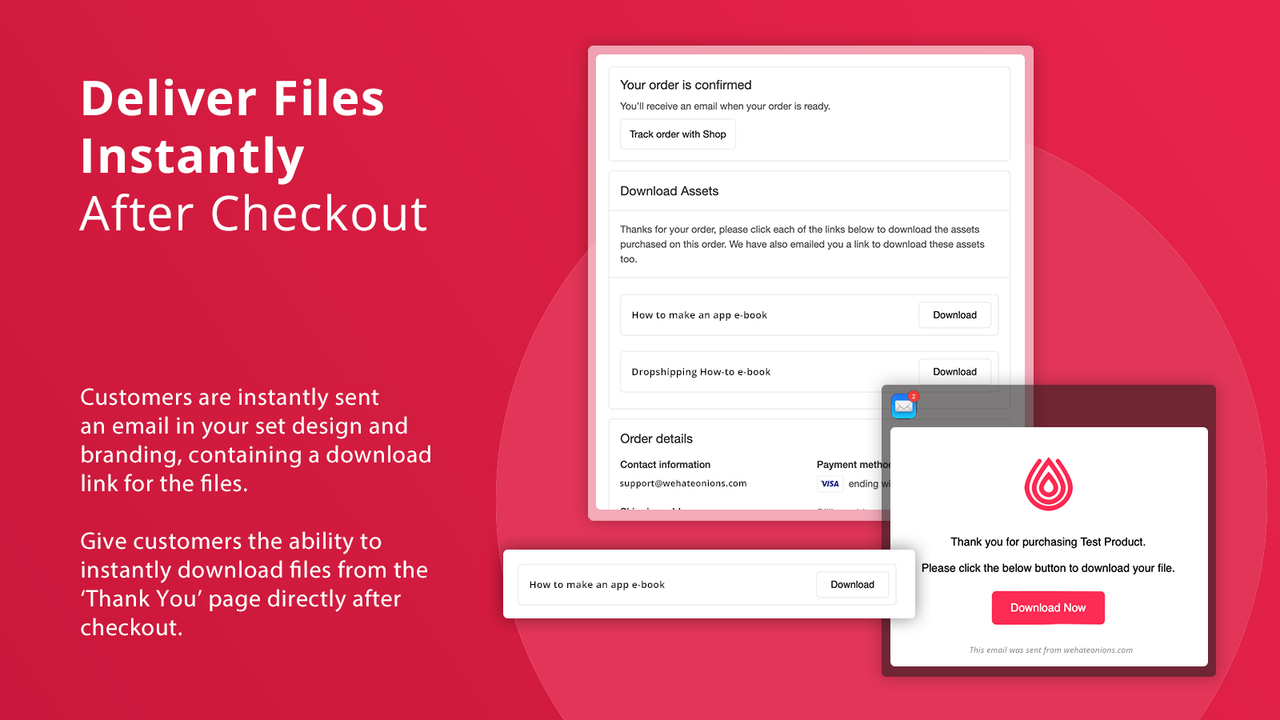
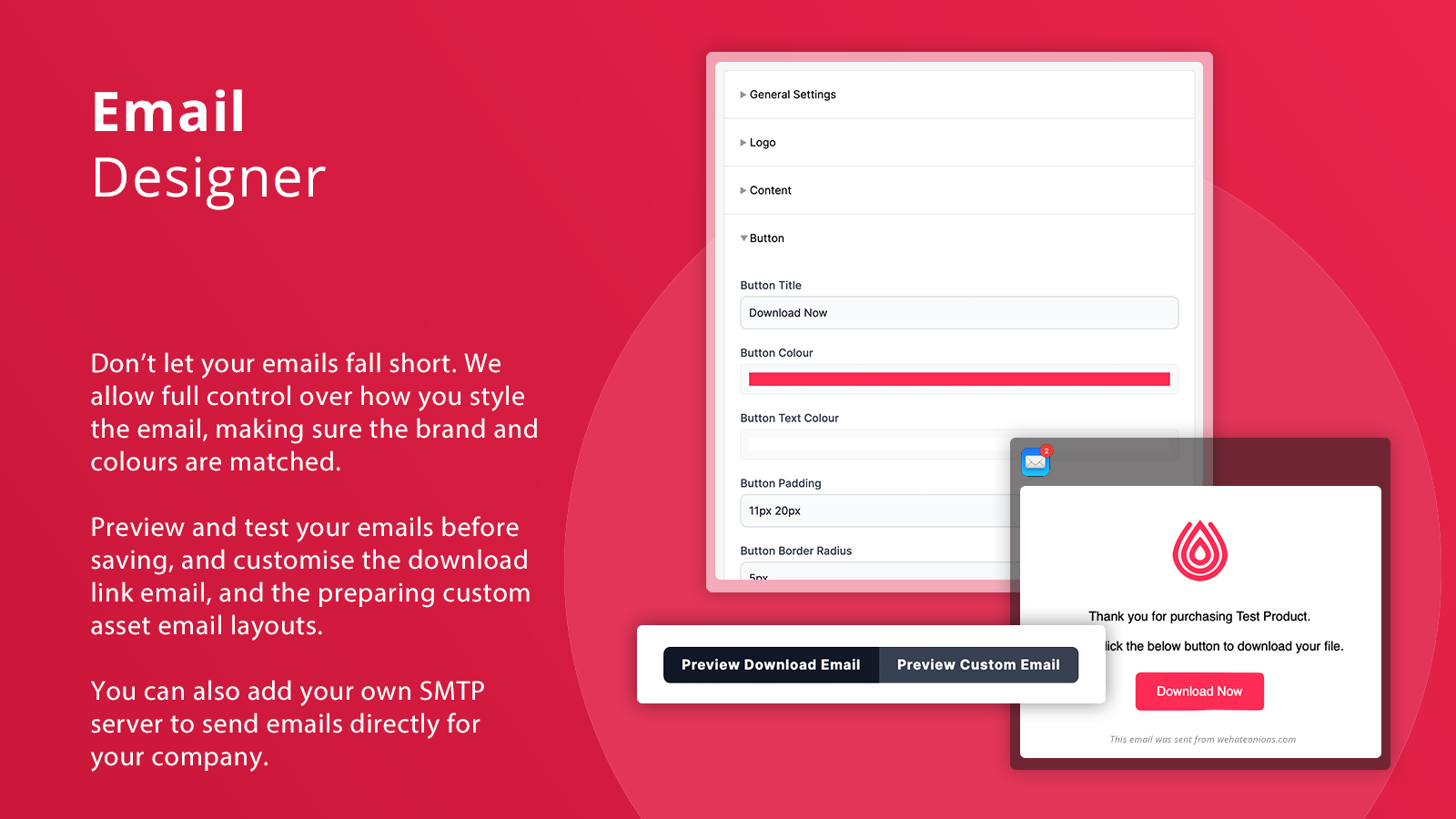
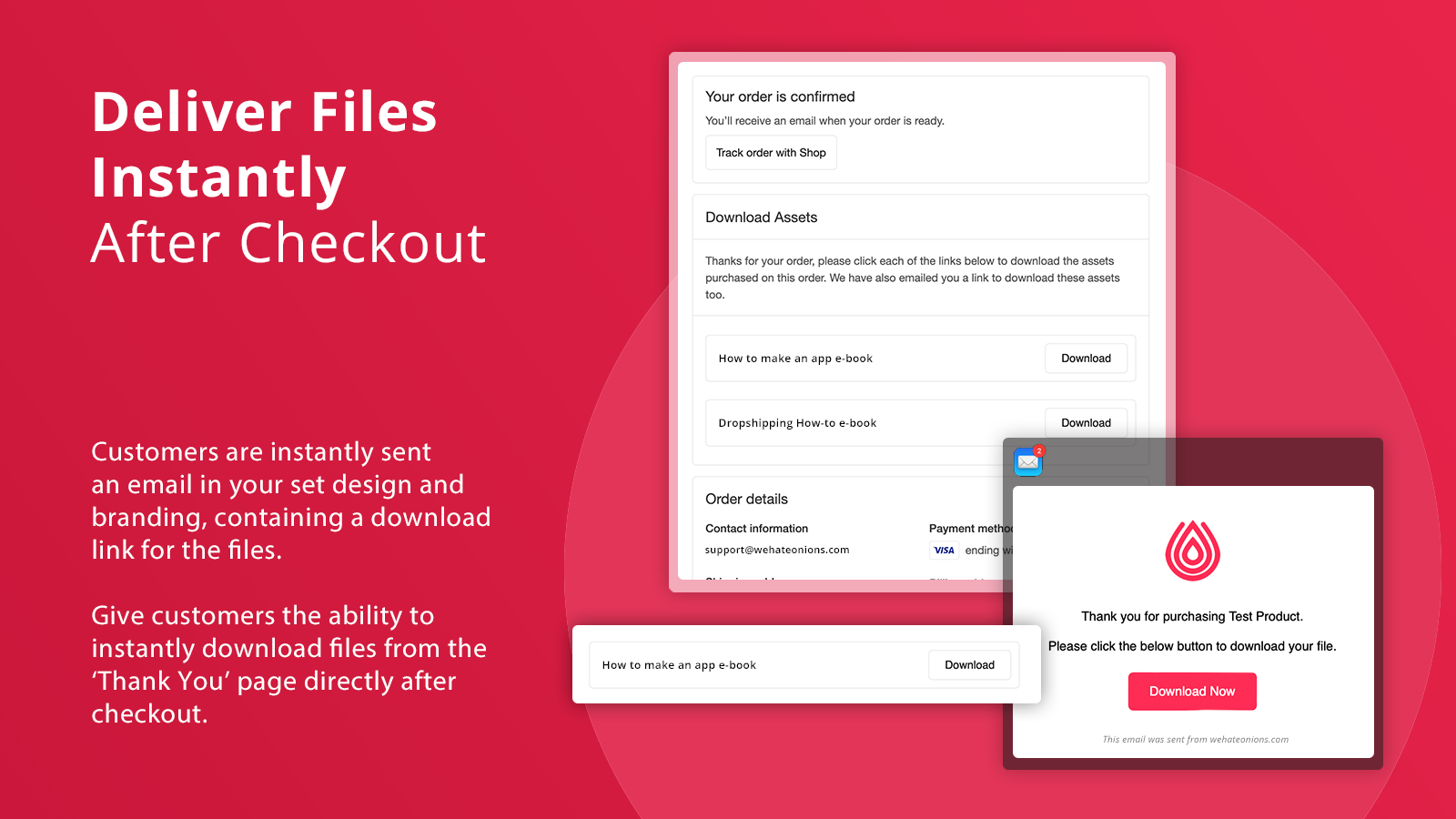
- Customize branded emails for download links on downloads + checkout pages.
Merchant-Friendly
- Digital Product Merchants
- Custom Service Merchants
- Multi-file E-commerce
Basic Information
- Developer:Wehateonions
- Address:53 Frith Street, Soho, London, ENG, W1D 4SH, GB
- Price: Free / Free plan
- Rating:5 / 5
- Comment Count:1 comment
- Release Date:2020-7-28
- Supported languages:English
- Compatible products:Shopify
Application Screenshot
Price Plan
基础版 (1GB)
- 1GB Storage
- Unlimited Products & Orders
- Limits & History
- Custom Email Layouts
- Auto-Download Emails
- Asset Manager
商业版 (5GB)
- 5GB Storage
- All Features of Basic Plan
- + Custom Digital Assets
- + Email SMTP
- + Awaiting Payment Status
- + Fraud Alert
扩展版 (20GB)
- All features of the Business Plan
- + Bulk Import
- + Checkout Extension
- + Zip Password
- + Expired Links
- + Refund & Cancellation Check
- + Custom Download Page
专业版 (500GB)
- 500GB Storage
- All Features of the Extended Plan
- + Auto-Fulfillment (Coming Soon)
- + PDF Watermarking
- + Auto-Delete Custom Assets
- + Priority Support
User Location & Comments
User Location
Comments
Shopify API Used
- POST /admin/api/products/{product_id}/files.json
- POST /admin/api/products/{product_id}/variants/{variant_id}/files.json
- GET /admin/api/products/{product_id}/files.json
Permission:write_products,read_products,manage_files
- POST /admin/api/bulk_operations.json
- GET /admin/api/bulk_operations/{id}.json
- PUT /admin/api/files/{file_id}/assign.json
Permission:write_products,manage_files,read_bulk_operations
- POST /admin/api/orders/{order_id}/files.json
- GET /admin/api/orders/{order_id}/files.json
- PUT /admin/api/orders/{order_id}/files/{file_id}.json
Permission:write_orders,read_orders,manage_files
- POST /admin/api/email_templates.json
- PUT /admin/api/email_templates/{id}.json
- GET /admin/api/email_templates.json
Permission:write_email_templates,read_email_templates,manage_orders



