
App Introduction
Optimize ad spend by targeting high-value customers to reduce CAC and increase ROAS. Angler AI helps brands boost profits by predicting customers’ future purchasing behavior. It pushes refined audience segments to ad platforms to drive long-term ROAS and LTV. It identifies new high-value customers across the entire web that you wouldn’t otherwise target, and optimizes your campaigns to ensure top leads are converted. For advanced marketers: fine-tune lookalike audiences; enrich their own data; and more! Empower your business with the capabilities of an in-house data team.
Core Functionality
- Leverage our AI engine to efficiently identify high-LTV customers
- Stop targeting new customers who won’t stay
- Seamlessly and securely connect your store’s customer data
- Discover insights about your top purchasing customers
- Maintain your existing workflows while Angler updates in the background
Merchant-Friendly
- Growth-Oriented E-commerce Merchants
- Customer Relationship Management Merchants
- Data-Driven Decision Merchants
- Efficient Operation Independent Station Merchants
Basic Information
- Developer:Angler AI
- Address:7541 Shirley Avenue, Reseda, CA, 91335, US
- Price: Free / Free plan
- Rating:5 / 5
- Comment Count:4 comment
- Release Date:2023-10-31
- Supported languages:English
- Compatible products:Shopify
Application Screenshot


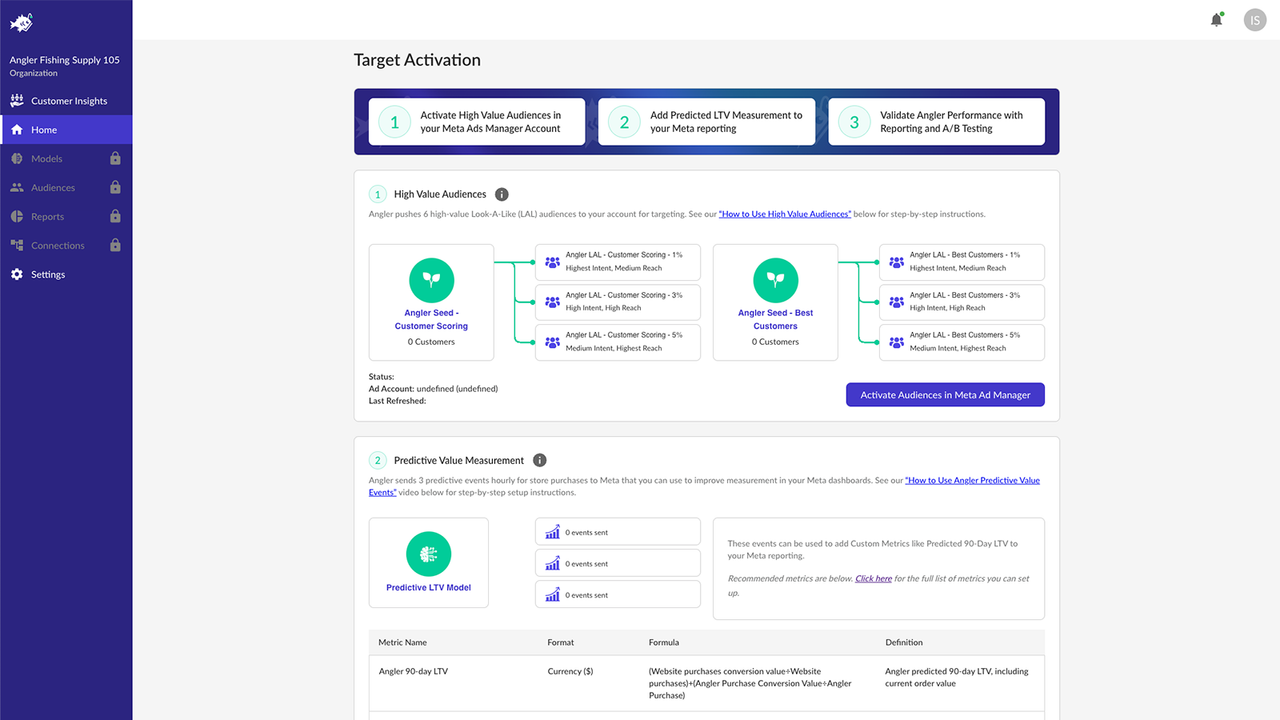


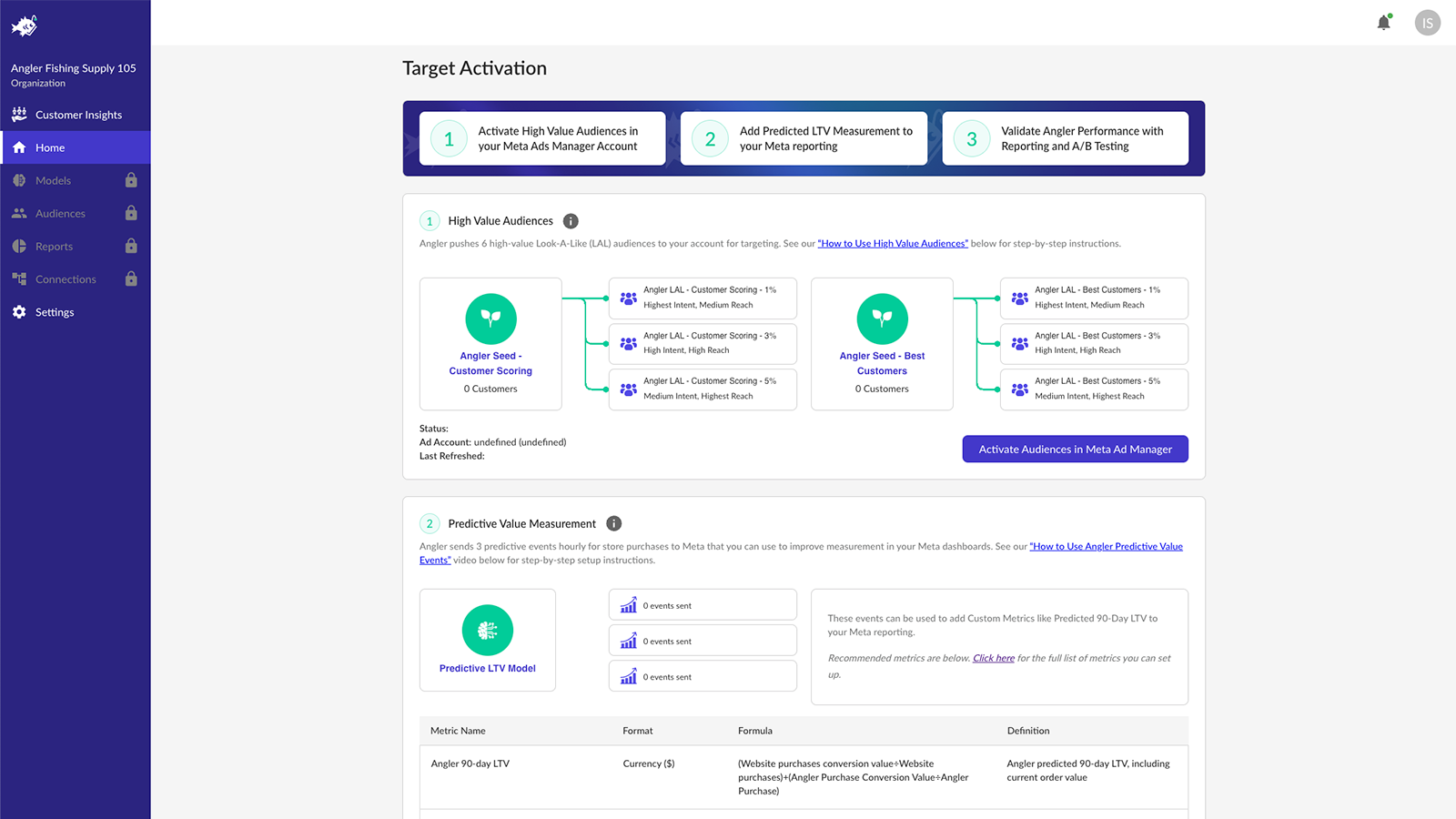


Price Plan
Free
Starter
- Usage fee: 3.5% of media spend
- Monthly media spend cap at $250k
- Separate billing for spend exceeding the minimum threshold
- Predictive Conversion API
- Meta Connector
Plus
- Usage Fee: 3% of Media Spend
- Monthly Paid Media Spend Cap: $500k
- Separate Billing for Spend Exceeding Minimum Threshold
- Predictive Conversion API
- Meta, Google, and TikTok Connectors
- Predictive Insights
Growth
- Usage fee: 2.75% of media spend
- Monthly paid media spend cap: $1.25M
- Spend exceeding the minimum threshold is billed separately
- Predictive Conversion API
- Meta, Google, and TikTok connectors
- Predictive Insights
- Predictive Audiences
User Location & Comments
User Location
Comments
Shopify API Used
- POST /admin/api/customers/ai_ltv_analysis.json
- GET /admin/api/customers/ai_ltv_ranking.json
- PUT /admin/api/customers/ai_ltv_preferences.json
Permission:read_customers,write_customers,manage_analytics
- POST /admin/api/customers/retention_filter.json
- GET /admin/api/customers/low_retention_list.json
- DELETE /admin/api/customers/retention_filter/{id}.json
Permission:read_customers,manage_analytics,write_customers
- POST /admin/api/apps/connect_customer_data.json
- GET /admin/api/apps/customer_data_status.json
- PUT /admin/api/apps/customer_data_permissions.json
Permission:read_shop,manage_apps,read_customers
- GET /admin/api/customers/top_purchasers_insights.json
- POST /admin/api/customers/insights_query.json
- PUT /admin/api/customers/insights_preferences.json
Permission:read_customers,manage_analytics,read_orders
- POST /admin/api/apps/angler_workflow.json
- GET /admin/api/apps/angler_workflow_status.json
- PUT /admin/api/apps/angler_workflow_settings.json
Permission:manage_apps,read_shop,write_shop



