
App Introduction
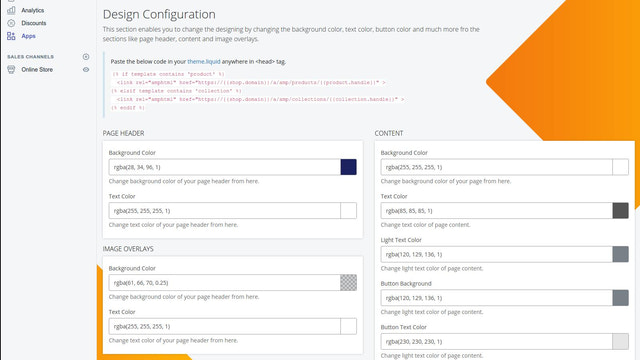
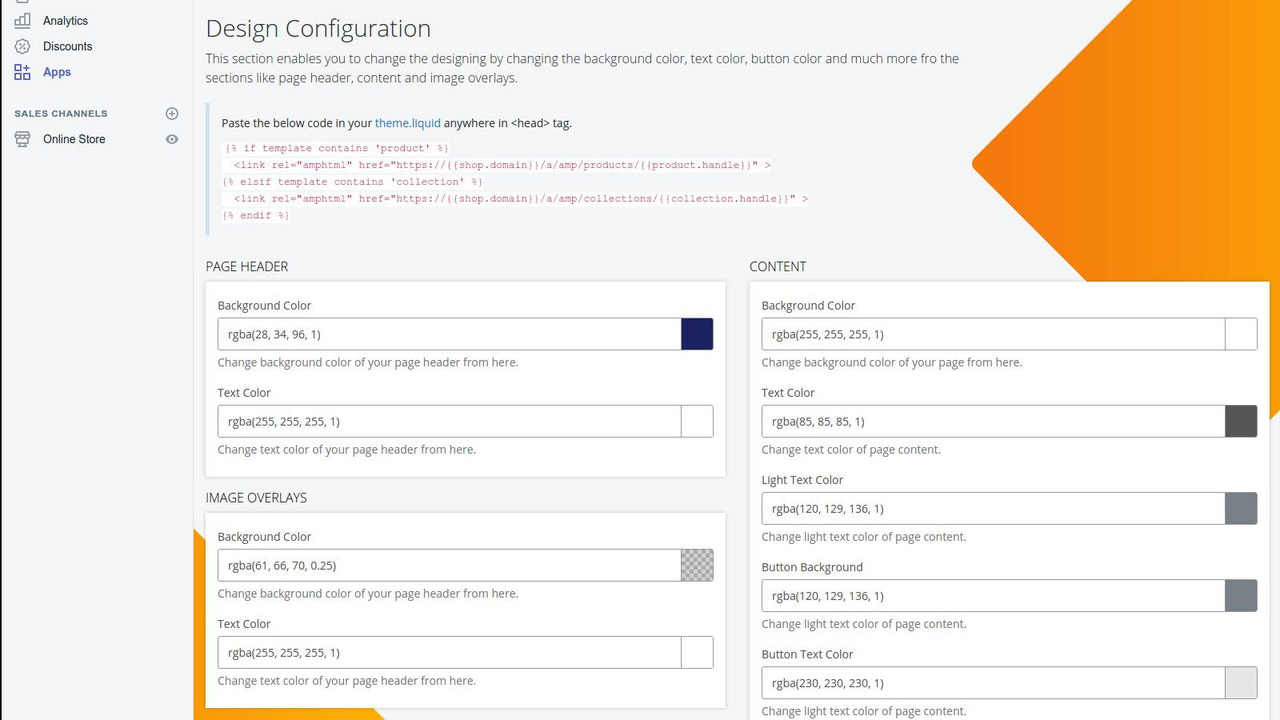
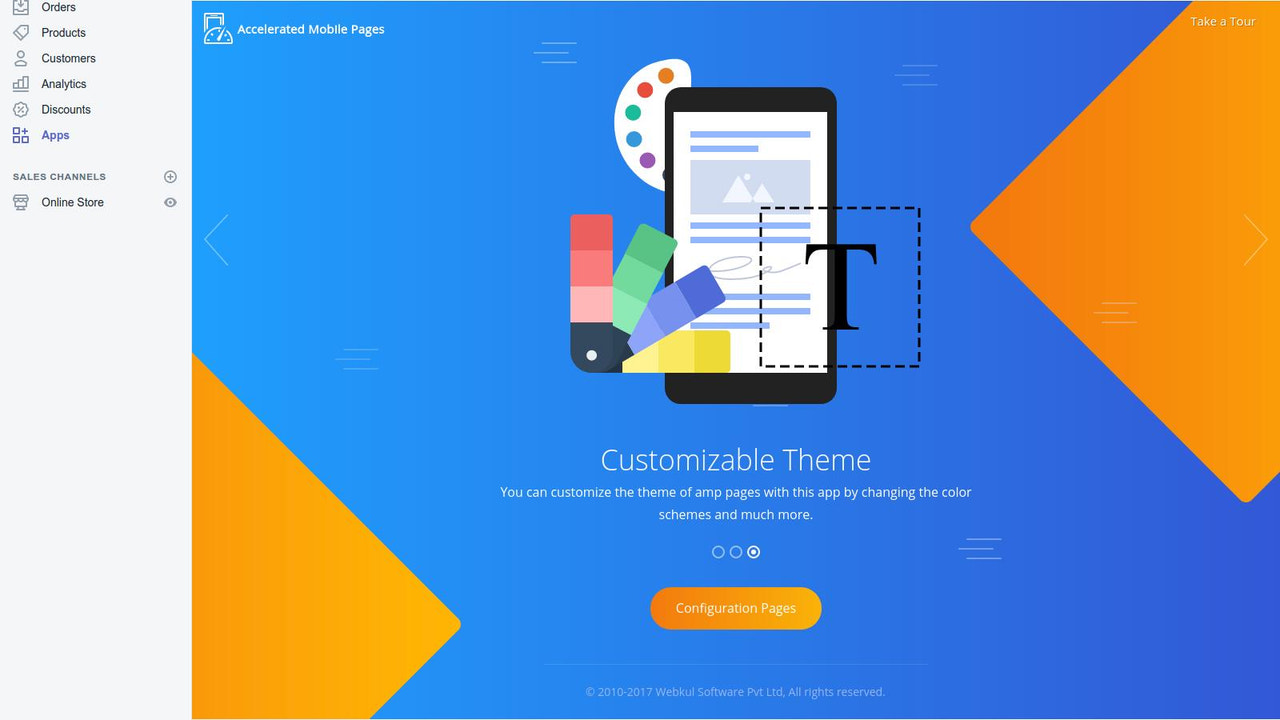
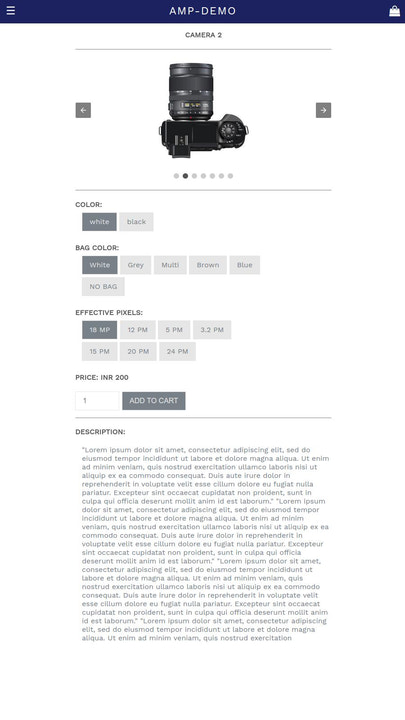
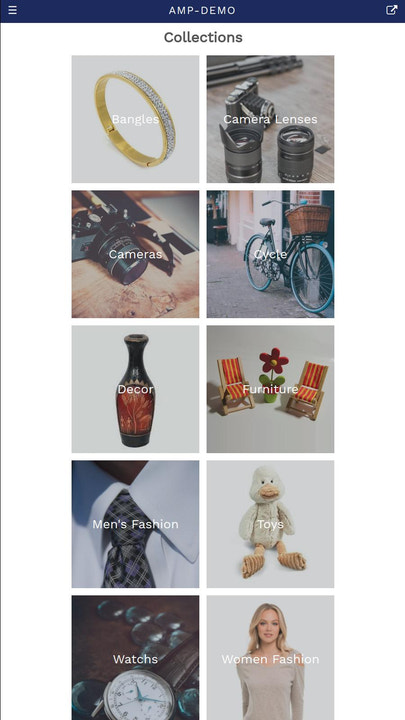
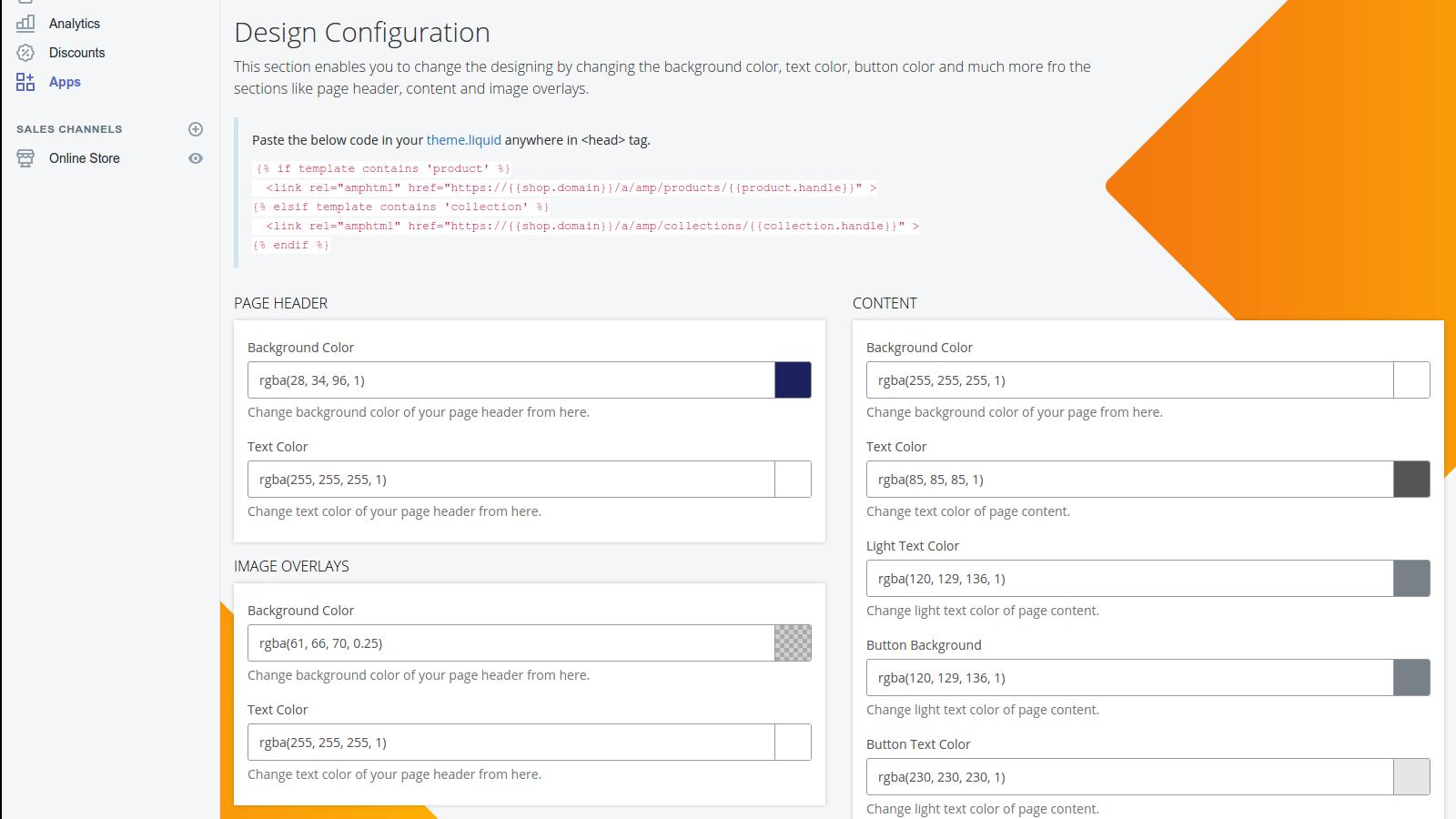
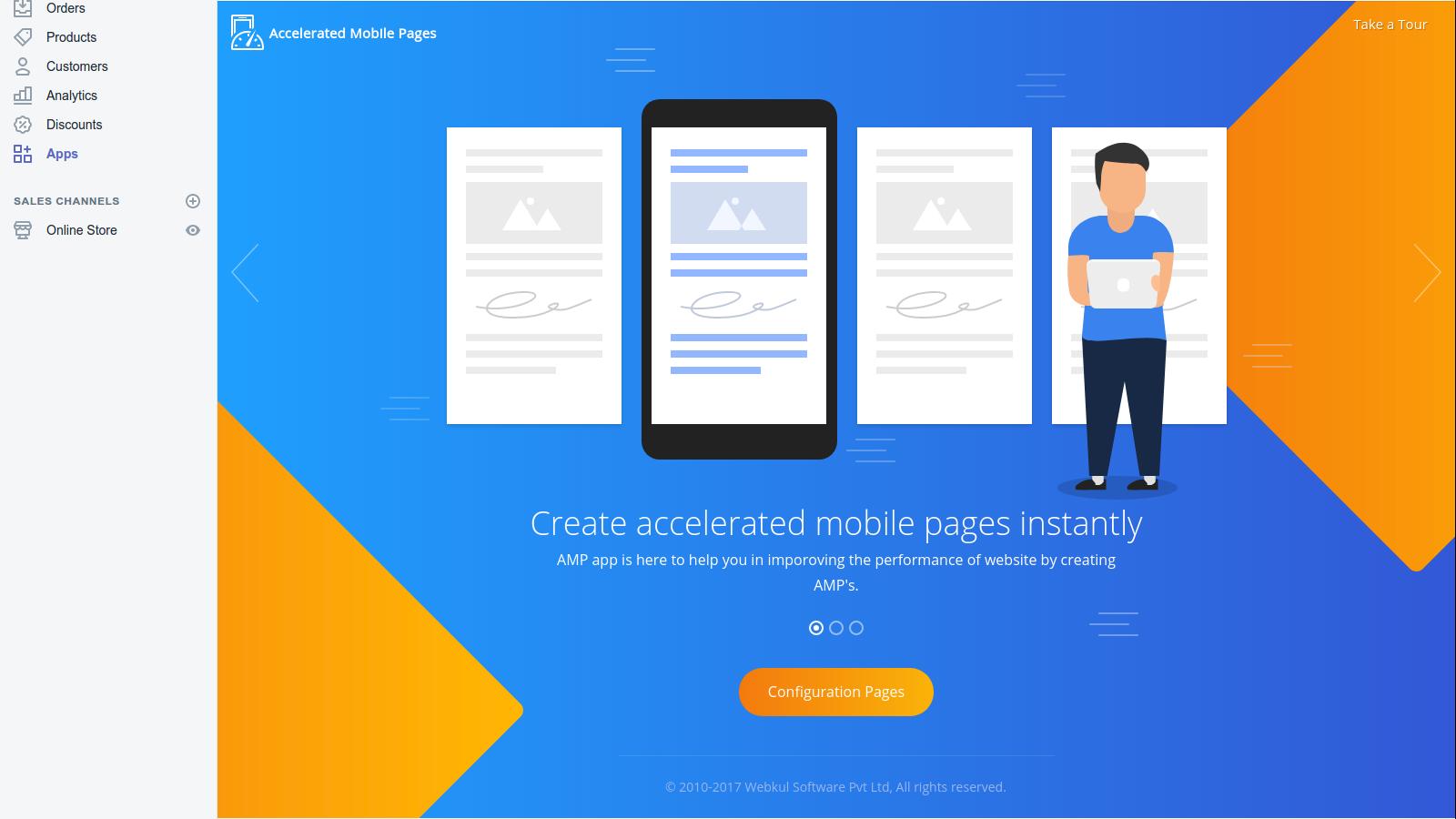
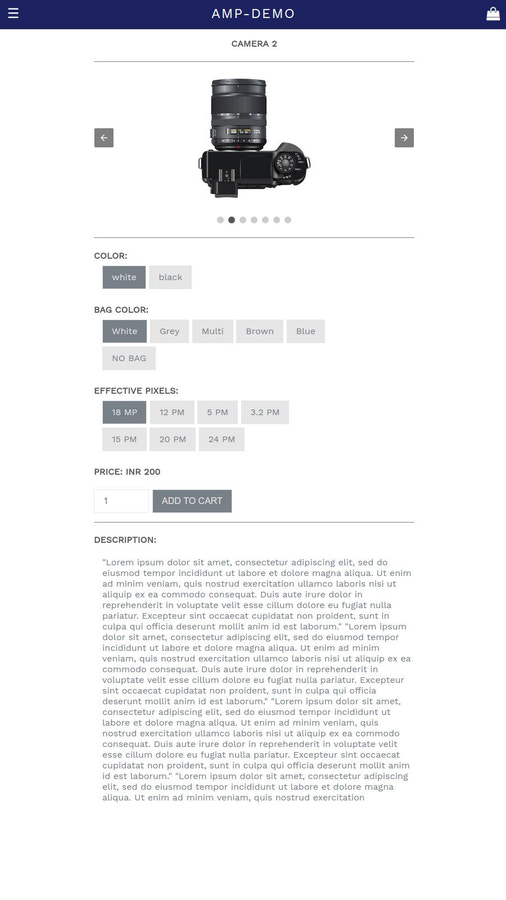
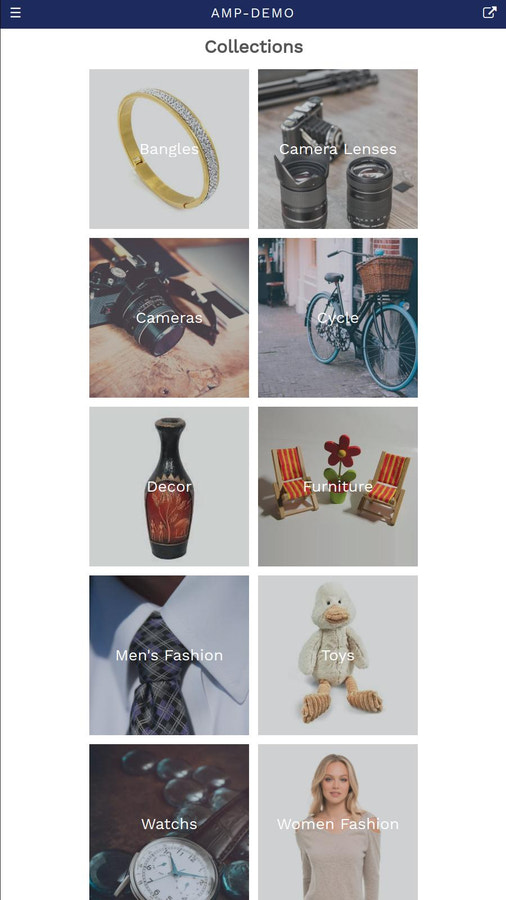
Get Accelerated Mobile Pages (AMP) AMP pages are lightweight and load much faster. Per Google’s algorithm, mobile-friendly websites are critical for ranking in search results. Let’s get started—here’s how you can use this app to create custom AMP pages for your Shopify store: Install the app on your Shopify store, configure the settings for your AMP pages, and once the pages are crawled, they’ll start appearing at the top of search results. With this app, AMP pages will be generated for your homepage, collection pages, and product pages.
Core Functionality
- Get AMP (Accelerated Mobile Pages) for your store in minutes.
- High CTR.
- This app does not charge you extra for the enhanced pages.
Merchant-Friendly
- Mobile-first Merchants
- Independent Station E-commerce
- High-traffic Merchants
- Small and Medium E-commerce Sellers
Basic Information
- Developer:Webkul Software Pvt Ltd
- Address:H-28, Sector 63, Noida, UP, 201301, IN
- Price: Free / Free plan
- Rating:1 / 5
- Comment Count:1 comment
- Release Date:2018-1-17
- Supported languages:English
- Compatible products:Shopify
Application Screenshot


Price Plan
基础计划
$8
User Location & Comments
User Location
Comments
Shopify API Used
- GET /admin/api/shop/amp_status.json
- POST /admin/api/shop/amp_enable.json
- GET /admin/api/shop/amp_pages.json
Permission:read_shop,write_shop,manage_online_store
- GET /admin/api/shop/amp_pages/{page_id}/status.json
- PUT /admin/api/shop/amp_pages/{page_id}/update.json
- DELETE /admin/api/shop/amp_pages/{page_id}/disable.json
Permission:read_shop,write_shop,manage_pages
- POST /admin/api/shop/amp_pages/sync.json
- GET /admin/api/shop/amp_pages/sync_log.json
- PUT /admin/api/shop/amp_pages/sync_settings.json
Permission:read_shop,write_shop,manage_themes



