
App Introduction
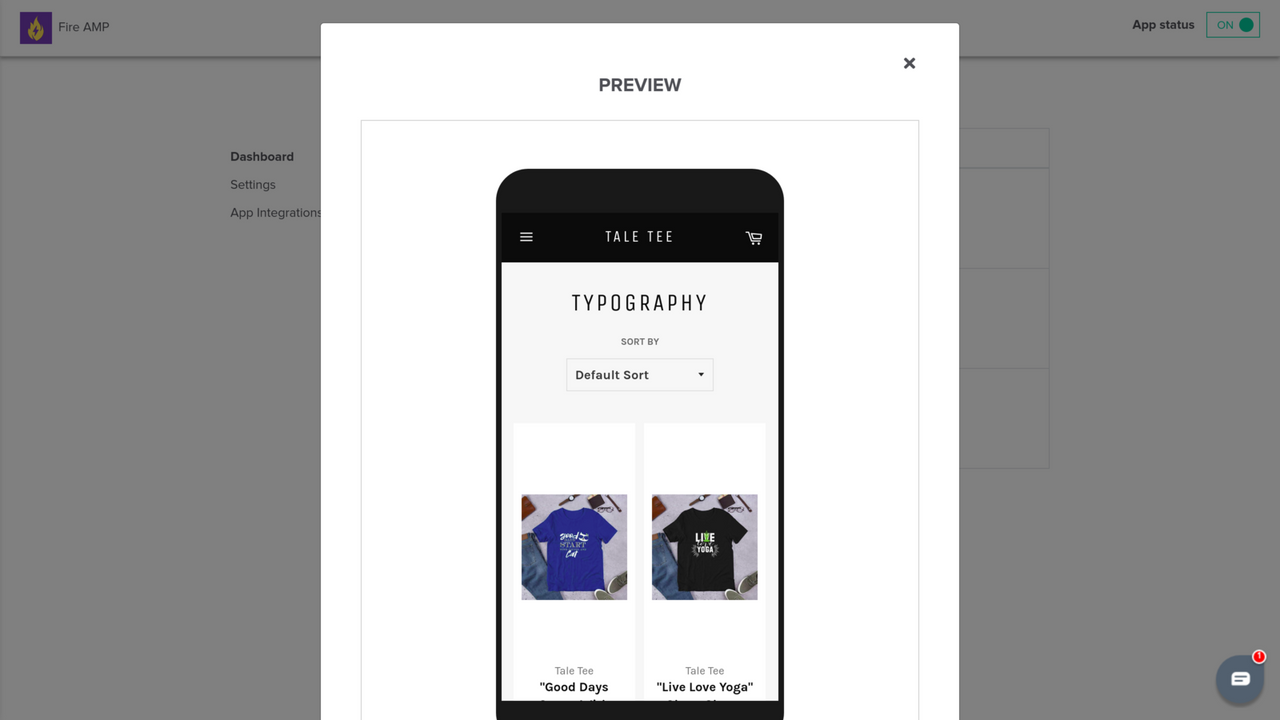
Create AMP Pages. Boost mobile speed, SEO rankings, and visibility with AMP pages for faster load times Looking to speed up your mobile page load times? FireAMP creates Google AMP (Accelerated Mobile Pages) to deliver seamless browsing and an improved user experience. AMP pages are the backbone of your SEO strategy. By enhancing mobile performance and aligning with AI-powered tools like GPT-based search algorithms, FireAMP ensures your products are easy to discover. With FireAMP, your products gain more exposure in Shopify’s global catalog and Shop App, driving increased traffic, visibility, and customer engagement.
Core Functionality
- Boost SEO with AMP pages to increase visibility on search engines and AI-powered tools
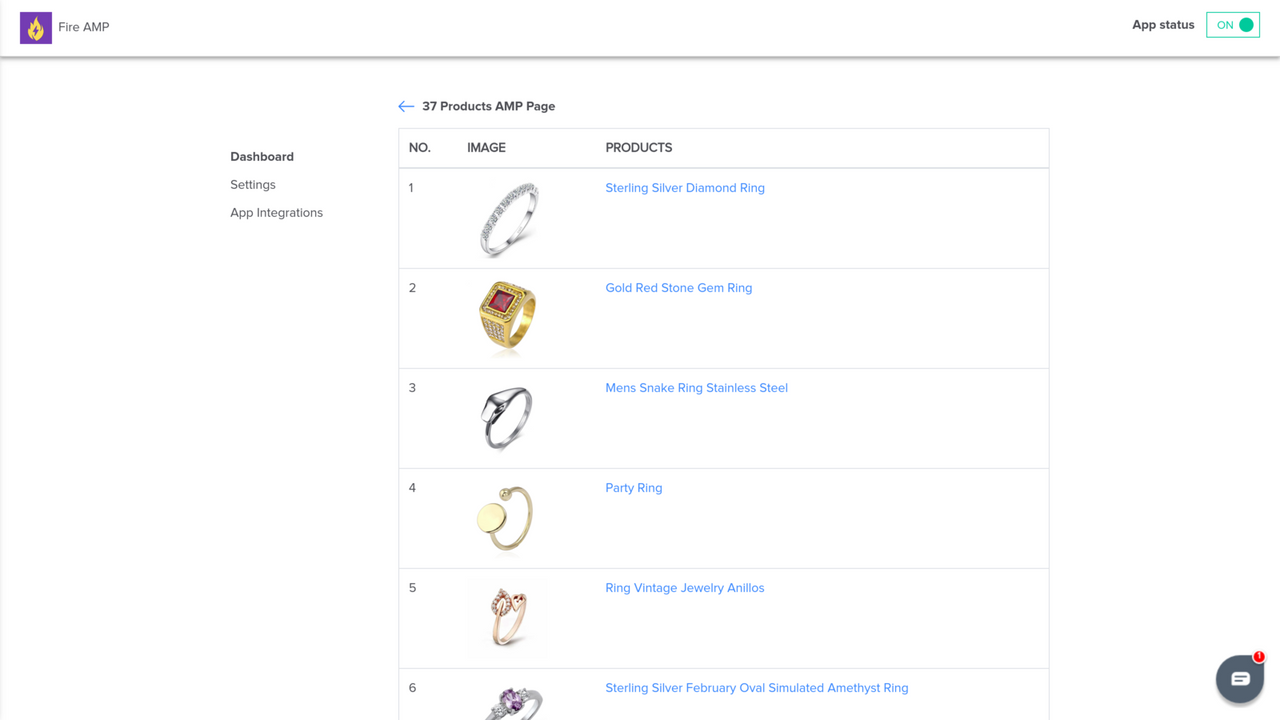
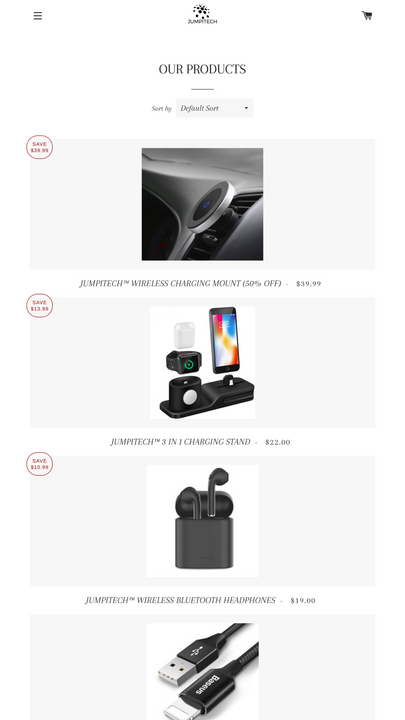
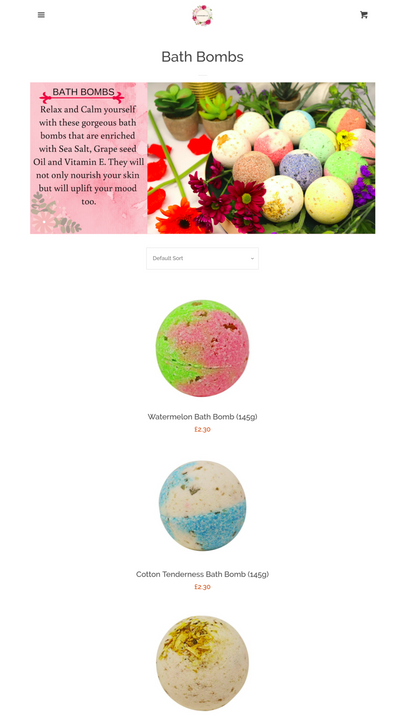
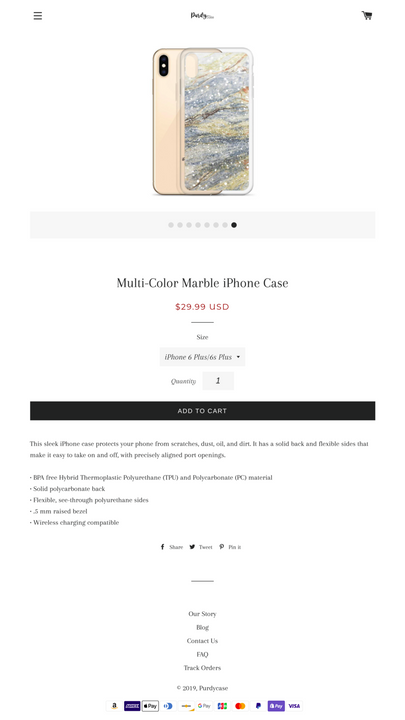
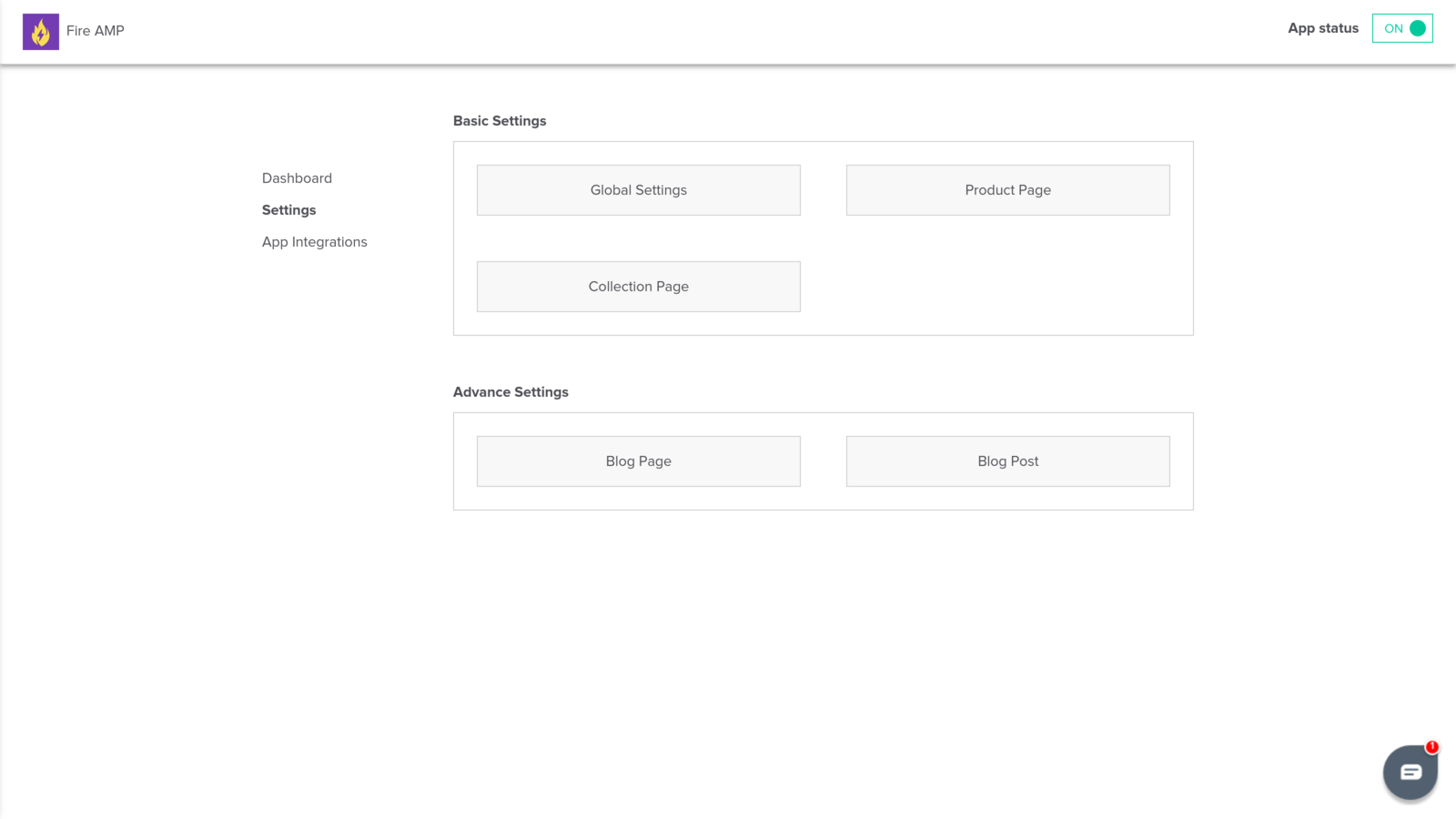
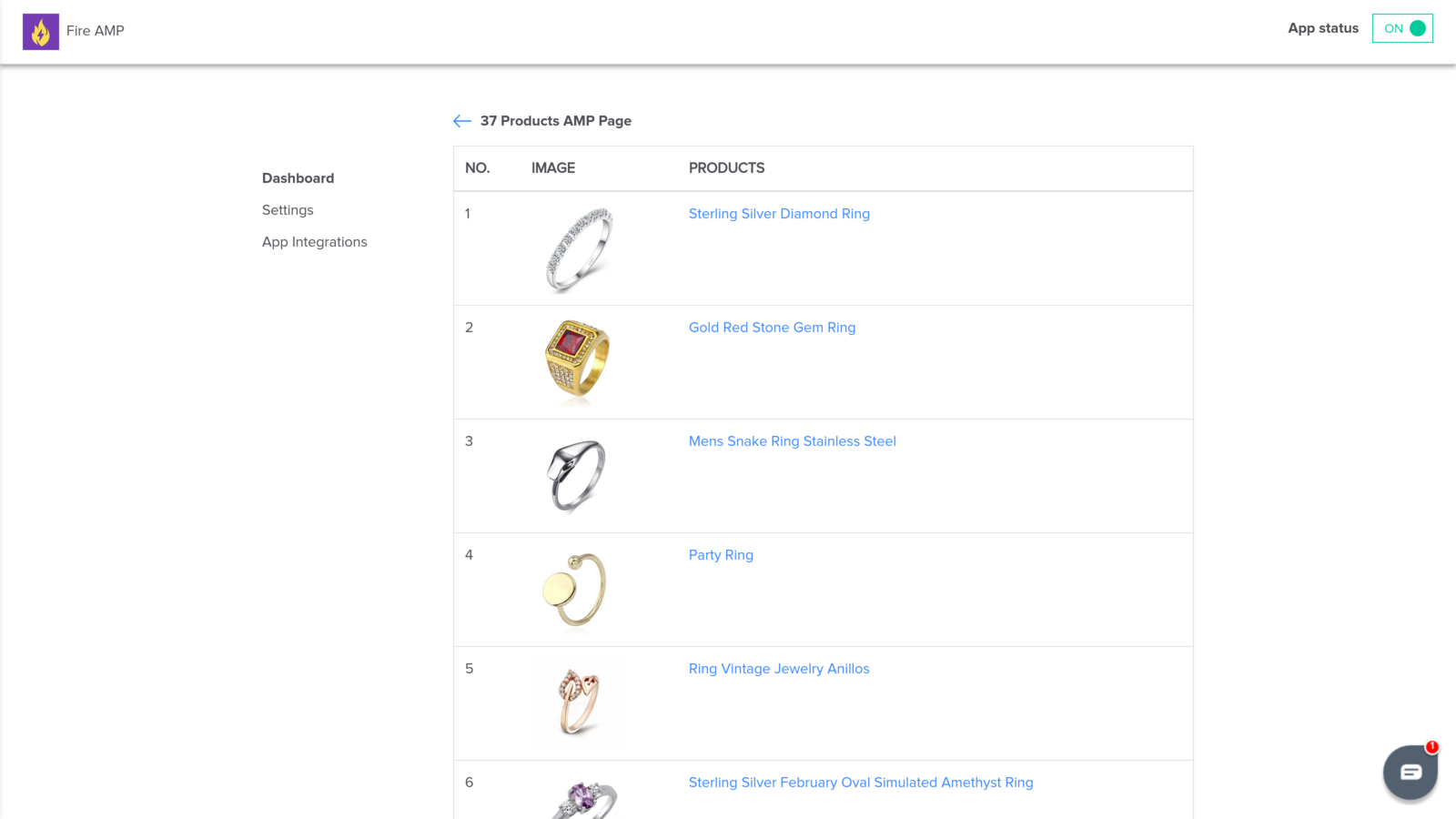
- One-click creation of AMP pages for products, collections, and blog posts
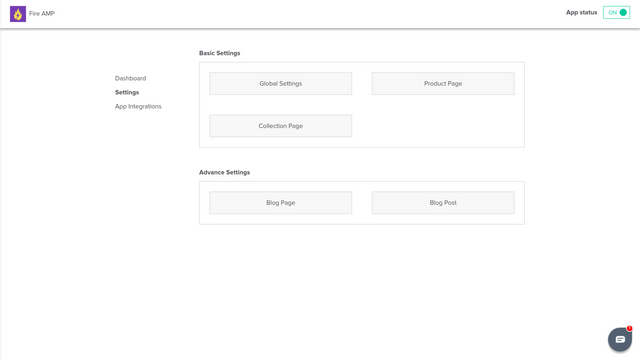
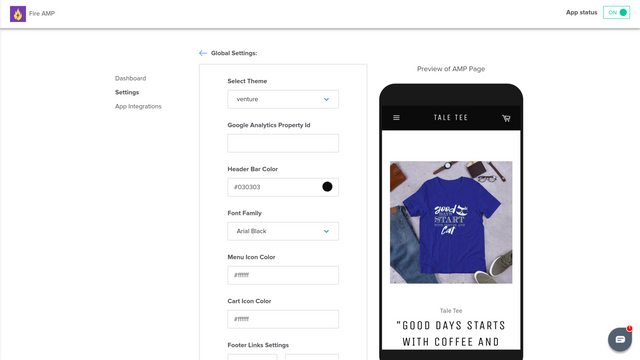
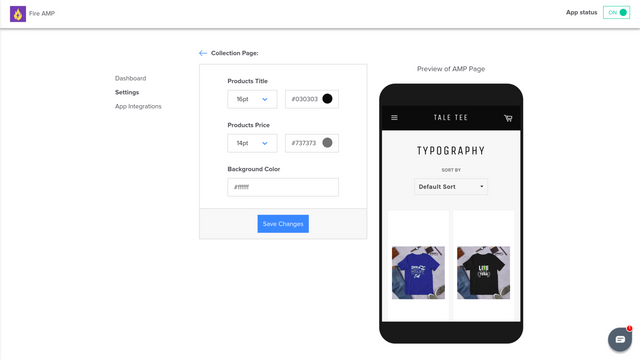
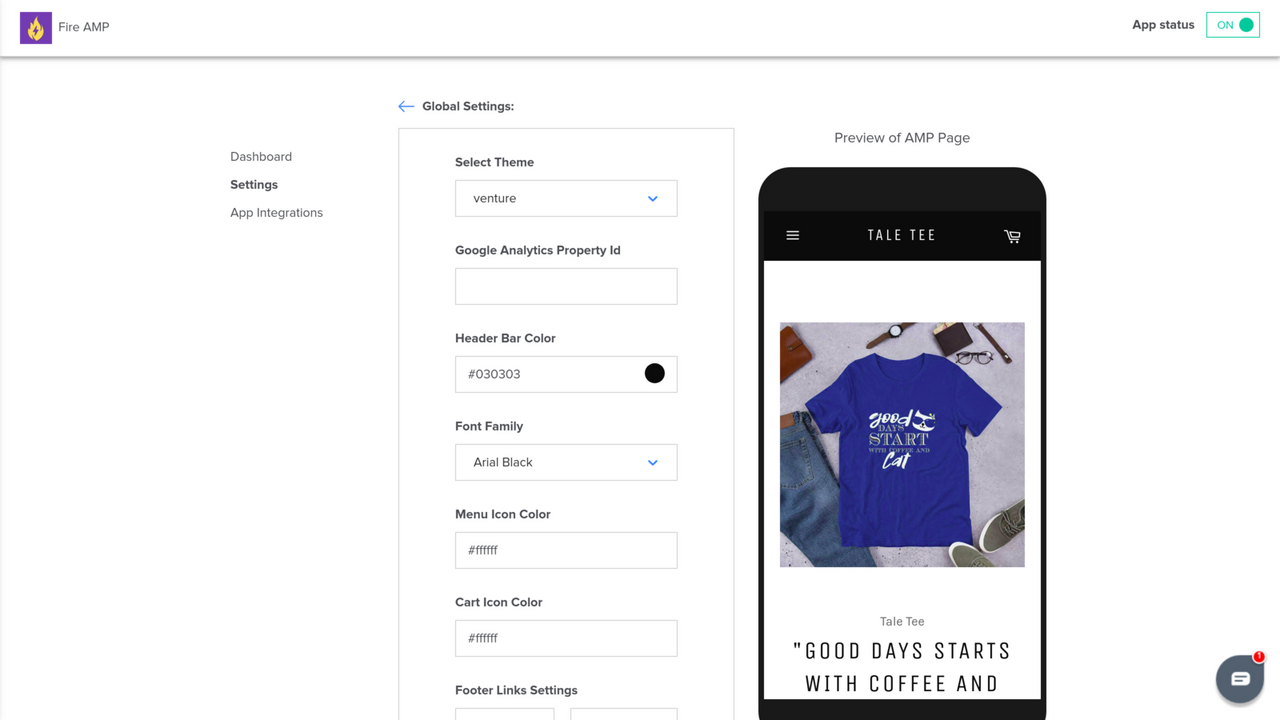
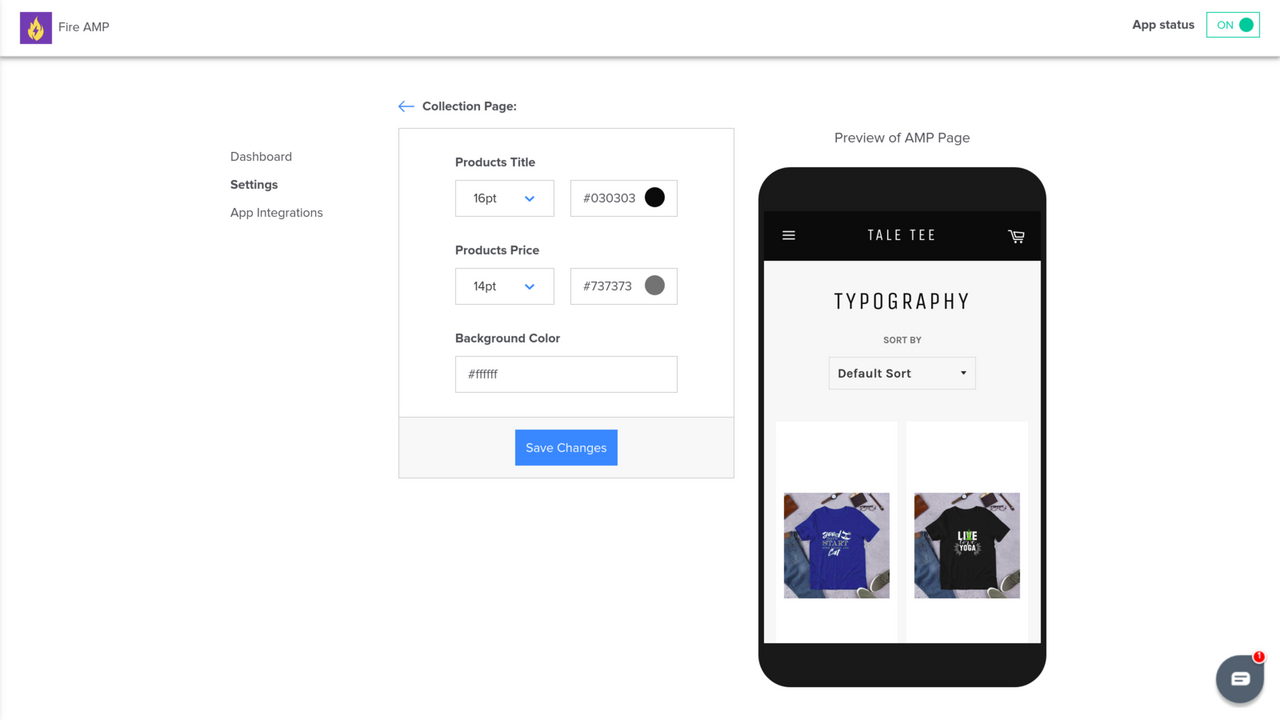
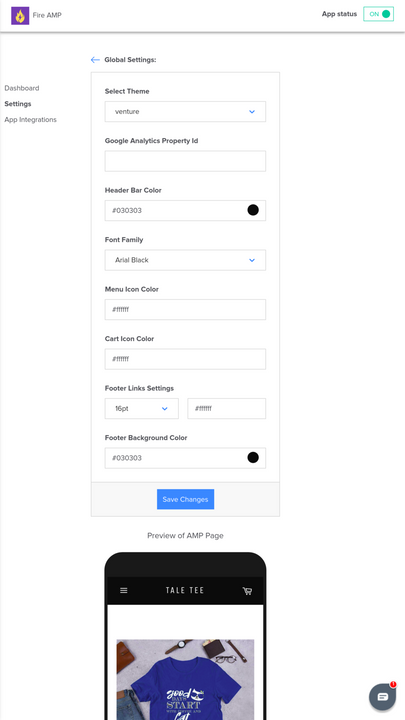
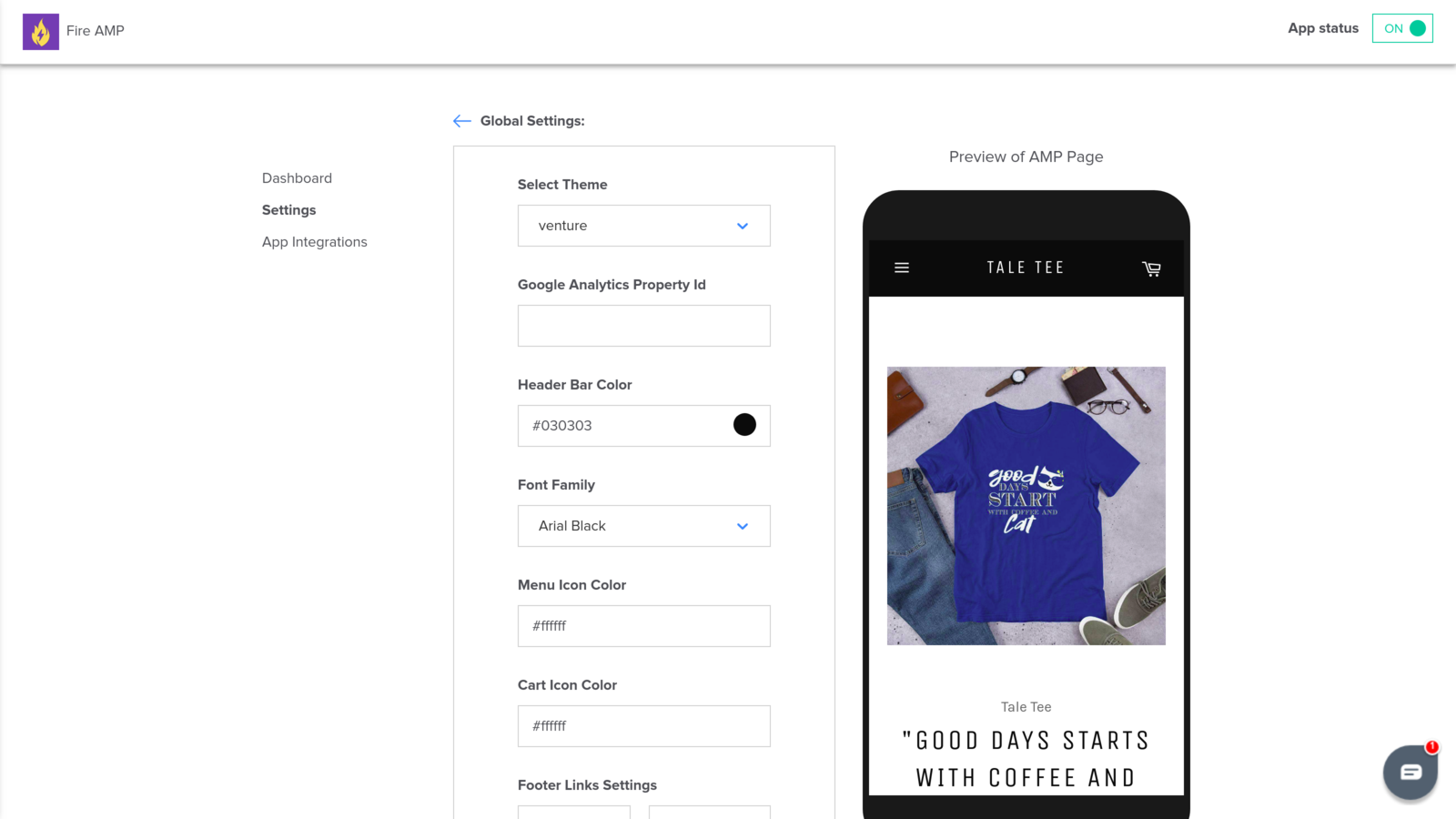
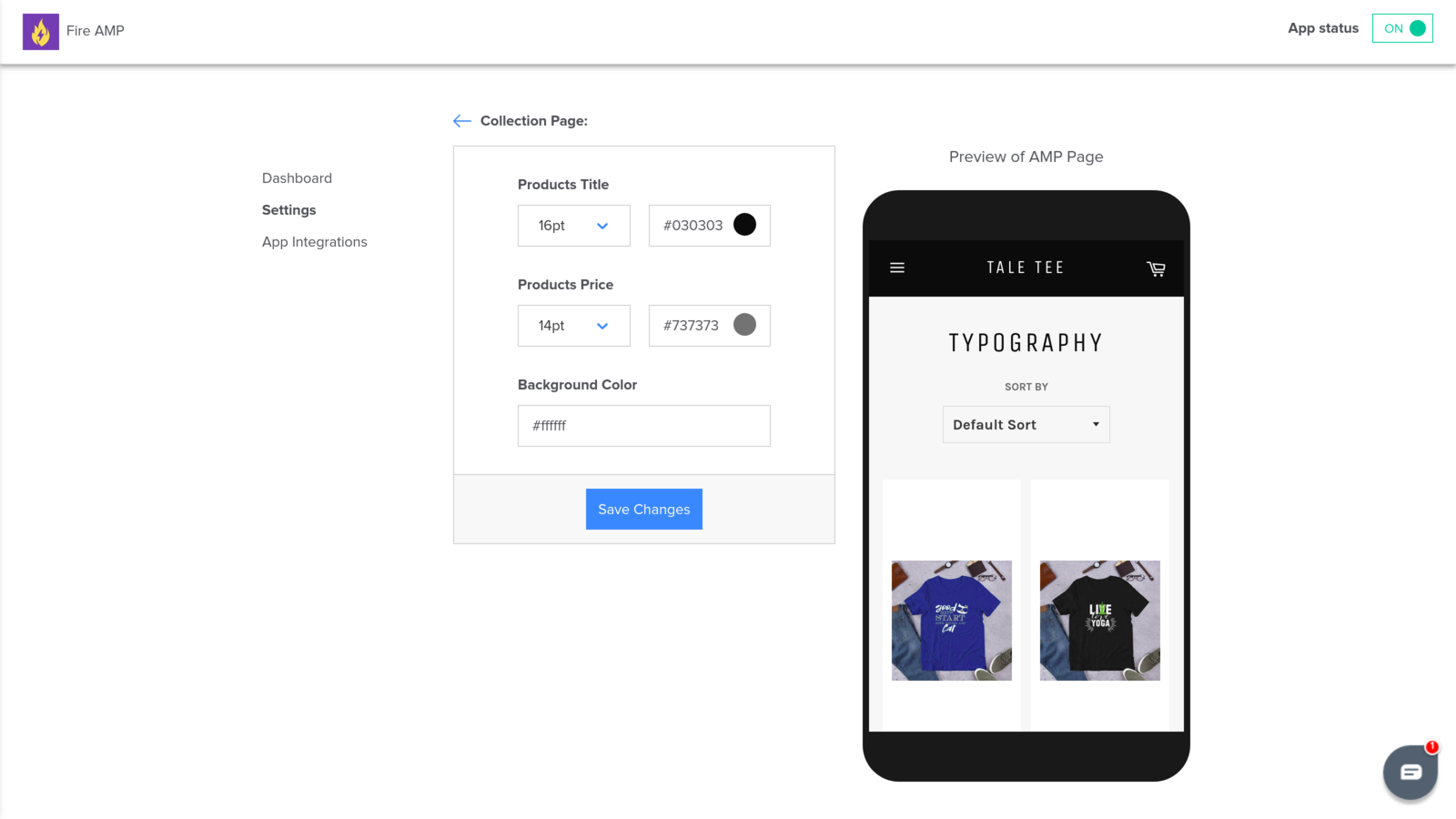
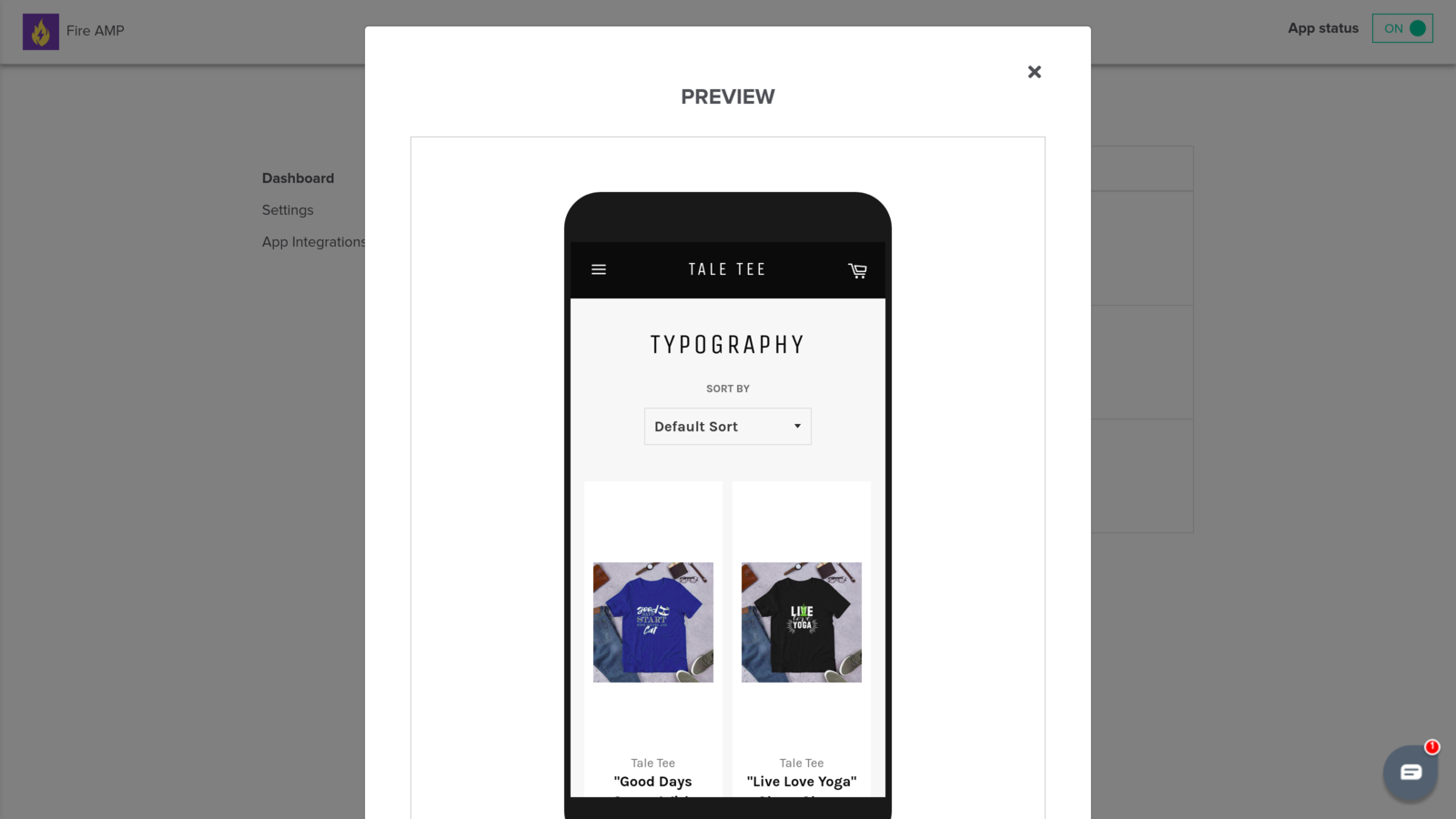
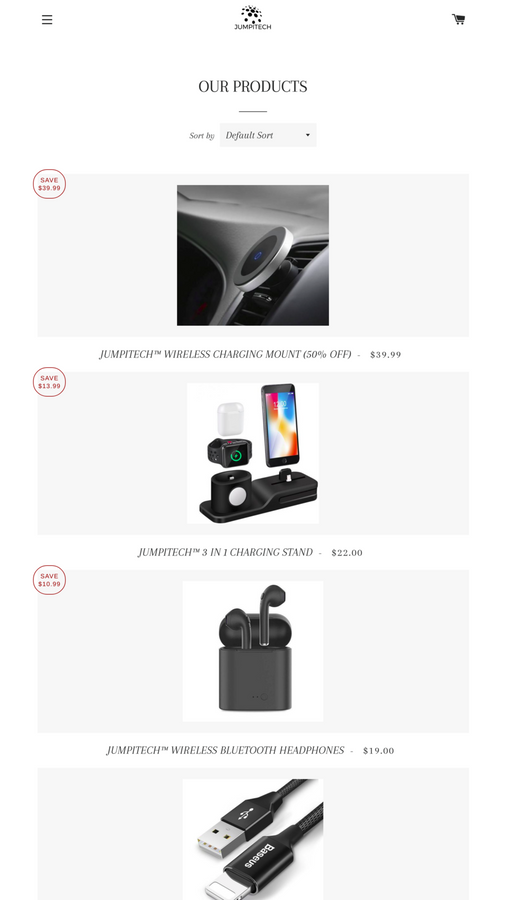
- Fully compatible with Shopify themes, with customizable design elements for AMP pages
- Enhance visibility on the Shopify Global Directory and Shop App via AMP pages
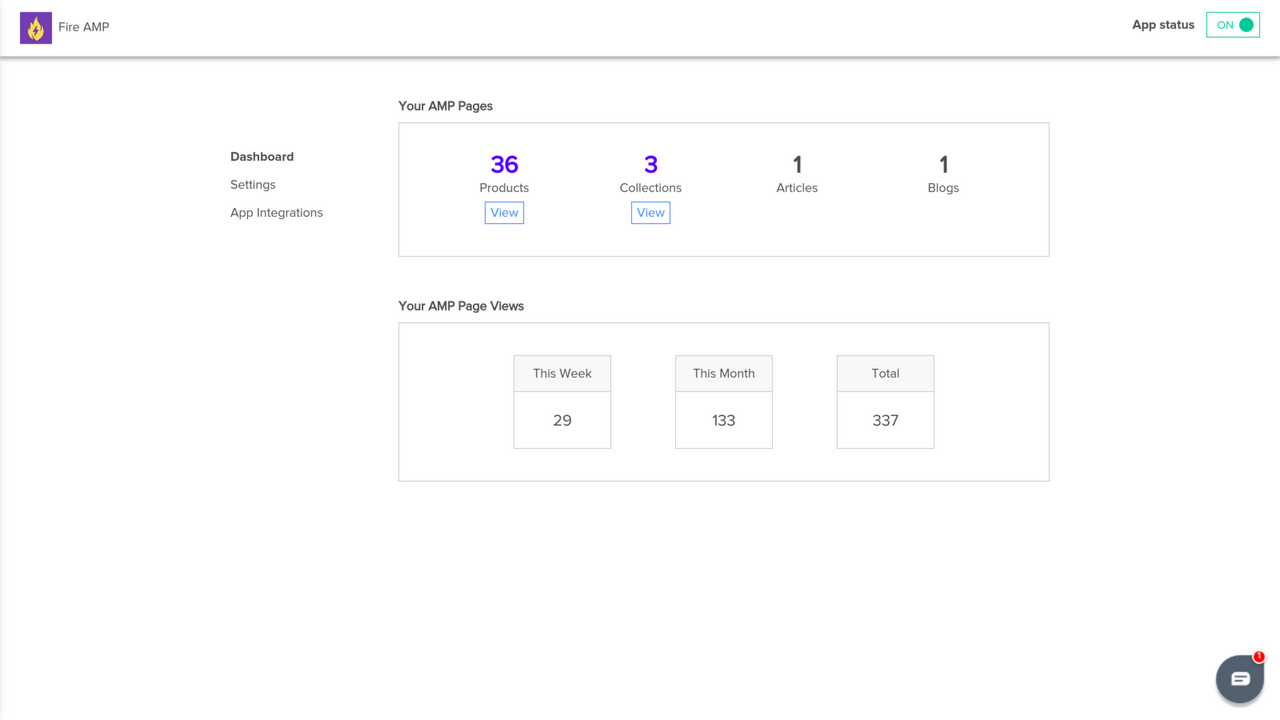
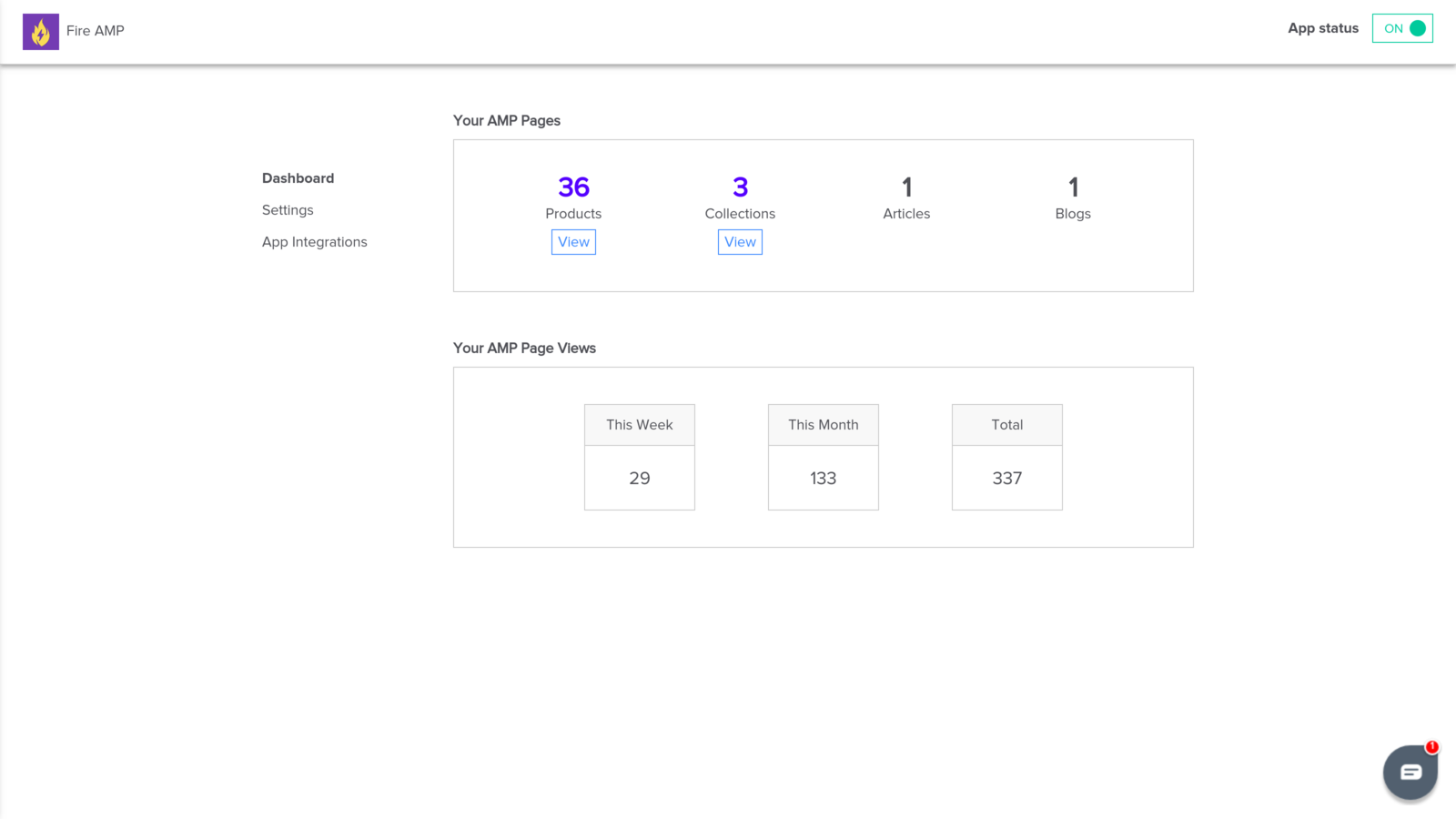
- Real-time reporting for AMP pages, integrated with Google Analytics for tracking
Merchant-Friendly
- Content E-commerce Merchants
- Independent Brand Merchants
- Cross-border E-commerce Sellers
- Multi-category E-commerce
- Blog-driven Merchants
Basic Information
- Developer:MLVeda
- Address:Robi & Company LLC, 4912 Pinedale Blvd, Raleigh, NC, 28358, US
- Price: Free / Free plan
- Rating:4.6 / 5
- Comment Count:76 comment
- Release Date:2017-5-23
- Supported languages:English
- Compatible products:Shopify
Application Screenshot
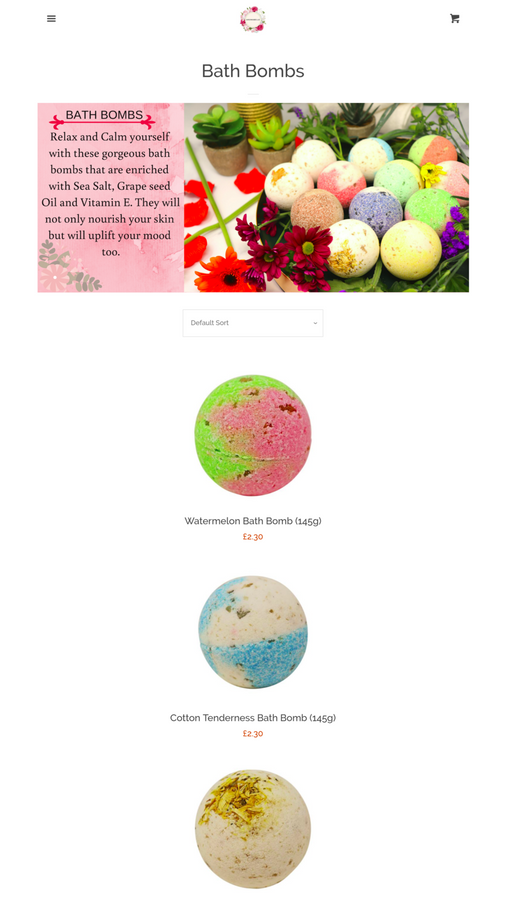
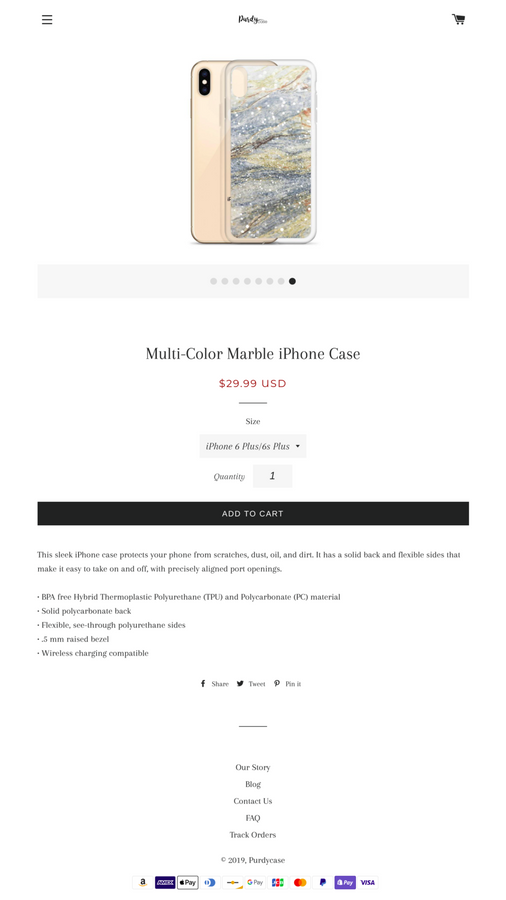
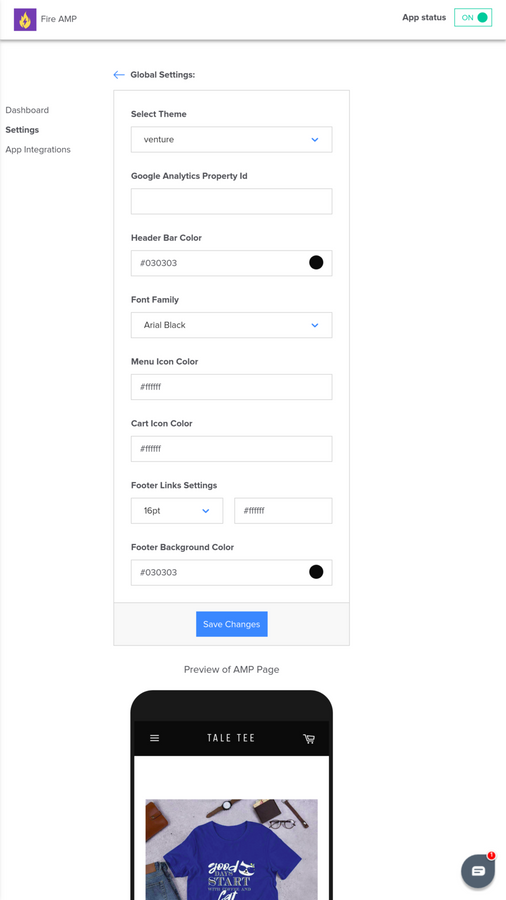
Price Plan
PREMIUM PLAN
- Create AMP pages for key store sections
- One-click implementation of Google AMP and SEO ranking
- SEO-friendly URLs
- Best-in-class support
User Location & Comments
User Location
Comments
Shopify API Used
- POST /admin/api/amp/pages.json
- PUT /admin/api/amp/pages/{id}.json
- GET /admin/api/amp/pages.json
Permission:write_amp_page,read_amp_page,manage_seo
- POST /admin/api/amp/pages/bulk.json
- GET /admin/api/products/{id}/amp.json
- GET /admin/api/collections/{id}/amp.json
Permission:write_amp_page,manage_products,manage_collections
- PUT /admin/api/amp/pages/{id}/theme.json
- GET /admin/api/shop/themes/{id}/amp.json
- POST /admin/api/amp/pages/design.json
Permission:write_amp_page,manage_themes,read_shop
- GET /admin/api/shop/global_catalog/amp.json
- PUT /admin/api/amp/pages/shop_app.json
- GET /admin/api/amp/pages/shop_app/stats.json
Permission:read_amp_page,manage_shop_app,read_global_catalog
- GET /admin/api/amp/pages/reports.json
- PUT /admin/api/amp/pages/analytics.json
- GET /admin/api/amp/pages/ga4/integration.json
Permission:read_analytics,read_amp_page,manage_reports



