
App Introduction
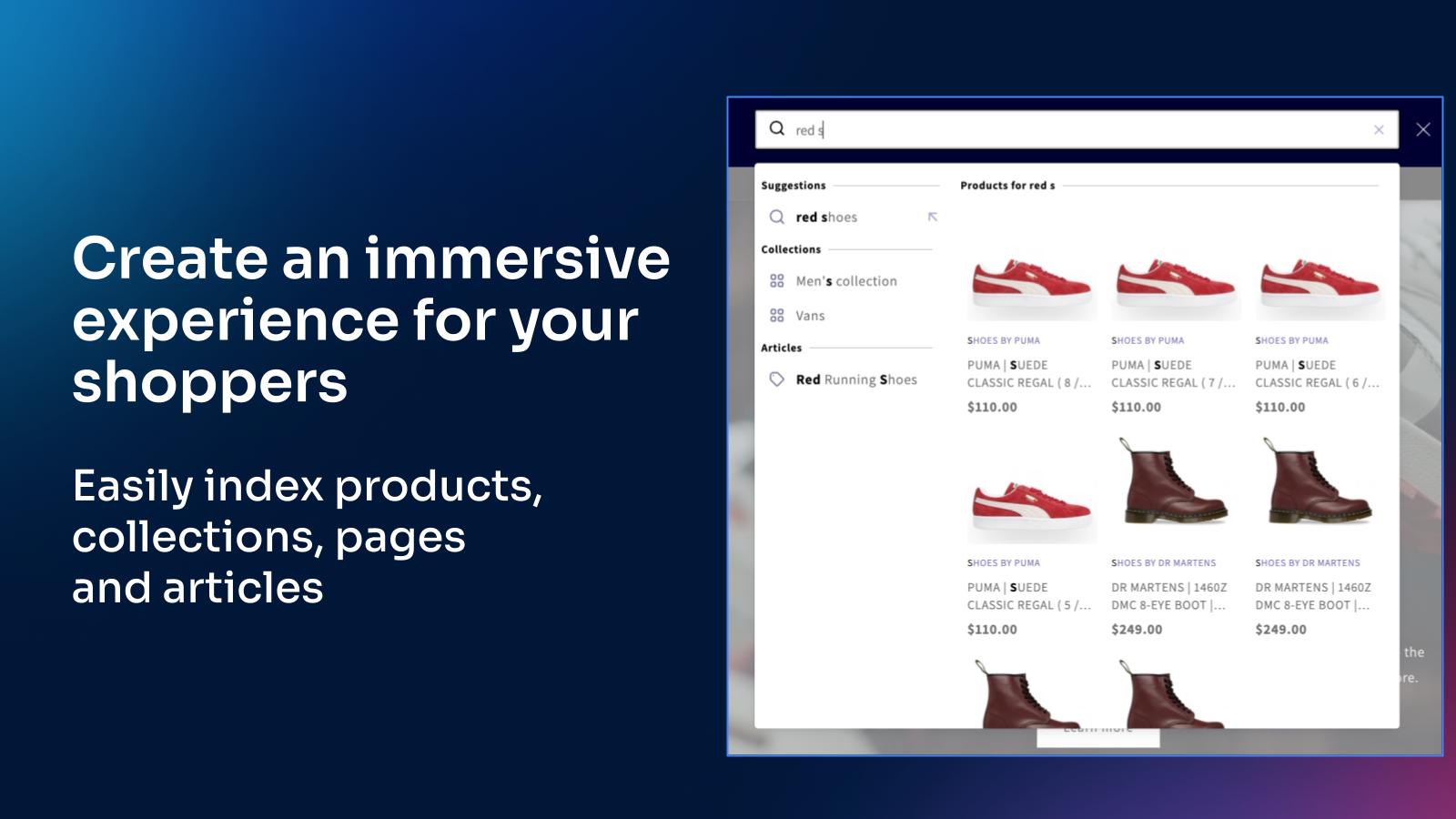
Boost Revenue with AI-Powered Search – Increase Conversion Rates and Maximize Average Order Value Algolia AI Search excels at understanding shoppers’ intent, delivering relevant results even for complex keywords! This improves your site performance, significantly reduces "no results" scenarios, and provides a seamless search experience for your shoppers. Save hours by eliminating the need to create synonyms or manually assign categories. Impress shoppers with speed and relevance across all devices. Algolia scales to handle high monthly query volumes and is backed by global data centers.
Core Functionality
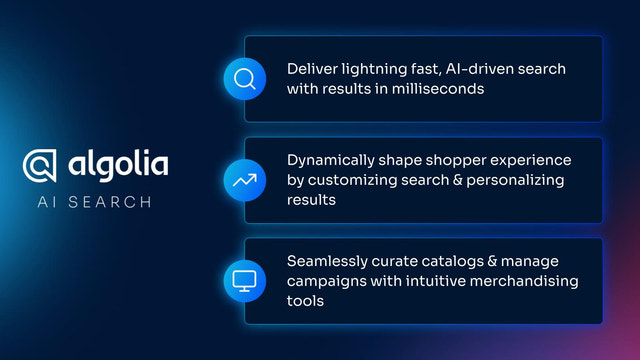
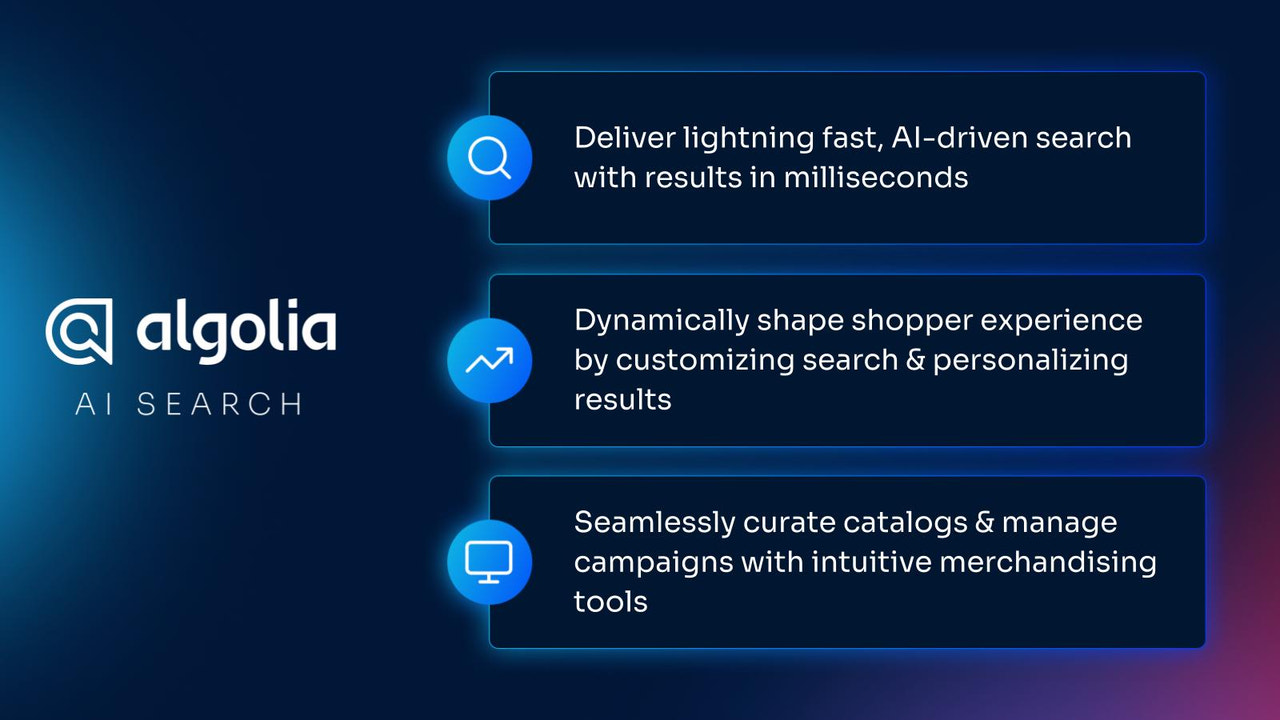
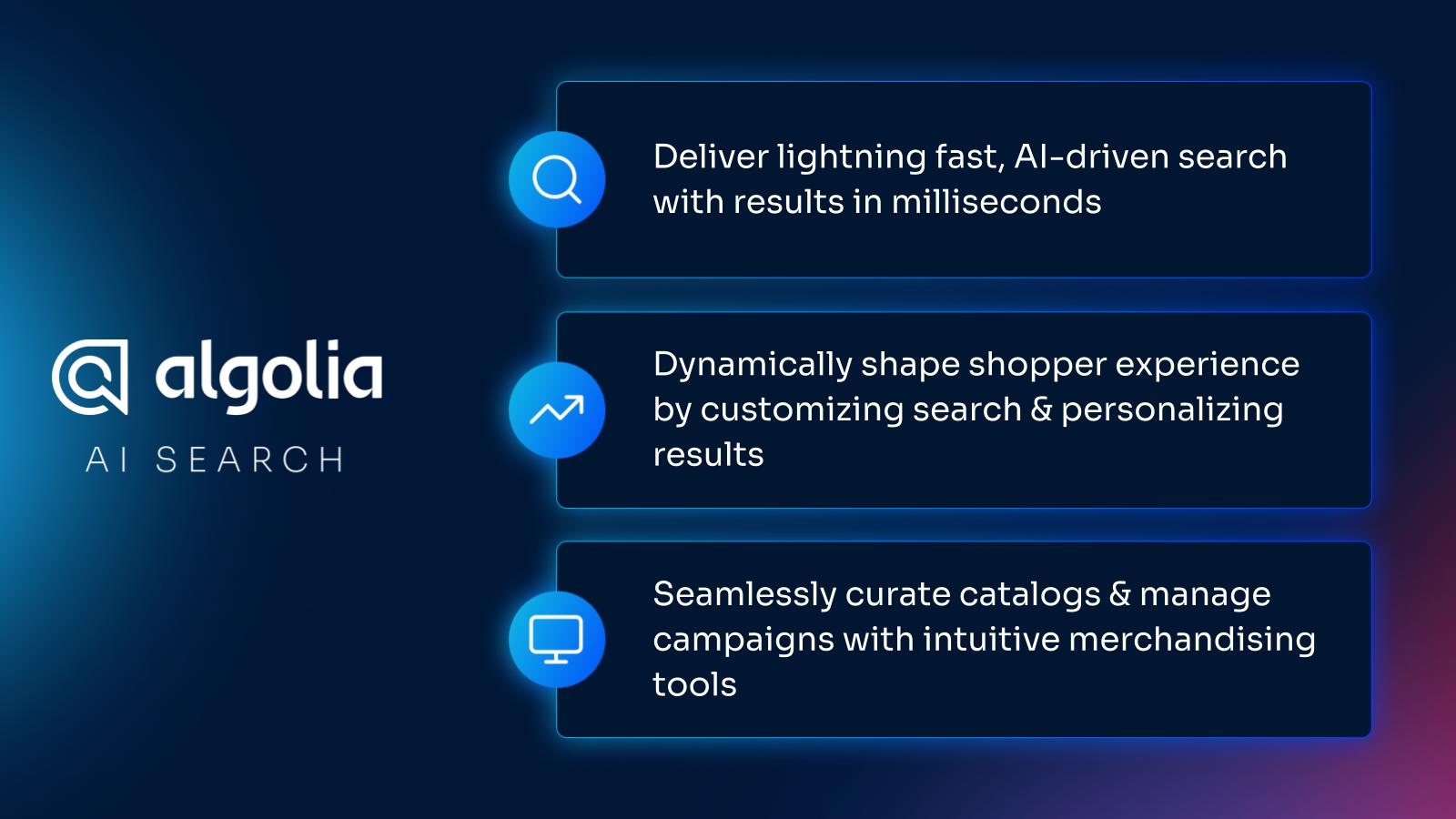
- Get lightning-fast results perfectly matched to shoppers' needs
- Dynamically shape the shopping experience through curated and personalized results
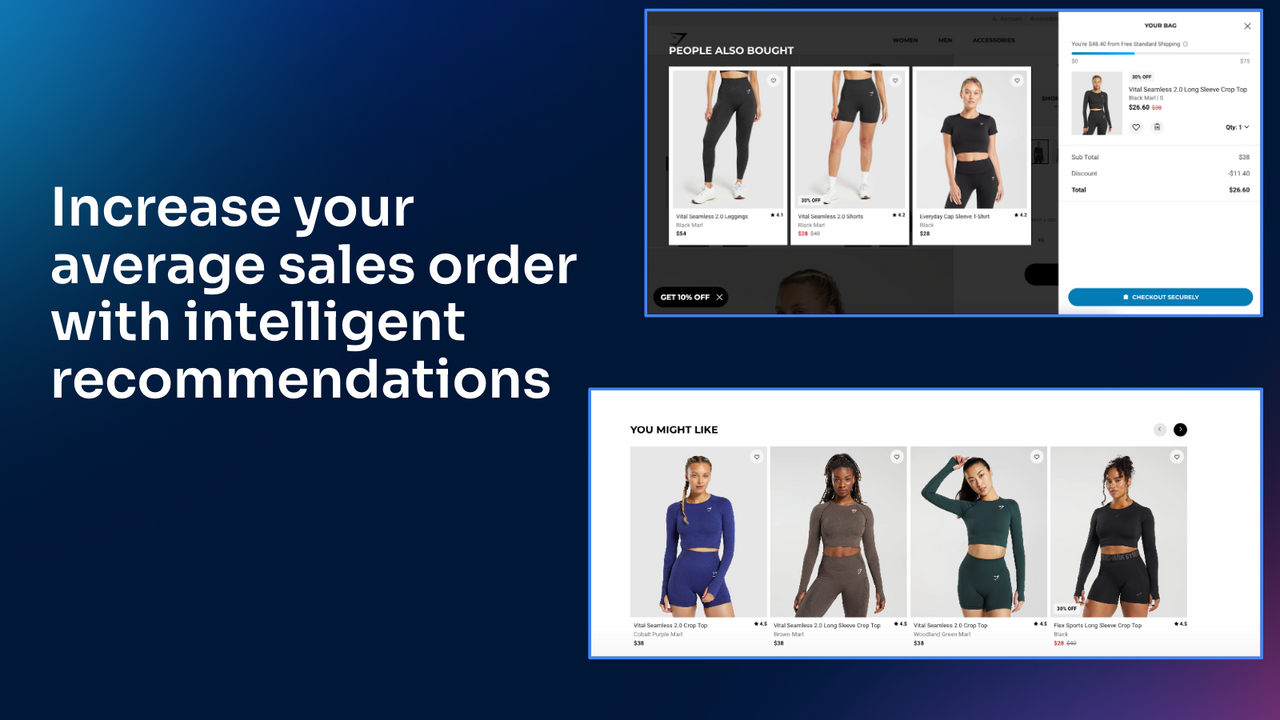
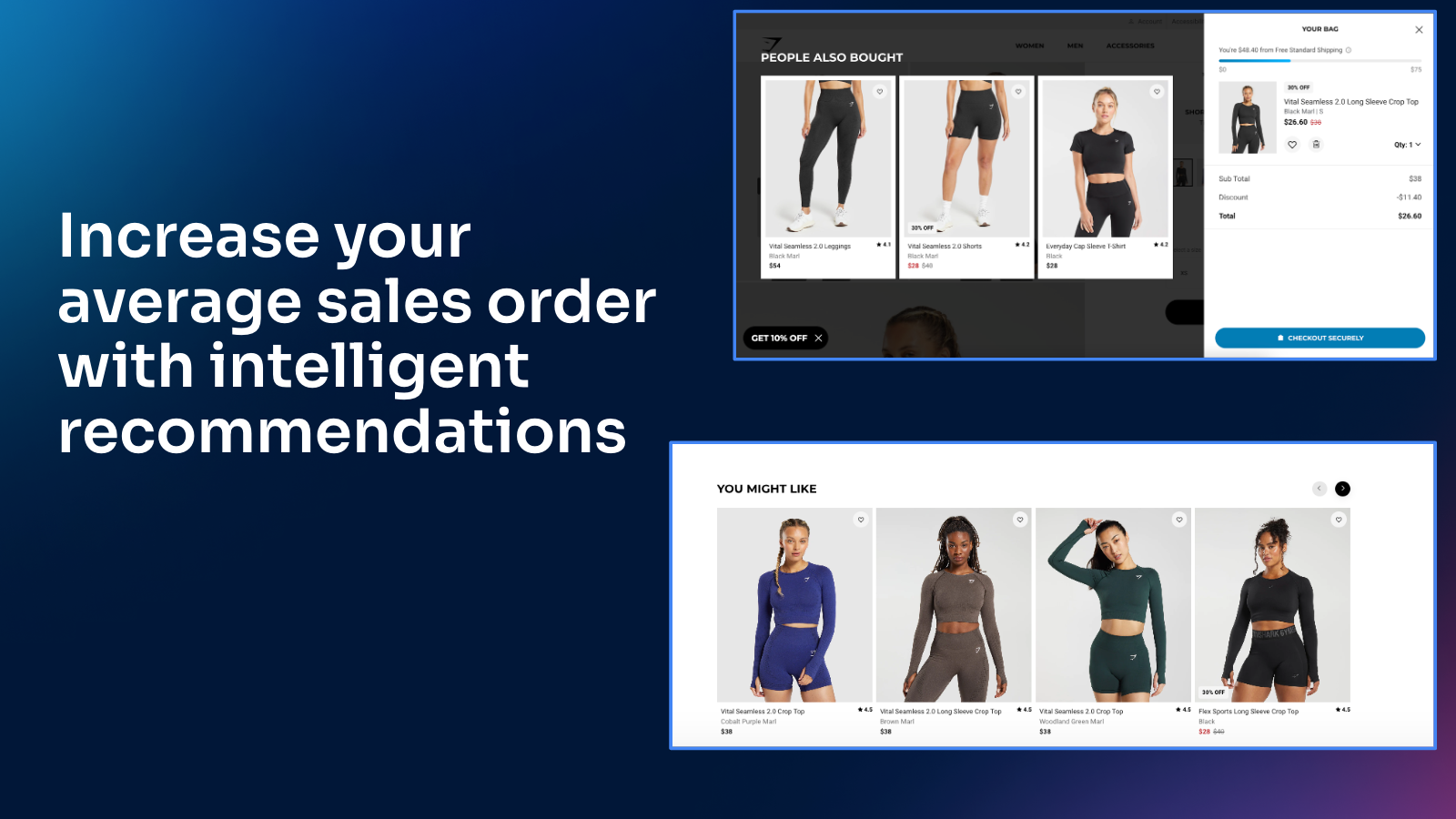
- Maximize catalog exposure and drive upsells with AI recommendations
- Easily create and manage campaigns using user-friendly merchandise management tools
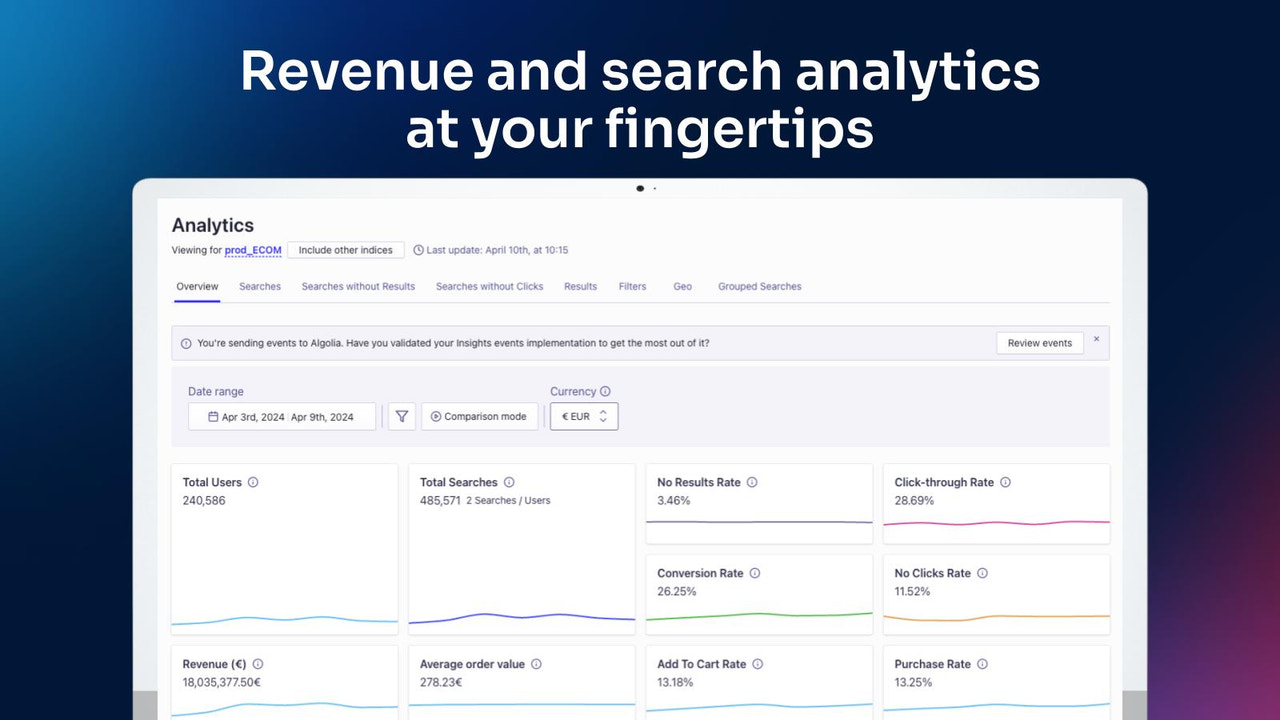
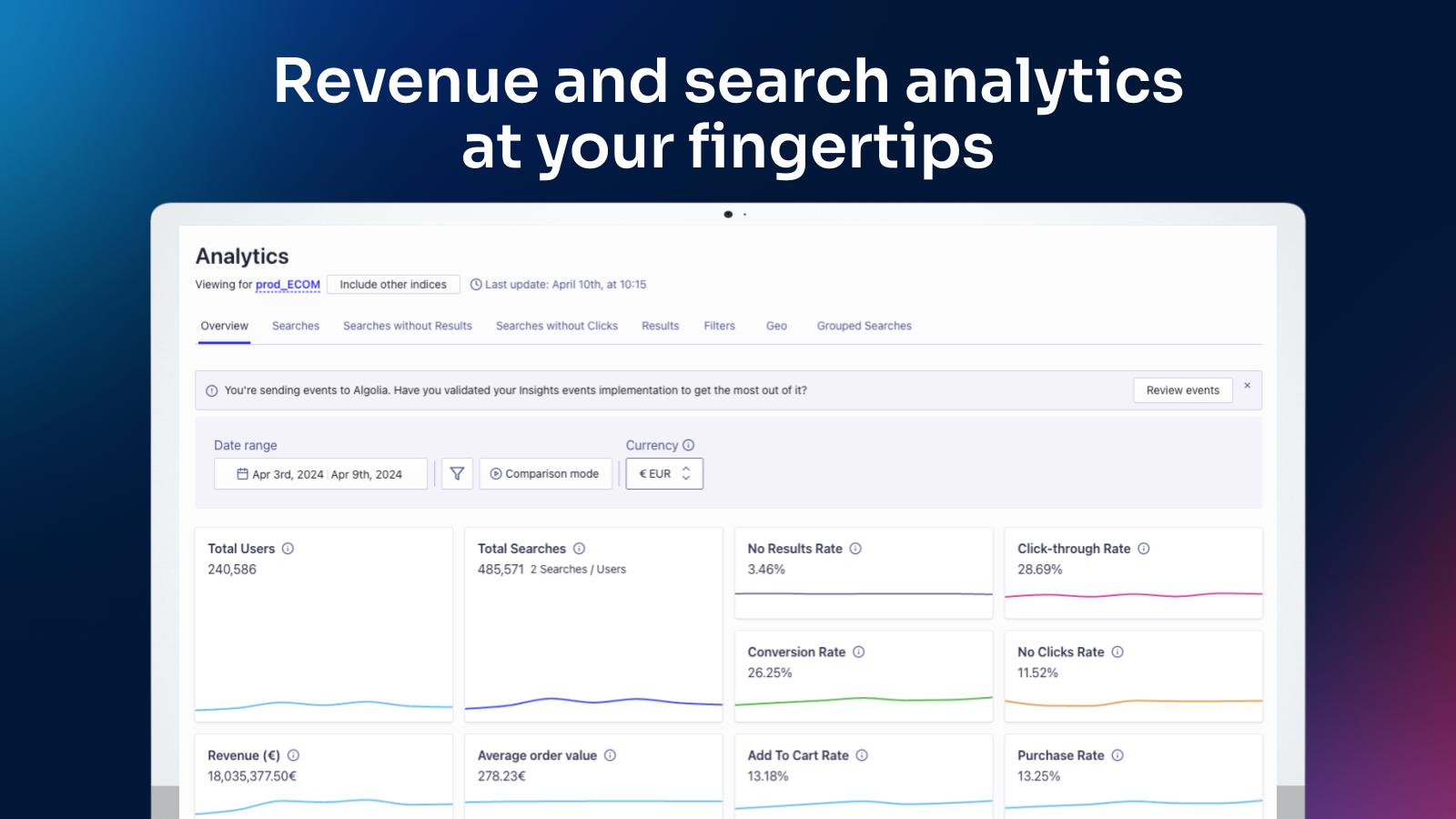
- Boost store performance by tracking high-revenue search terms
Merchant-Friendly
- Independent Station Merchants
- Small and Medium E-commerce Sellers
- Multi-category E-commerce
- Brand-owned E-commerce
Basic Information
- Developer:Algolia
- Address:55 Rue d'Amsterdam, Paris, 75008, FR
- Price: Free / Free plan
- Rating:3.6 / 5
- Comment Count:35 comment
- Release Date:2016-10-28
- Supported languages:English
- Compatible products:Shopify
Application Screenshot







Price Plan
Build
- Free to Start - No Credit Card Required
- Up to 10,000 Search Requests per Month
- Includes 1 Million Records
- Test AI Features
Grow
- Up to 10,000 search requests free per month
- Additional $0.50 per 1,000 search requests
- Up to 100,000 records free
- Additional $0.40 per 1,00 records per month
Premium
- Enhance Search with AI Functionality
- AI Functionality and Keyword Search
- Product Management Studio for Business Users
- Bulk Discounts
Elevate
- Further growth, get the full AI product
- Includes all content of 'Premium'
- Full AI product includes NeuralSearch
- Bulk Discounts
User Location & Comments
User Location
Comments
Shopify API Used
- GET /admin/api/search/queries.json
- GET /admin/api/search/results.json
- POST /admin/api/search/settings.json
Permission:read_search,manage_search,read_products
- POST /admin/api/search/personalization.json
- PUT /admin/api/search/personalization/{id}.json
- GET /admin/api/search/personalization.json
Permission:write_search,read_search,manage_customers
- POST /admin/api/recommendations/upsell.json
- GET /admin/api/recommendations/upsell.json
- PUT /admin/api/recommendations/settings.json
Permission:write_recommendations,read_recommendations,manage_products
- POST /admin/api/merchandising/campaigns.json
- PUT /admin/api/merchandising/campaigns/{id}.json
- DELETE /admin/api/merchandising/campaigns/{id}.json
Permission:write_merchandising,read_merchandising,manage_products
- GET /admin/api/search/terms/performance.json
- GET /admin/api/search/terms/top.json
- POST /admin/api/search/terms/analysis.json
Permission:read_search,read_analytics,manage_reports