
App Introduction
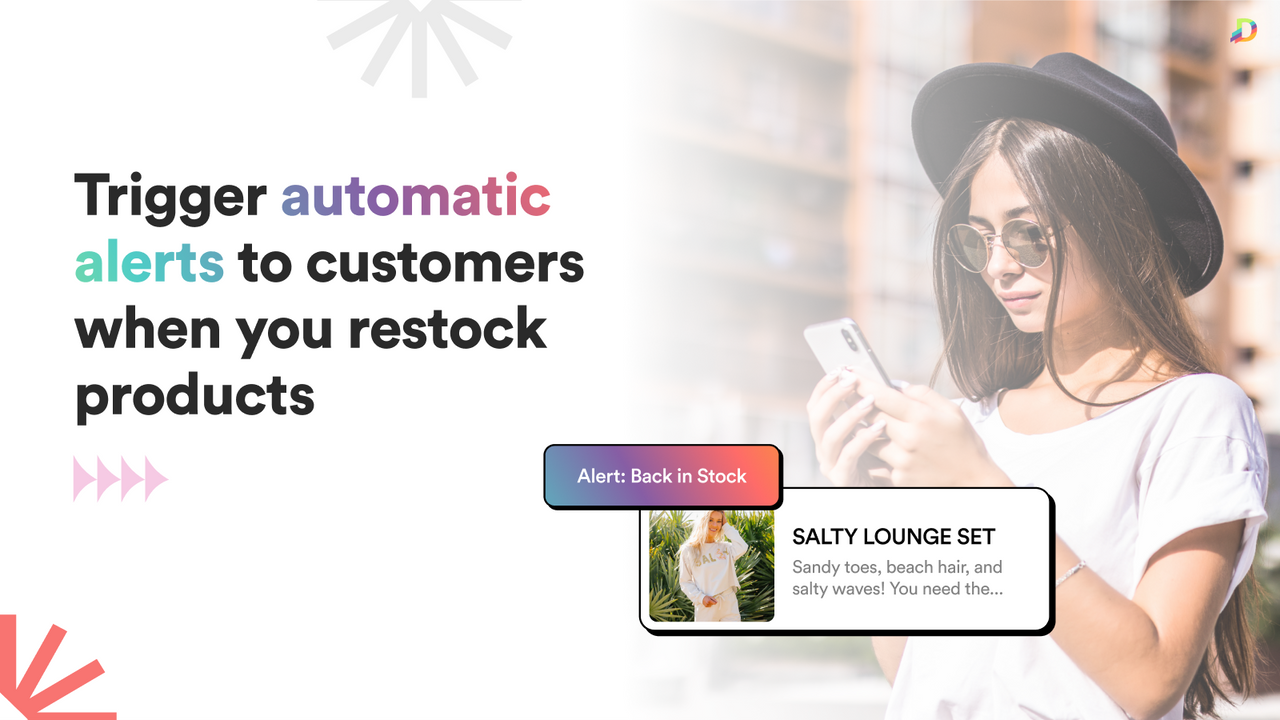
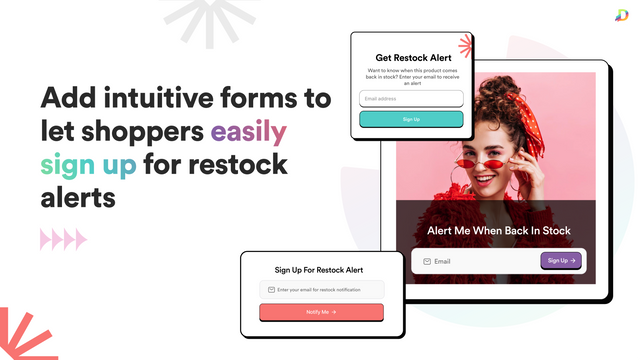
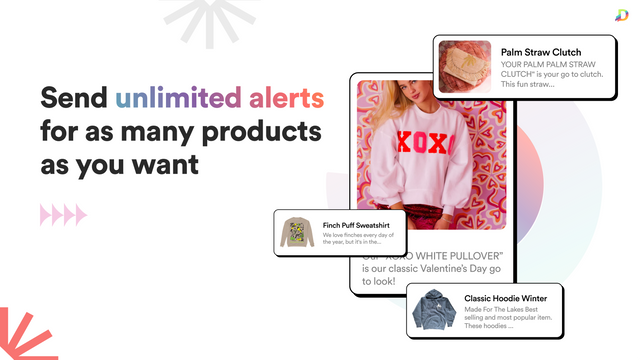
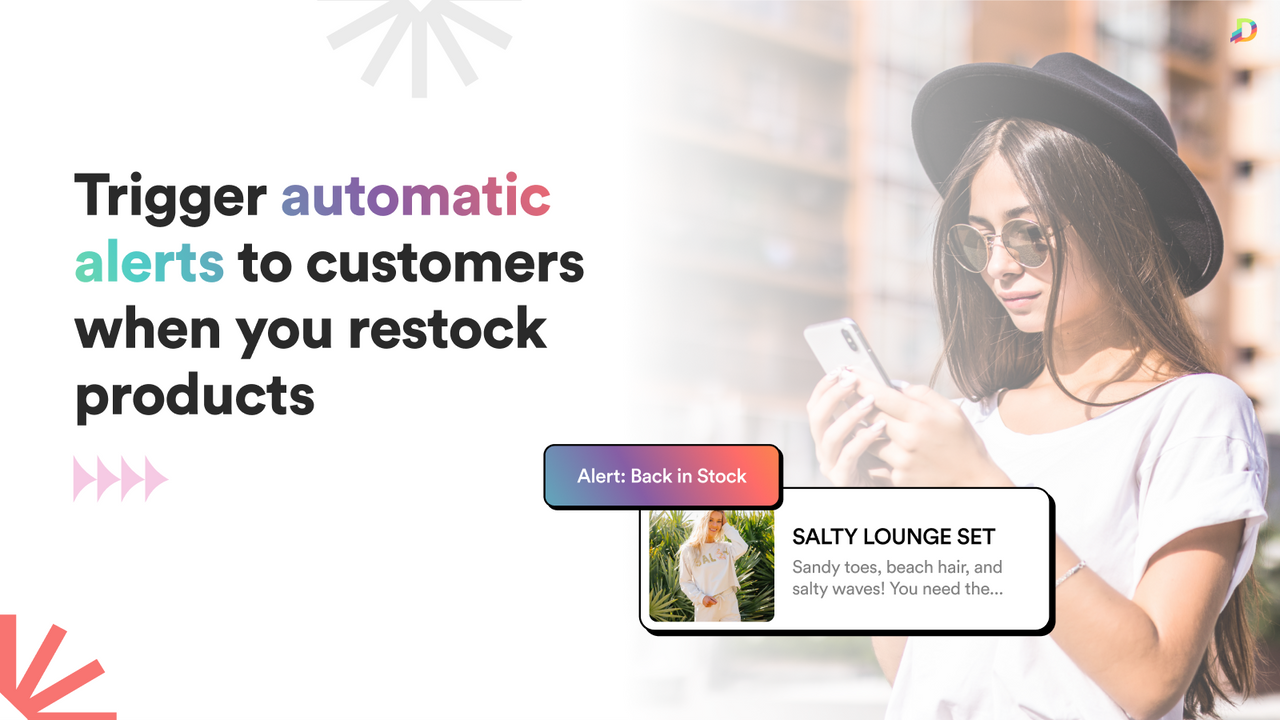
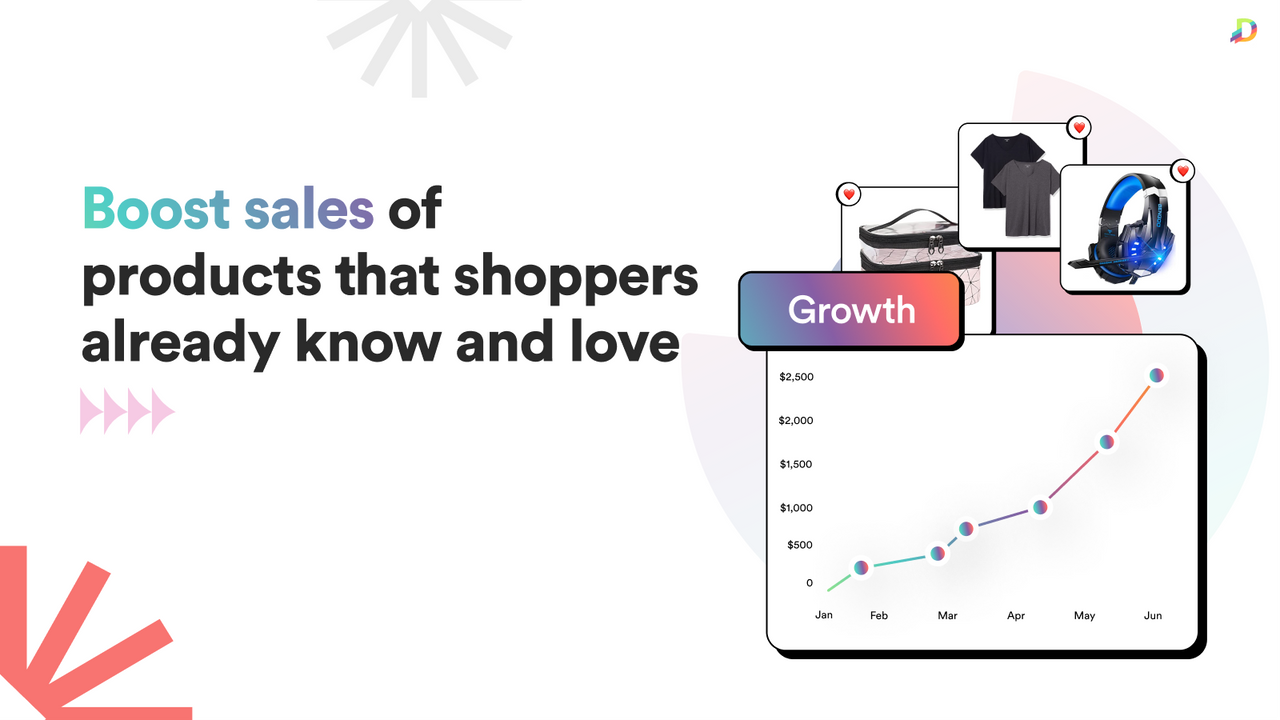
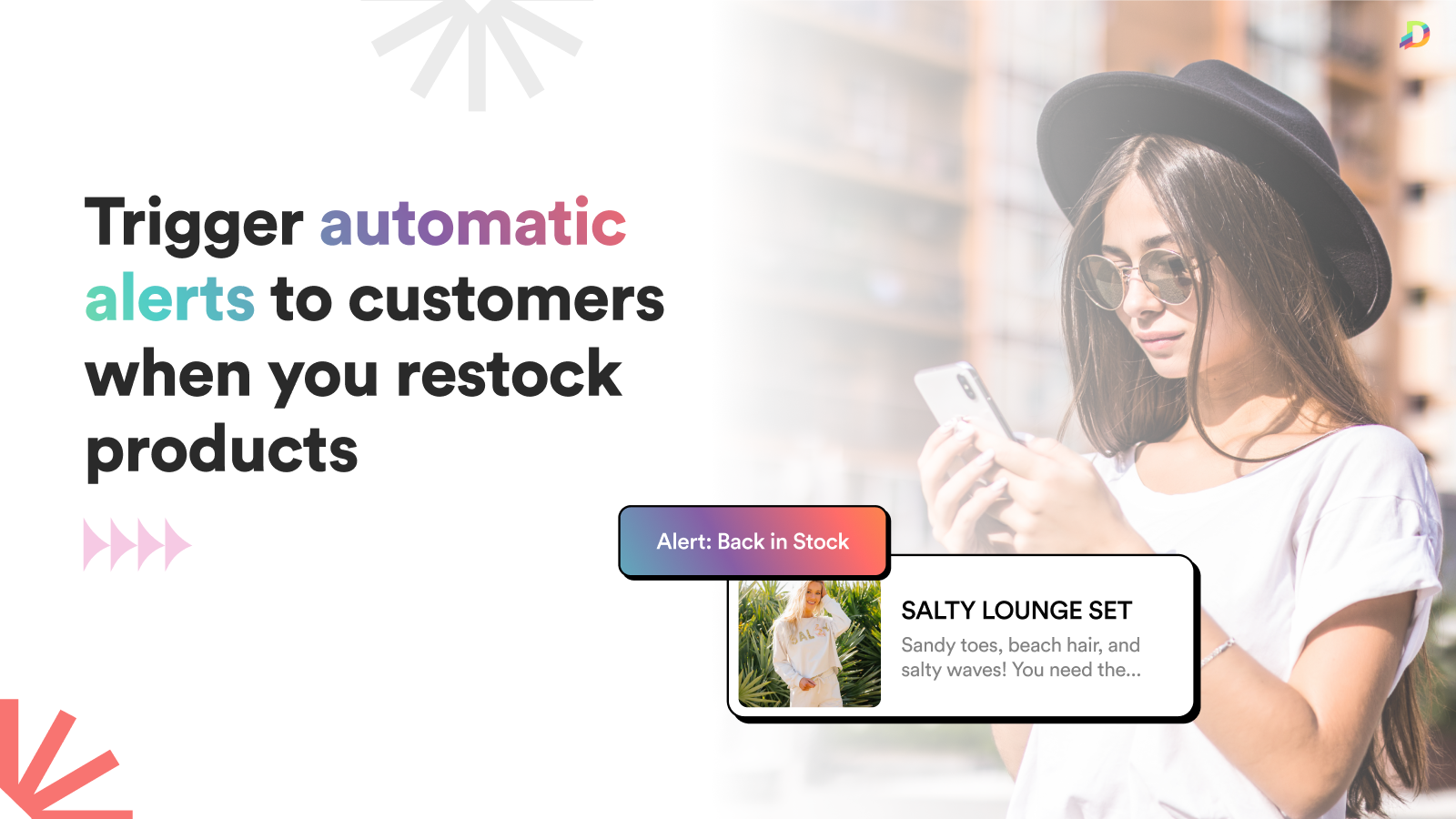
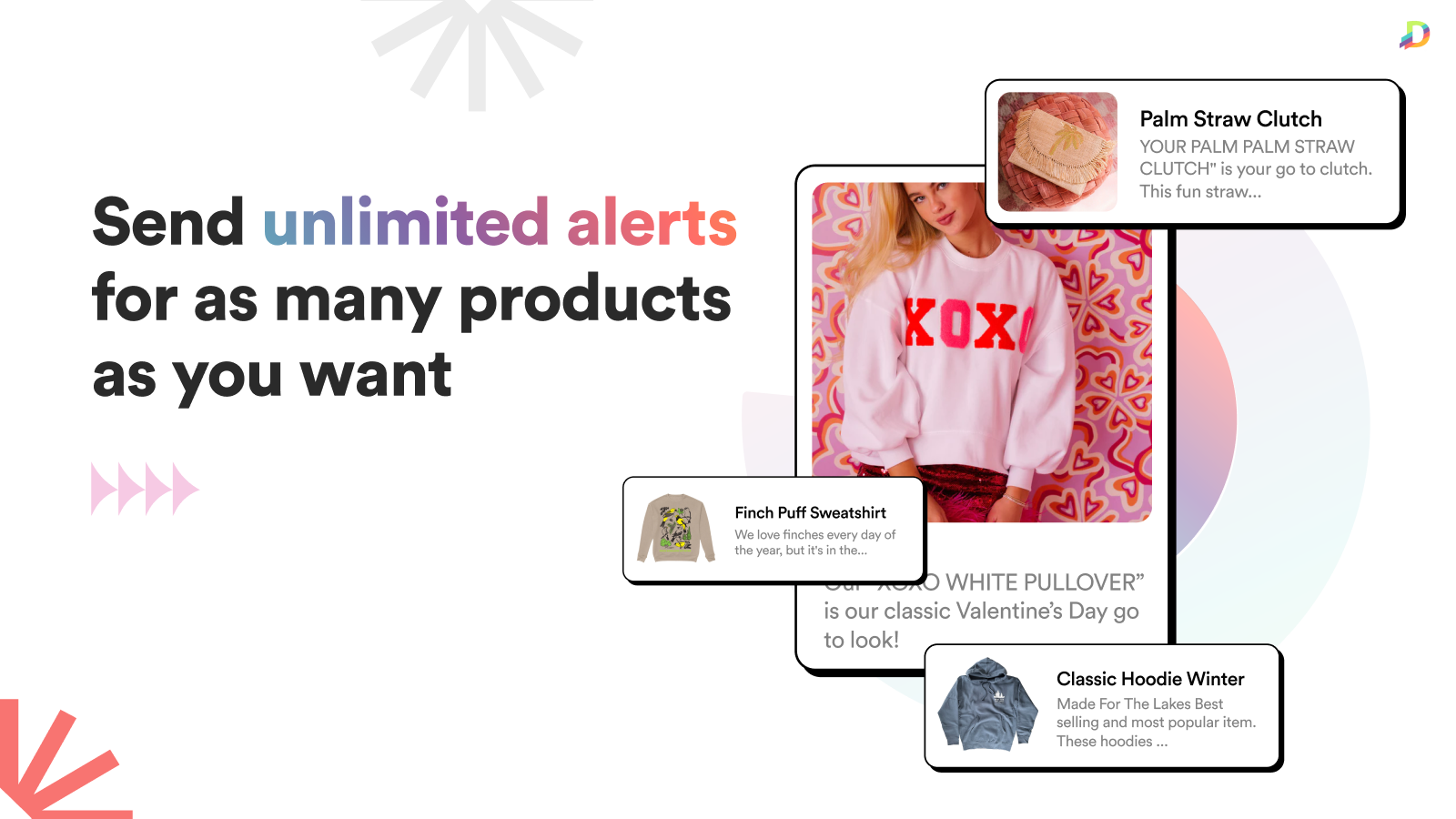
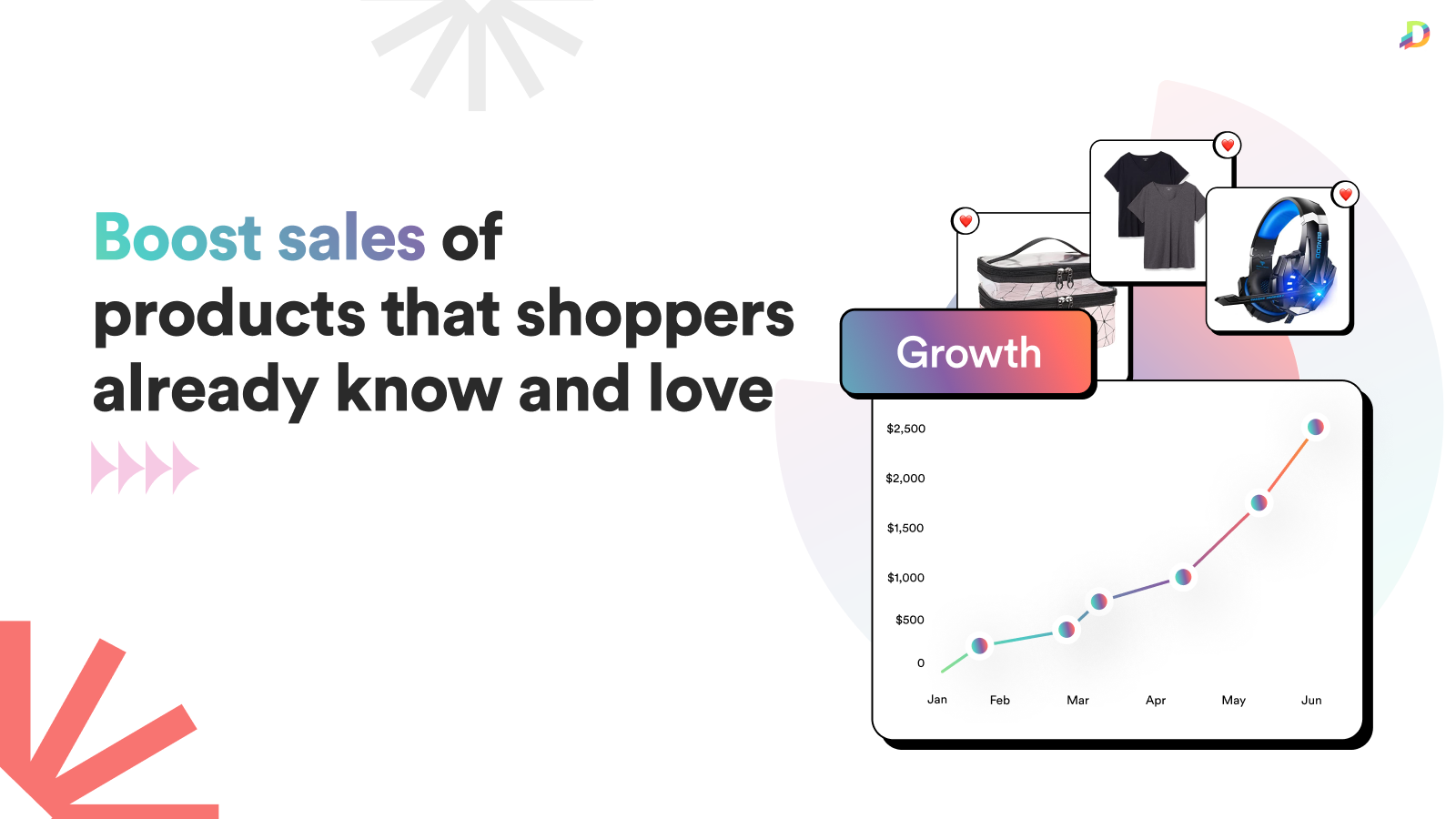
Easily trigger automatic back-in-stock alerts when you restock your customers’ favorite products. Send automatic, real-time back-in-stock alerts and restock notifications when your customers’ favorite products are replenished. Shoppers can sign up for an unlimited number of alerts using a simple form on your product and collection pages. When you restock these products, Alert Me automatically triggers back-in-stock alerts to customers—truly fully automated and hassle-free. Alert Me - Restock Alerts makes it easy to boost revenue by reminding customers to purchase the products they already love!
Core Functionality
- Fully Automated: Trigger restock alerts without manual work – set it and forget it!
- Real-Time: Alert Me restock alerts are sent instantly to boost your sales!
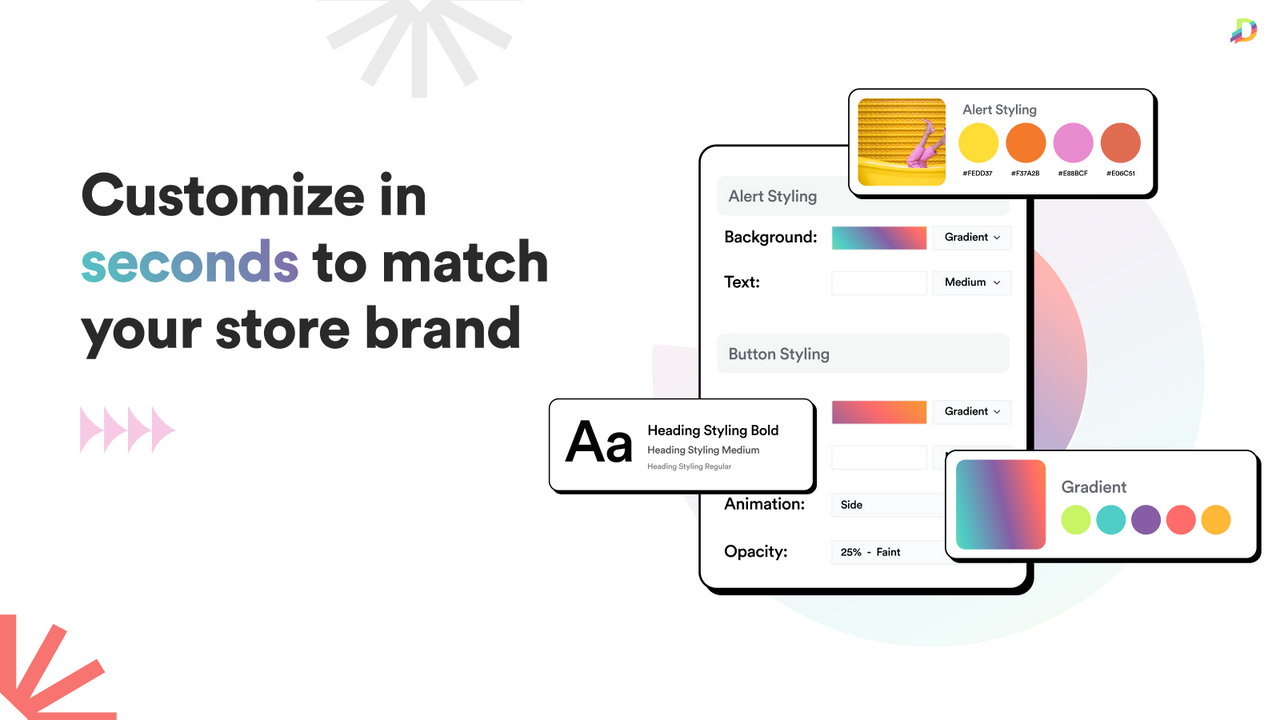
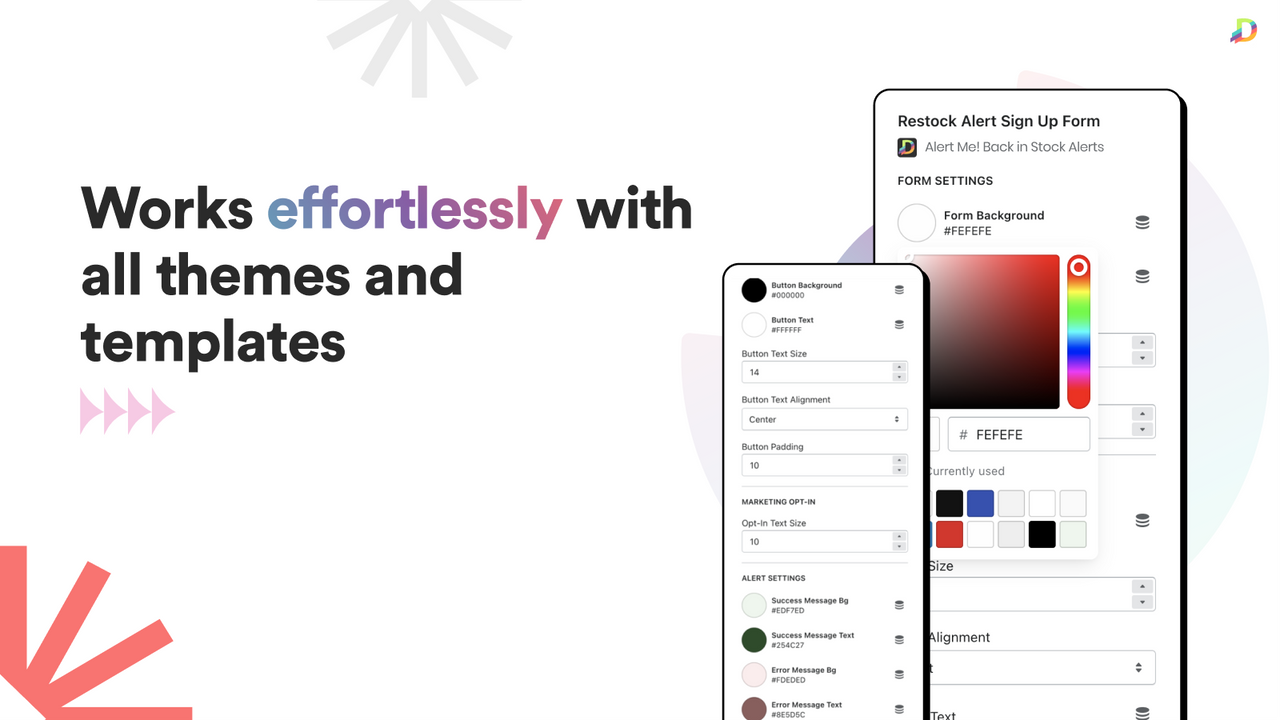
- Customizable: Easily change the color of your in-stock alerts to match your brand.
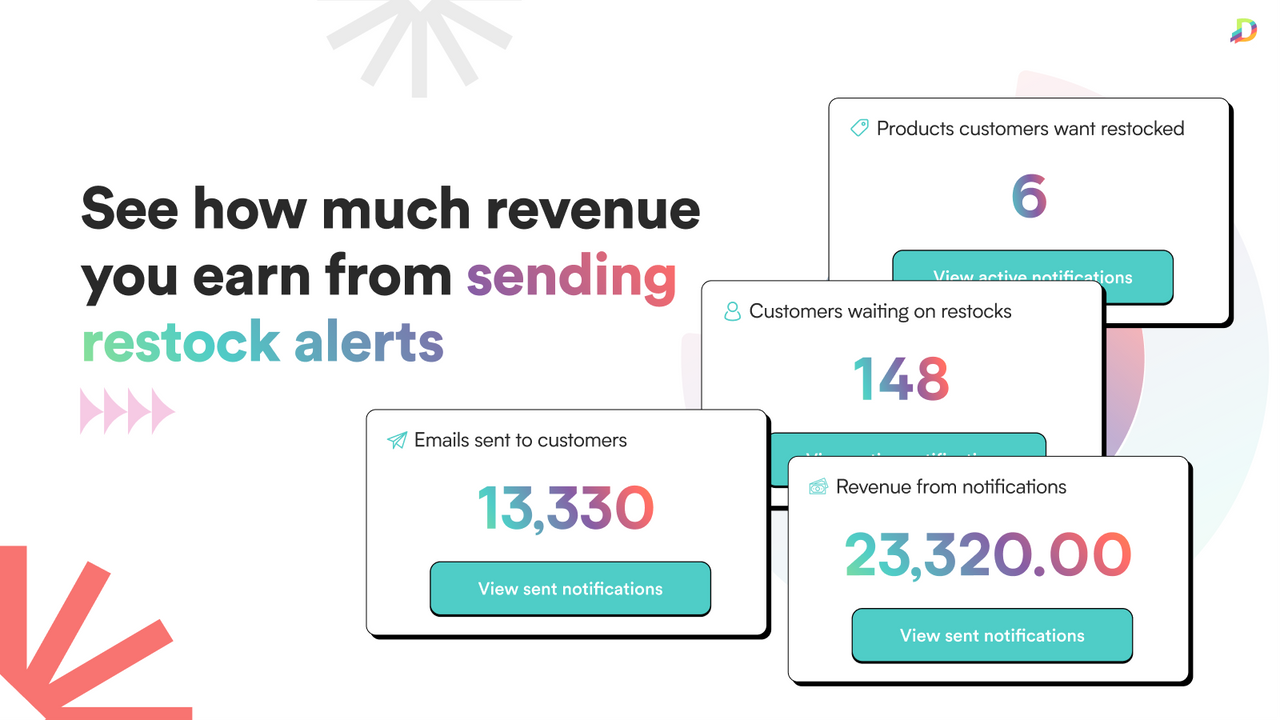
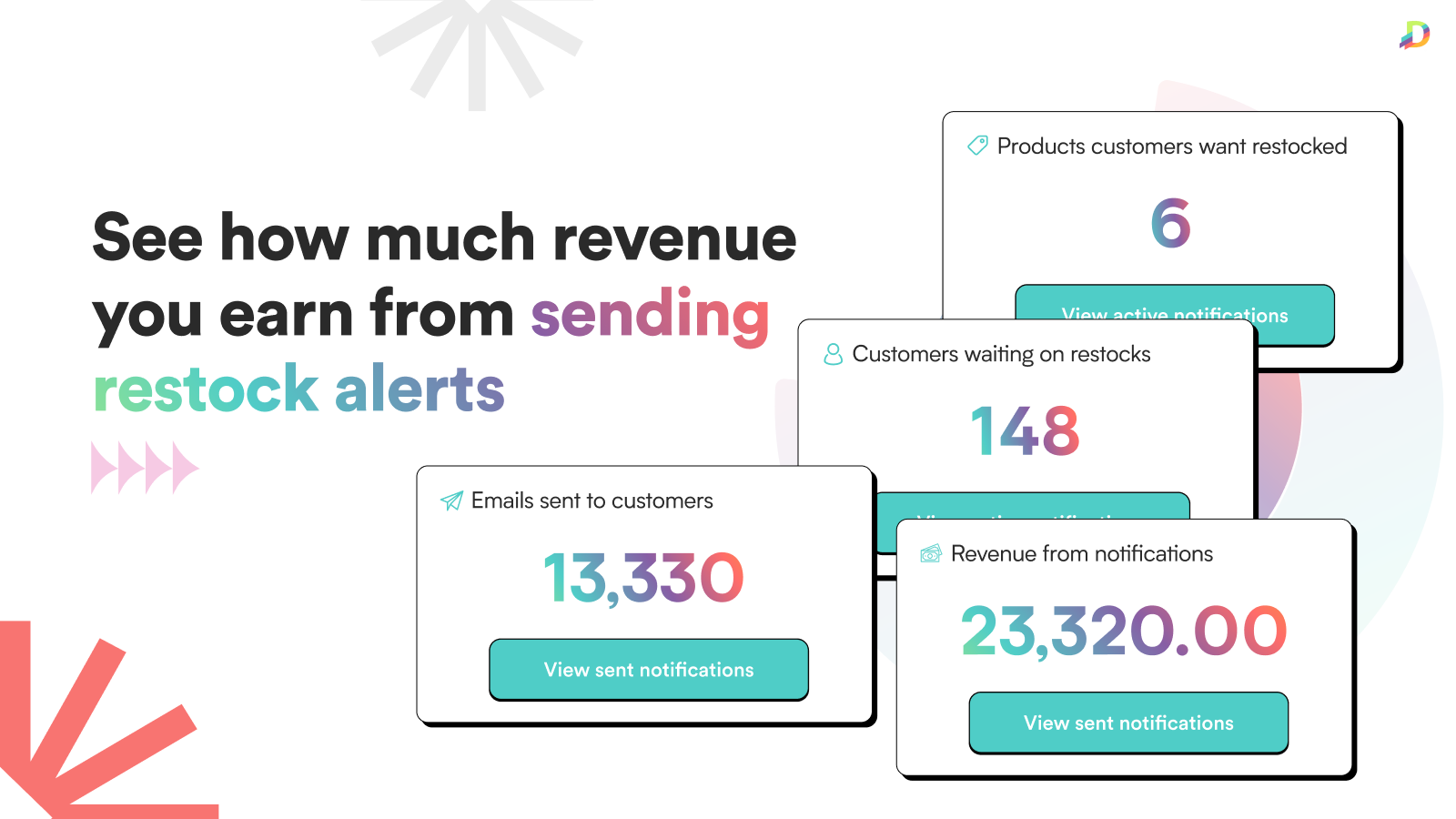
- Insightful Analytics: View your most popular out-of-stock products to plan inventory.
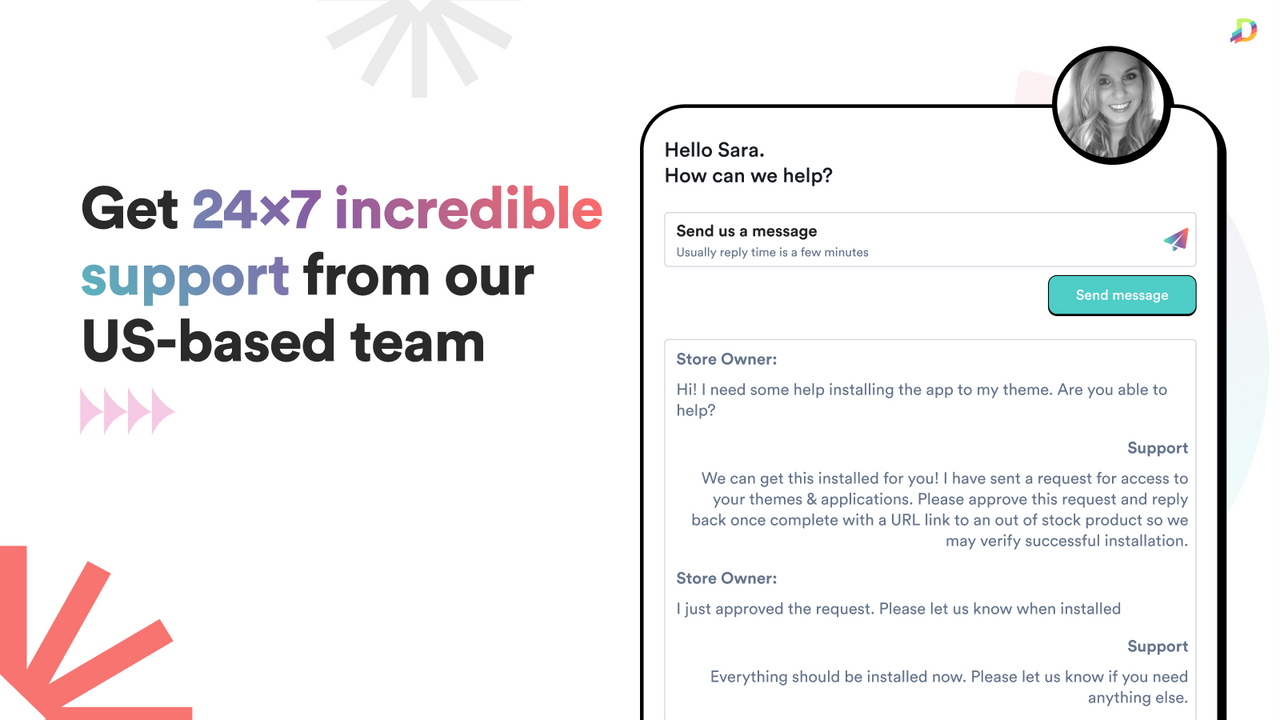
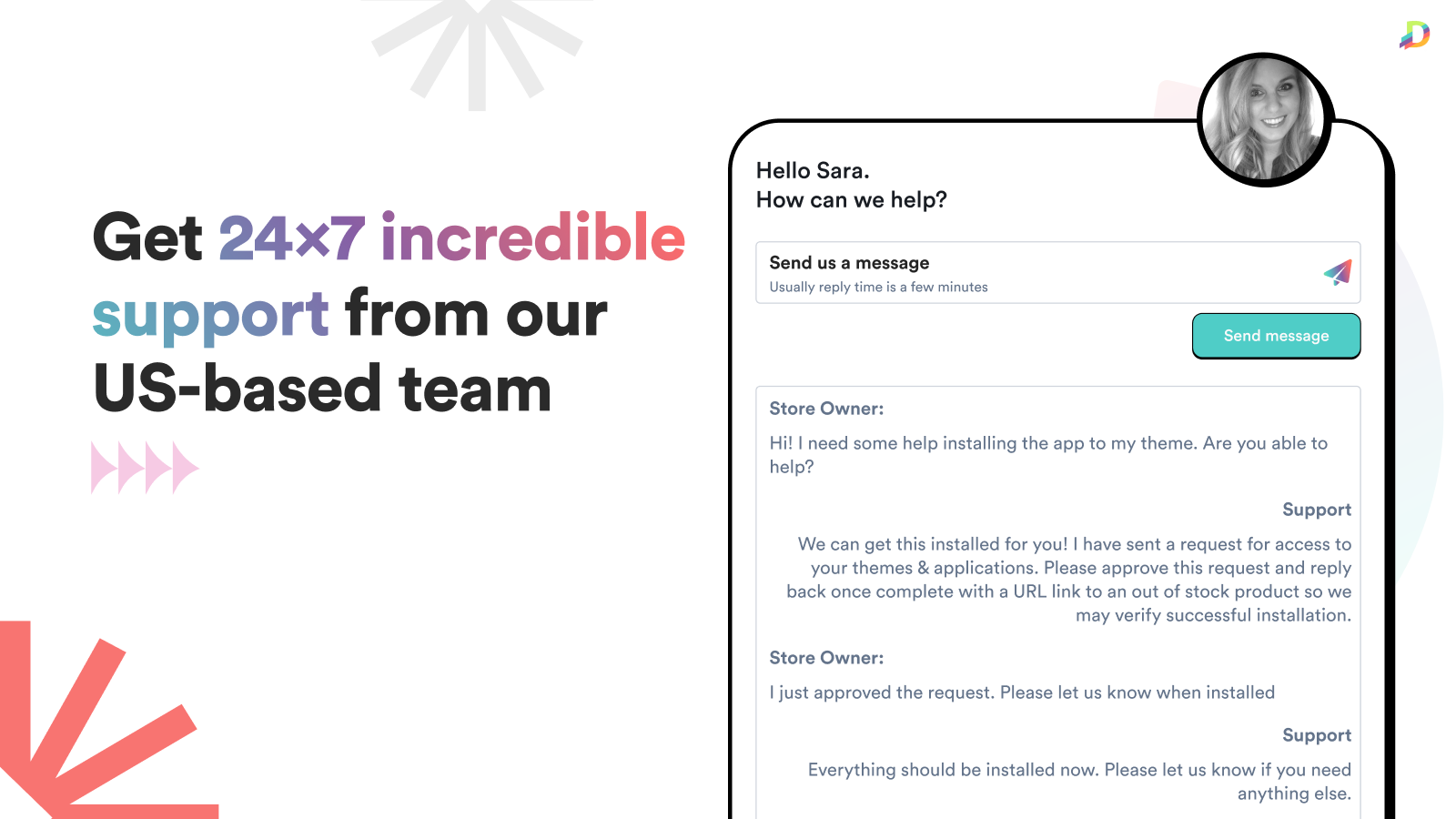
- Quick Support: We’re here to help you grow! Contact us to set up your first alert.
Merchant-Friendly
- Independent Station Merchants
- Small & Medium E-commerce Sellers
- Multi-category E-commerce
- Brand E-commerce
Basic Information
- Developer:Dibble Development
- Address:PO Box 1766, Watkinsville, GA, 30677, US
- Price: Free / Free plan
- Rating:4.3 / 5
- Comment Count:248 comment
- Release Date:2017-8-3
- Supported languages:English
- Compatible products:Shopify
Application Screenshot








Price Plan
Free Plan
- Unlimited Sign-ups
- Up to 10 Notifications Sent Monthly
- Multi-Location Support
- Customizable Themes
- Analytics
Light Plan
- Unlimited Sign-ups
- Up to 50 Notifications Sent per Month
- Multi-Location Support
- Customizable Themes
- Analytics
Growth Plan
- Unlimited Sign-ups
- Up to 3000 Notification Sends per Month
- Multi-location Support
- Customizable Themes
- Analytics
Pro Plan
- Unlimited Registrations
- Unlimited Notification Sends
- Multi-Location Support
- Customizable Themes
- Analytics
User Location & Comments
User Location
Comments
Shopify API Used
- POST /admin/api/restock_alert.json
- PUT /admin/api/restock_alert/{id}.json
- GET /admin/api/restock_alert.json
Permission:write_restock_alert,read_restock_alert,manage_products
- POST /admin/api/restock_notification.json
- PUT /admin/api/restock_notification/{id}.json
- GET /admin/api/restock_notification.json
Permission:write_restock_alert,read_restock_alert,manage_notifications
- POST /admin/api/restock_alert/setting.json
- PUT /admin/api/restock_alert/setting/{id}.json
- GET /admin/api/restock_alert/setting.json
Permission:write_restock_alert,read_restock_alert,manage_themes
- GET /admin/api/restock_alert/analysis.json
- GET /admin/api/restock_alert/analysis/{product_id}.json
- GET /admin/api/restock_alert/analysis/top.json
Permission:read_restock_alert,read_products,manage_reports