App Introduction
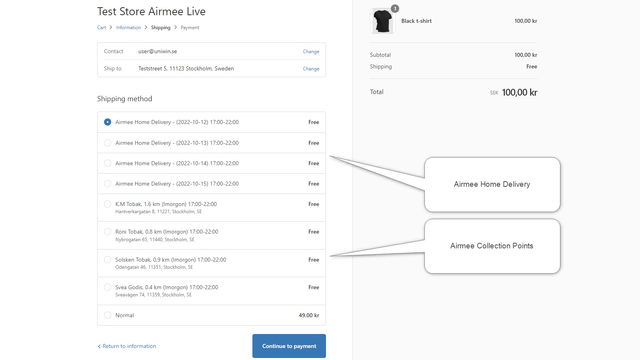
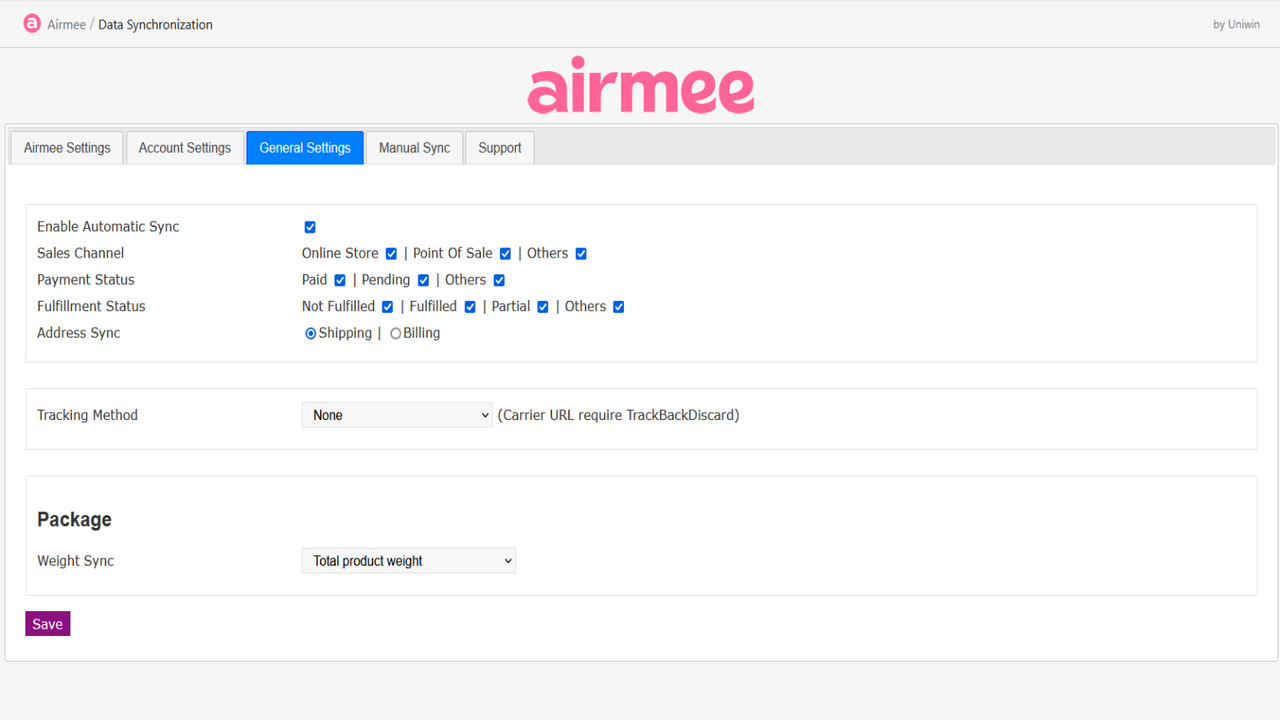
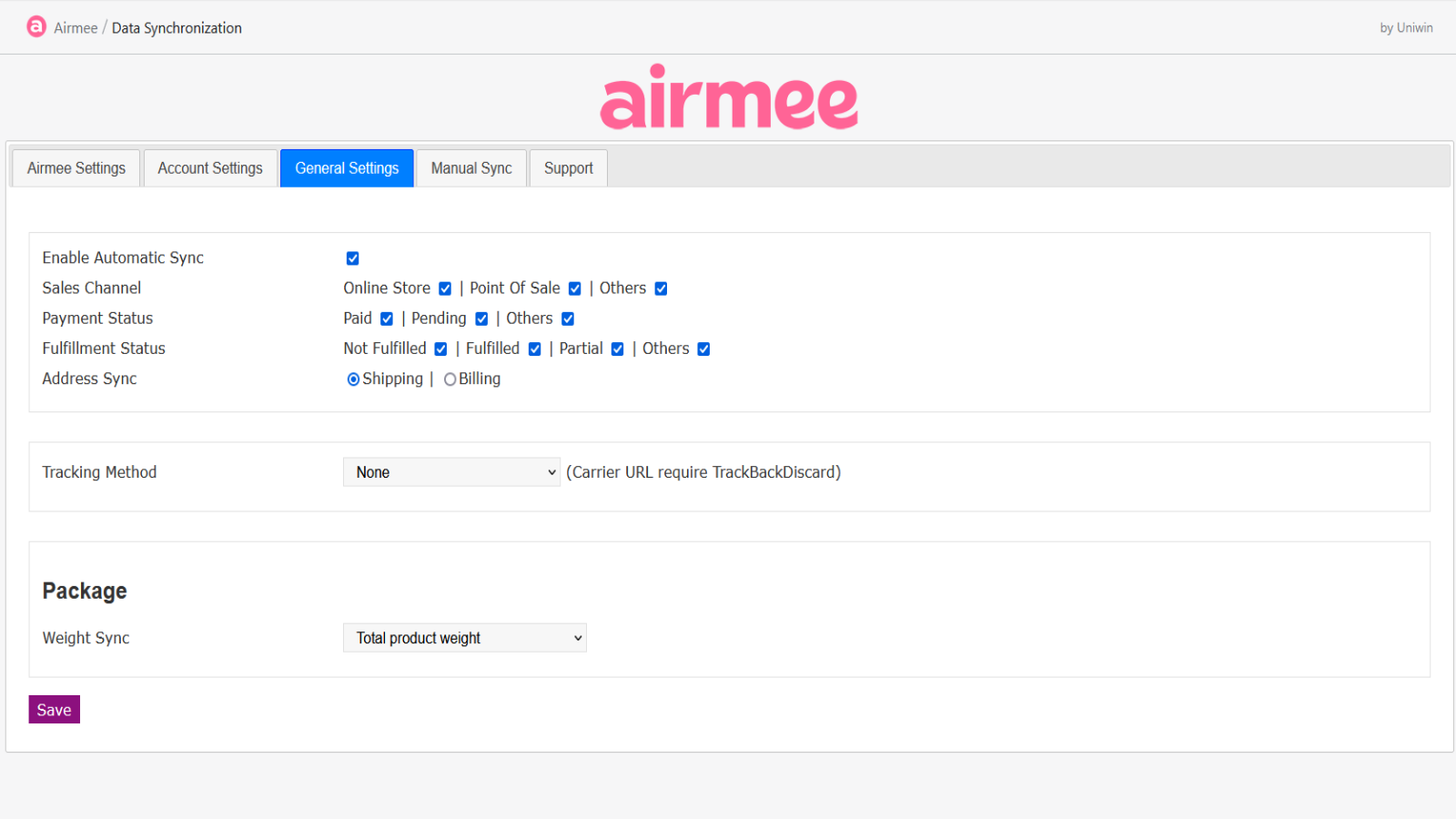
Display Airmee shipping methods and send shipping labels to Airmee TA or nShift Delivery This app will show Airmee’s delivery time slots at Shopify checkout. The selected time slot will be saved with the order and synced to Airmee TA or nShift Delivery as a printable shipping label. You can print the label and book shipping in Airmee TA or nShift Delivery. You can either let the sync happen automatically and instantly when an order is received in your Shopify store, or choose to manually control all operations.
Core Functionality
- Display Airmee shipping method at Shopify checkout
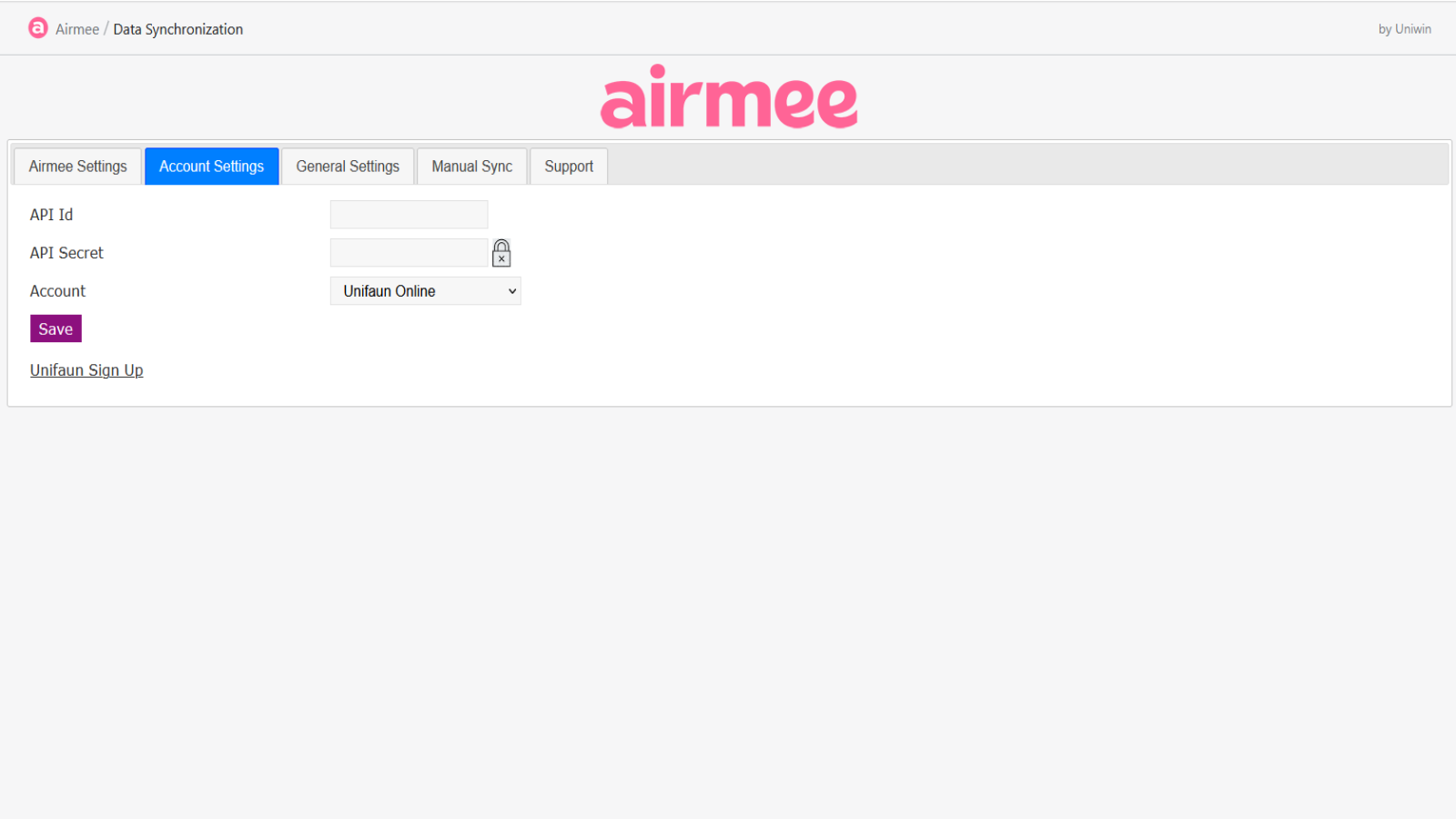
- Sync labels to Airmee TA or nShift Delivery
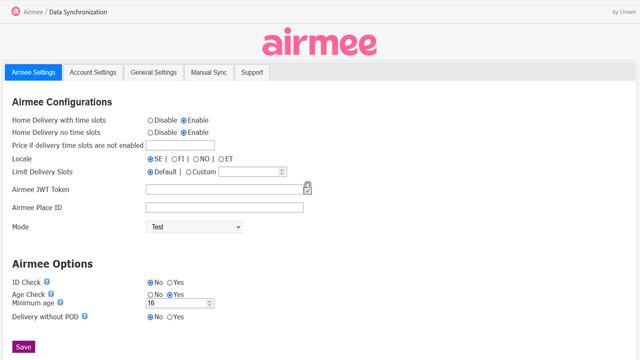
- Full control over automatic and manual syncing
Merchant-Friendly
- Independent Station Merchants
- Cross-border E-commerce
- Local Delivery Merchants
- E-commerce Operators
- Multi-category E-commerce
Basic Information
- Developer:Uniwin
- Address:Dalgångsslingan 5, Huddinge, 14192, SE
- Price: Free / Free plan
- Rating:0 / 5
- Comment Count:0 comment
- Release Date:2021-3-5
- Supported languages:English
- Compatible products:Shopify
Application Screenshot




Price Plan
标准
User Location & Comments
User Location
Comments
Shopify API Used
- POST /admin/api/carrier_service.json
- PUT /admin/api/carrier_service/{id}.json
- GET /admin/api/carrier_service.json
Permission:write_shipping,read_shipping,manage_carrier_services
- POST /admin/api/fulfillment.json
- PUT /admin/api/fulfillment/{id}.json
- GET /admin/api/fulfillment.json
Permission:write_fulfillments,read_fulfillments,manage_orders
- POST /admin/api/fulfillment.json
- PUT /admin/api/fulfillment/{id}.json
- GET /admin/api/fulfillment.json
Permission:write_fulfillments,read_fulfillments,manage_orders
- POST /admin/api/webhook.json
- PUT /admin/api/webhook/{id}.json
- GET /admin/api/webhook.json
Permission:write_webhooks,read_webhooks,manage_orders