
App Introduction
Airboxr delivers advanced business analytics and tells you exactly what to do—right in your spreadsheet. Airboxr provides out-of-the-box sales reports directly in your spreadsheet: it automates the spreadsheet reports and models that revenue leaders already use. The platform connects to Shopify, Amazon, Meta, TikTok, and Google to create automated reports and deliver them to your spreadsheet or Looker dashboard. Then, Airboxr AI tells you exactly what to do. Airboxr offers customized reporting services for finance, marketing, operations, and founders… because every business is unique.
Core Functionality
- Automate profit analysis using data from Shopify, Amazon, and ad channels.
- Analyze orders, inventory, POS sales, and fulfillment metrics with one click.
- Provide near-real-time profit tracking for your business.
- Access CPA, CAC, LTV, AOV, and MER in a single dashboard.
- Analyze best-selling products, design bundles, and identify seasonal trends.
Merchant-Friendly
- Multi-channel E-commerce Merchants
- Independent Station Operators
- Cross-border E-commerce Merchants
- Omnichannel Merchants
- DTC Brand Merchants
Basic Information
- Developer:Air Software Pte Ltd
- Address:11 Irving Place, #09-01, Singapore, 369551, SG
- Price: Free / Free plan
- Rating:5 / 5
- Comment Count:13 comment
- Release Date:2022-6-2
- Supported languages:English
- Compatible products:Shopify
Application Screenshot






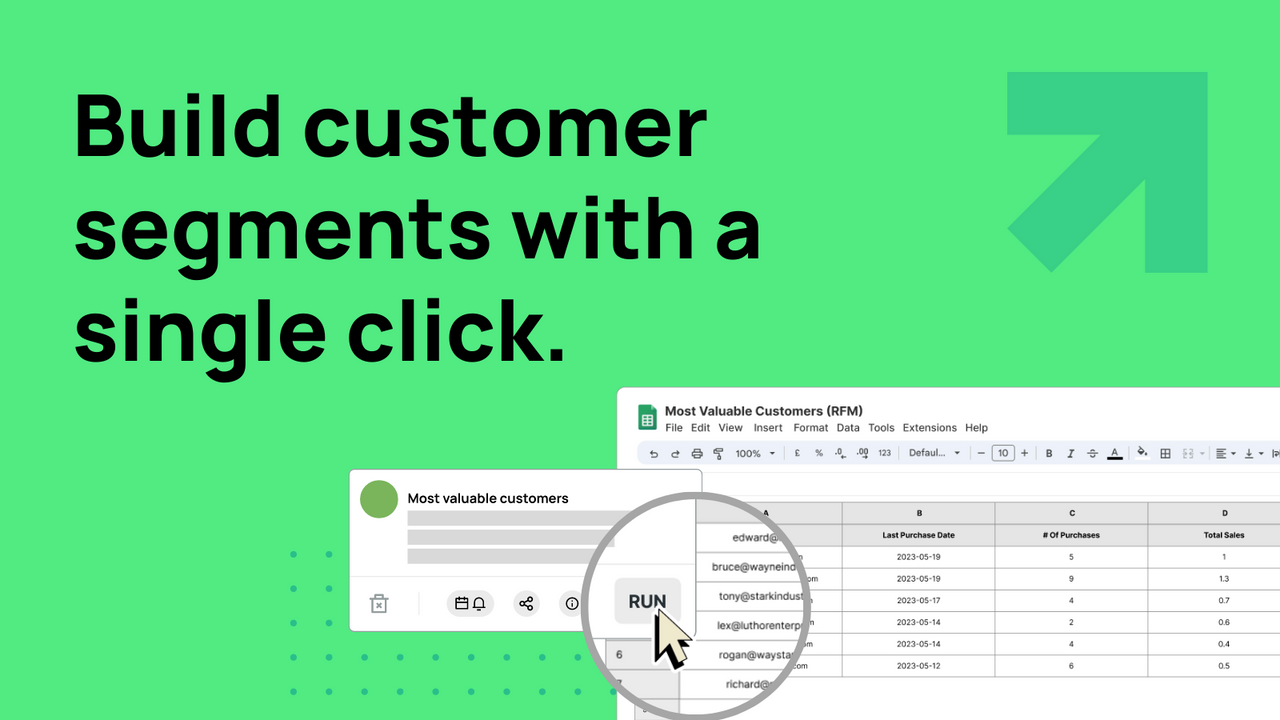
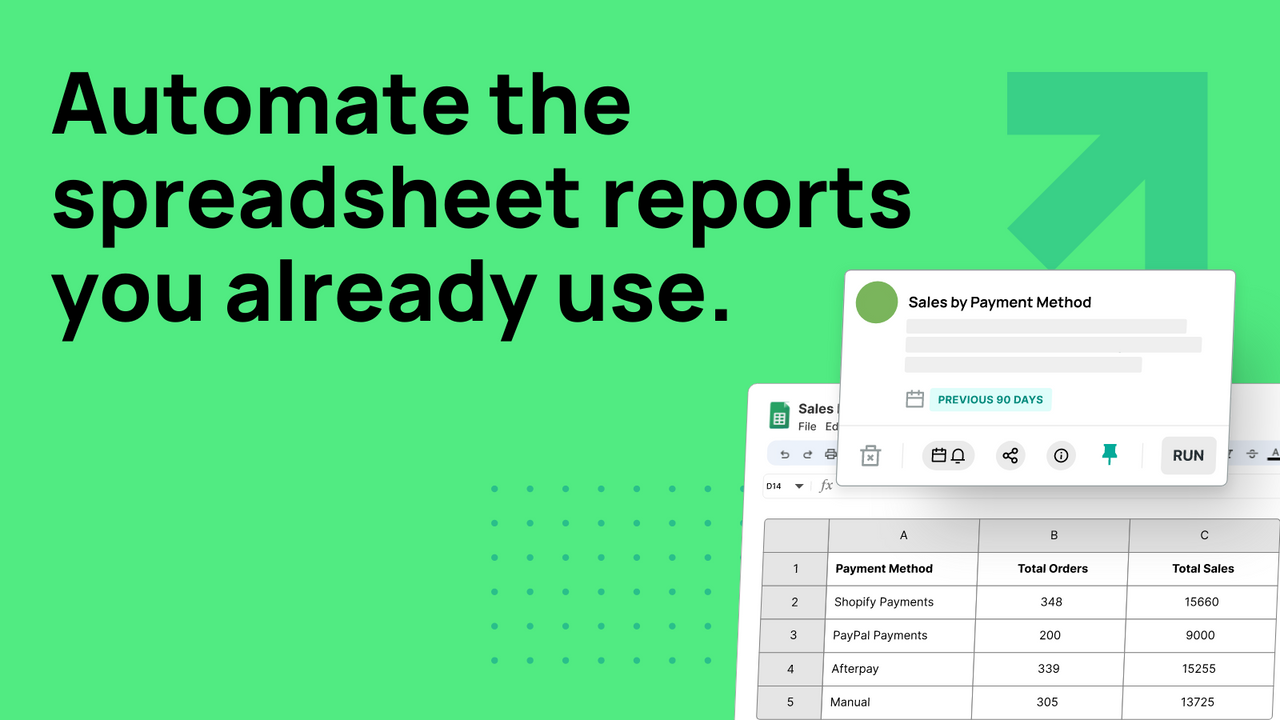



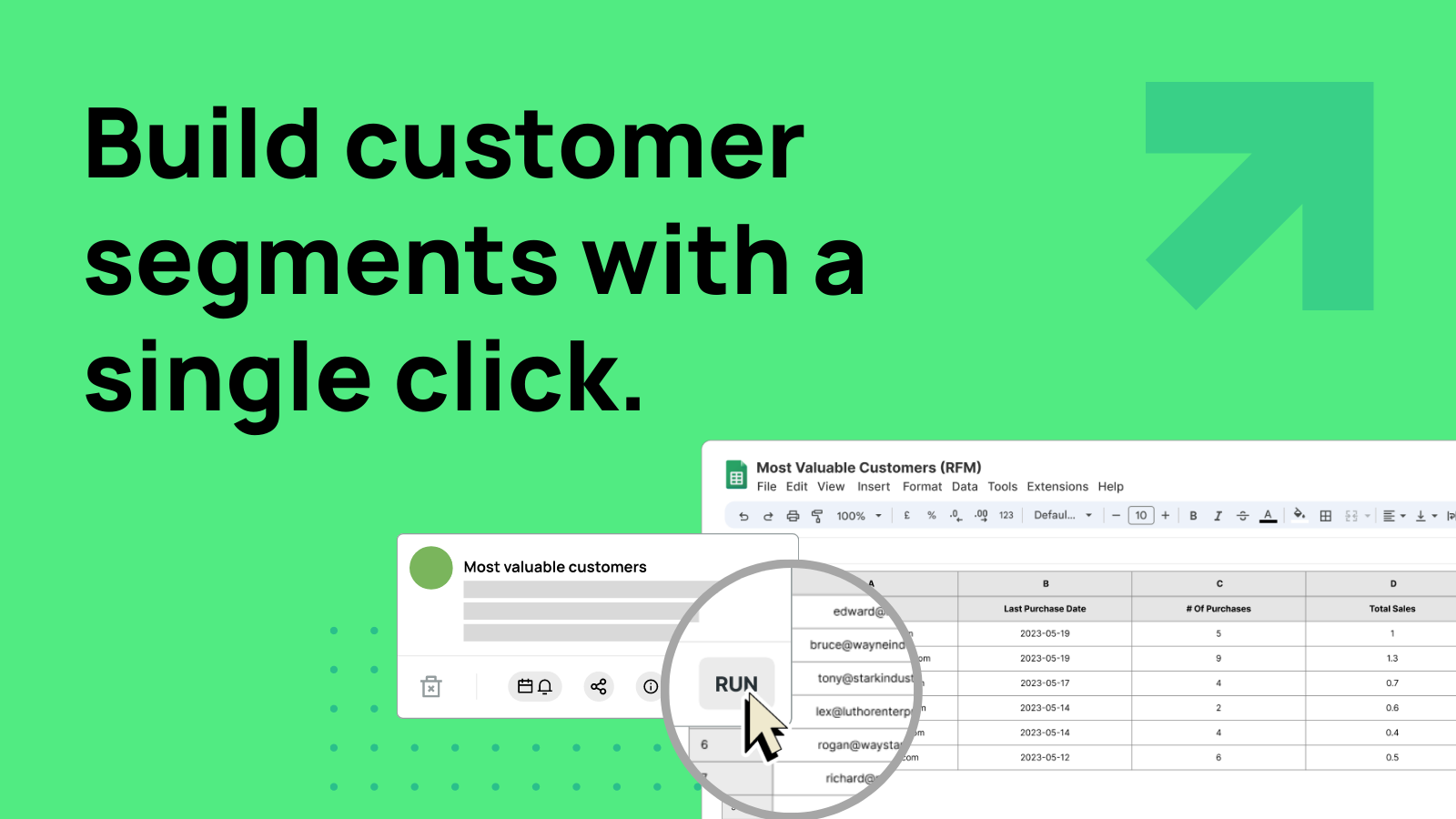
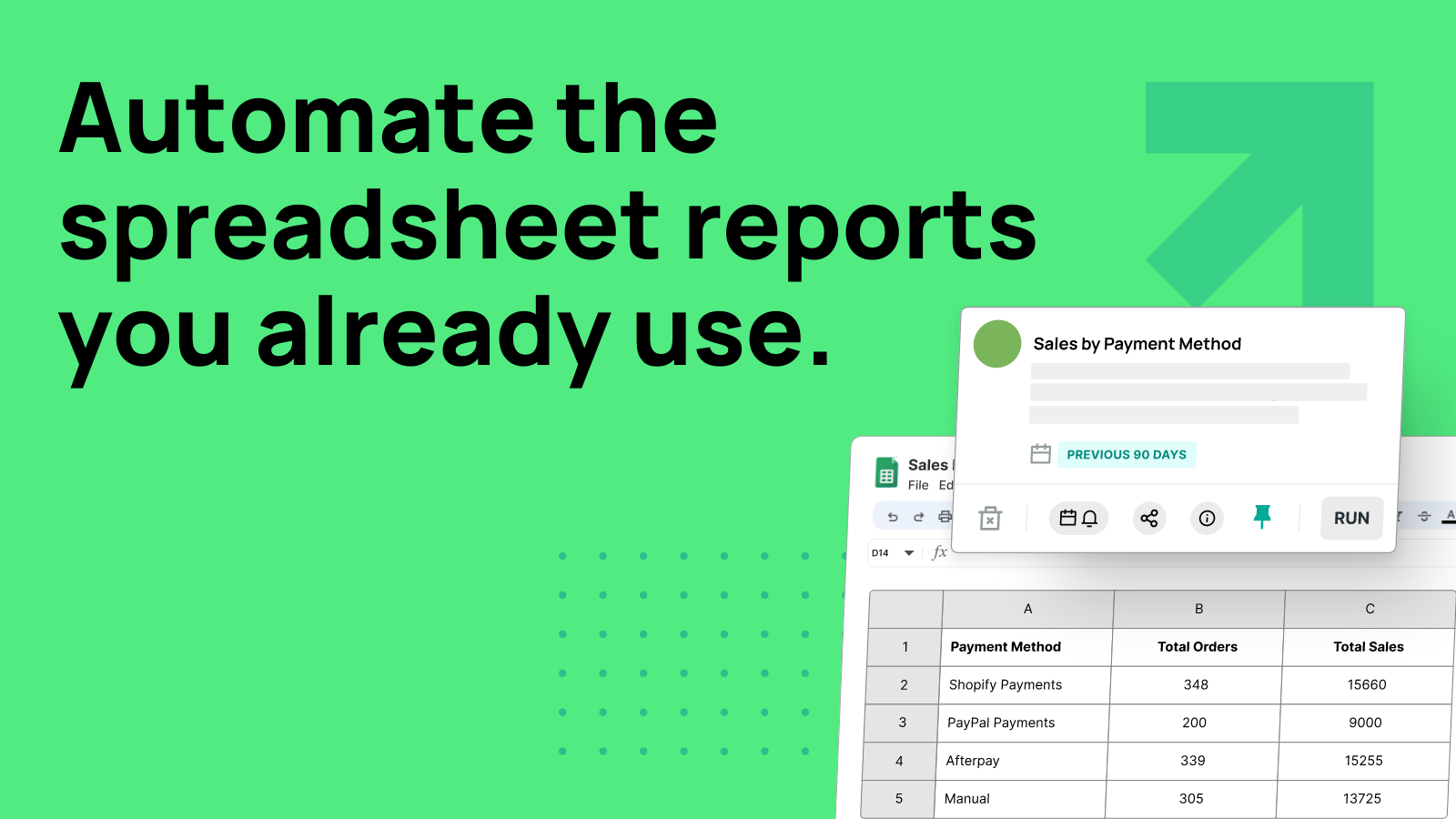
Price Plan
Basic
- 3 Regular Reports
- 6 Integrations
- Single User
- For Brands with Annual Sales Under $300,000 Only
Startup
- 10 Regular Reports
- 6 Integrations
- 3 Users
- AI Advisor
Pro
- 30 recurring reports
- All integrations
- 5 users
- + AskAI data interpretation
- + 10x speed automation
- + Priority support
User Location & Comments
User Location
Comments
Shopify API Used
- POST /admin/api/reports/analytics/profit.json
- GET /admin/api/reports/analytics/profit.json
- PUT /admin/api/reports/analytics/profit/settings.json
Permission:read_analytics,read_orders,read_inventory
- GET /admin/api/reports/analytics/orders.json
- GET /admin/api/reports/analytics/inventory.json
- GET /admin/api/reports/analytics/pos.json
Permission:read_analytics,read_orders,read_inventory
- GET /admin/api/reports/analytics/profit/realtime.json
- POST /admin/api/reports/analytics/profit/alert.json
- PUT /admin/api/reports/analytics/profit/alert.json
Permission:read_analytics,read_orders,read_inventory
- GET /admin/api/reports/analytics/dashboard.json
- POST /admin/api/reports/analytics/dashboard/widget.json
- PUT /admin/api/reports/analytics/dashboard/widget.json
Permission:read_analytics,read_orders,read_inventory
- GET /admin/api/reports/analytics/products/bestsellers.json
- POST /admin/api/reports/analytics/products/bundles.json
- GET /admin/api/reports/analytics/products/trends.json
Permission:read_analytics,read_products,read_orders



