App Introduction
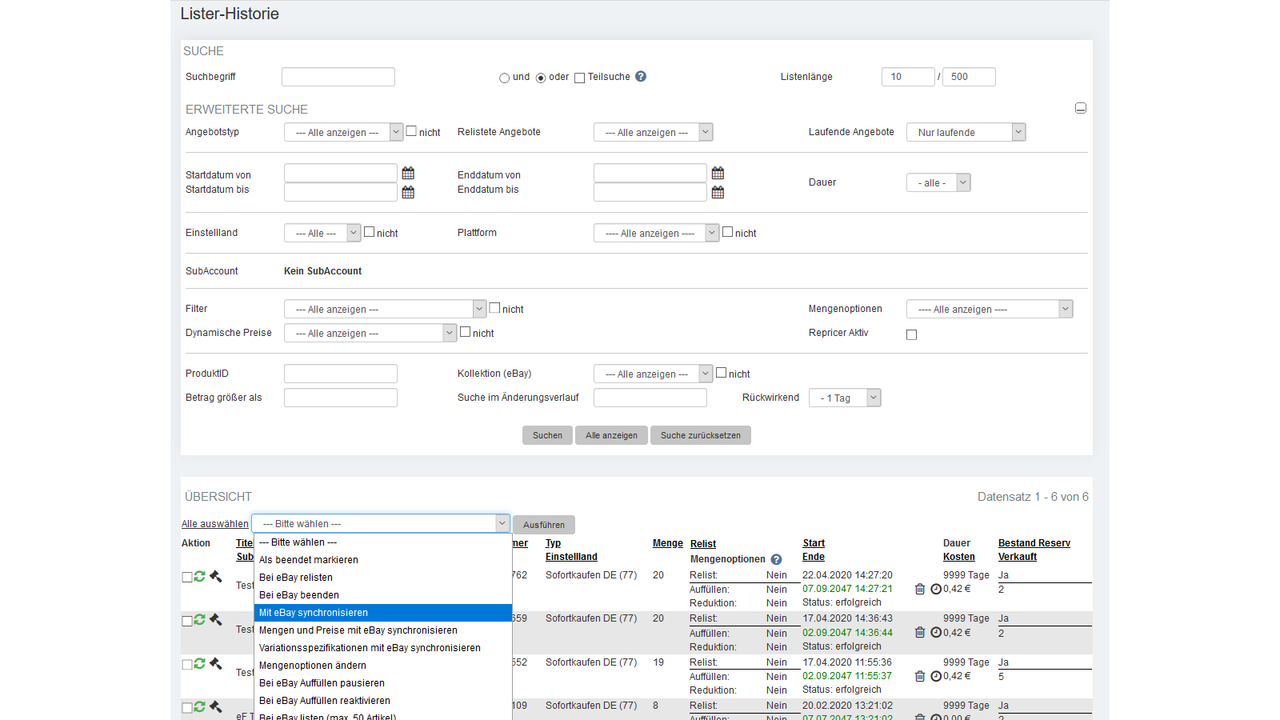
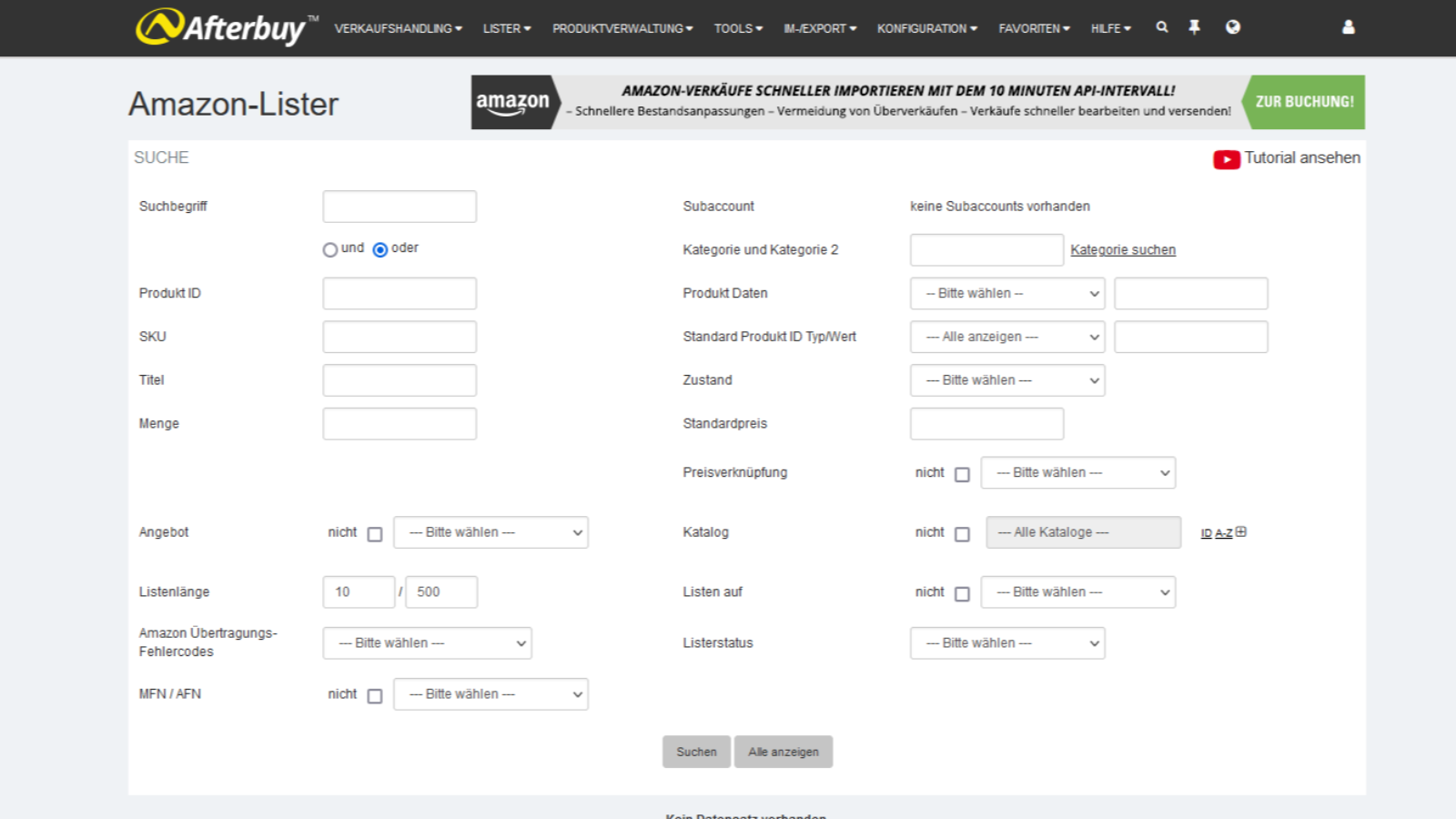
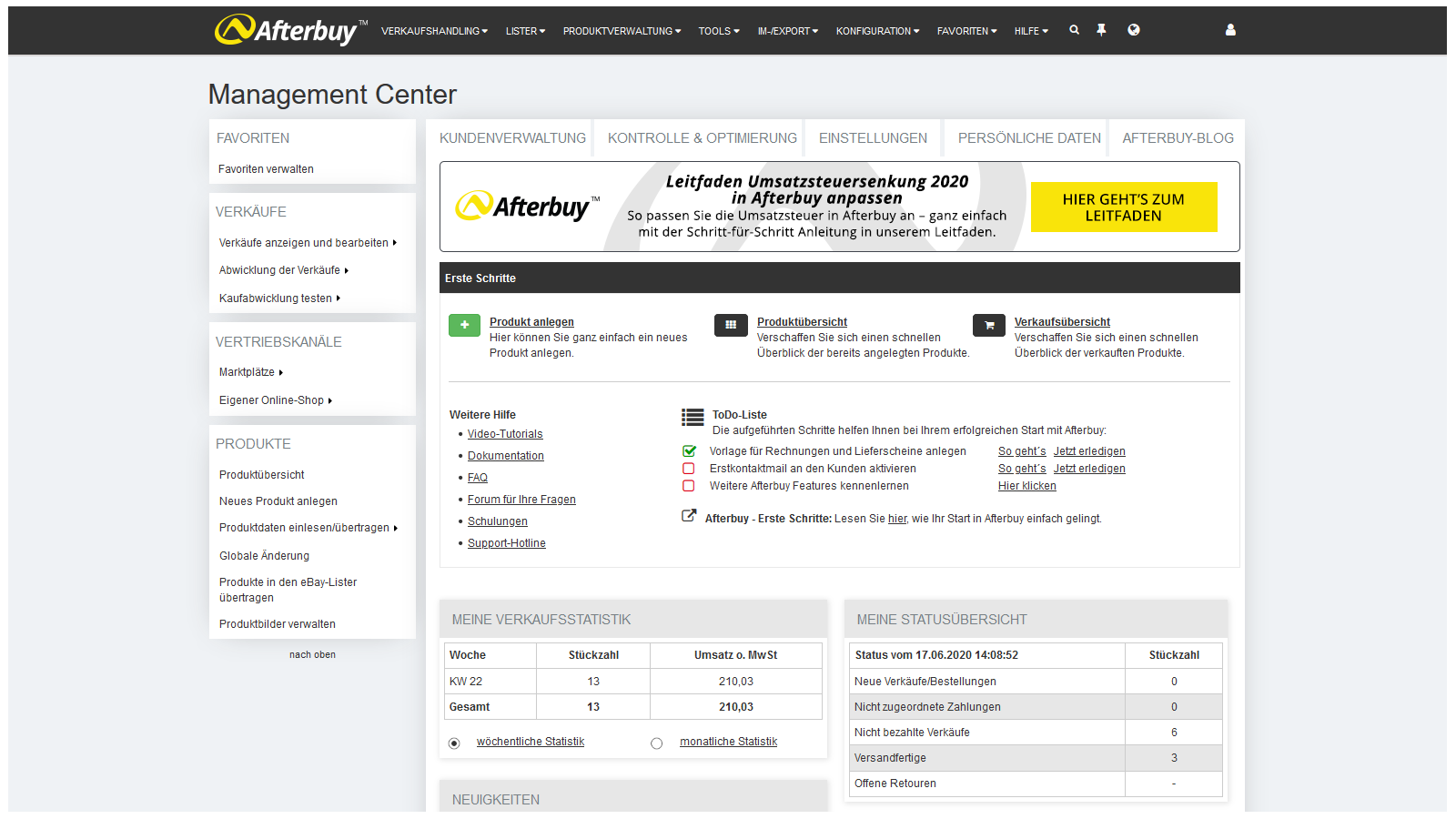
The Afterbuy Connector links your Afterbuy inventory management system with your store. 1. Export your products Sync the items you maintain in Shopify with the multichannel features of your Afterbuy account. This lets you list your products simultaneously on Amazon, eBay, Otto, Kaufland, and other marketplaces. 2. Import your orders & export order status You can import all your multichannel orders into your Shopify store for processing, and export your order status to Afterbuy for inventory reconciliation.
Core Functionality
- Bidirectional product export: Afterbuy <-> Shopify
- Bidirectional product updates: Afterbuy <-> Shopify
- Export order status for inventory updates in Afterbuy
- Import all your multichannel orders into your Shopify store
Merchant-Friendly
- Cross-border E-commerce Merchants
- Multichannel Sales Merchants
- Inventory Management Merchants
- Third-party System Integration Merchants
Basic Information
- Developer:FATCHIP GmbH
- Address:Helmholtzstr. 2-9, Berlin, 10587, DE
- Price: Free / Free plan
- Rating:2.4 / 5
- Comment Count:3 comment
- Release Date:2021-12-28
- Supported languages:German
- Compatible products:Shopify
Application Screenshot

Price Plan
Kostenlos
免费
User Location & Comments
User Location
Comments
Shopify API Used
- POST /admin/api/products.json
- GET /admin/api/products.json
- DELETE /admin/api/products/{product_id}.json
Permission:read_products,write_products,manage_inventory
- PUT /admin/api/products/{product_id}.json
- GET /admin/api/products/{product_id}.json
- POST /admin/api/products/{product_id}/variants.json
Permission:read_products,write_products,manage_variants
- GET /admin/api/orders.json
- GET /admin/api/orders/{order_id}.json
- PUT /admin/api/orders/{order_id}.json
Permission:read_orders,write_orders,manage_inventory
- POST /admin/api/orders.json
- GET /admin/api/orders.json
- PUT /admin/api/orders/{order_id}.json
Permission:read_orders,write_orders,manage_multichannel