App Introduction
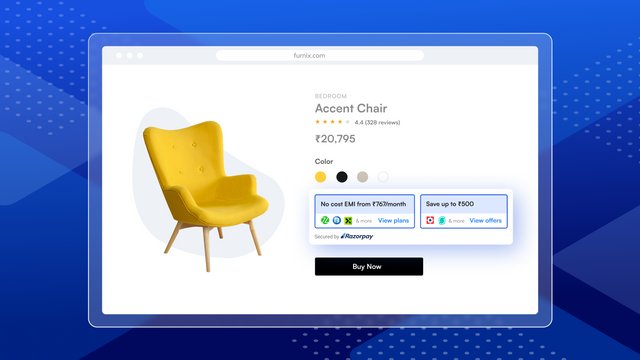
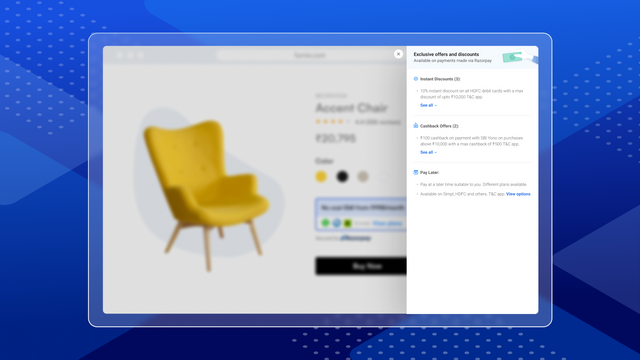
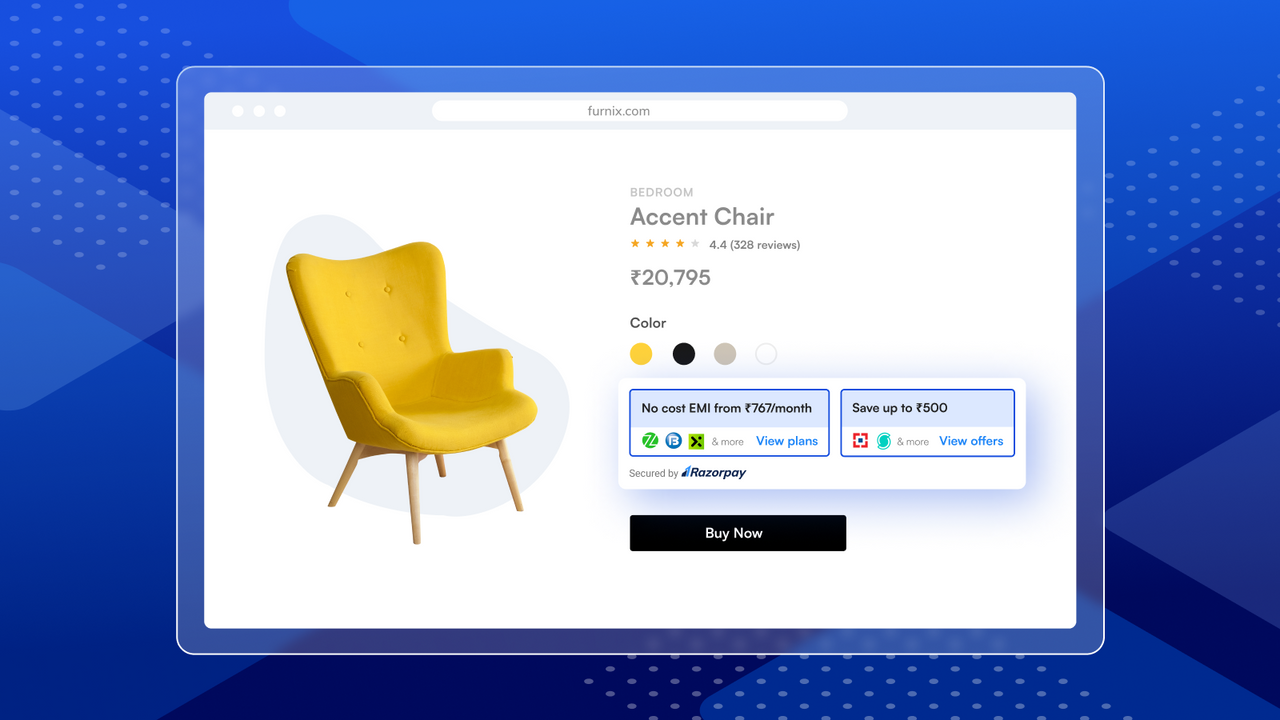
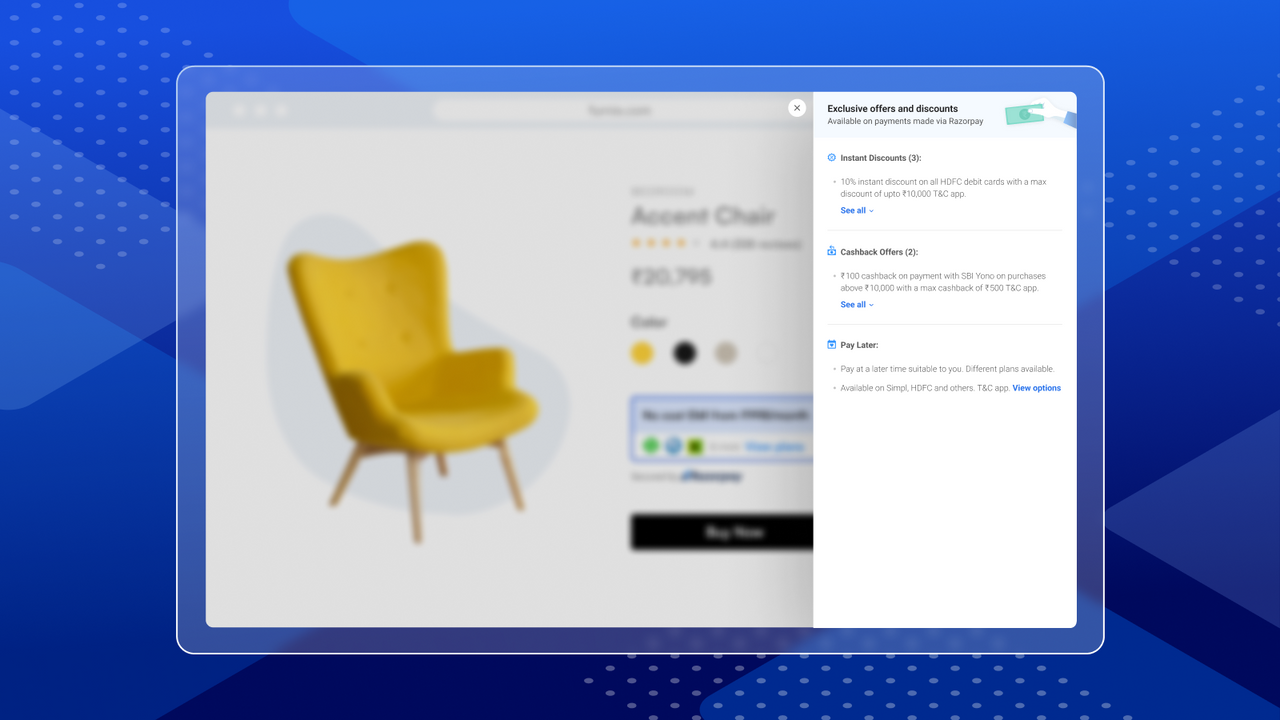
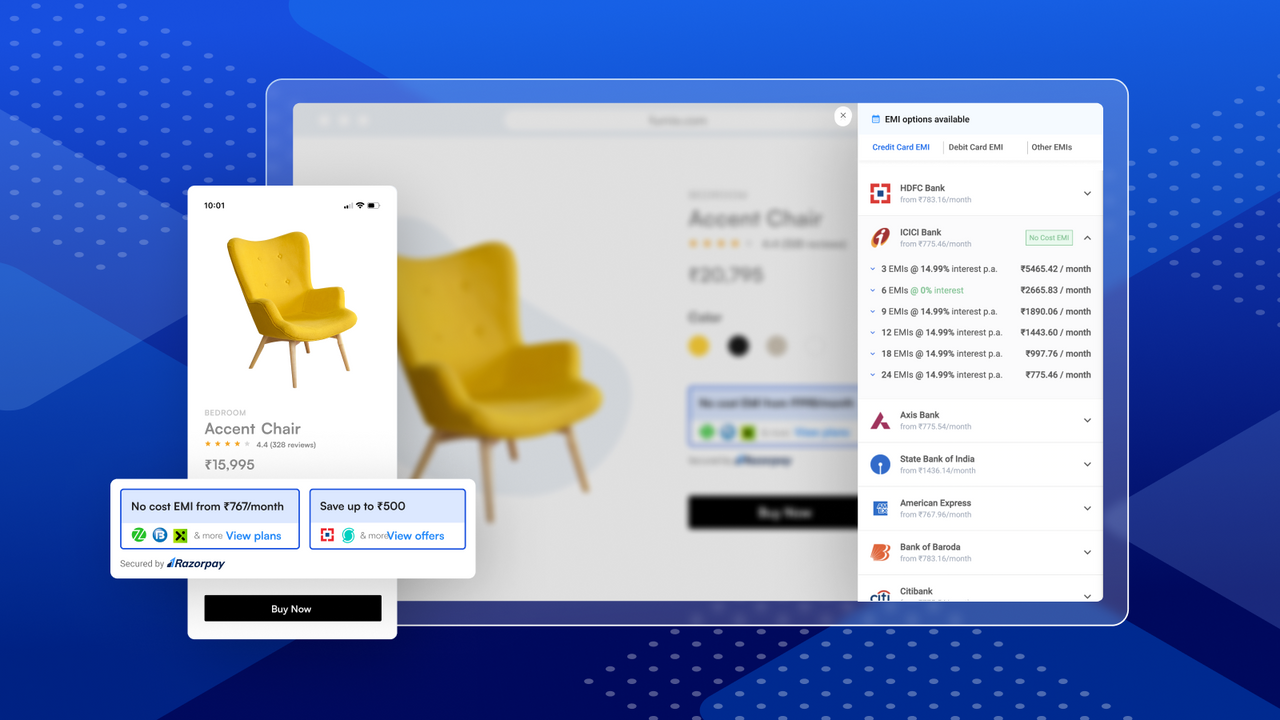
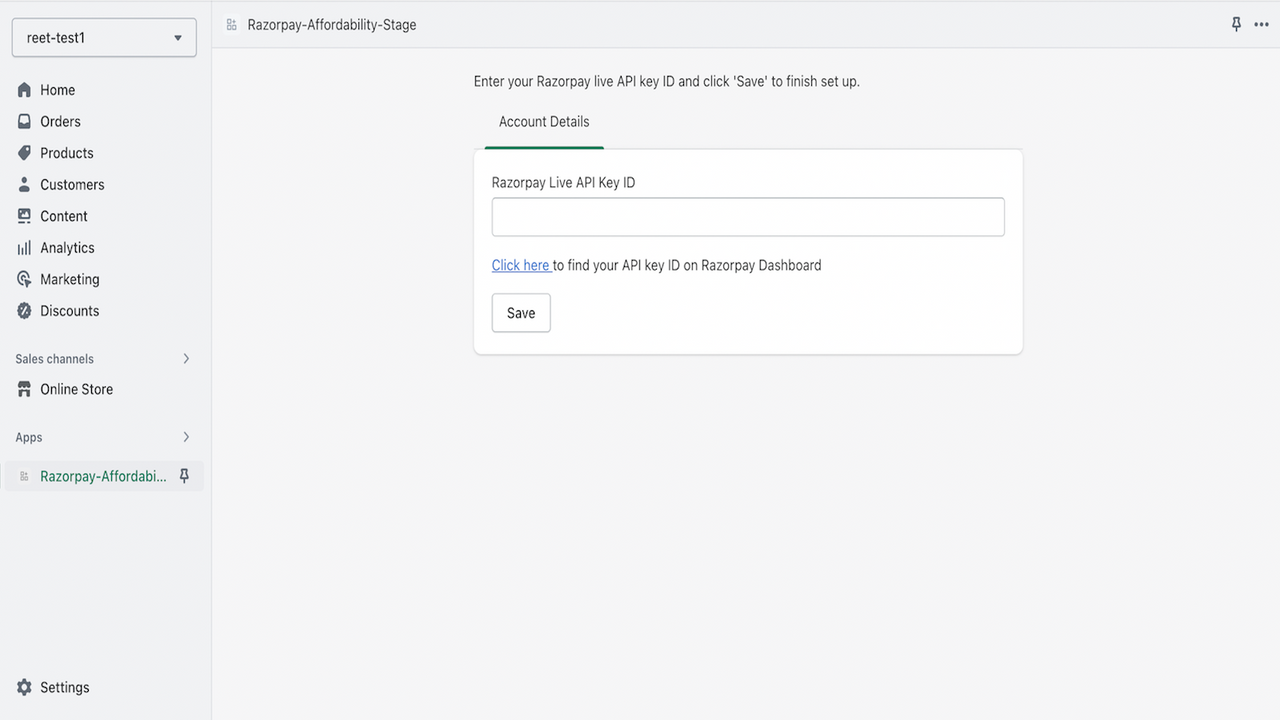
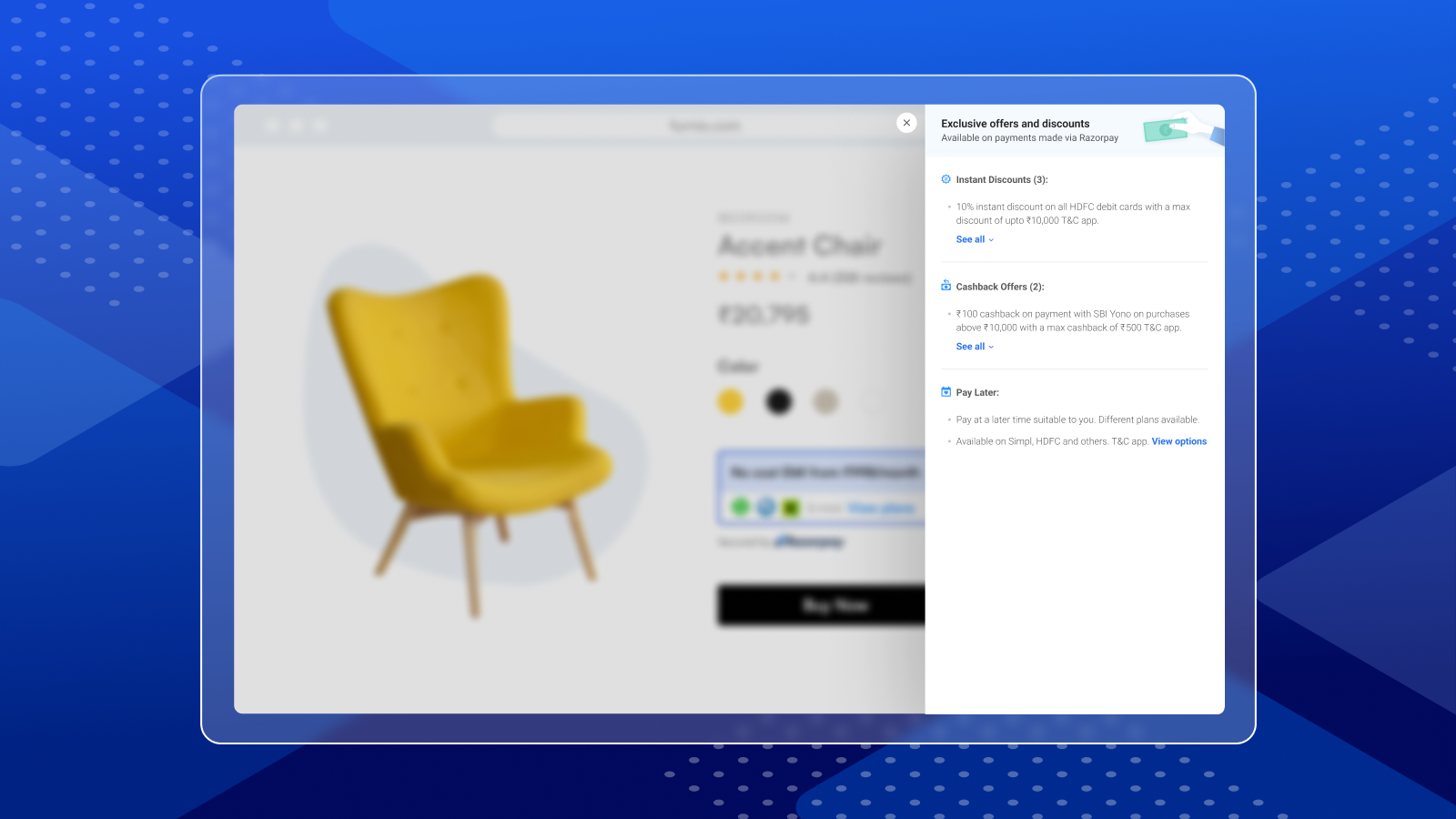
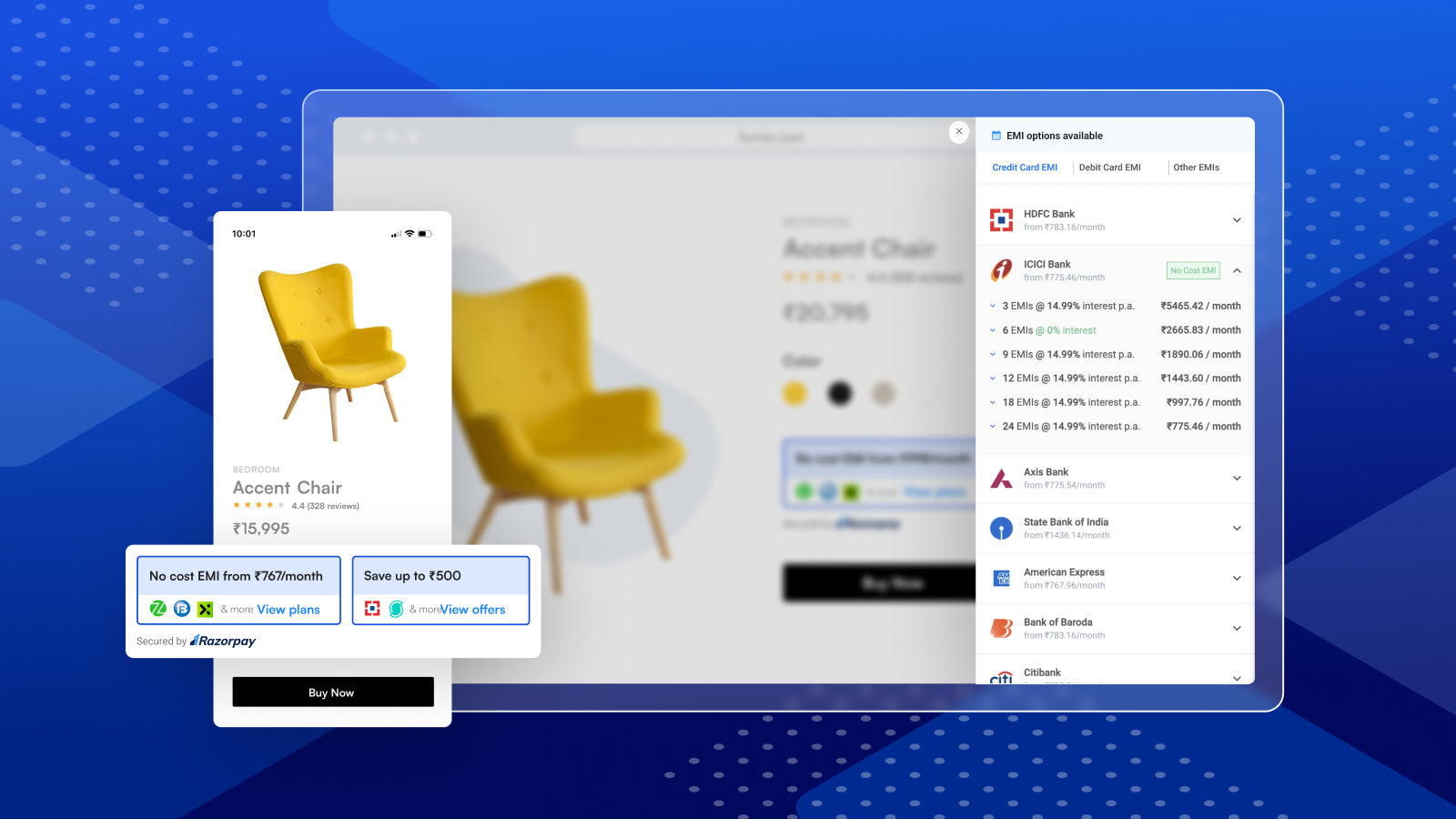
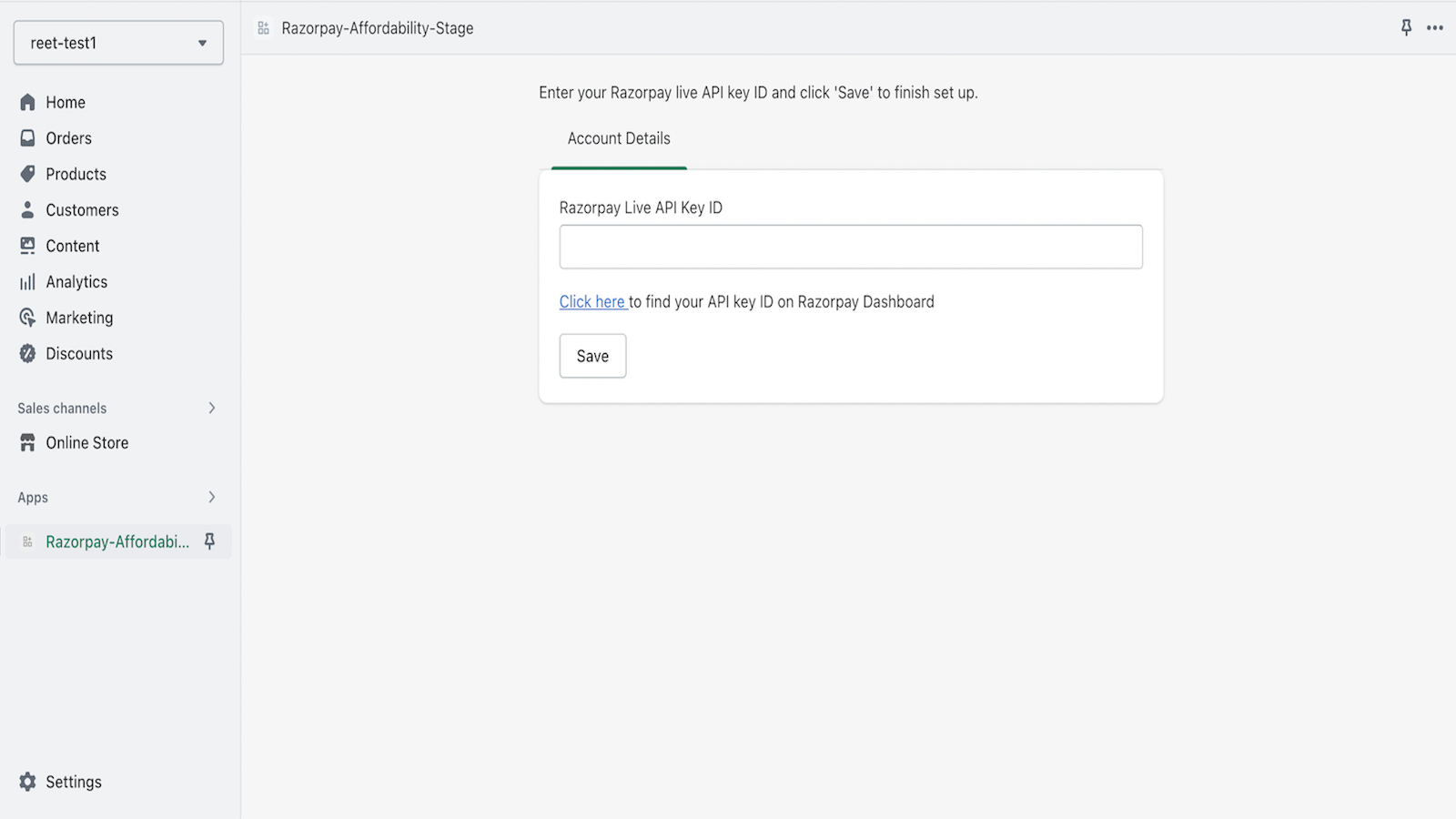
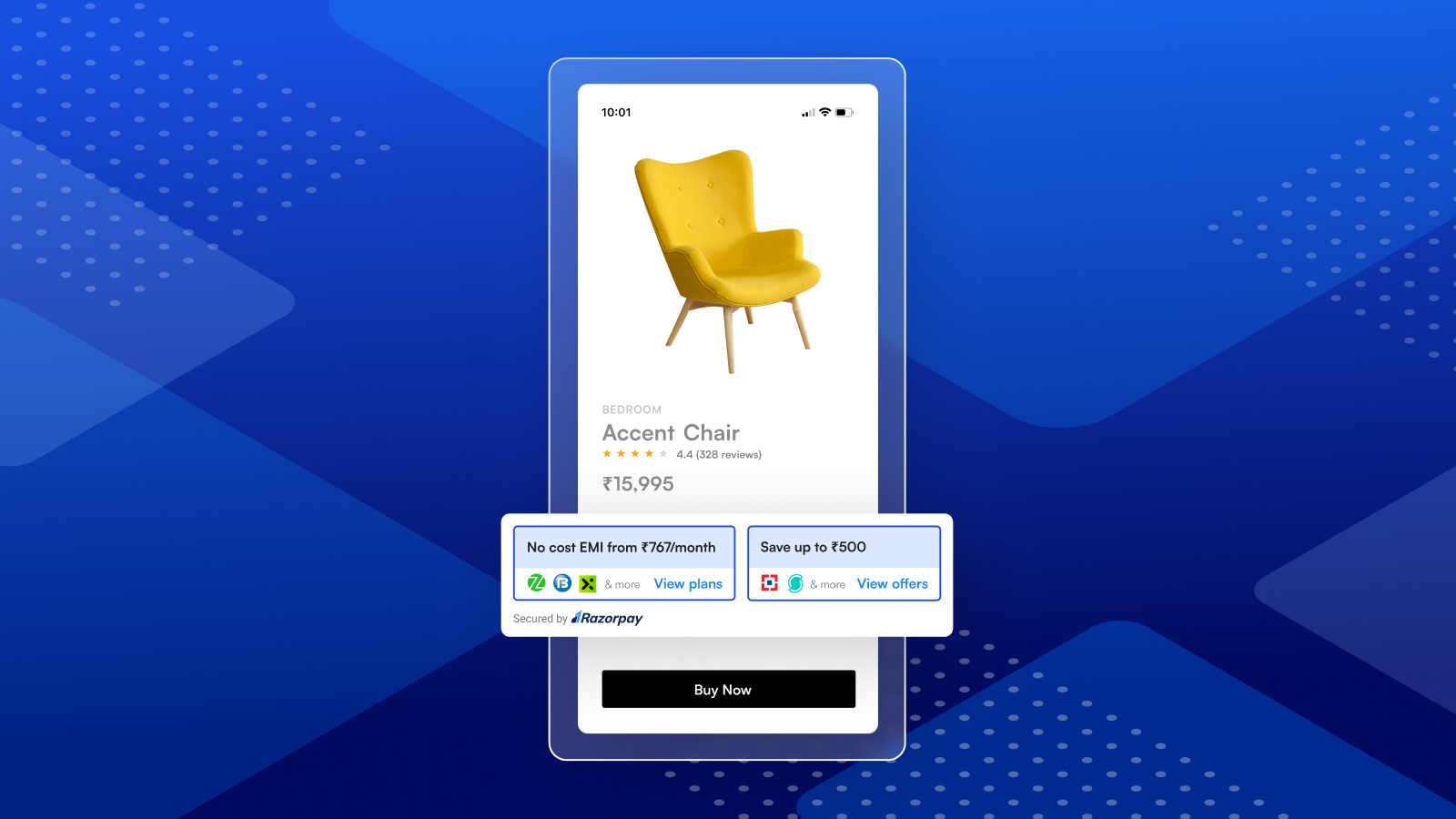
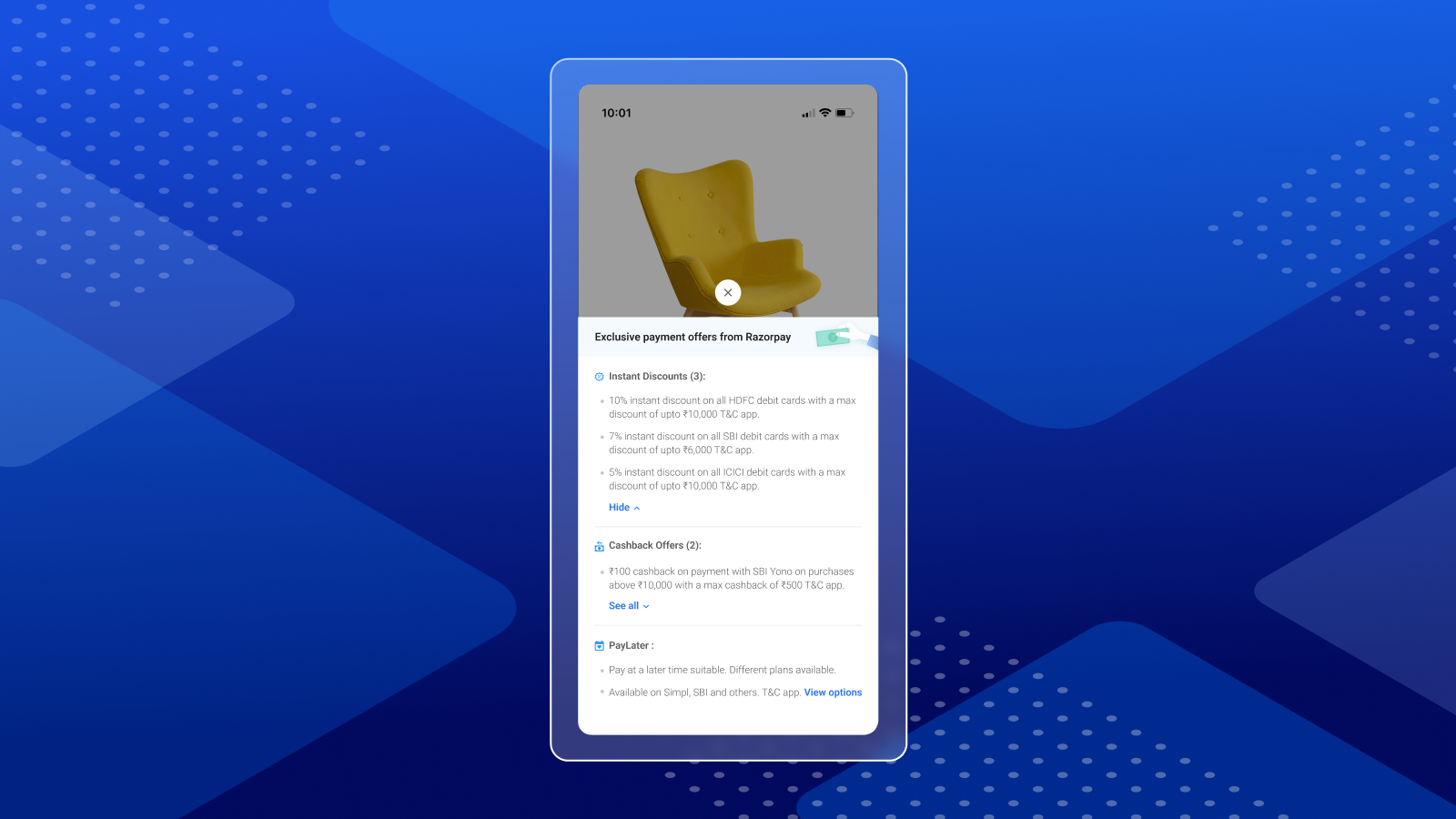
Boost Conversion Rates – Show BNPL, Pay Later, and Discounts (for Your Customers) Attract, convert, and retain more customers by letting them easily discover affordable payment options like BNPL, pay later, and discounts early in the shopping journey (before checkout). This helps them make informed purchase decisions. Make sure you’ve installed the Razorpay Secure App on your Shopify store to accept payments, then use this app to highlight payment options on your product pages.
Core Functionality
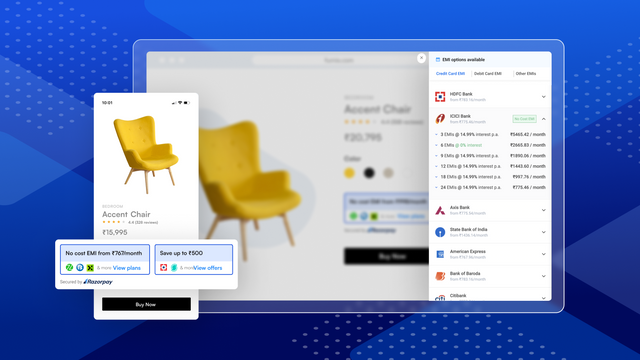
- Reduce churn by increasing awareness of installment payments and discounts on product pages
- Boost customers' spending power by displaying credit limits upfront
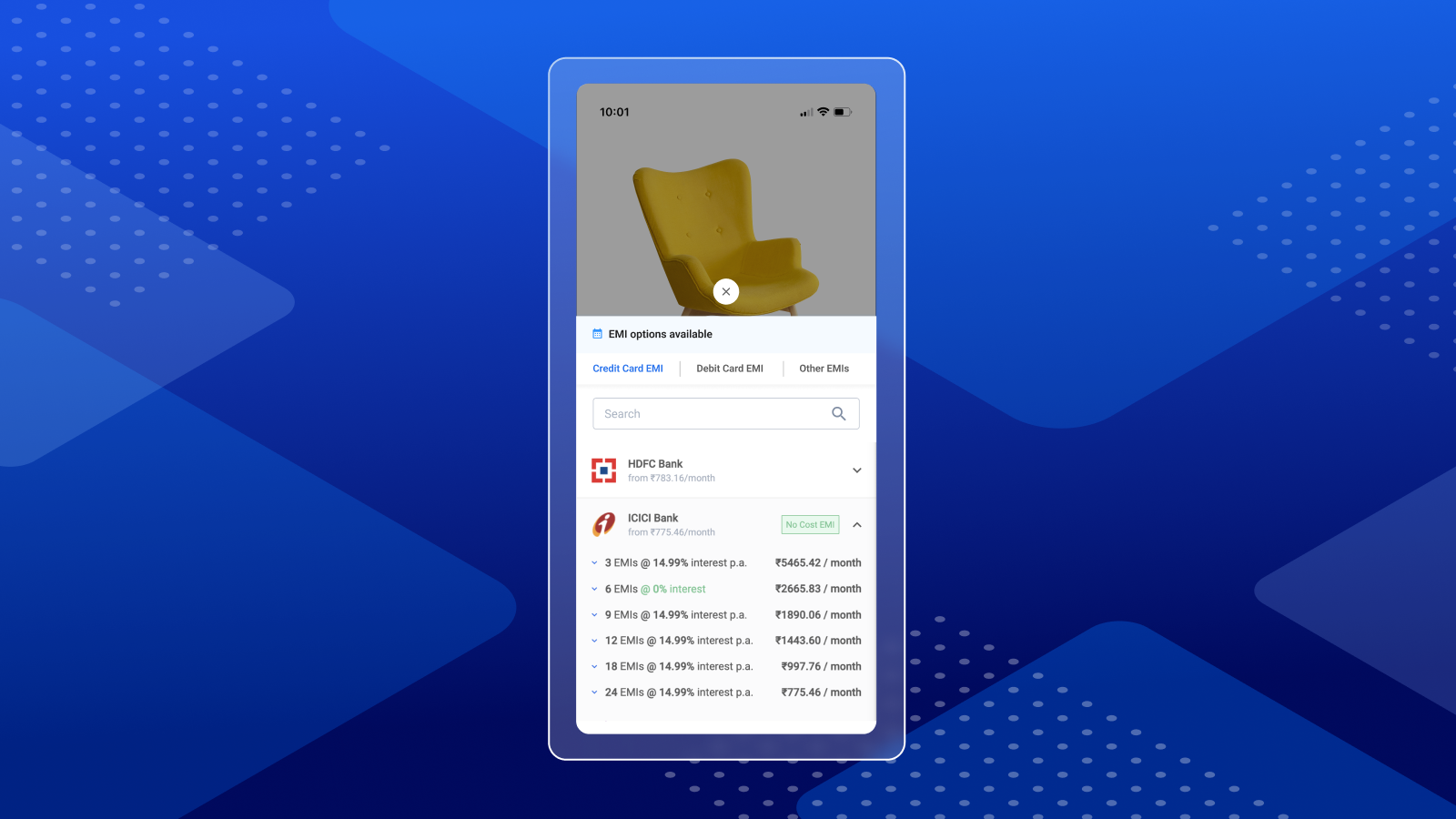
- Show dynamic installment plans and interest-free installments based on product prices
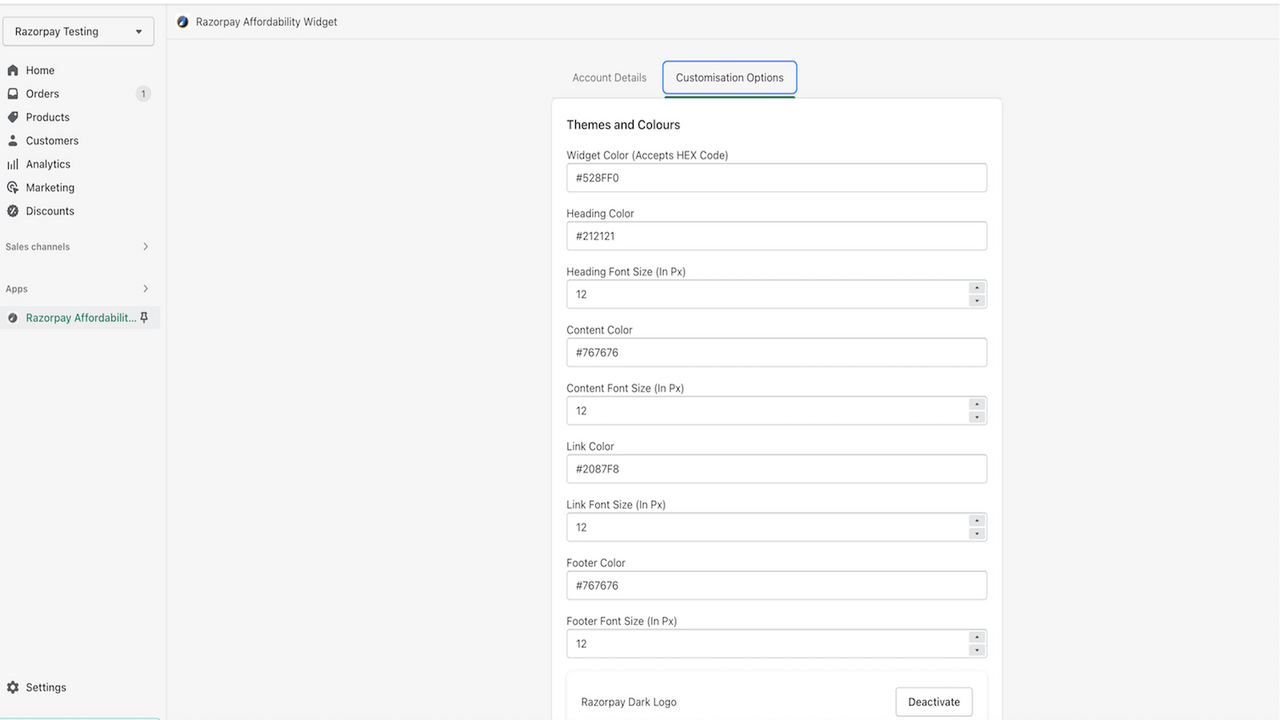
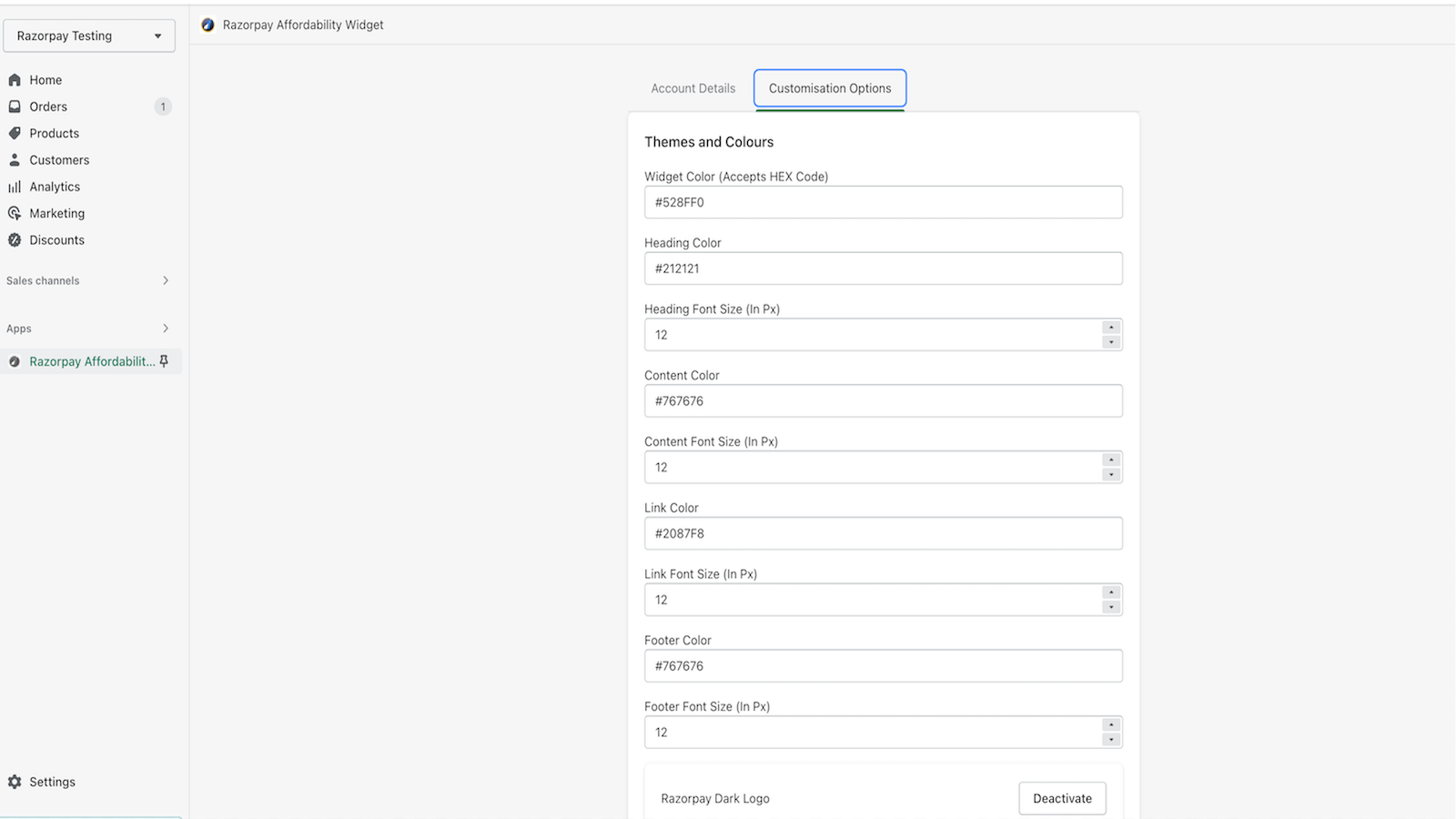
- Customize widgets to match your brand's look and feel
Merchant-Friendly
- Independent Station Merchants
- High Unit Price E-commerce
- Cross-border E-commerce Sellers
- Brand E-commerce Merchants
Basic Information
- Developer:Razorpay Payments
- Address:Razorpay Building, 22 Laskar Hosur Road, Bangalore, KA, 560030, IN
- Price: Free / Free plan
- Rating:1.4 / 5
- Comment Count:20 comment
- Release Date:2023-1-23
- Supported languages:English
- Compatible products:Shopify
Application Screenshot
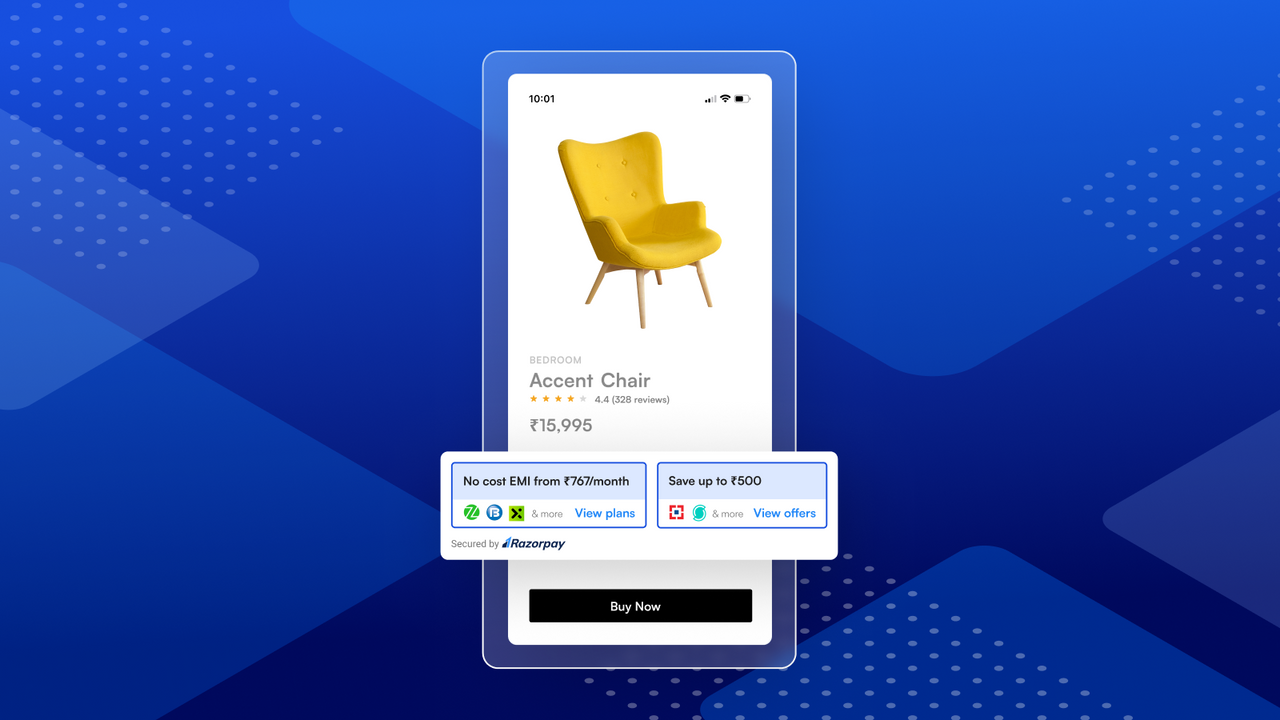
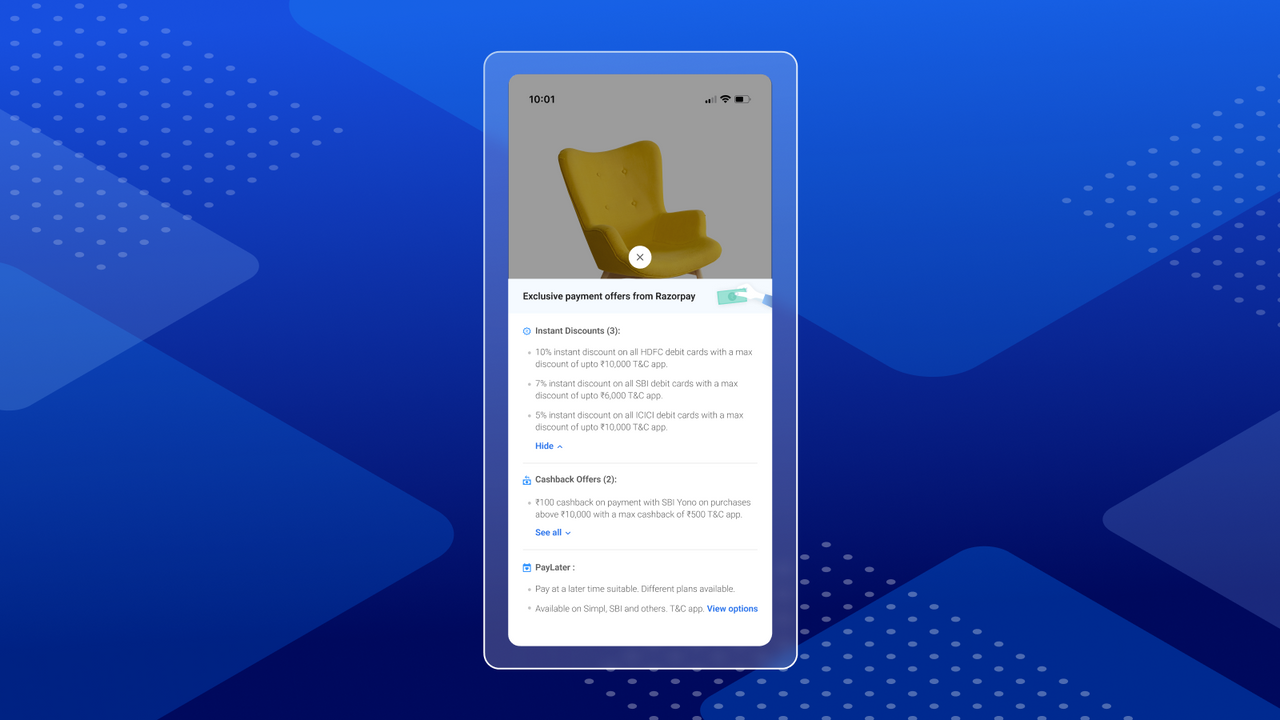
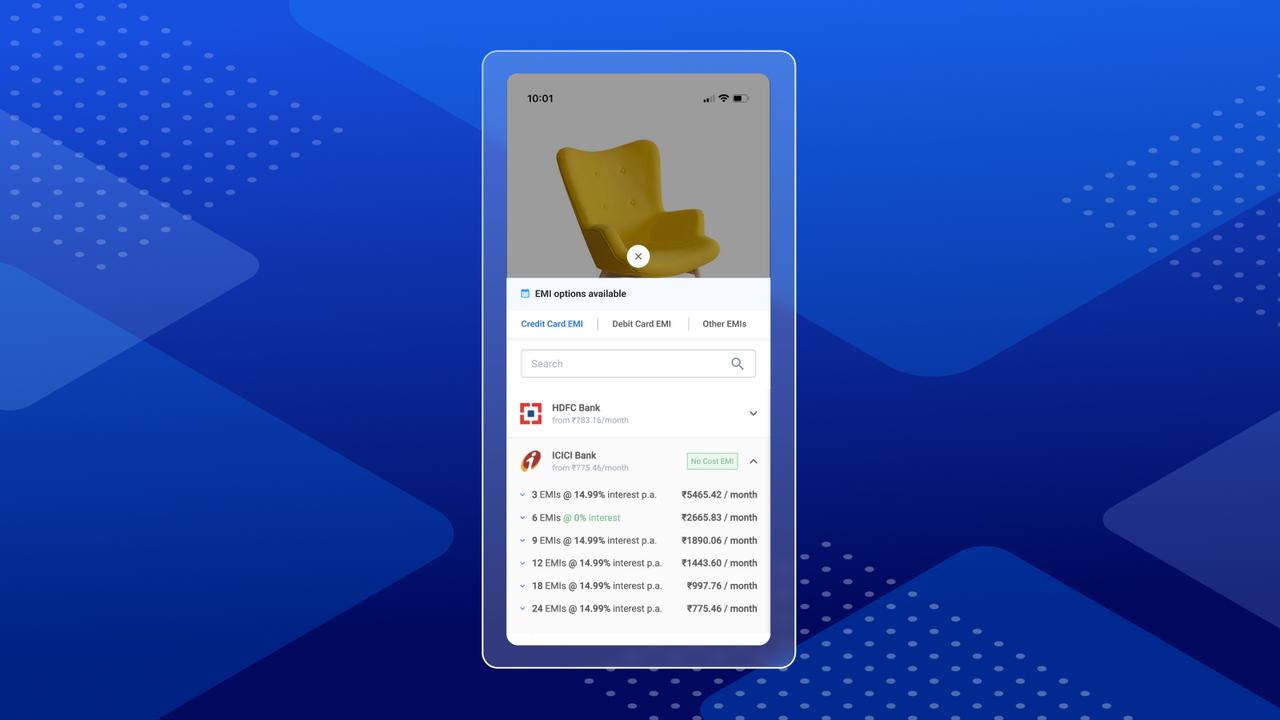
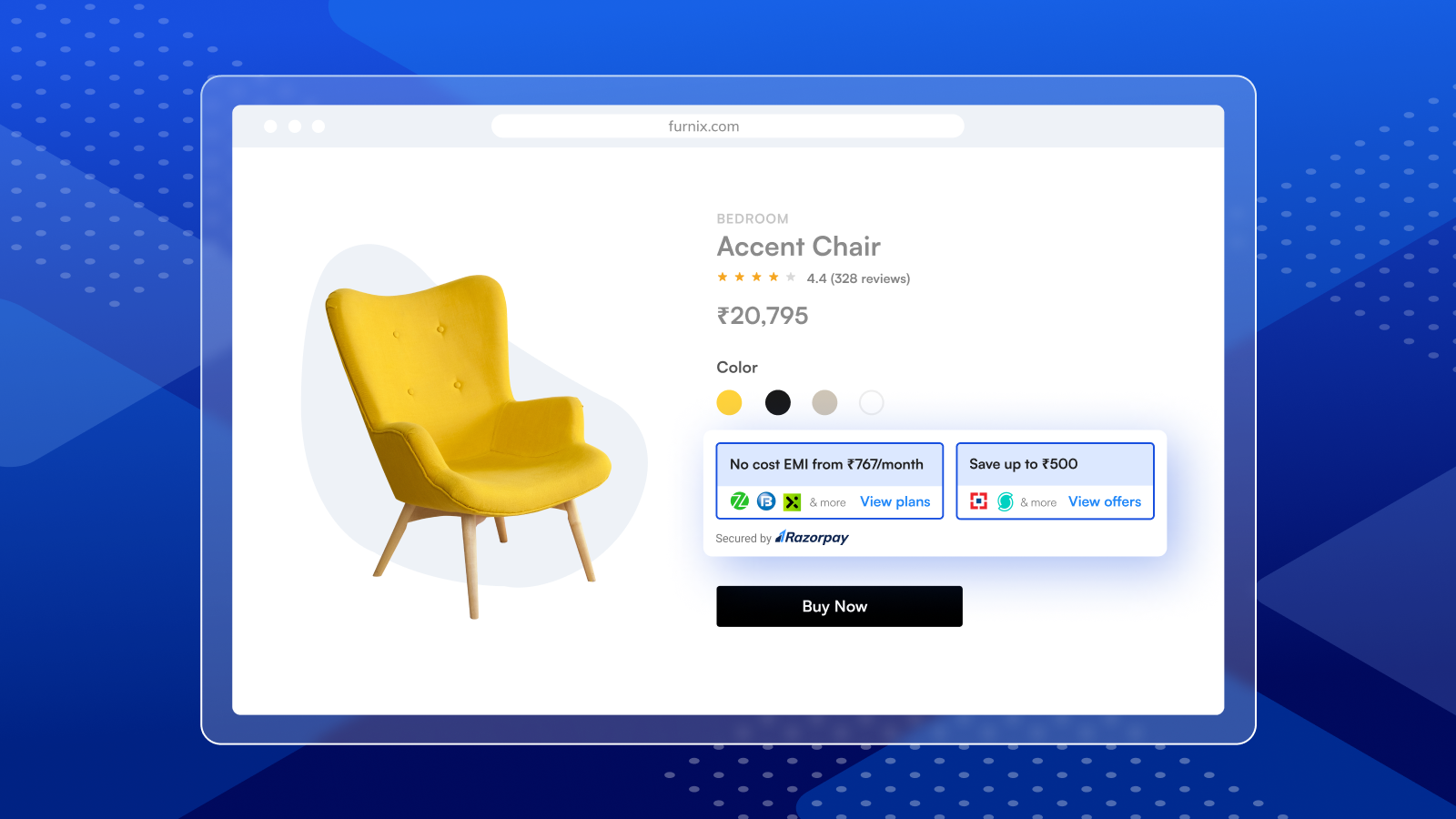
Price Plan
Free
Free Plan
User Location & Comments
User Location
Comments
Shopify API Used
- POST /admin/api/metafields.json
- PUT /admin/api/metafields/{id}.json
- GET /admin/api/products/{product_id}.json
Permission:write_products,read_products,manage_metafields
- POST /admin/api/customers/{customer_id}/metafields.json
- PUT /admin/api/customers/{customer_id}/metafields/{id}.json
- GET /admin/api/customers/{customer_id}.json
Permission:read_customers,write_customers,manage_metafields
- POST /admin/api/metafields.json
- PUT /admin/api/metafields/{id}.json
- GET /admin/api/products/{product_id}/variants.json
Permission:read_products,write_products,manage_metafields
- POST /admin/api/themes/{theme_id}/assets.json
- PUT /admin/api/themes/{theme_id}/assets/{asset_key}.json
- GET /admin/api/themes/{theme_id}/assets.json
Permission:write_themes,read_themes,manage_assets