
App Introduction
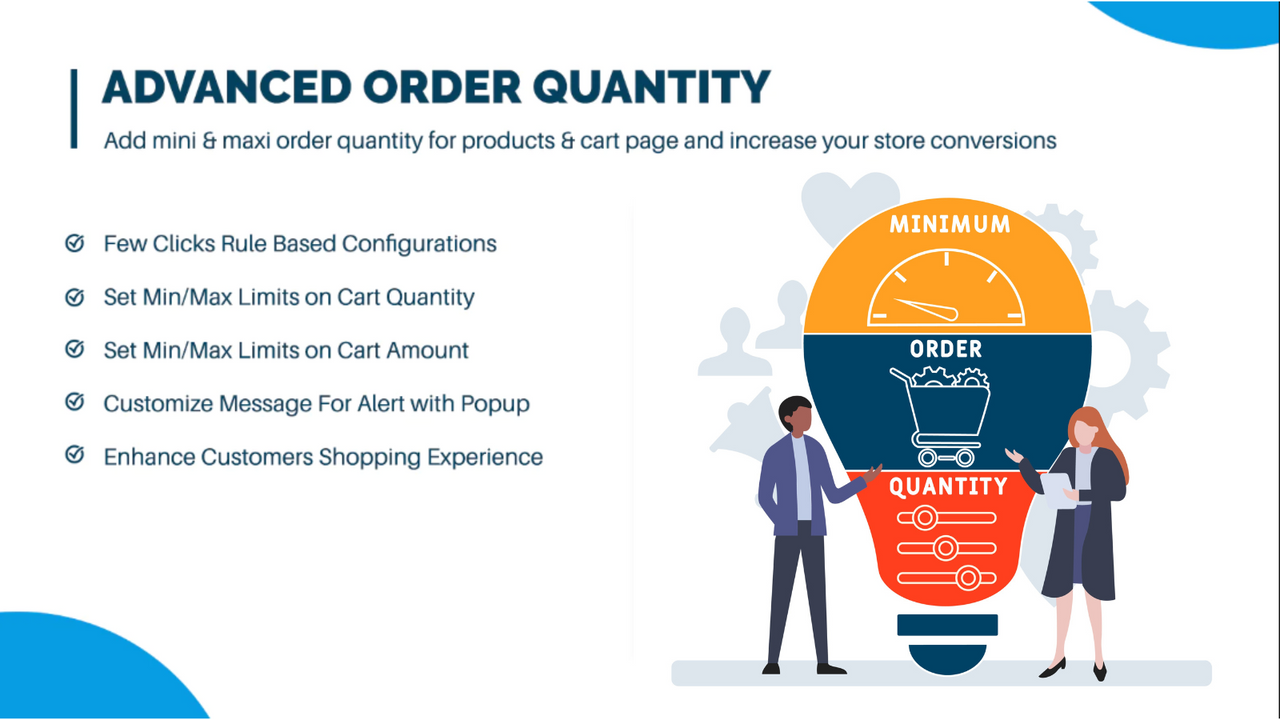
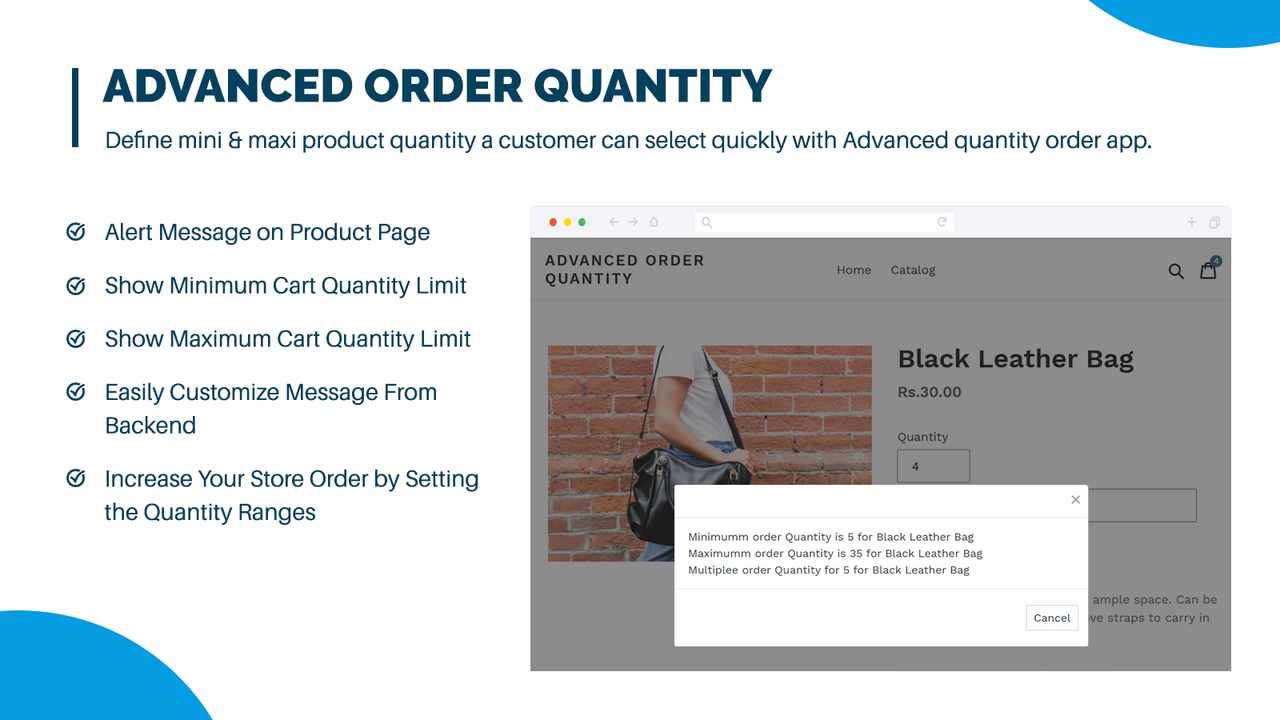
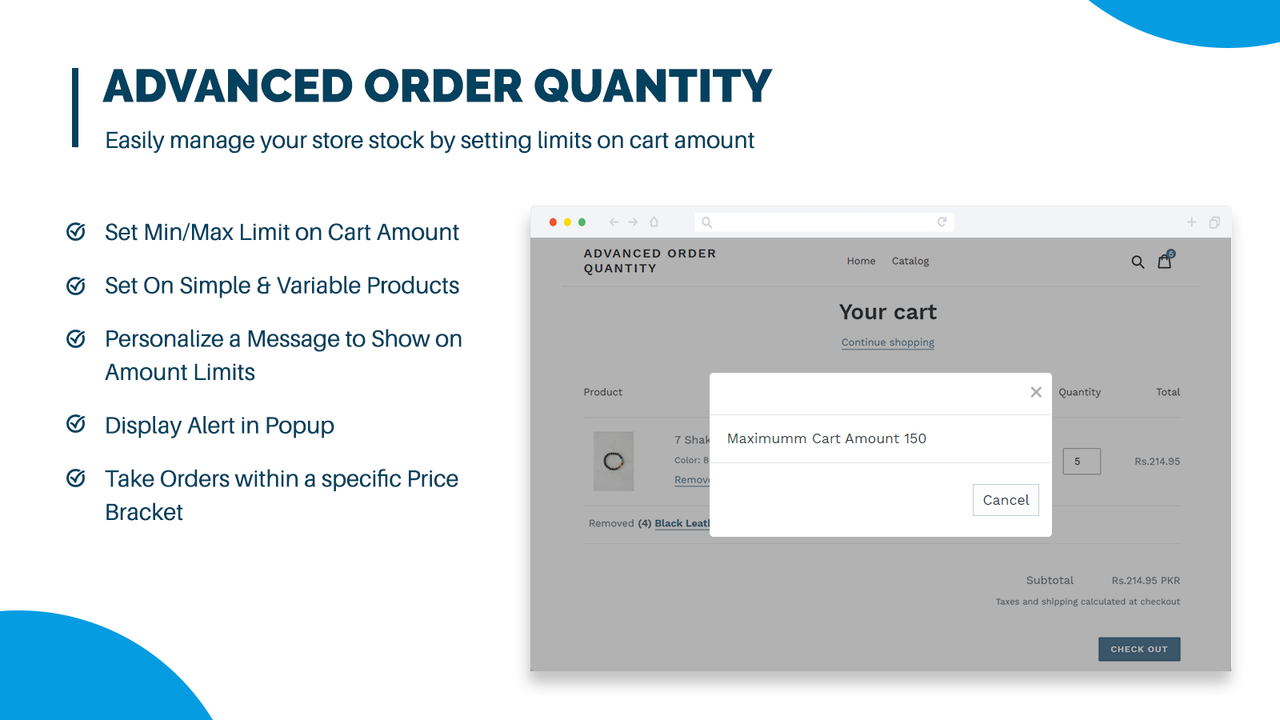
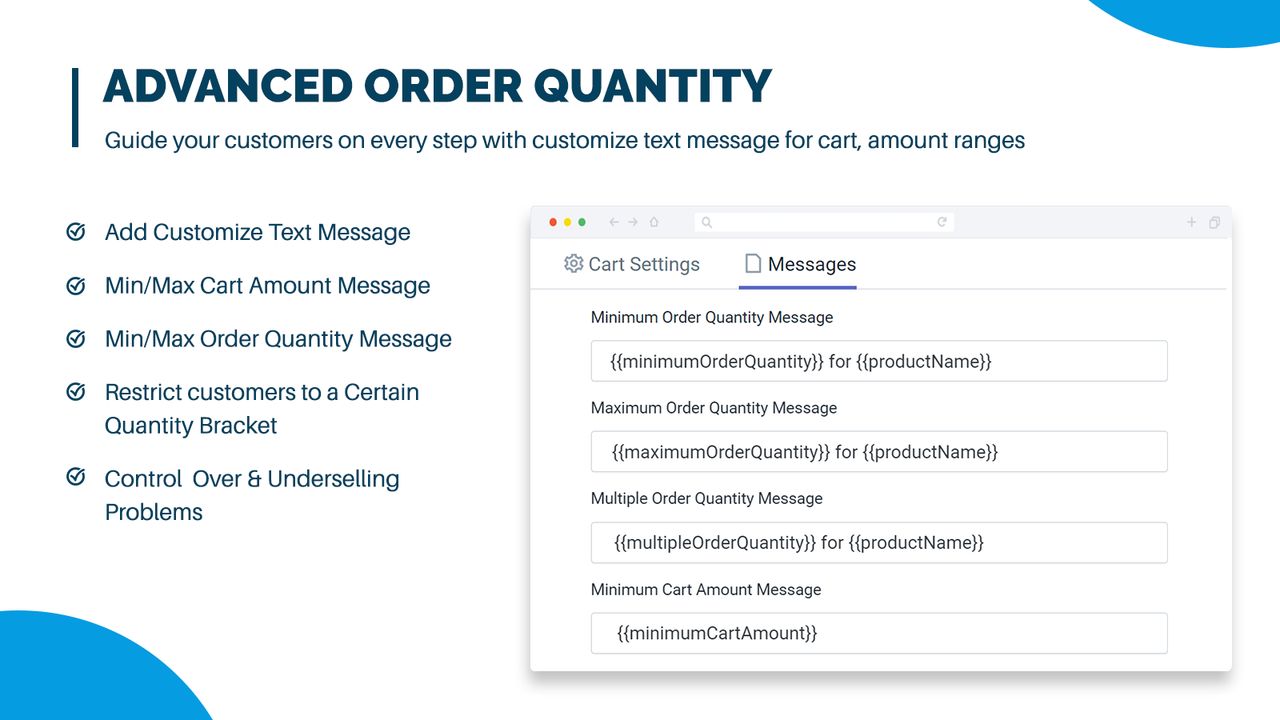
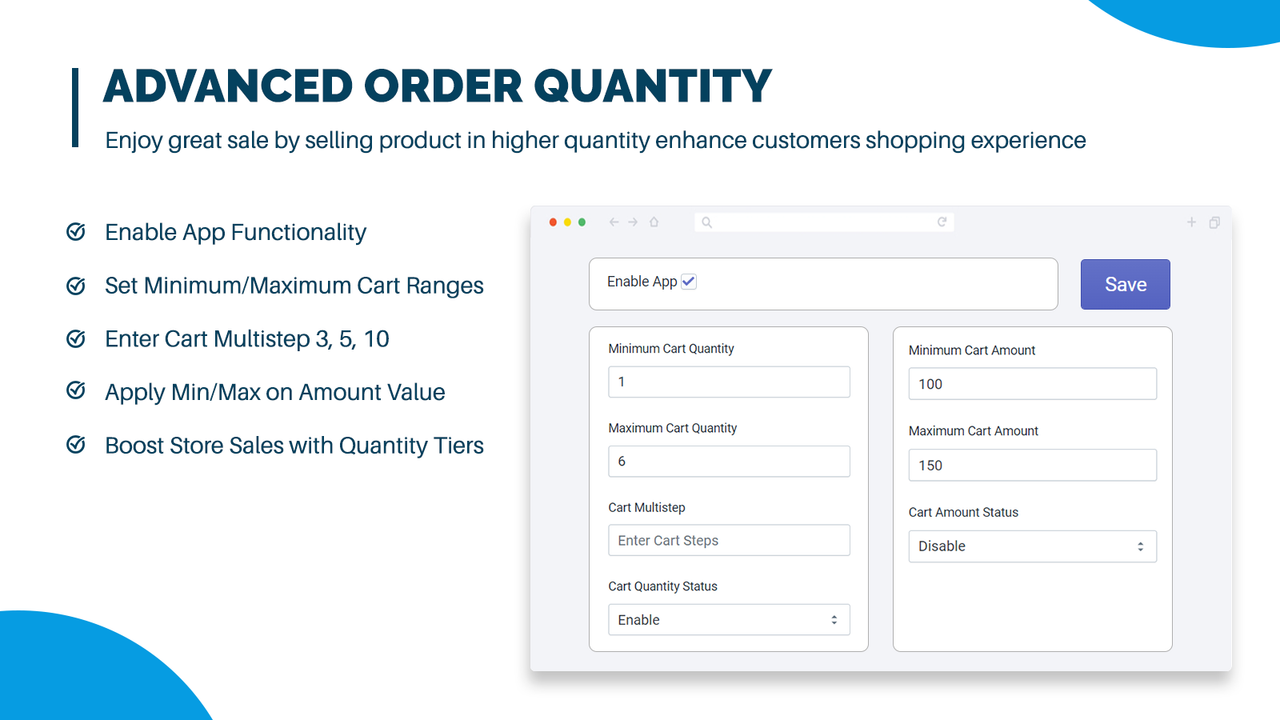
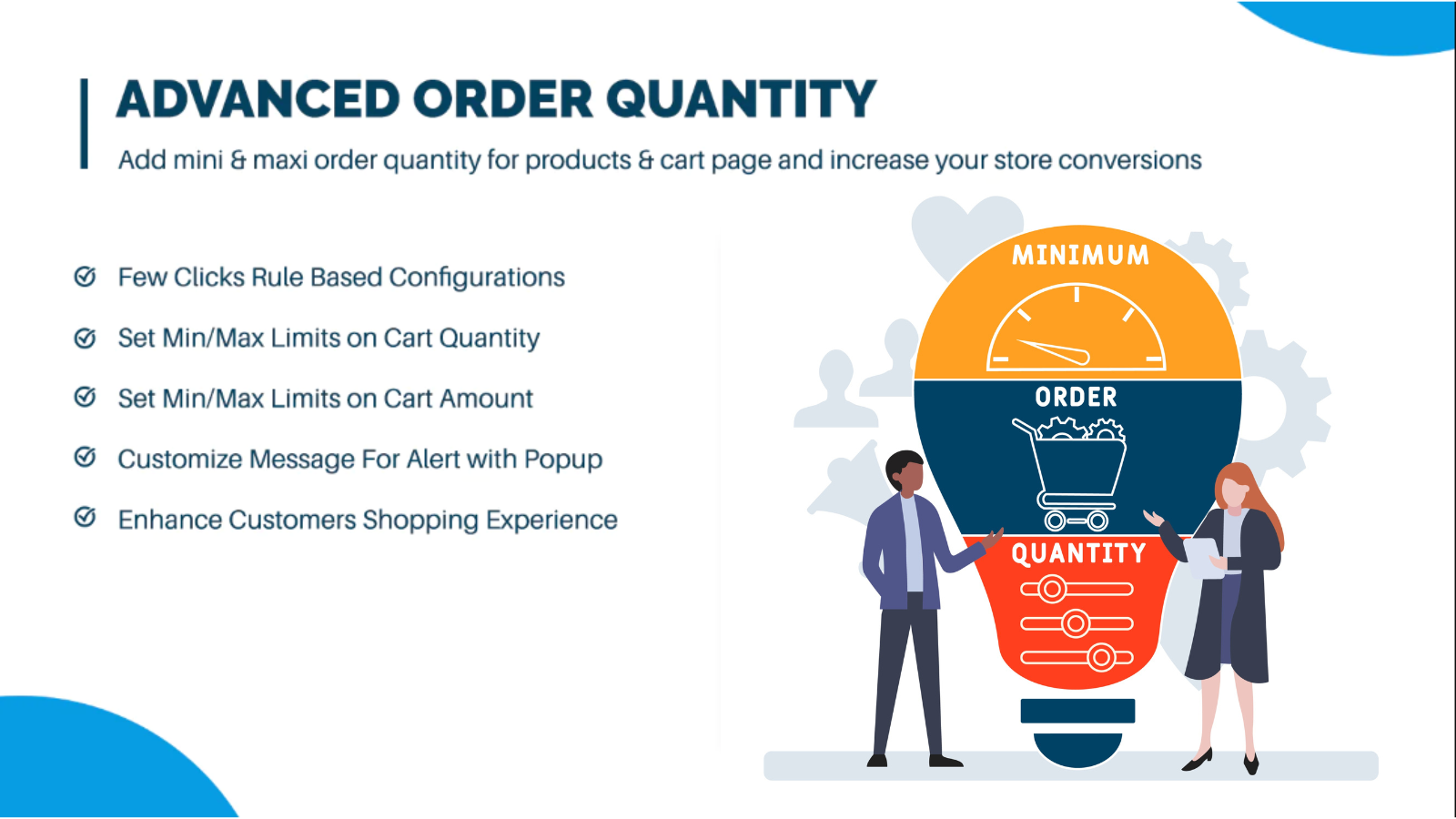
Set minimum and maximum order quantity limits for products, manage inventory, and restrict orders in a few clicks. Extendons Order Quantity Limit enables you to set minimum and maximum order limits for products, variants, or categories. Restrict cart totals to prevent over-ordering, and display custom alert messages for quantity and amount limits. Simplify inventory management and enhance the checkout experience with easy setup and no coding required. Effortlessly manage minimum and maximum quantities, with 24/7 expert support until you’re satisfied.
Core Functionality
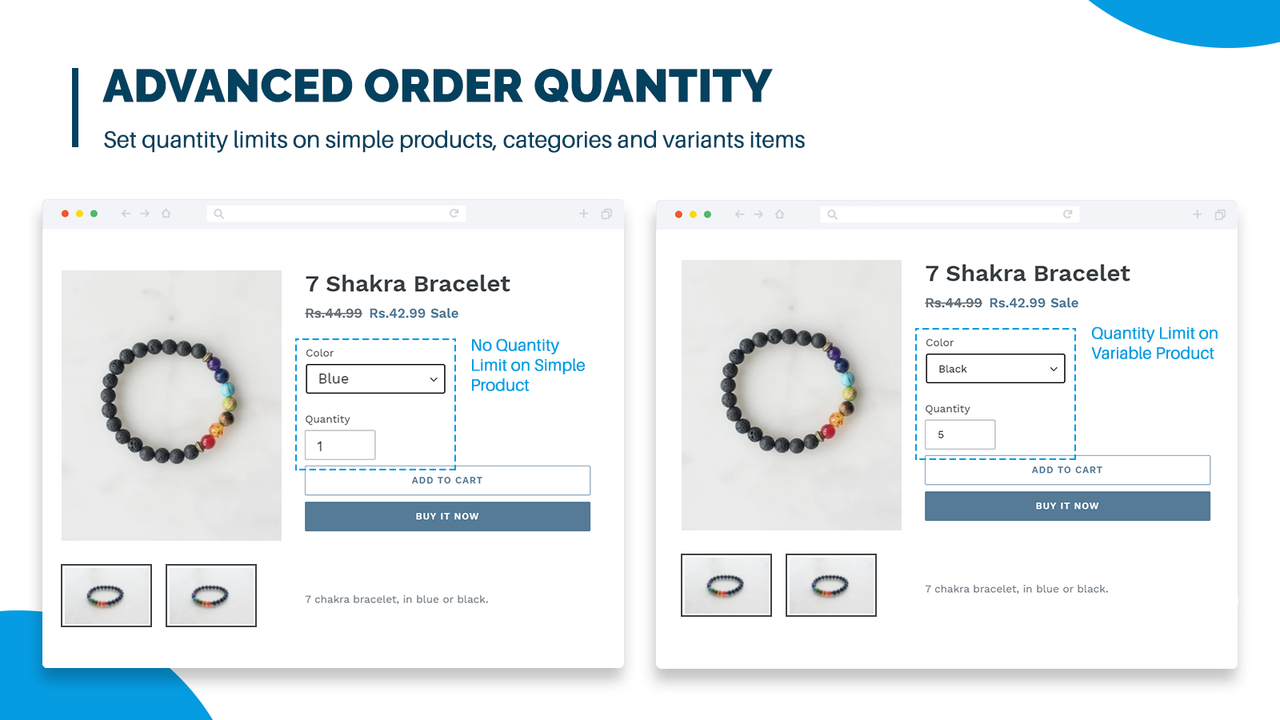
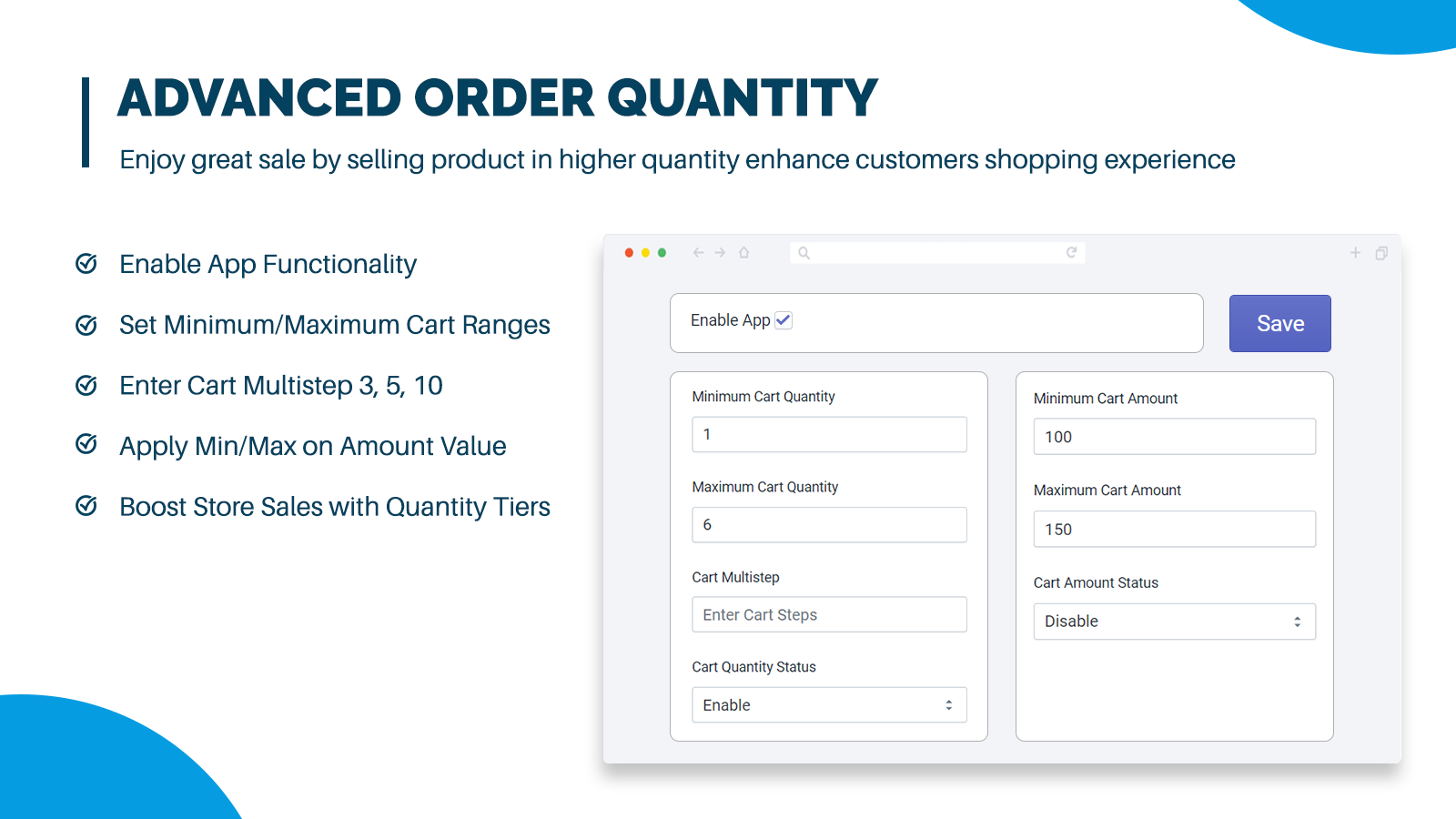
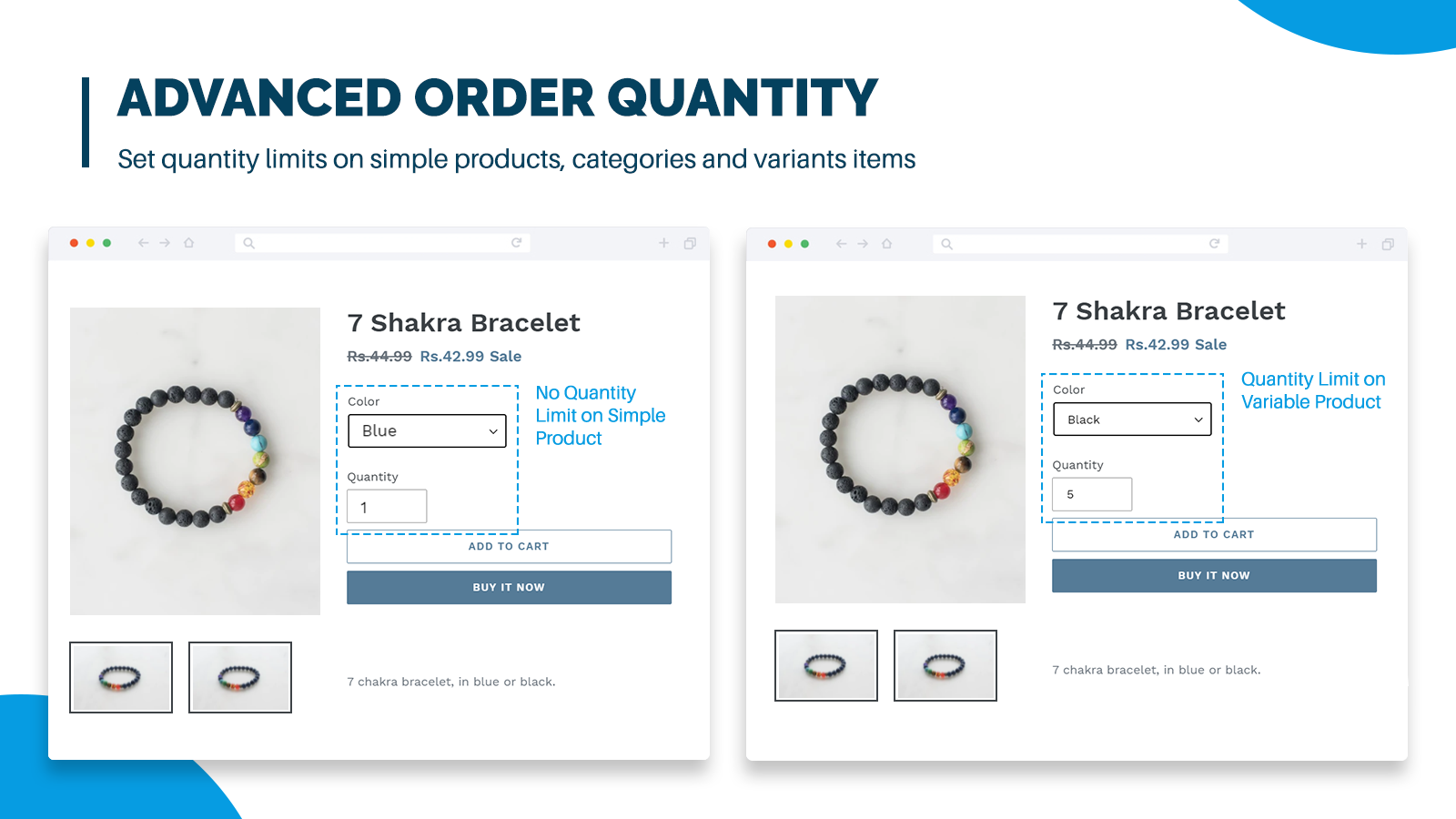
- Set custom order limits for products, variants, or categories.
- Set purchase quantity limits in custom collections 2, 4, 5, and 7.
- Apply minimum and maximum quantity rules to selected product and variant categories.
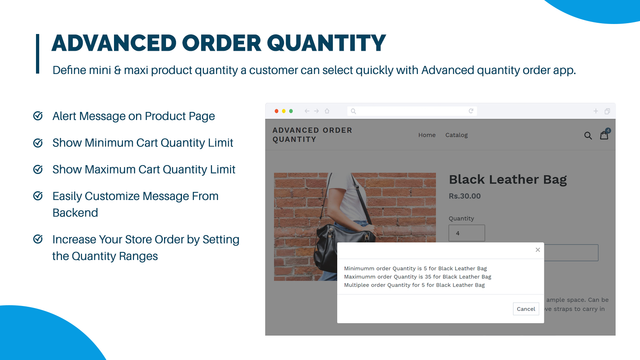
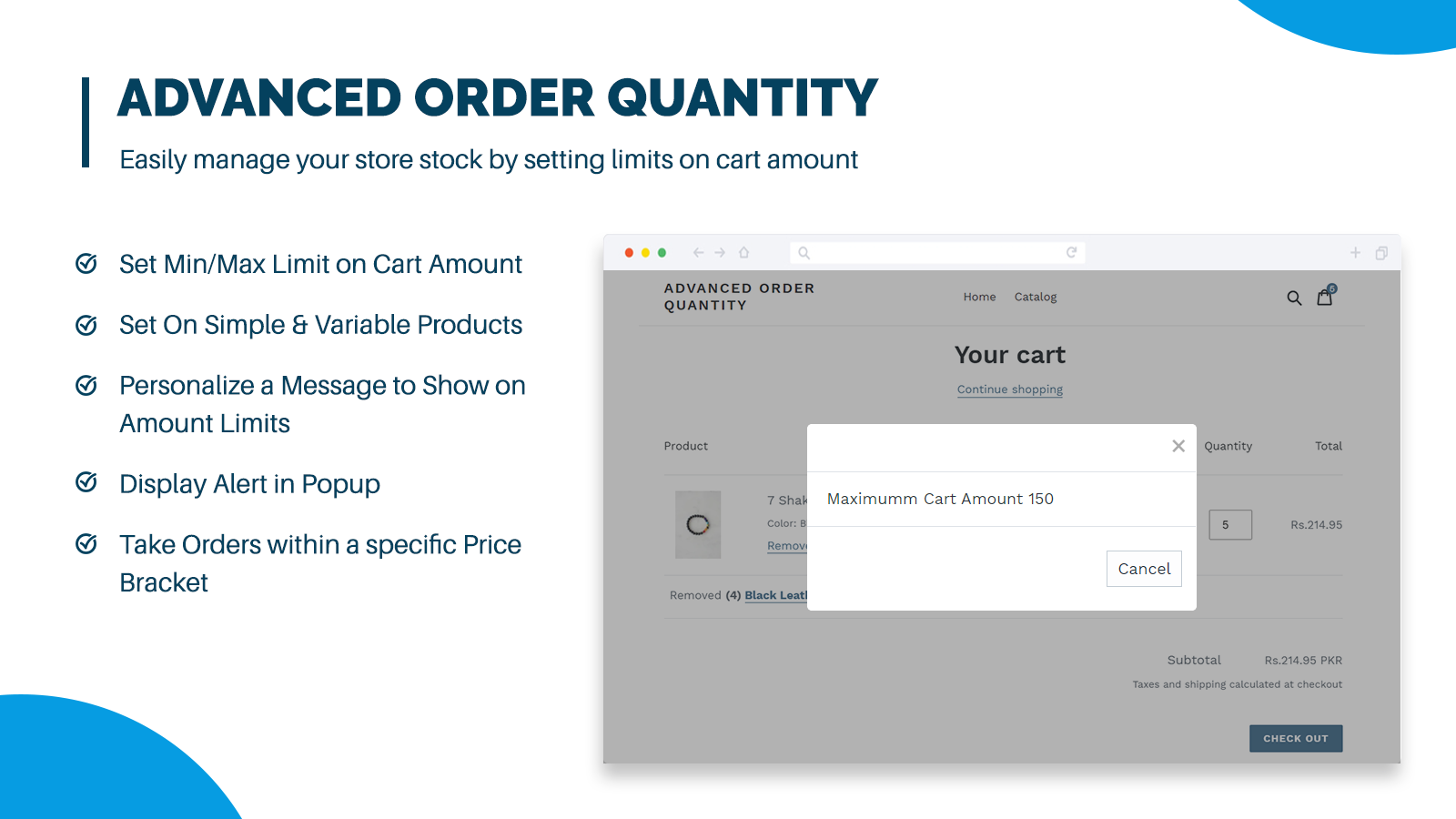
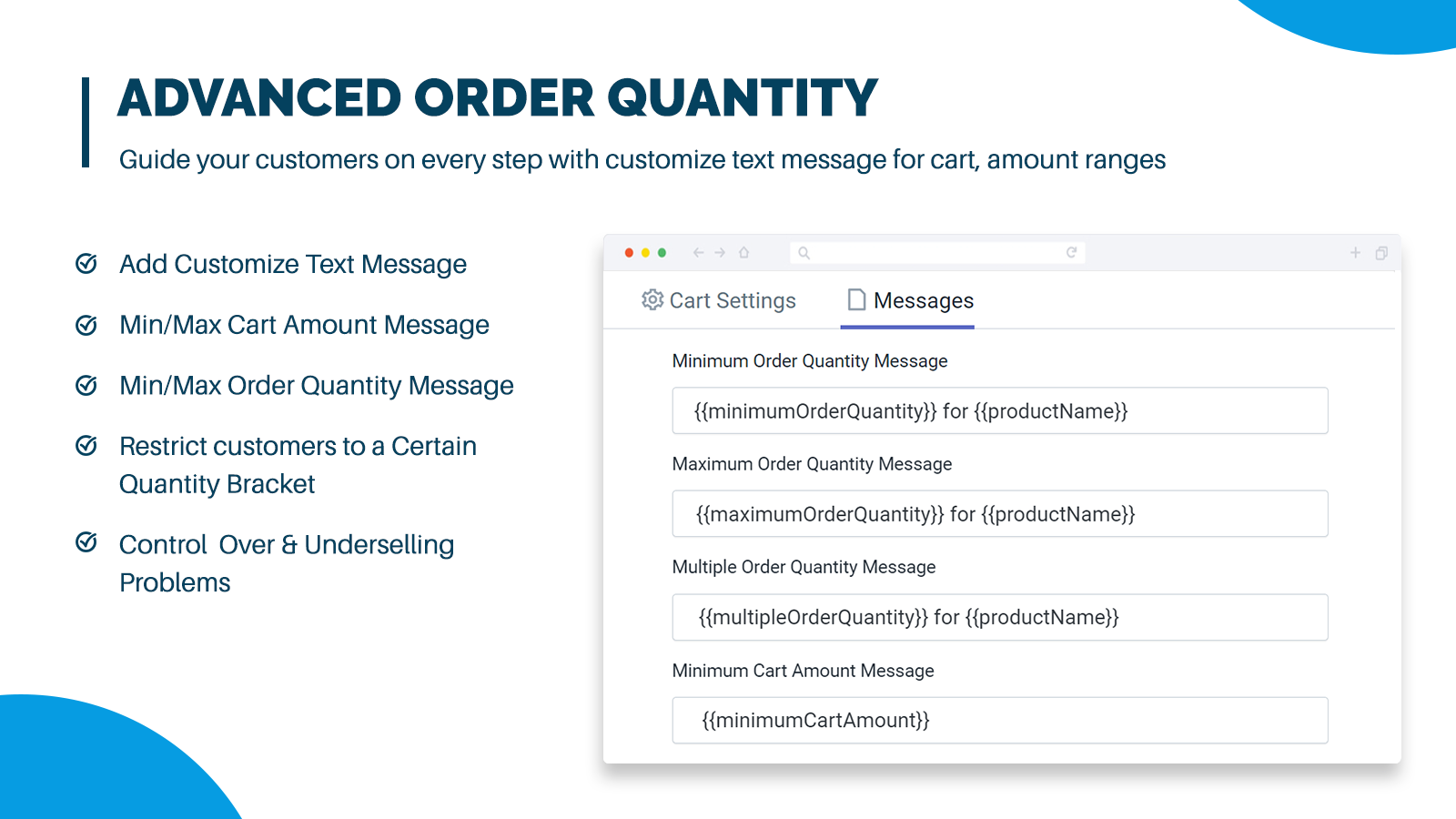
- Show personalized messages to customers, displaying quantity order and amount limits.
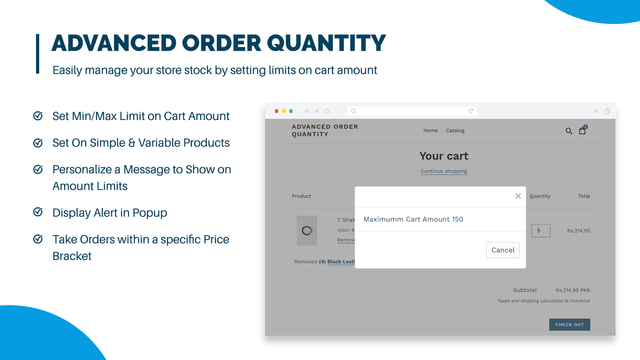
- Limit cart total: Set a minimum purchase amount for checkout.
Merchant-Friendly
- Independent Station Merchants
- Retail E-commerce Merchants
- Multi-category E-commerce
- Boutique Merchants
Basic Information
- Developer:Extendons
- Address:Plot 349, Street 1, I-9/3, Islamabad, 46000, PK
- Price: Free / Free plan
- Rating:4.1 / 5
- Comment Count:15 comment
- Release Date:2020-1-14
- Supported languages:English
- Compatible products:Shopify
Application Screenshot

Price Plan
Basic Shopify
- Set minimum and maximum order limits
- Set minimum purchase amount limit
- Show message alert when minimum amount limit is reached
- Set restrictions for specific products
- Set quantity limits for the cart page
- Apply to featured homepage products
- Free installation for all paid plan stores
- WhatsApp priority support
Standard Shopify
- Set minimum and maximum order limits
- Set minimum purchase amount limit
- Display message alert when minimum amount limit is reached
- Set restrictions for specific products
- Set quantity limits for the cart page
- Apply to featured homepage products
- Free installation for all paid plan stores
- WhatsApp priority support
Advanced Shopify
- Set minimum and maximum order limits
- Set minimum purchase amount limit
- Show message alert when minimum amount limit is reached
- Set limits for specific products
- Set quantity limits for the cart page
- Apply to featured homepage products
- Free installation for all paid plan stores
- WhatsApp priority support
Shopify Plus
- Set minimum and maximum order limits
- Set minimum purchase amount limit
- Show message alert when minimum amount limit is reached
- Set restrictions for specific products
- Set quantity limits for the cart page
- Apply to featured homepage products
- Free installation for all paid plan stores
- WhatsApp priority support
User Location & Comments
User Location
Comments
Shopify API Used
- POST /admin/api/products/{product_id}/order_limits.json
- PUT /admin/api/products/{product_id}/order_limits/{id}.json
- GET /admin/api/products/{product_id}/order_limits.json
Permission:write_products,read_products,manage_order_limits
- POST /admin/api/variants/{variant_id}/order_limits.json
- PUT /admin/api/variants/{variant_id}/order_limits/{id}.json
- GET /admin/api/variants/{variant_id}/order_limits.json
Permission:write_variants,read_variants,manage_order_limits
- POST /admin/api/custom_collections/{collection_id}/order_limits.json
- PUT /admin/api/custom_collections/{collection_id}/order_limits/{id}.json
- GET /admin/api/custom_collections/{collection_id}/order_limits.json
Permission:write_custom_collections,read_custom_collections,manage_order_limits
- POST /admin/api/custom_collections/{id}/quantity_limits.json
- PUT /admin/api/custom_collections/{id}/quantity_limits/{id}.json
- GET /admin/api/custom_collections/{id}/quantity_limits.json
Permission:write_custom_collections,read_custom_collections,manage_order_limits
- POST /admin/api/cart_rules/amount_limits.json
- PUT /admin/api/cart_rules/amount_limits/{id}.json
- GET /admin/api/cart_rules/amount_limits.json
Permission:write_cart_rules,read_cart_rules,manage_order_limits