
App Introduction
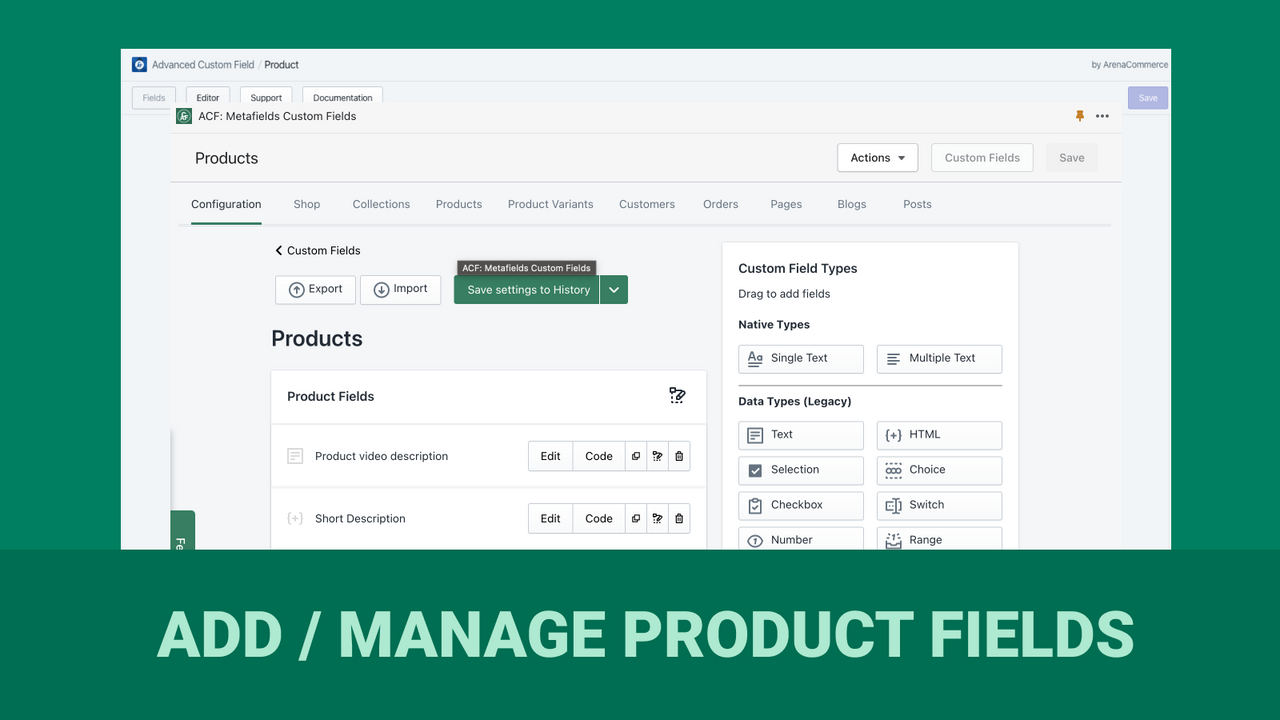
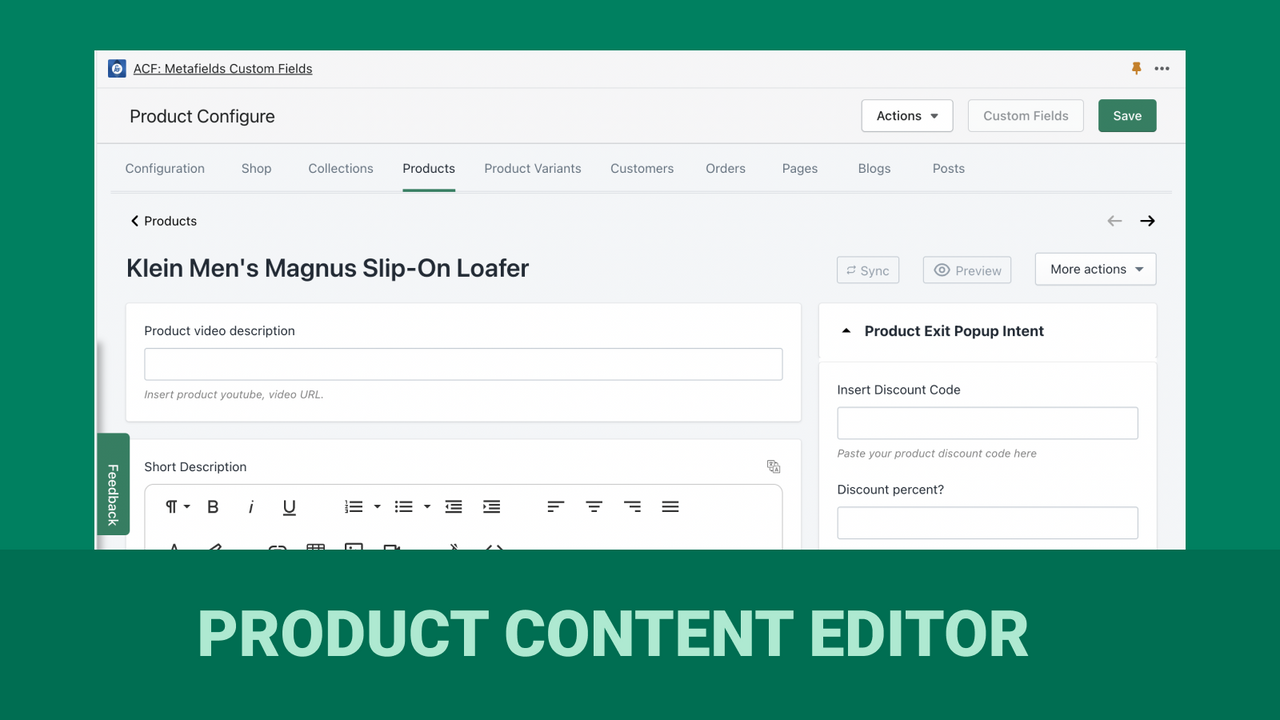
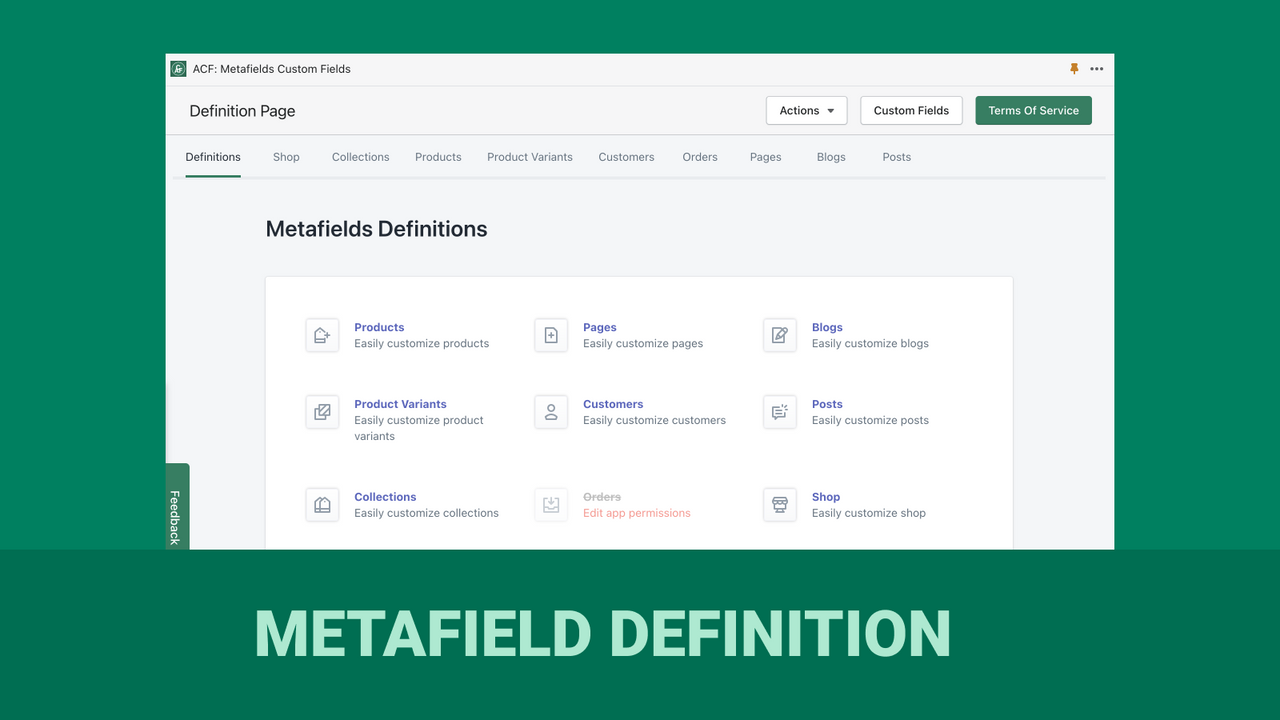
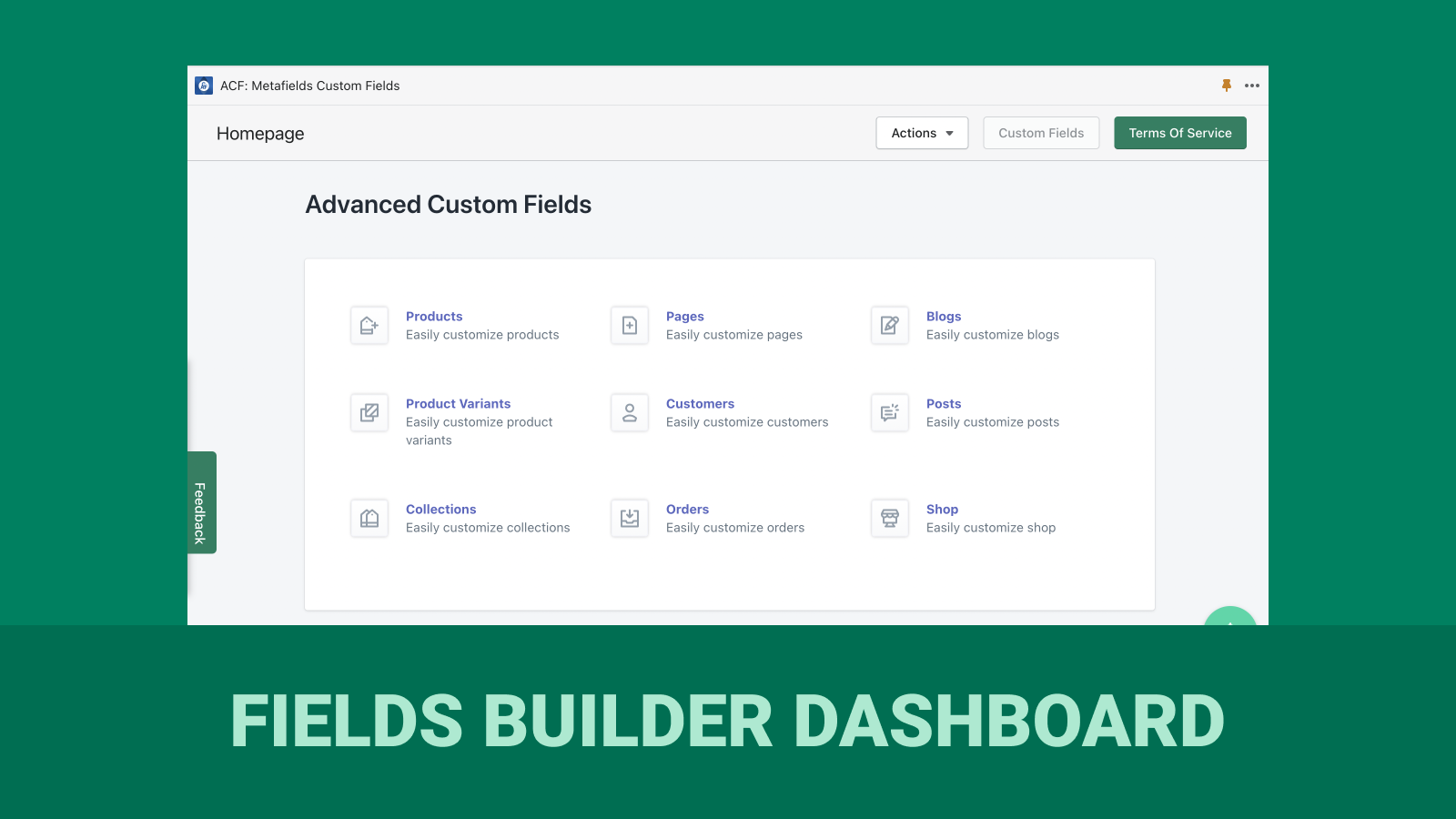
Advanced Custom Fields lets you structure any page and save it as a template for creation. It simplifies the management of your metafields, enabling you to handle them manually or in bulk. Easily view, filter, search, and edit metafields of any data type—including color pickers, dates & times, files, references, JSON, text, and more. The app supports importing/exporting metafields, file uploads, and accessing Liquid syntax. Bulk-create, update, and delete metafields, and export them to CSV files of any structure. Leverage metafields to store and display custom data.
Core Functionality
- Simplified Metafield Management: Support for All Data Types
- Simplified Data Control: Import/Export in Various Formats
- Easy Media Upload: Store and Display Custom Data
- Access Liquid Syntax: Quickly Integrate Custom Data
Merchant-Friendly
- Independent Station Merchants
- Multi-category E-commerce
- Brand-owned Stores
- Cross-border Sellers
Basic Information
- Developer:ArenaCommerce
- Address:Ho Chi Minh City, VN
- Price: Free / Free plan
- Rating:4.4 / 5
- Comment Count:89 comment
- Release Date:2019-12-17
- Supported languages:English
- Compatible products:Shopify
Application Screenshot

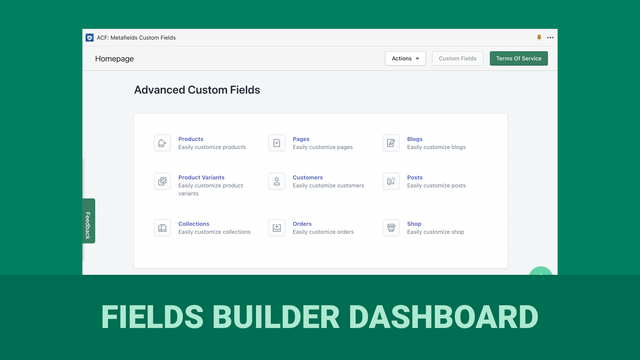
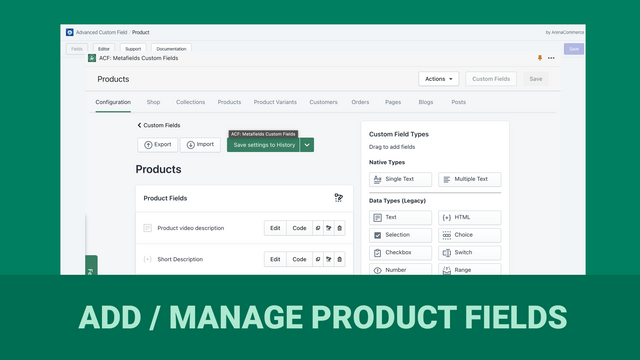
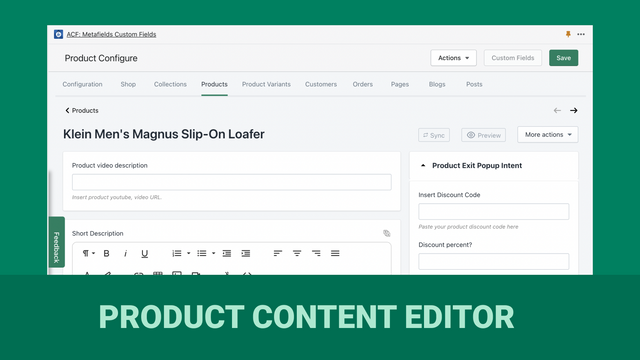
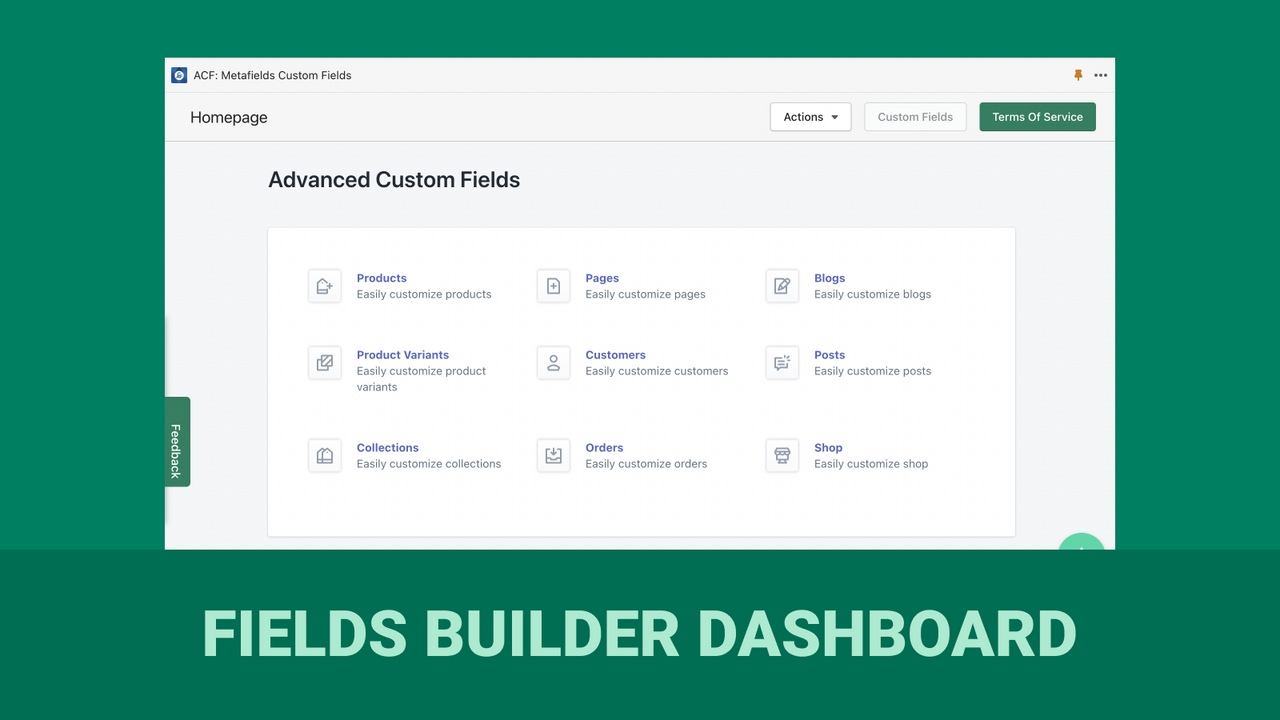


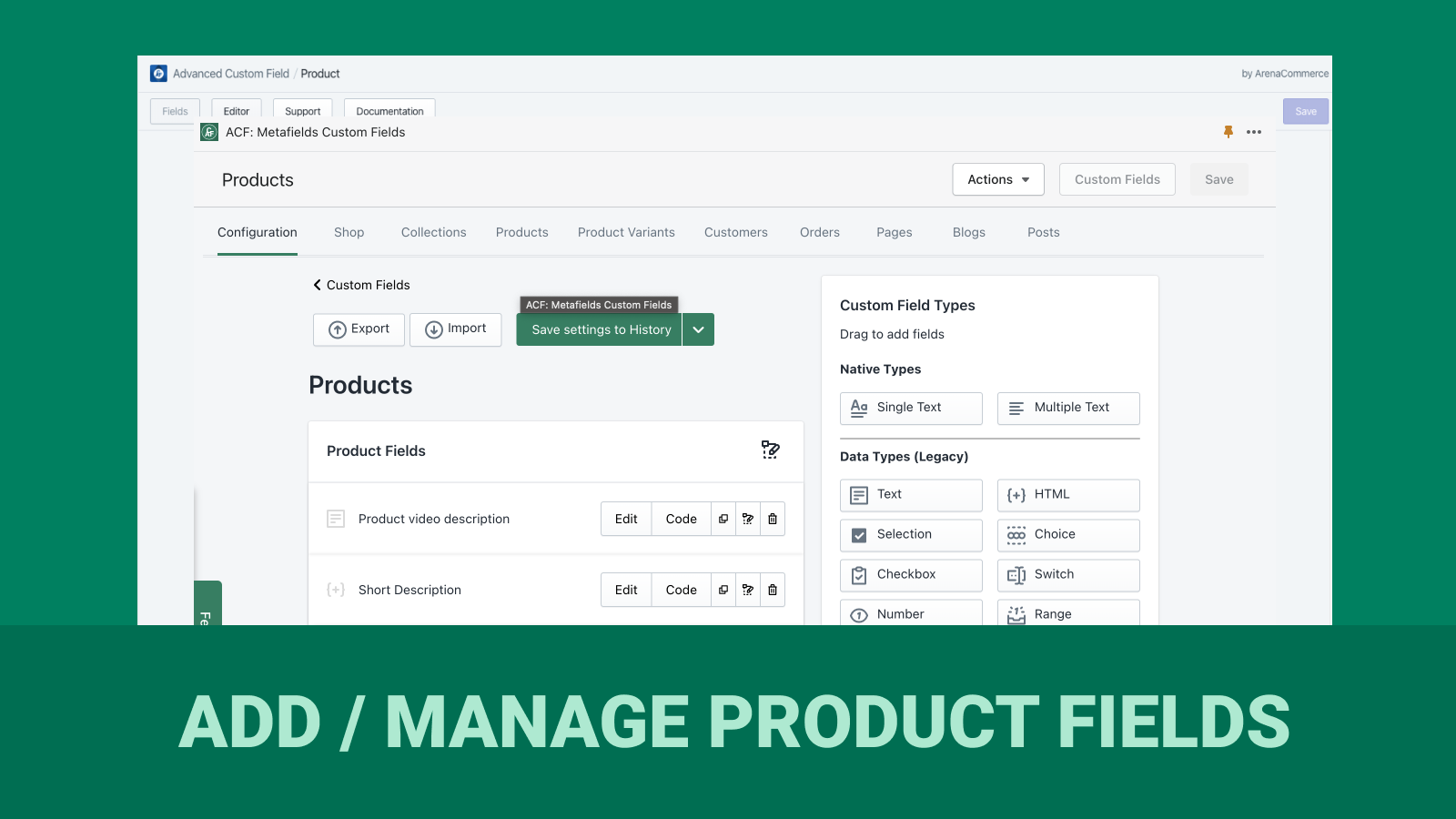

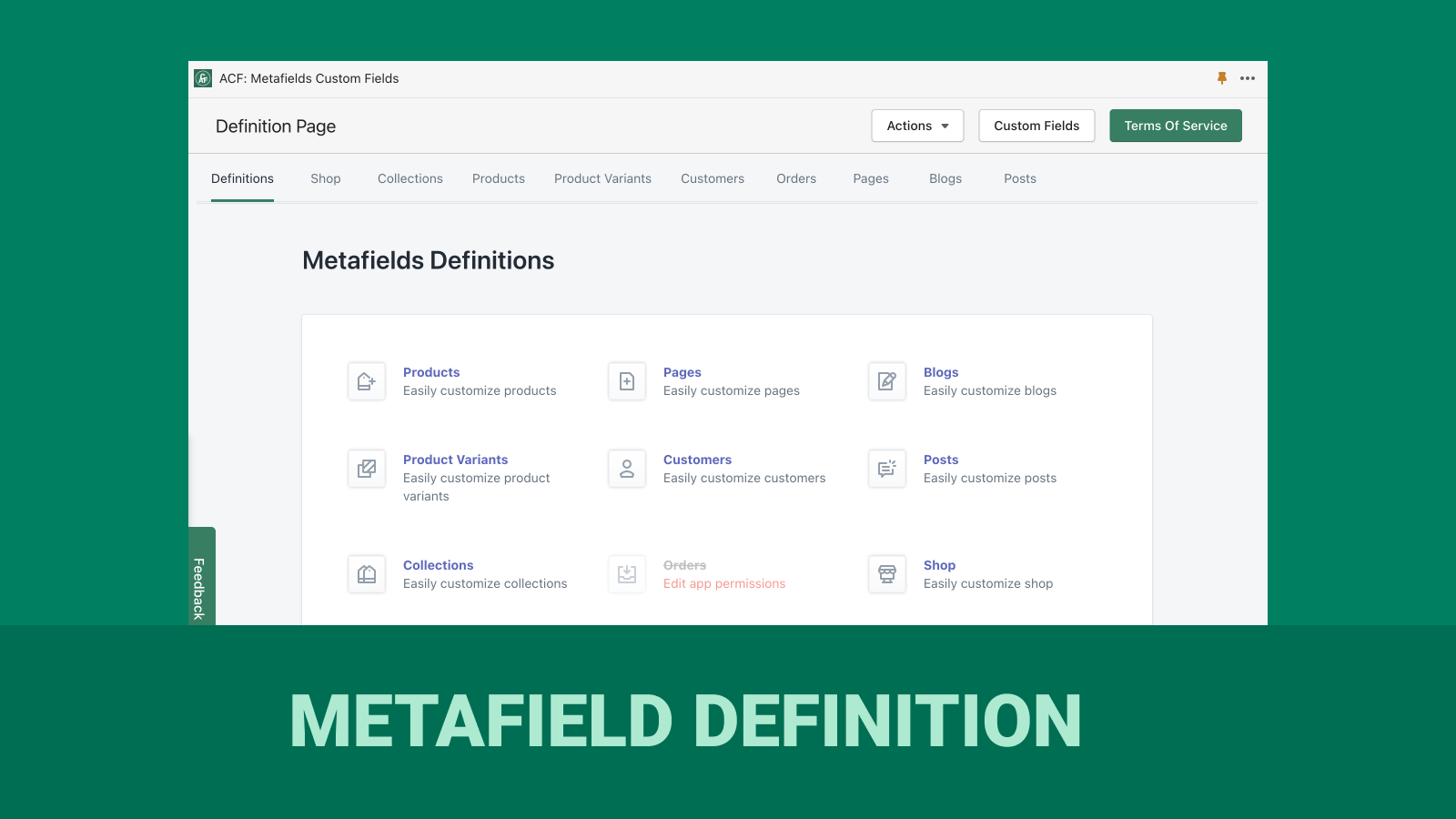

Price Plan
永久免费
- Unlimited Custom Fields and Types
- 500 Free Energy Points
- App Credits for Image Uploads, Meta Field Import/Export
- Multi-Language Support
PRO
- Includes features of the free plan.
- Upload files, images... Max 20MB
- Advanced filtering of products, variants, and collections for import/export
INFINITY PRO
- Includes Pro features.
- Unlimited app power points for unlimited imports/exports, image uploads...
User Location & Comments
User Location
Comments
Shopify API Used
- POST /admin/api/metafields.json
- PUT /admin/api/metafields/{id}.json
- GET /admin/api/metafields.json
Permission:write_metafields,read_metafields,manage_products
- POST /admin/api/data_imports.json
- GET /admin/api/data_exports.json
- PUT /admin/api/data_exports/{id}.json
Permission:write_data,read_data,manage_store
- POST /admin/api/media.json
- PUT /admin/api/media/{id}.json
- GET /admin/api/media.json
Permission:write_media,read_media,manage_files
- GET /admin/api/shop.json
- GET /admin/api/products.json
- GET /admin/api/metafields.json
Permission:read_shop,read_products,read_metafields



