
Tabular:Products in Table View
App Introduction
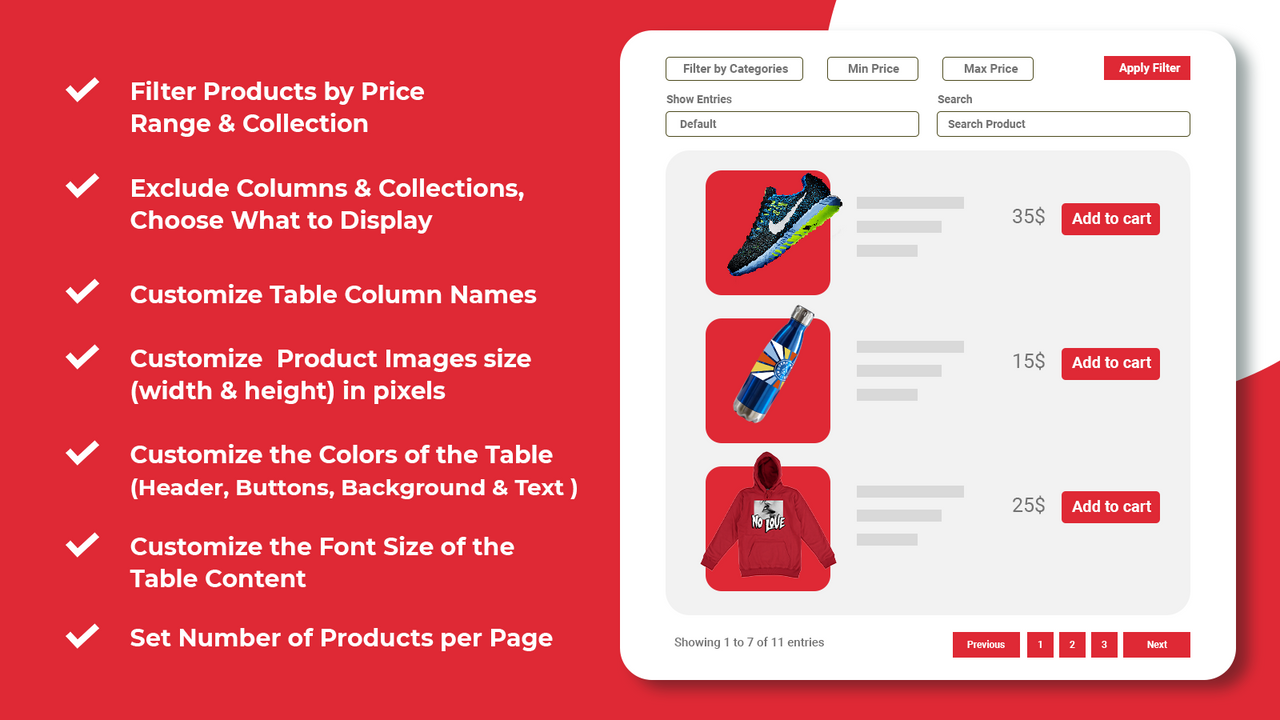
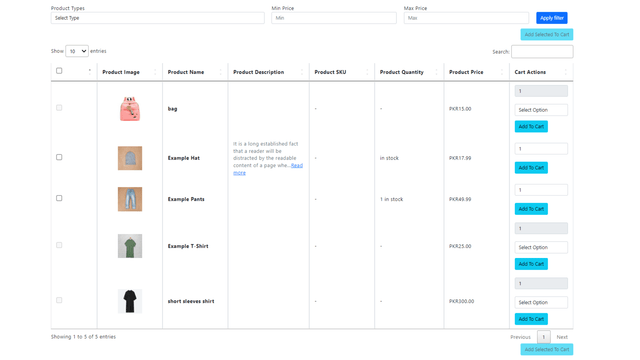
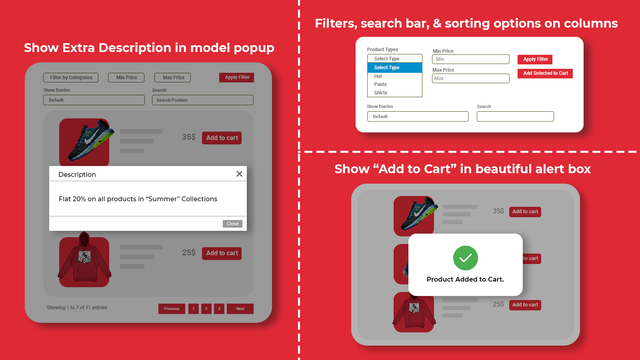
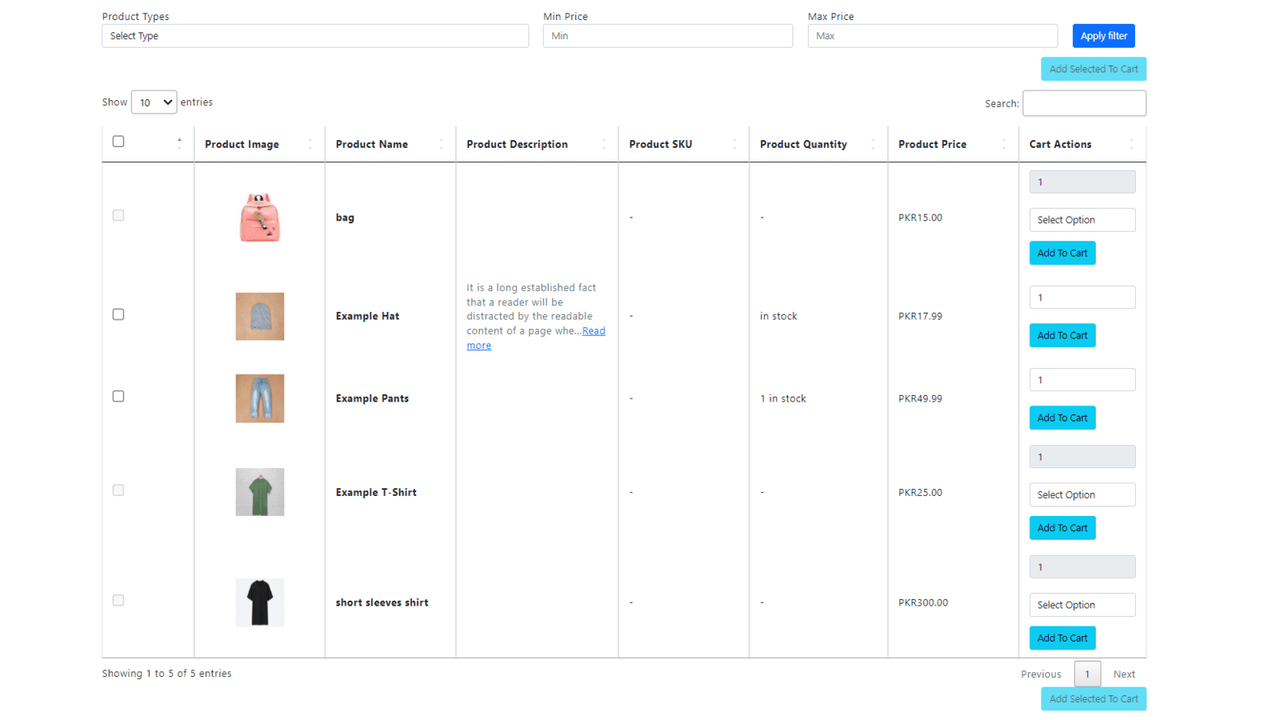
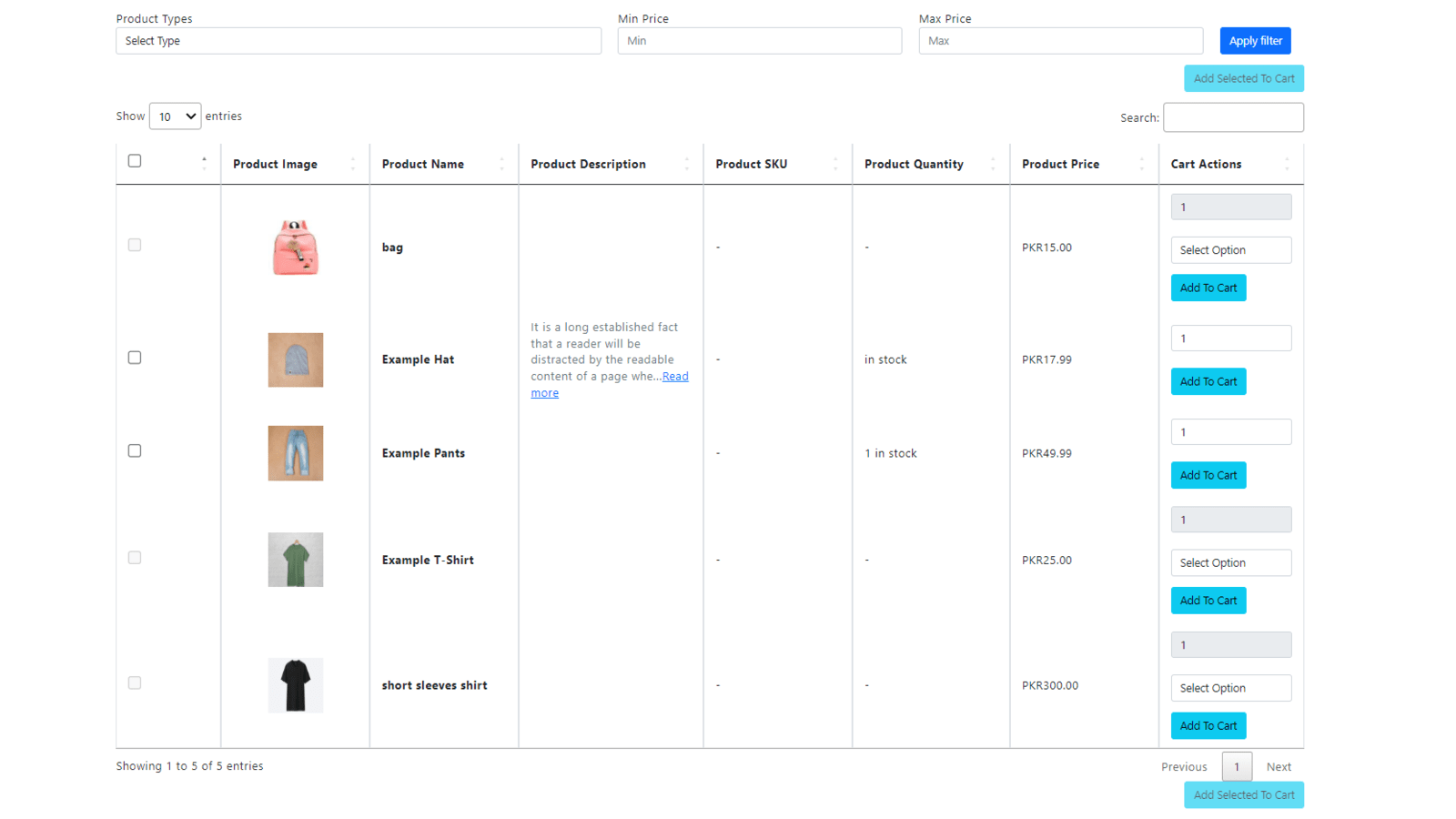
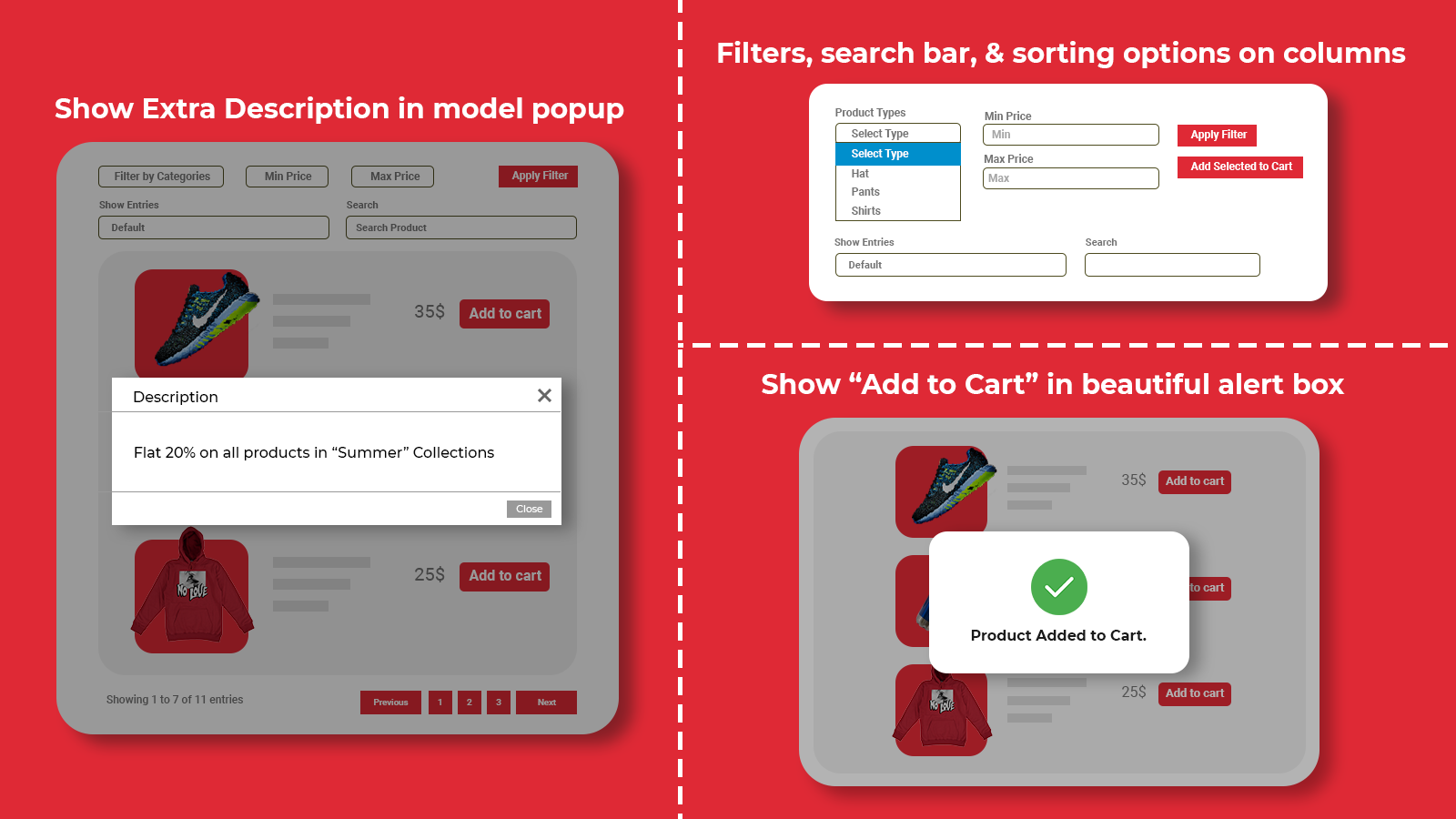
Display your products in a fully customizable, searchable table layout with useful filters. The Tabular app helps merchants showcase all or selected product collections in a table view layout, with highly practical filters to enable a one-page shopping experience and quick ordering—ultimately boosting your conversion rates. You can display product information (product name, description, image, SKU, quantity/inventory status, product/variant price) alongside a search bar and filters, with a fixed quantity counter column and add-to-cart button. It now also offers variant table functionality.
Core Functionality
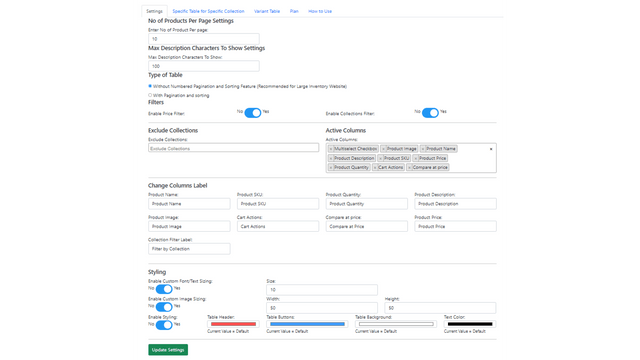
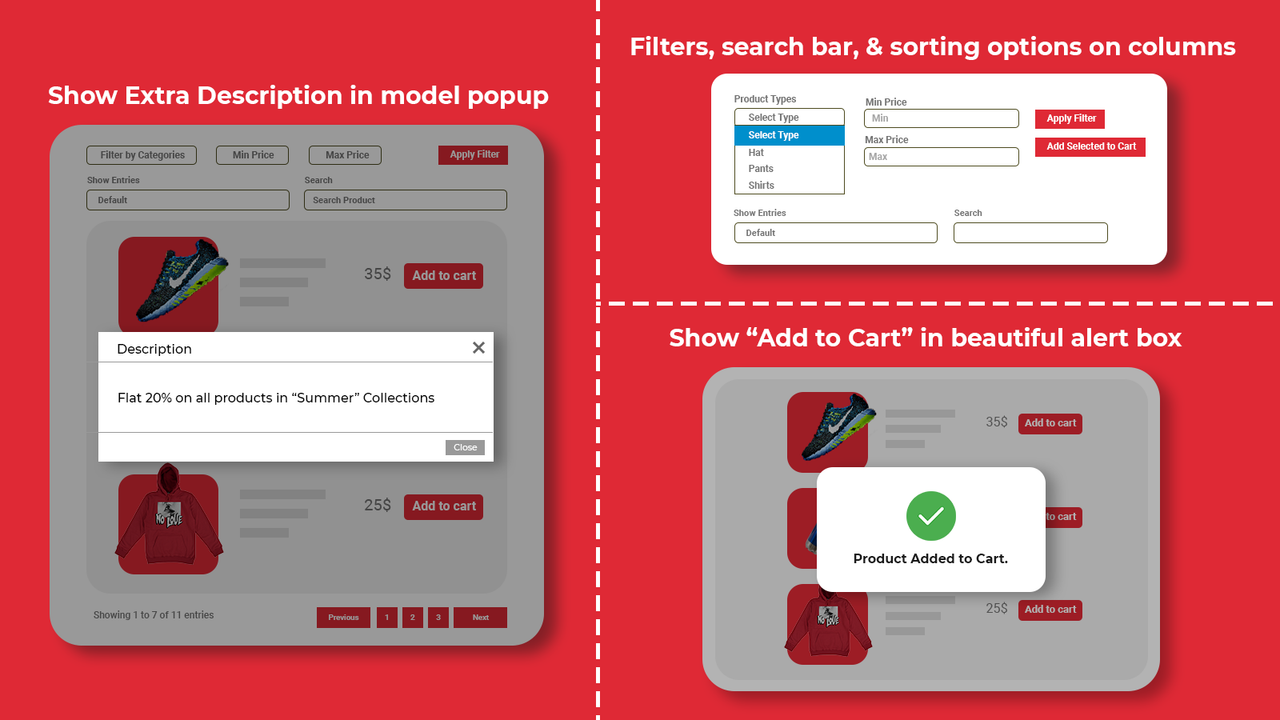
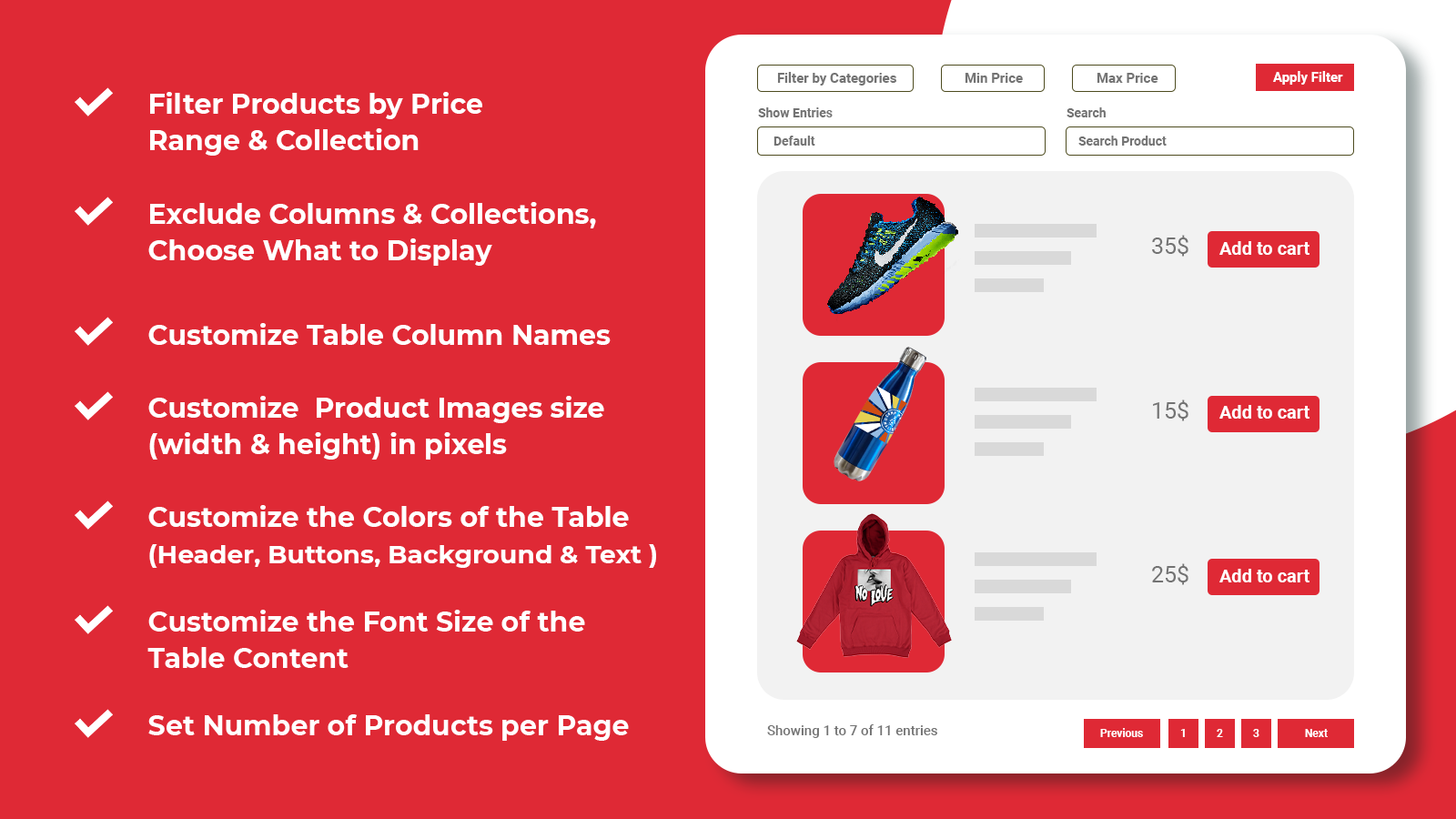
- Filter products by price range and collections. Exclude columns and collections.
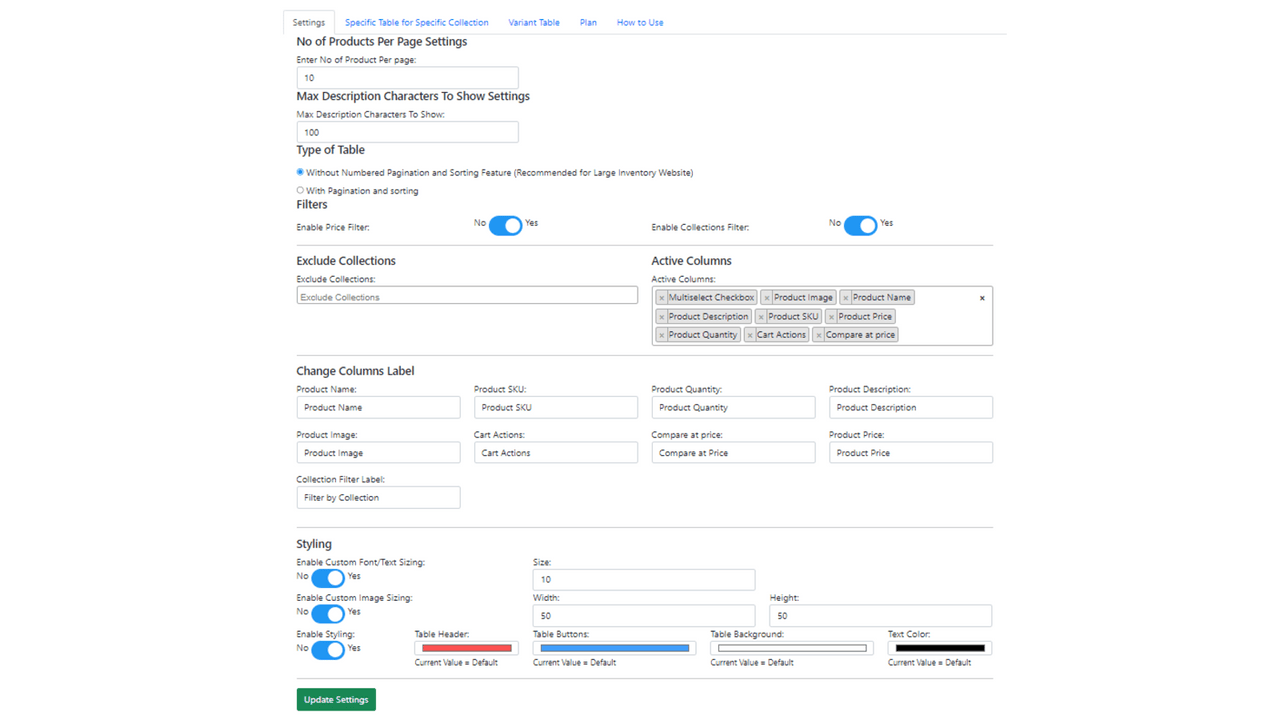
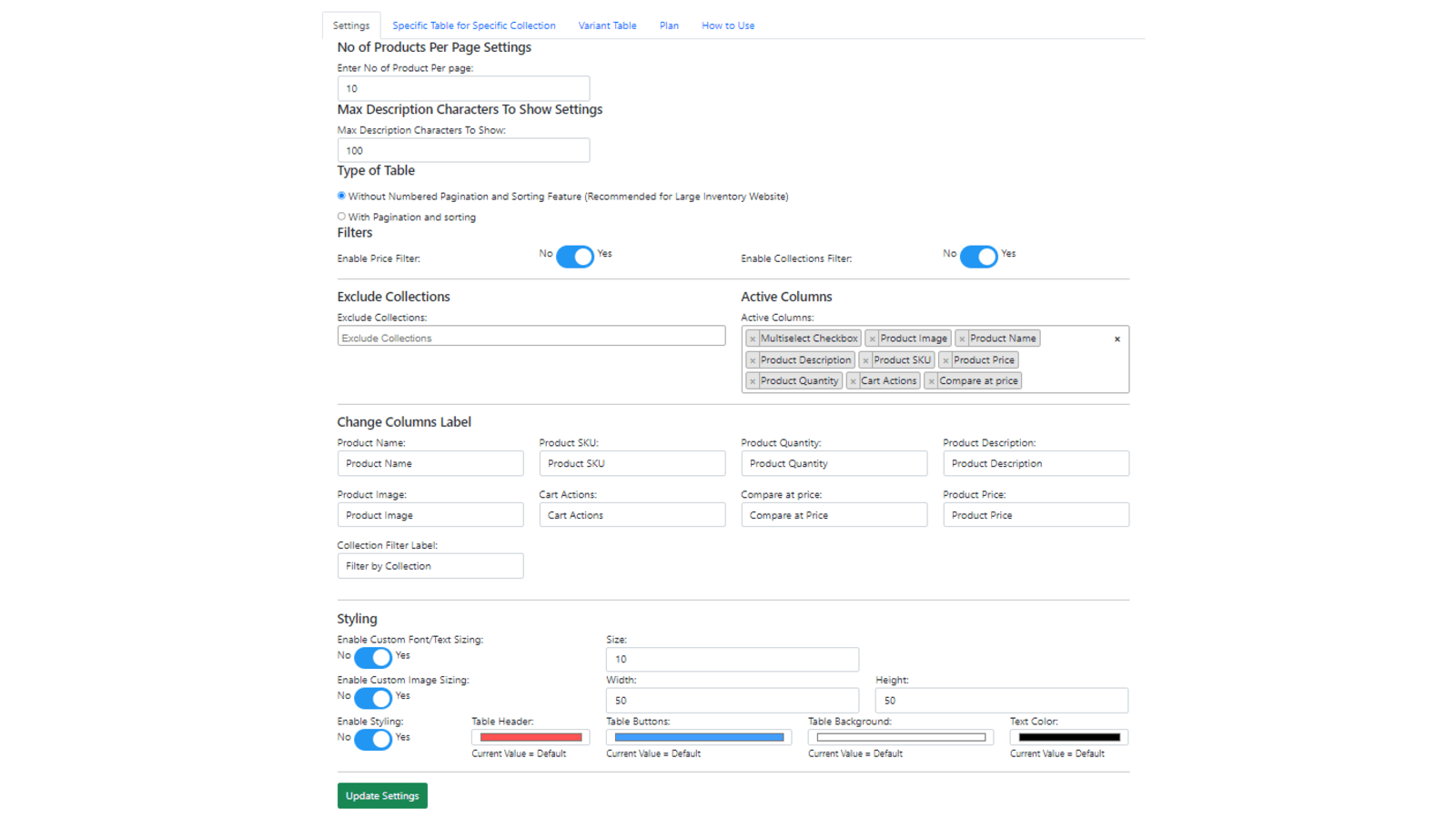
- Customize table column names and product image dimensions (width-height in pixels).
- Customize table colors (header, buttons, background, and text).
- Customize the number of products per page and description character limits.
- Variant table for individual product pages and specific tables for targeted collections.
Merchant-Friendly
- Apparel & Footwear Merchants
- Home Goods E-commerce
- Electronics Sellers
- Beauty & Skincare Merchants
Basic Information
- Developer:SolCoders
- Address:HOUSE # 1/2L GROUND FLOOR, P.E.C.H.S Block 2, PECHS Extension Block 6 PECHS, Karachi, 07545, PK
- Price: Free / Free plan
- Rating:5 / 5
- Comment Count:1 comment
- Release Date:2022-10-12
- Supported languages:English
- Compatible products:Shopify
Application Screenshot




Price Plan
DEVELOPMENT PLAN
- This app is free for all stores in the development plan.
Standard Plan
Premium
- - Different tables for different collections (e.g., on the shirts page, you can use only the table for the T-shirts collection)
- - Variant tables
User Location & Comments
User Location
Comments
Shopify API Used
- GET /admin/api/products.json?collection_id={id}&min_price={min}&max_price={max}
- GET /admin/api/products.json?exclude_collection_ids={ids}&exclude_tags={tags}
- GET /admin/api/collections/{id}/products.json?min_price={min}&max_price={max}
Permission:read_products,read_collections,manage_products
- PUT /admin/api/shop.json?metafields[custom.table_columns]={json}
- GET /admin/api/metafields.json?namespace=custom&key=table_columns
- POST /admin/api/metafields.json
Permission:write_shop,read_shop,manage_metafields
- PUT /admin/api/shop.json?image_sizes[product_table]={width}x{height}
- GET /admin/api/shop.json?fields=image_sizes
- POST /admin/api/metafields.json?namespace=custom&key=image_sizes
Permission:write_shop,read_shop,manage_metafields
- PUT /admin/api/shop.json?metafields[custom.table_colors]={json}
- GET /admin/api/metafields.json?namespace=custom&key=table_colors
- POST /admin/api/metafields.json
Permission:write_shop,read_shop,manage_metafields
- PUT /admin/api/shop.json?metafields[custom.product_table]={limit}&{desc_length}
- GET /admin/api/metafields.json?namespace=custom&key=product_table
- POST /admin/api/metafields.json
Permission:write_shop,read_shop,manage_metafields
- GET /admin/api/products/{id}/variants.json
- GET /admin/api/collections/{id}/products.json?fields=variants
- PUT /admin/api/shop.json?metafields[custom.variant_tables]={json}
Permission:read_products,read_collections,manage_metafields



