
App Introduction
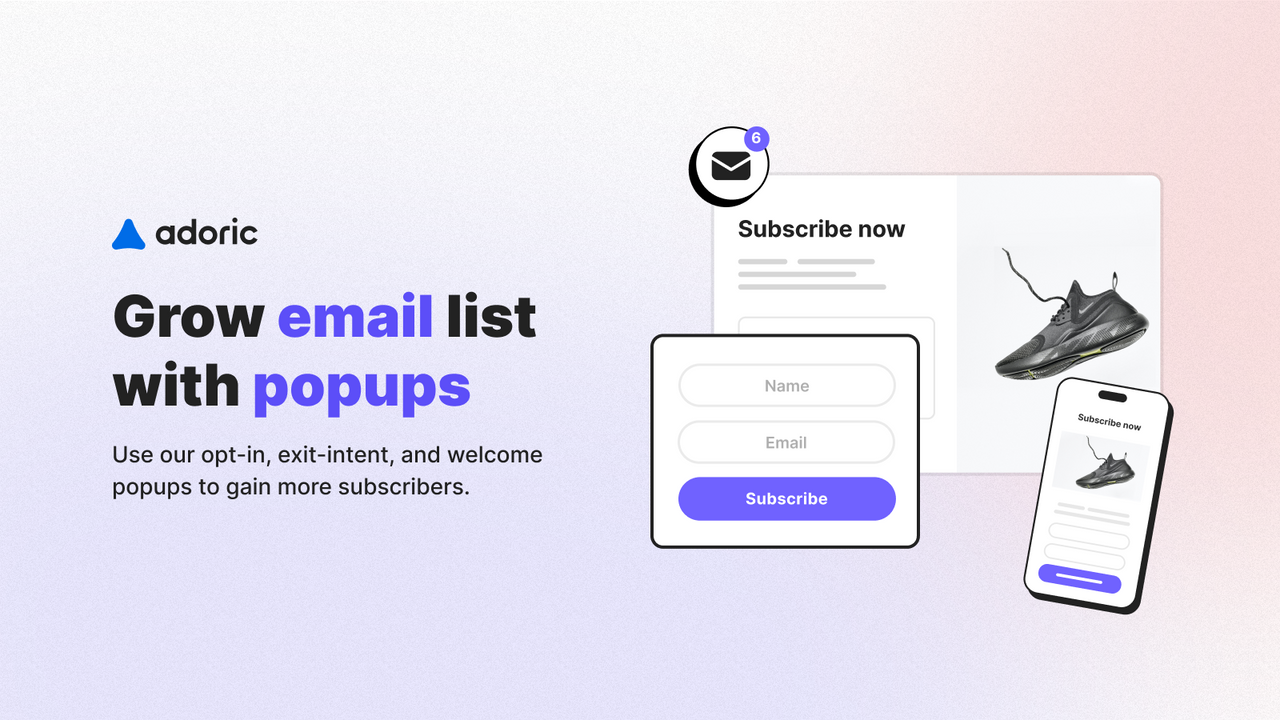
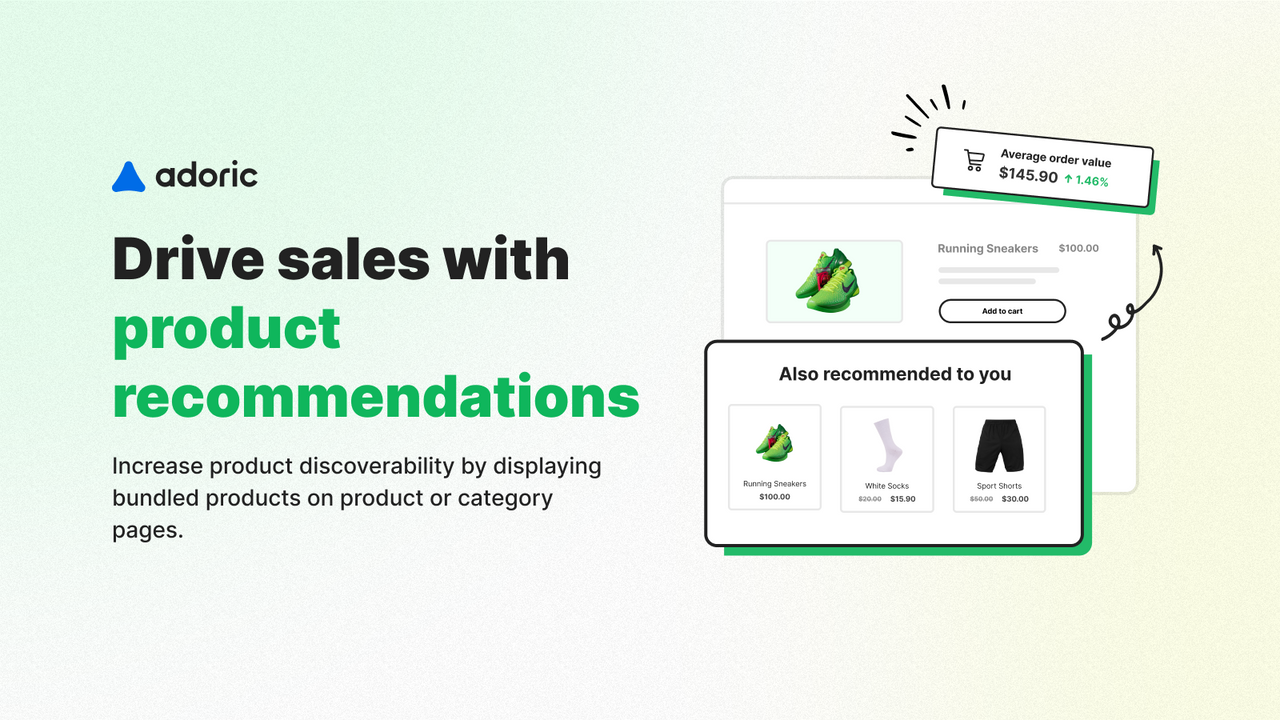
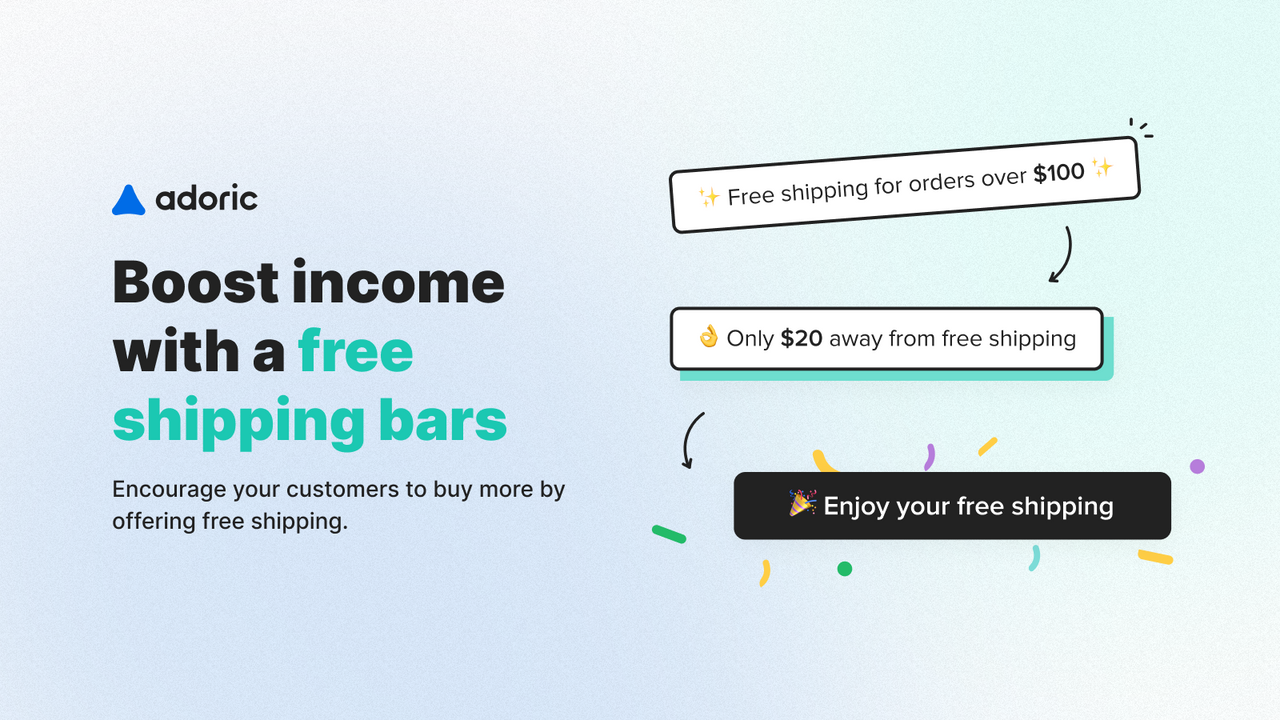
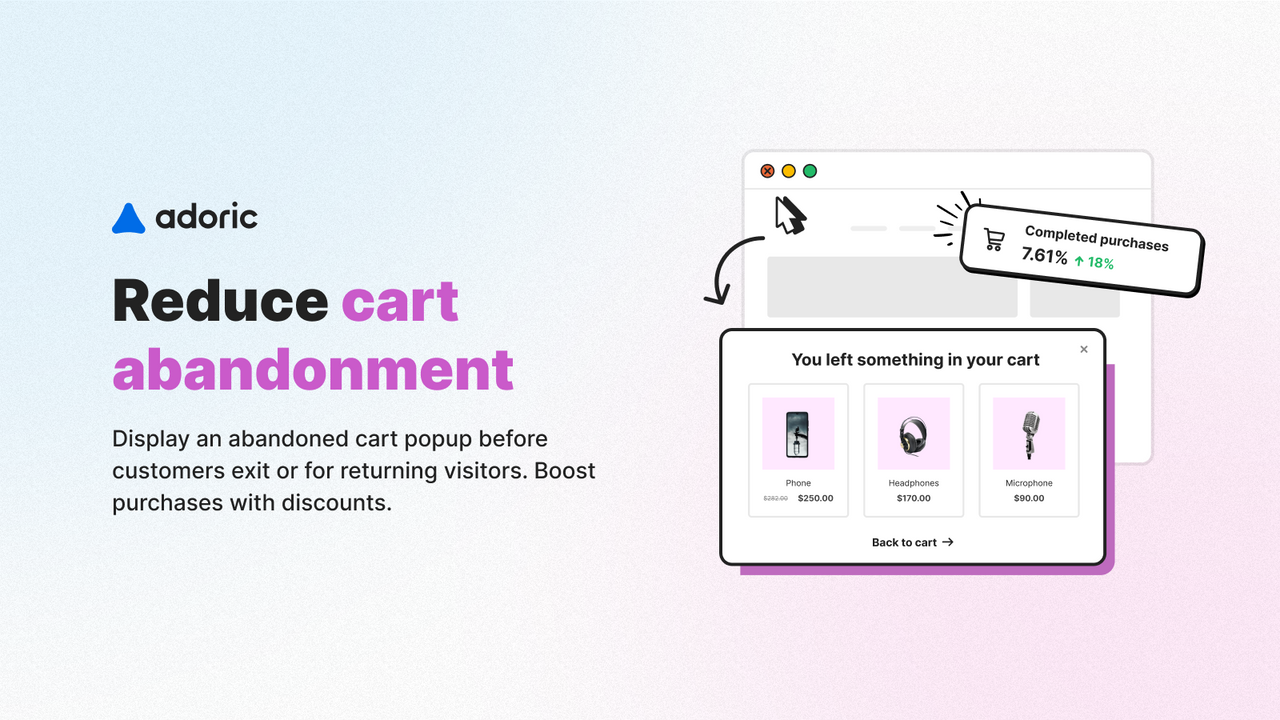
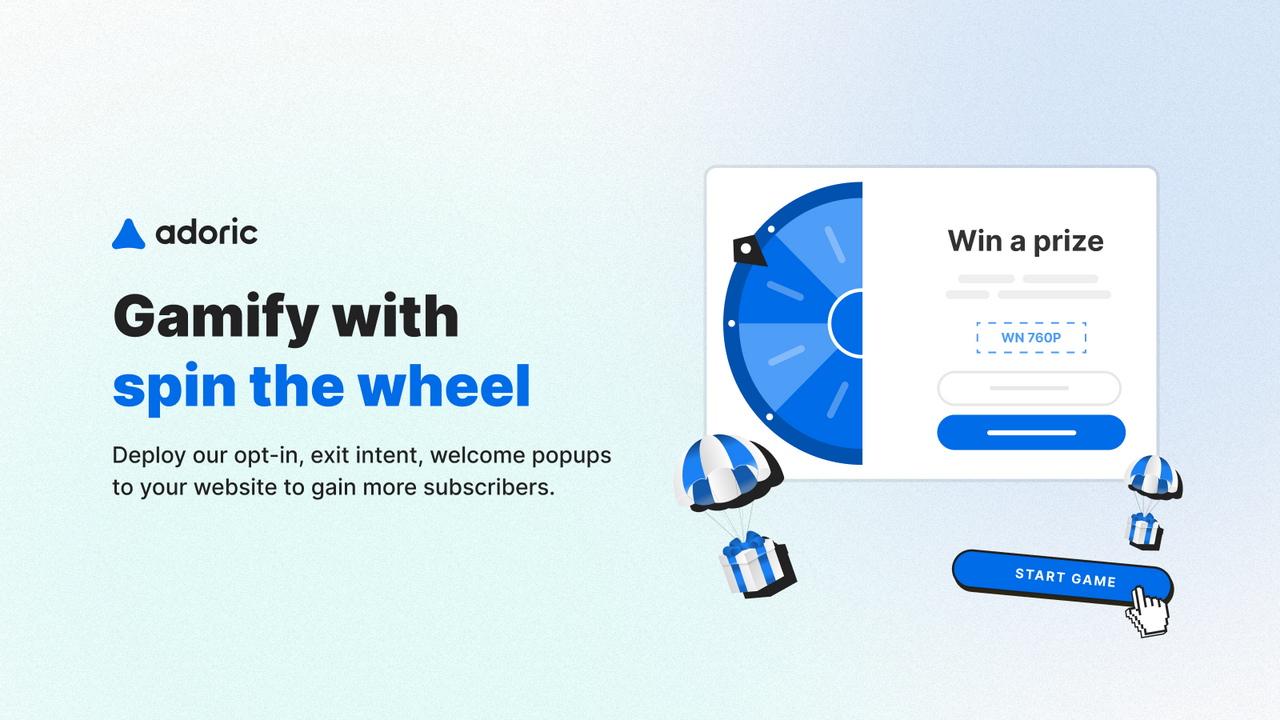
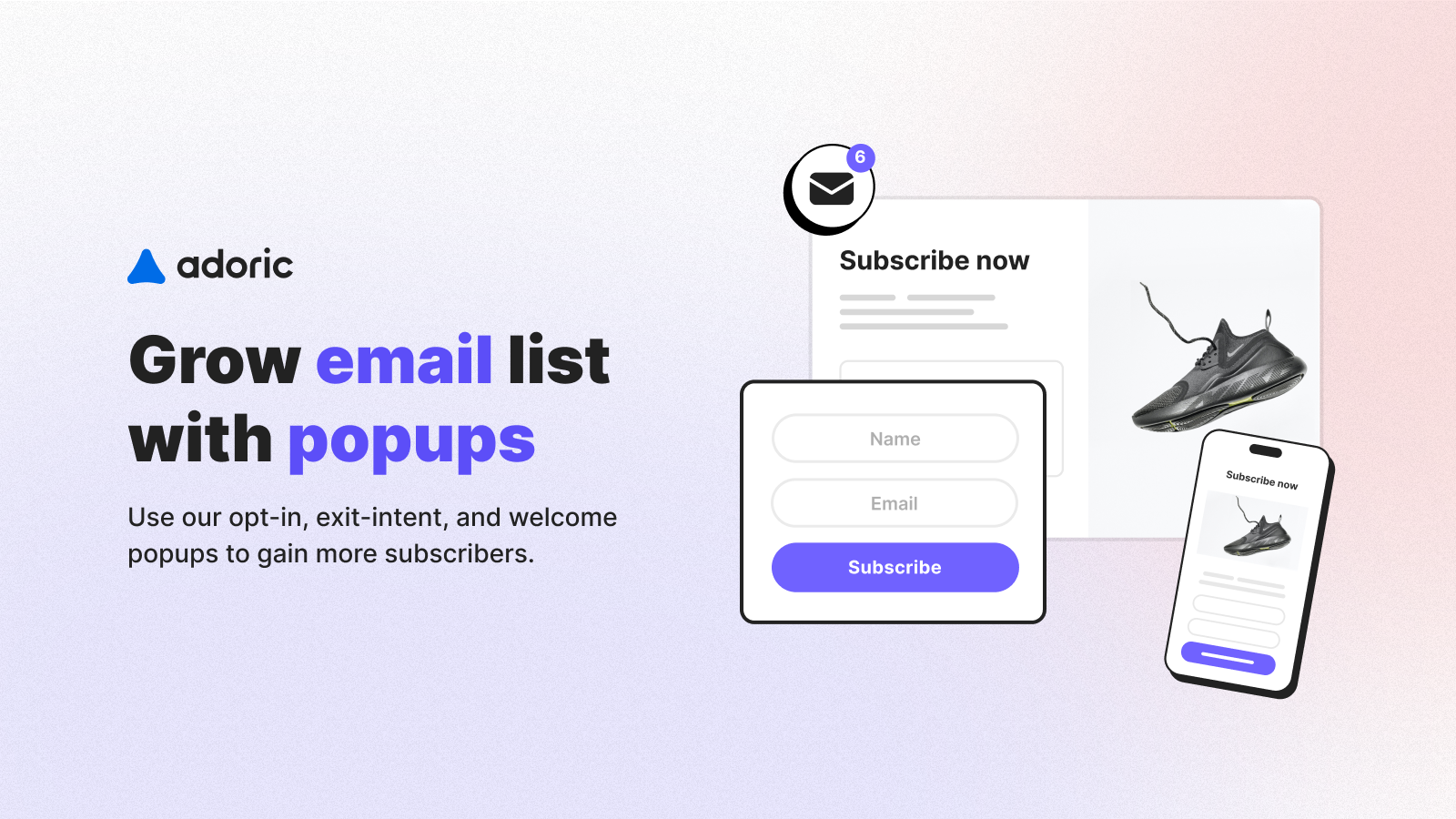
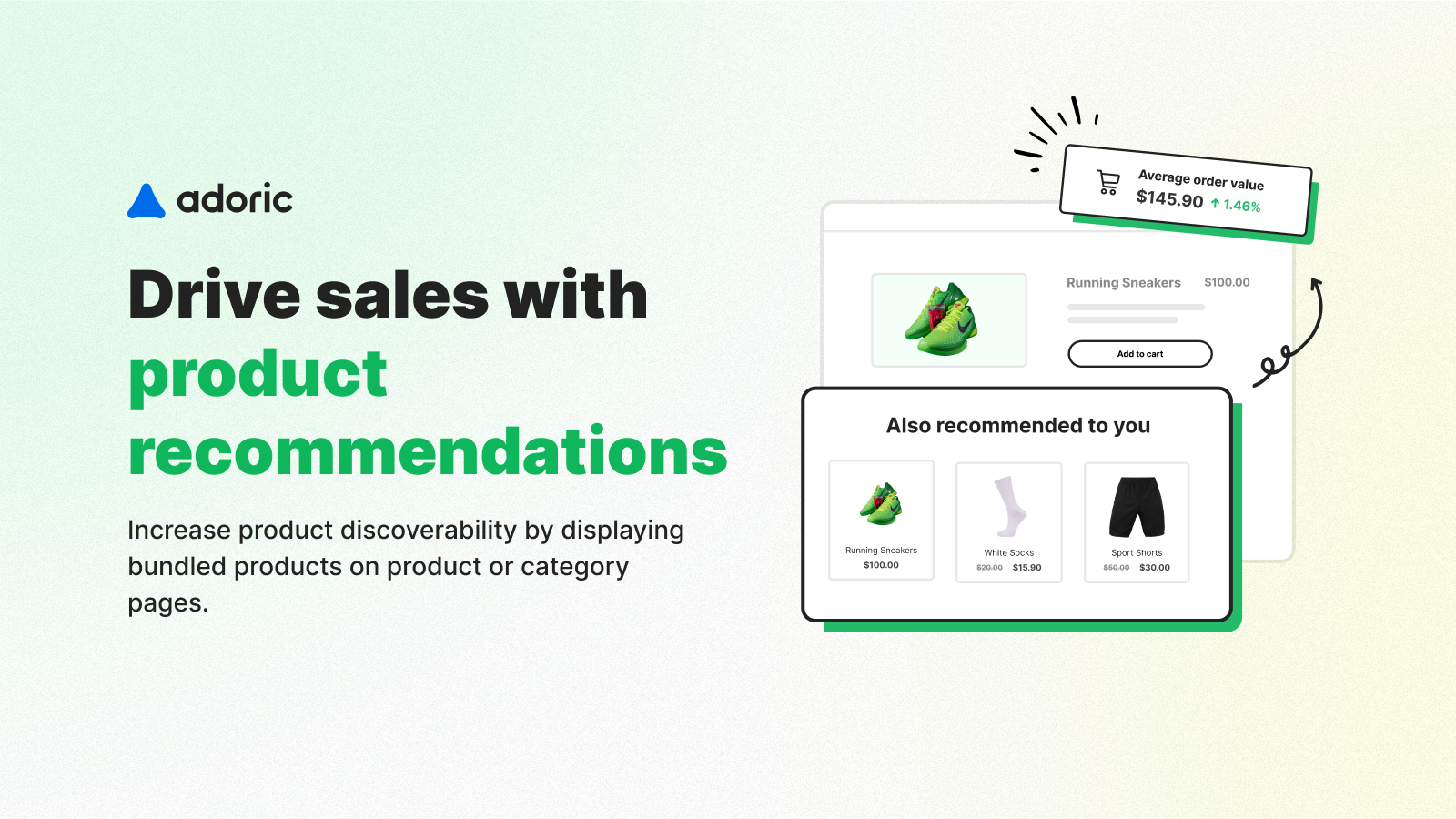
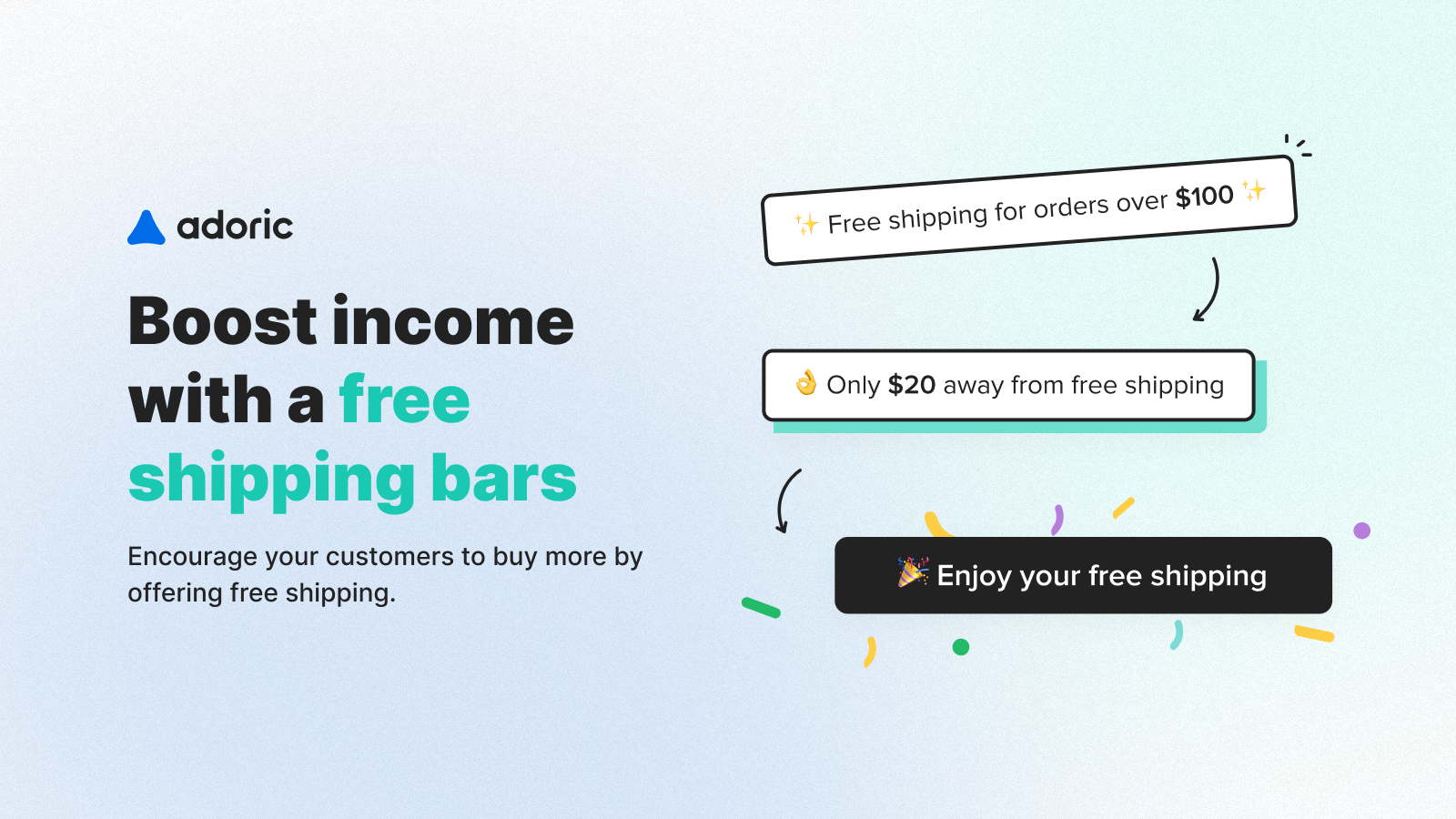
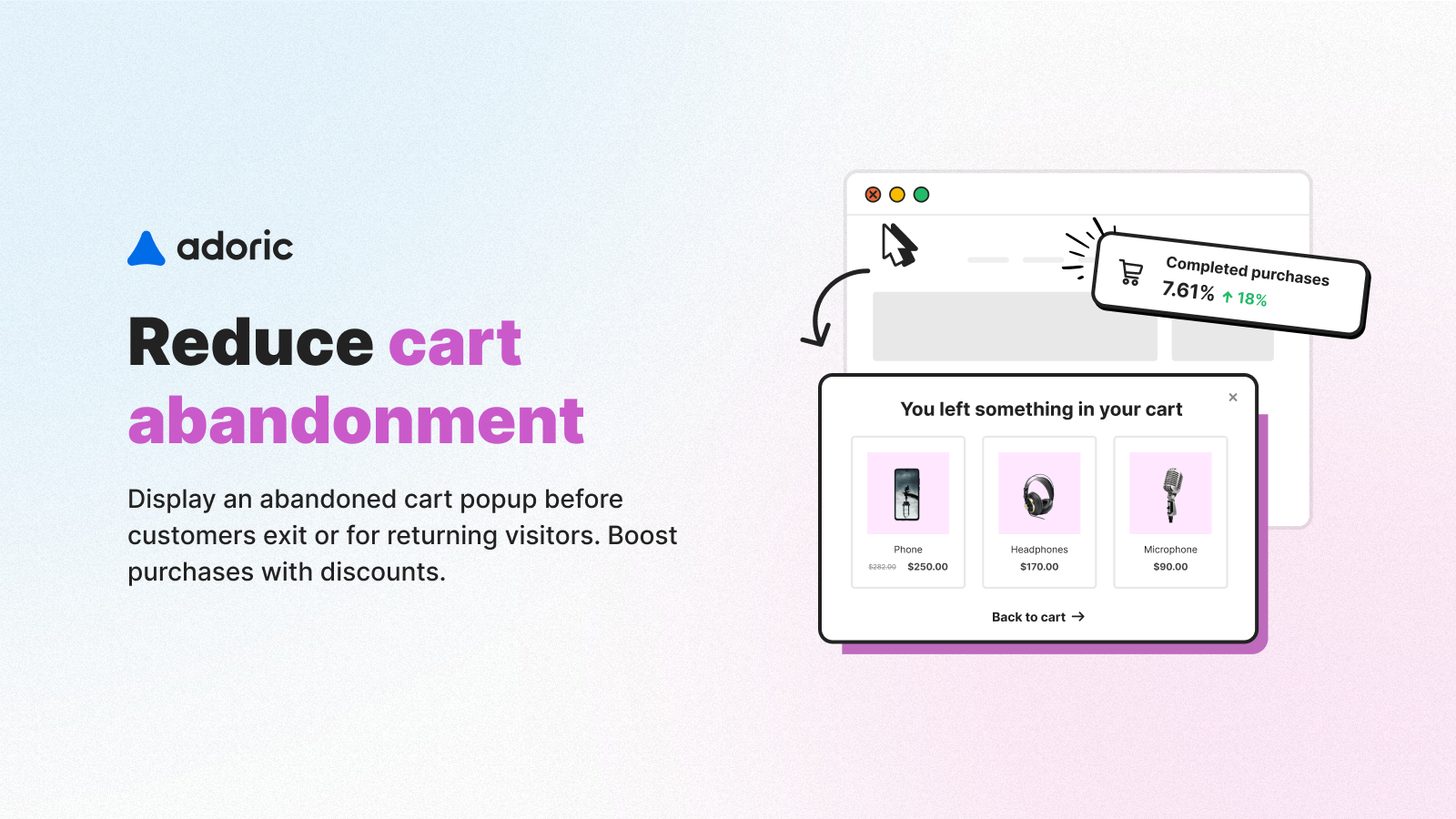
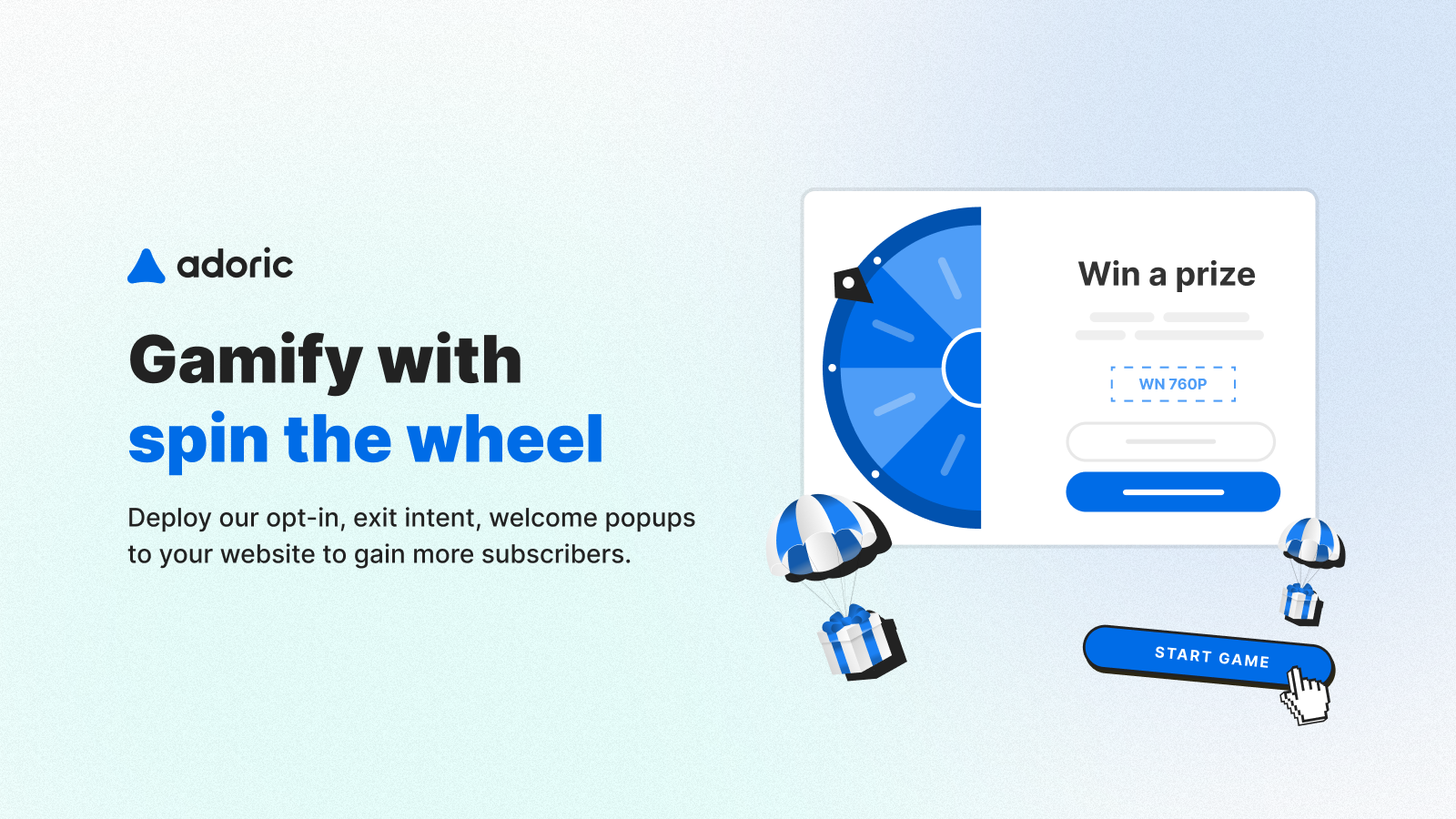
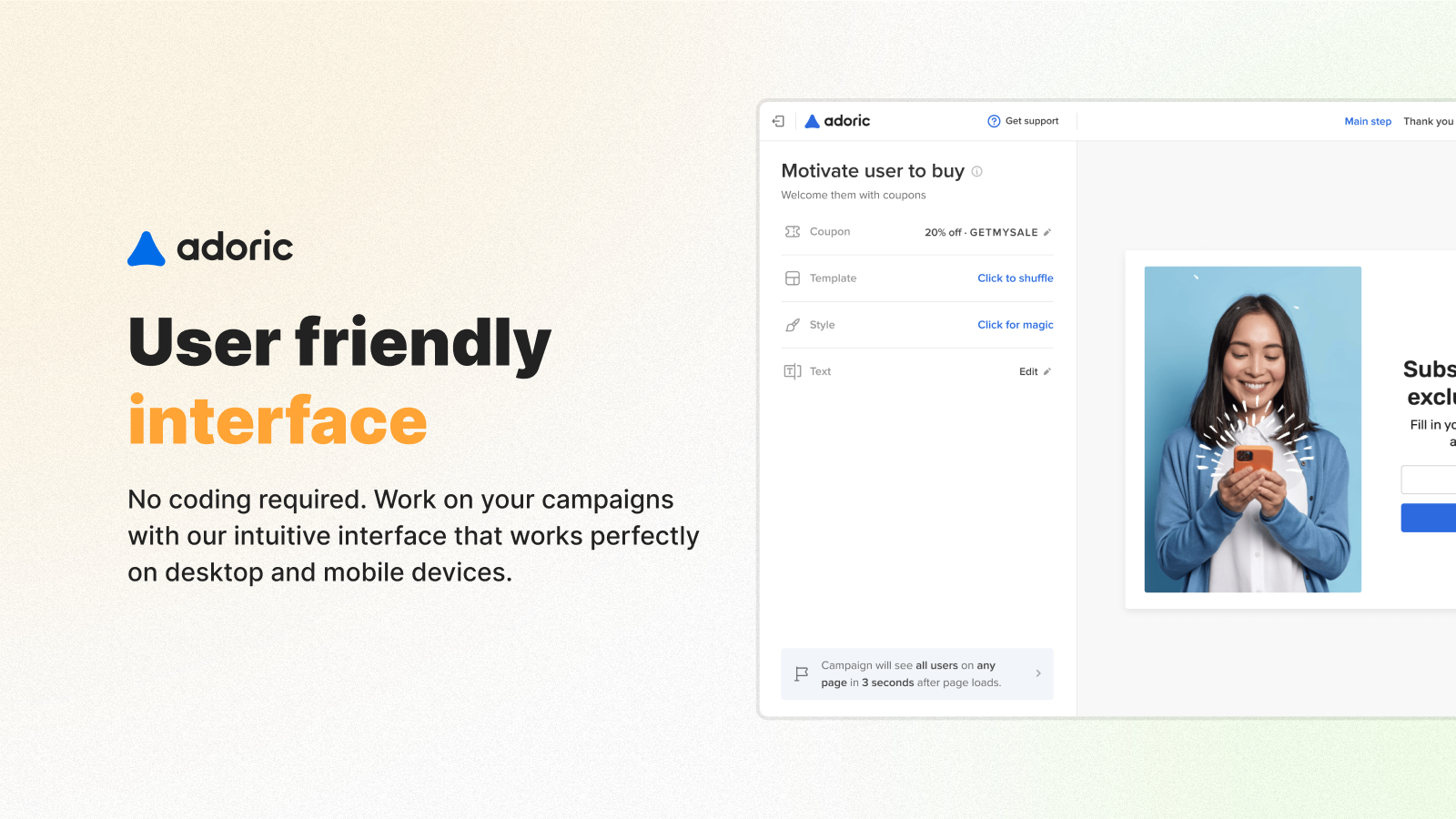
Intelligent & Simple Popups for Email Capture to Boost Your BFCM Grow Email Lists, Increase Sign-Ups, and Run Discount Popups With Adoric’s fully automated, ready-to-use popup widgets, you can add these features to your Shopify store in one minute: email-related product popups, frequently bought together popups, cart recommendations, cart upsells, free shipping bars, and spin-to-win wheels. It’s as easy as adding email popups/forms or exit-intent popups. Simply choose our smart or manual strategy, select a store page, and publish. Customize campaigns using our smart filters, detailed targeting, or design customization tools.
Core Functionality
- Create a seamless popup experience without interrupting the checkout process
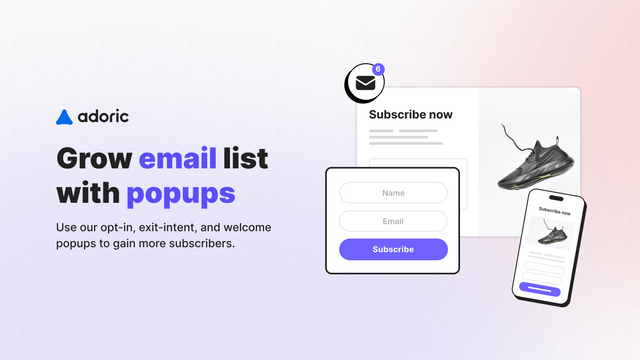
- Collect emails via welcome newsletter popups and exit-intent email popups
- Display exit-intent popups, form popups, coupon popups, and spin-to-win popups
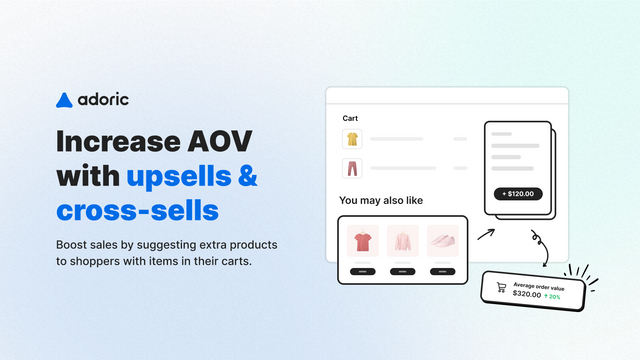
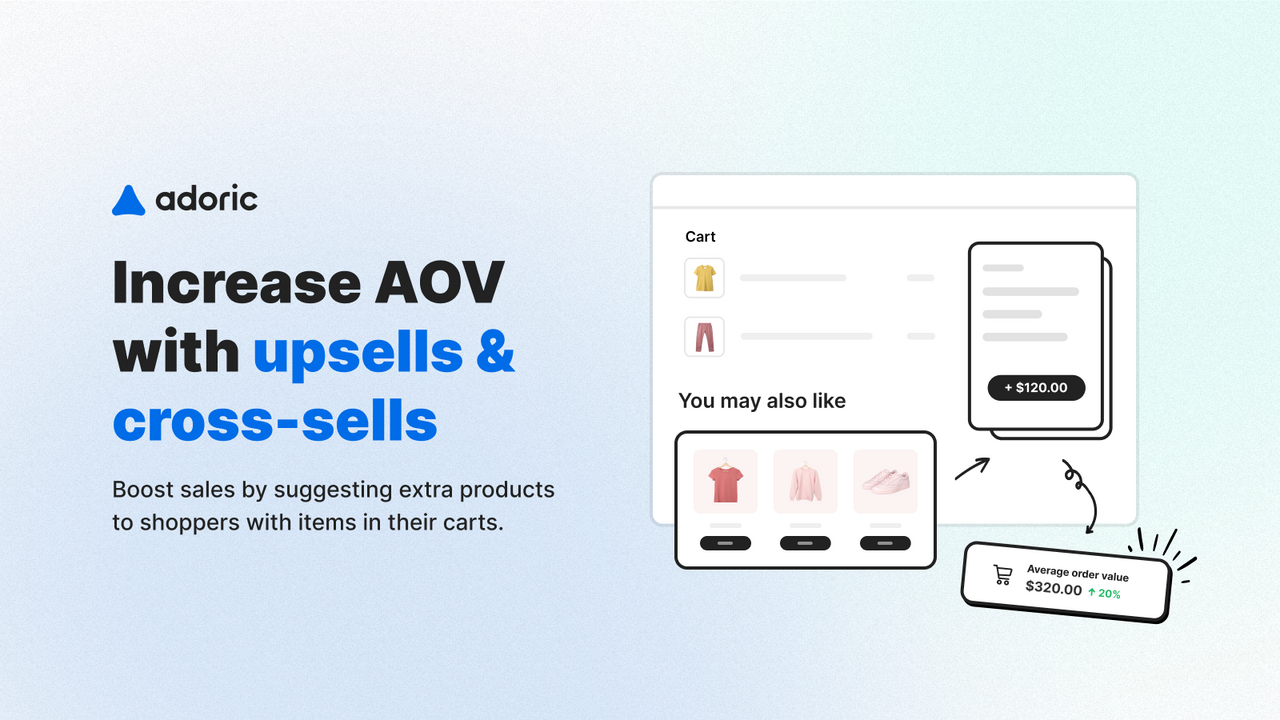
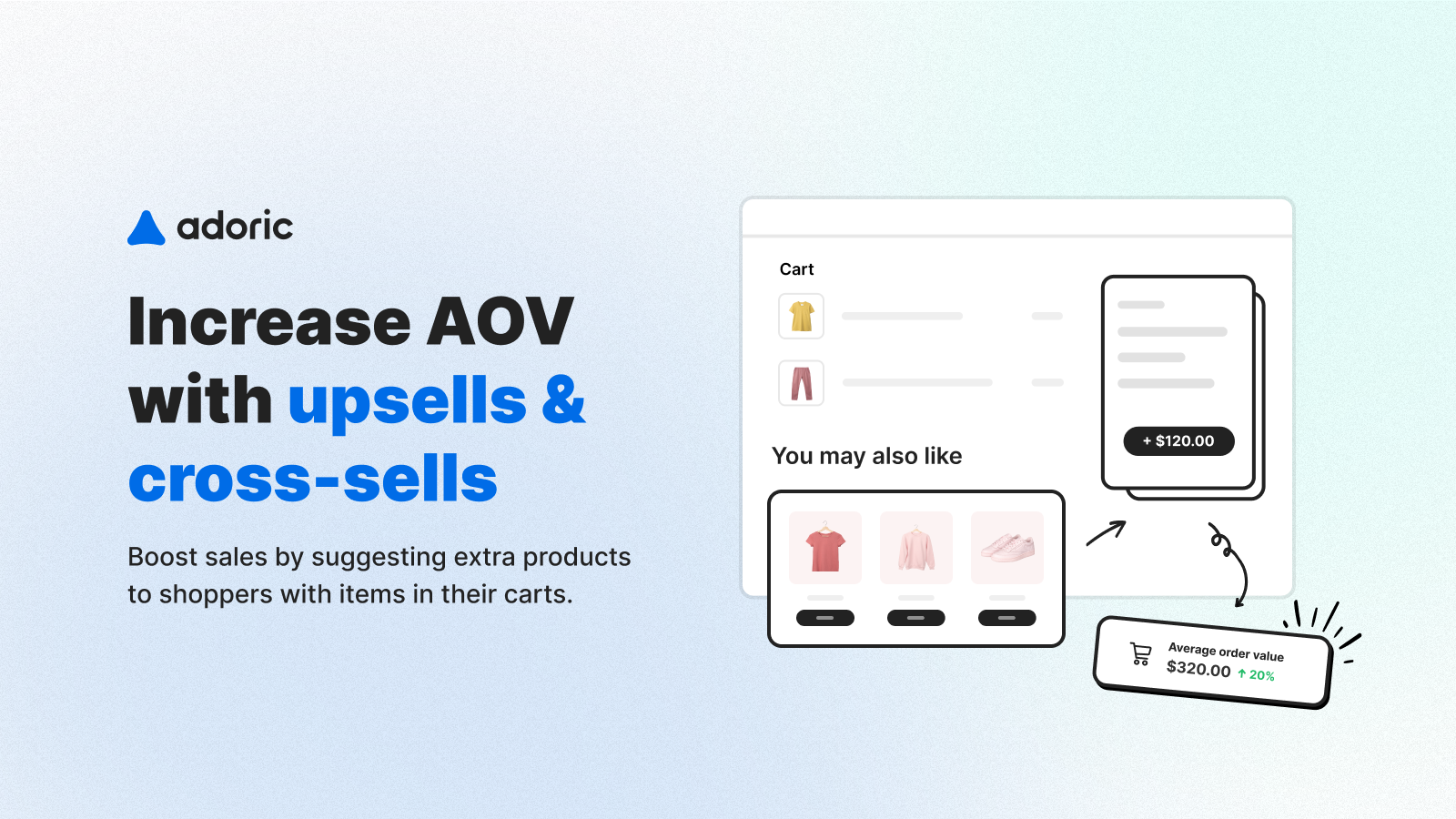
- Get shoppers to spend more with popup cart upsells and popup cross-sells
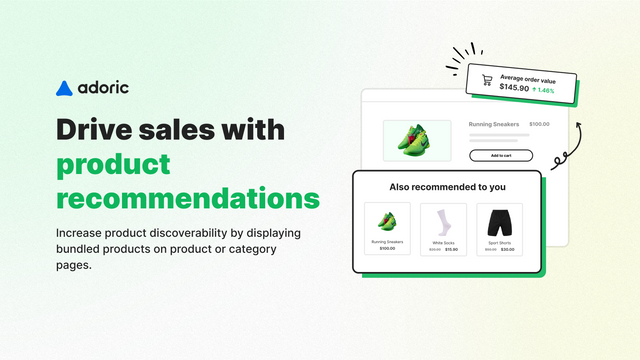
- Increase average order value with popups for frequently purchased together items
Merchant-Friendly
- Independent Station Merchants
- E-commerce Retail Merchants
- Direct Brand Merchants
- High AOV Merchants
- Email Marketing Merchants
Basic Information
- Developer:Adoric
- Address:Eliplat 26, Tel aviv, 6608026, IL
- Price: Free / Free plan
- Rating:5 / 5
- Comment Count:241 comment
- Release Date:2020-3-16
- Supported languages:English
- Compatible products:Shopify
Application Screenshot


Price Plan
Free
- Up to 20 store orders per month
- Upselling and Cross-Selling
- Email Popup
- Product Recommendations
- Free Shipping Bar
- Cart Abandonment
- Gamification
0–100
- Up to 100 store orders per month
- Upselling and Cross-selling
- Email Popup
- Product Recommendations
- Free Shipping Bar
- Cart Abandonment
- Gamification
101–200
- Up to 200 store orders per month
- Upselling and Cross-Selling
- Email Popup
- Product Recommendations
- Free Shipping Bar
- Cart Abandonment
- Gamification
201–500
- Up to 500 store orders per month
- Upsell and Cross-sell
- Email Popup
- Product Recommendations
- Free Shipping Bar
- Cart Abandonment
- Gamification
User Location & Comments
User Location
Comments
Shopify API Used
- POST /admin/api/popups.json
- PUT /admin/api/popups/{id}.json
- GET /admin/api/popups.json
Permission:write_popups,read_popups,manage_online_store
- POST /admin/api/popups/email.json
- PUT /admin/api/popups/email/{id}.json
- GET /admin/api/popups/email.json
Permission:write_popups,read_popups,manage_customers
- POST /admin/api/popups/types.json
- PUT /admin/api/popups/types/{type}.json
- GET /admin/api/popups/types.json
Permission:write_popups,read_popups,manage_online_store
- POST /admin/api/popups/upsell.json
- PUT /admin/api/popups/upsell/{id}.json
- GET /admin/api/popups/upsell.json
Permission:write_popups,read_popups,manage_products
- POST /admin/api/popups/cross_sell.json
- PUT /admin/api/popups/cross_sell/{id}.json
- GET /admin/api/popups/cross_sell.json
Permission:write_popups,read_popups,manage_products



