
App Introduction
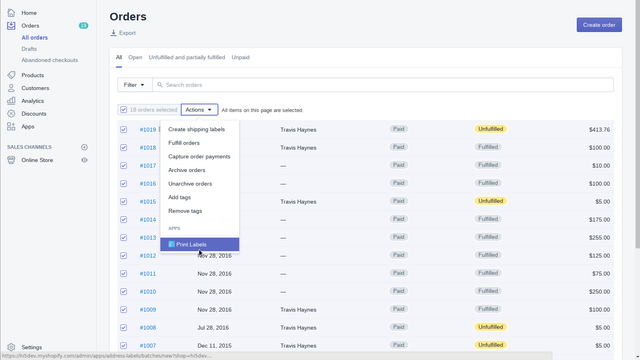
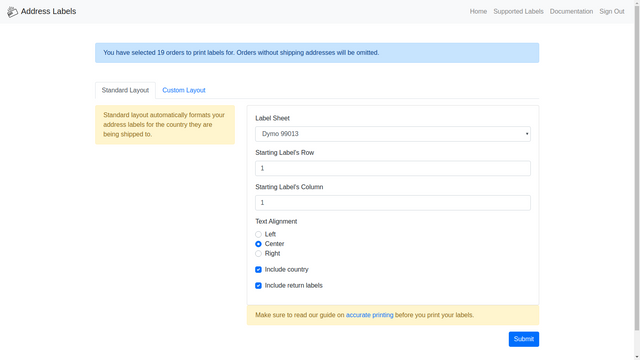
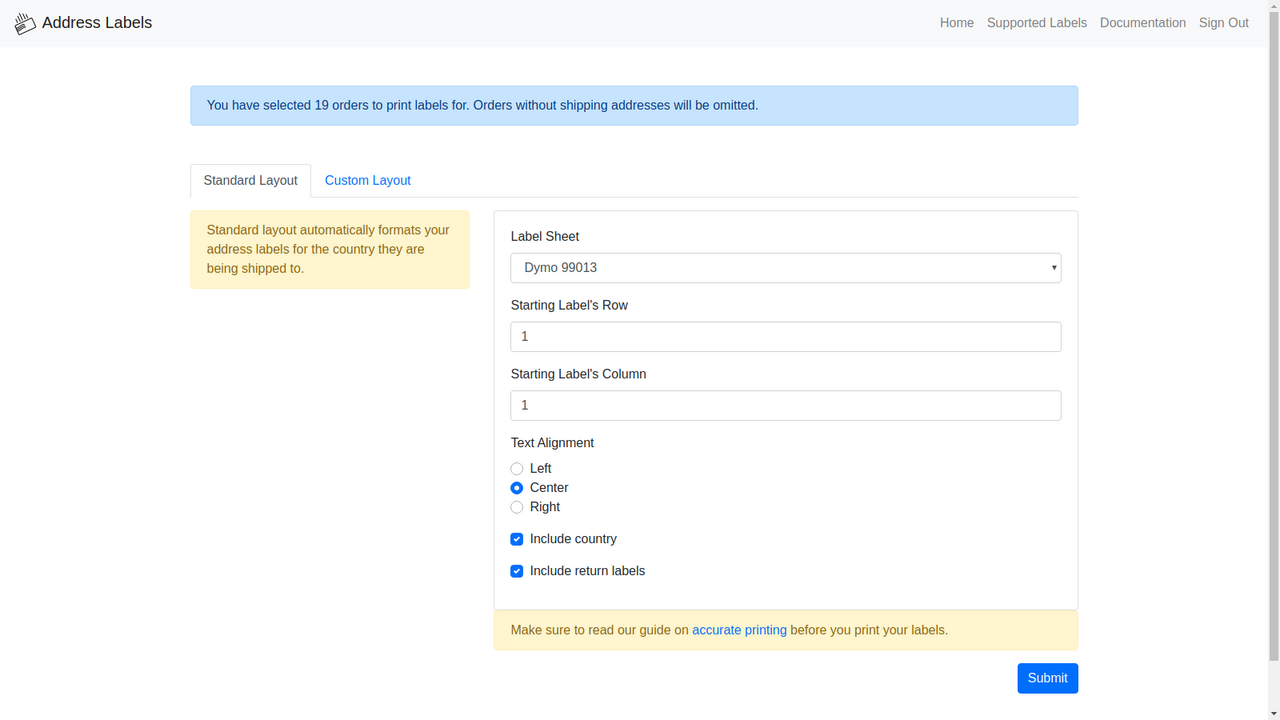
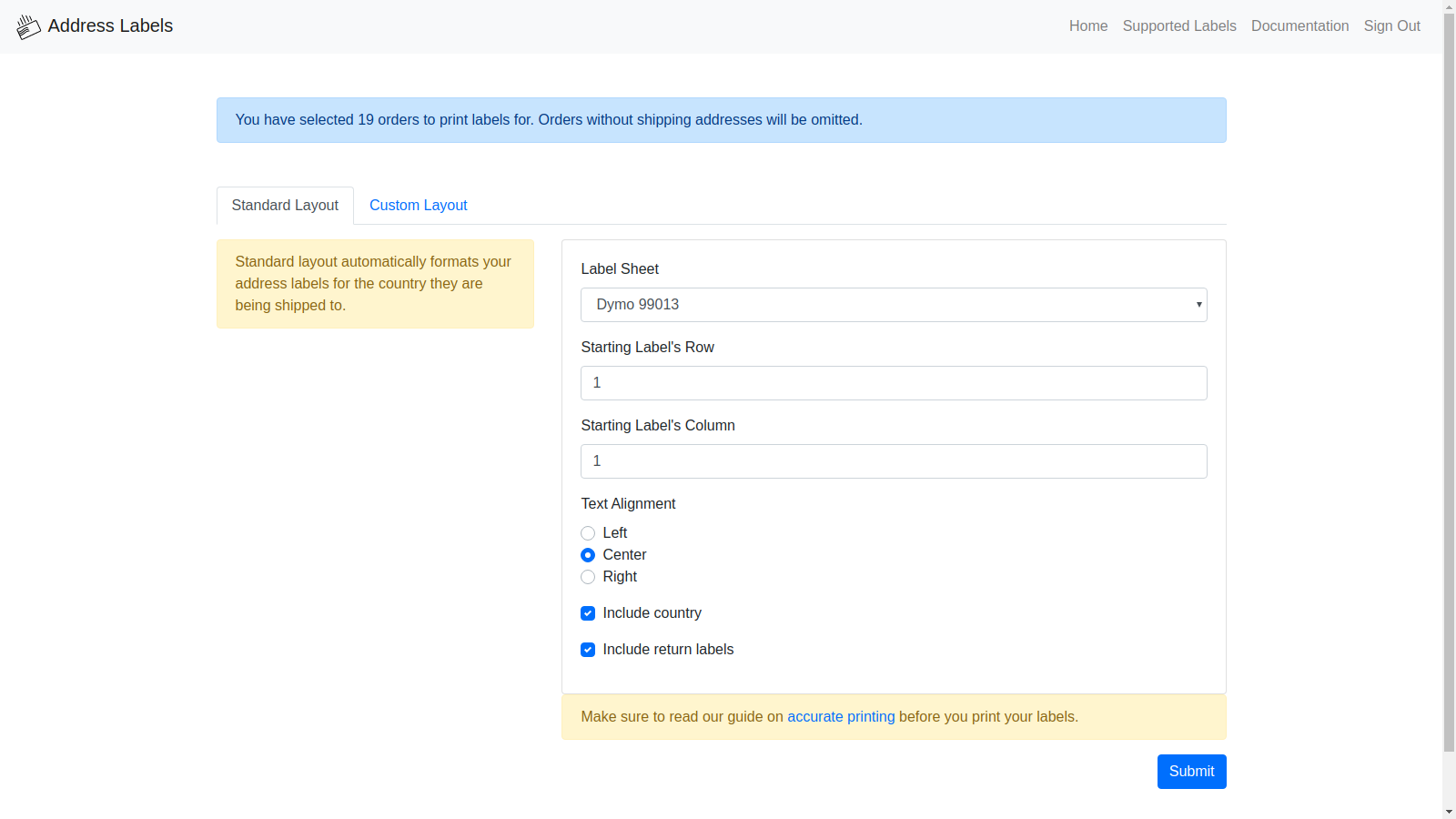
Print shipping labels directly from your order screen. Use templates you can buy in bulk online, or print labels at your local office supply store. We support templates from all major brands like Avery, Dymo, OfficeMax, and Staples. You can easily customize existing label templates—even create your own if your preferred template isn’t supported. Every country has its own shipping regulations. With support for over 250 countries, you can let the app select the correct format for you, or easily provide your own.
Core Functionality
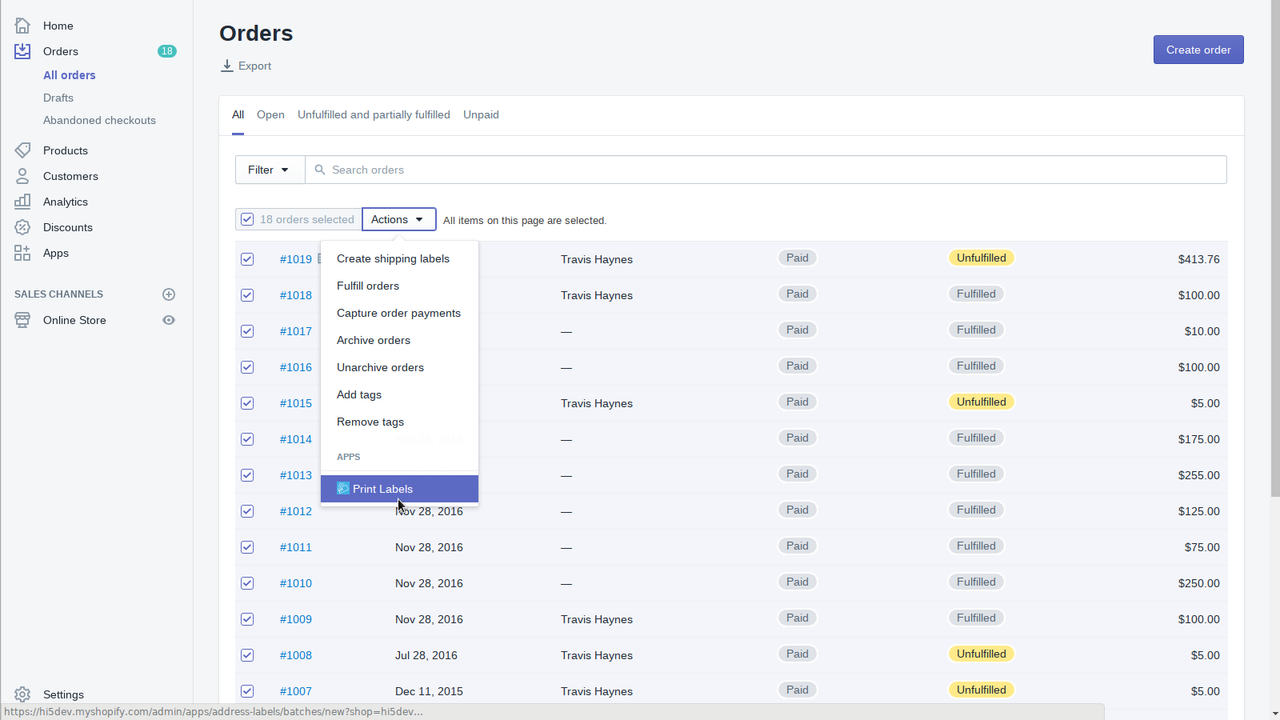
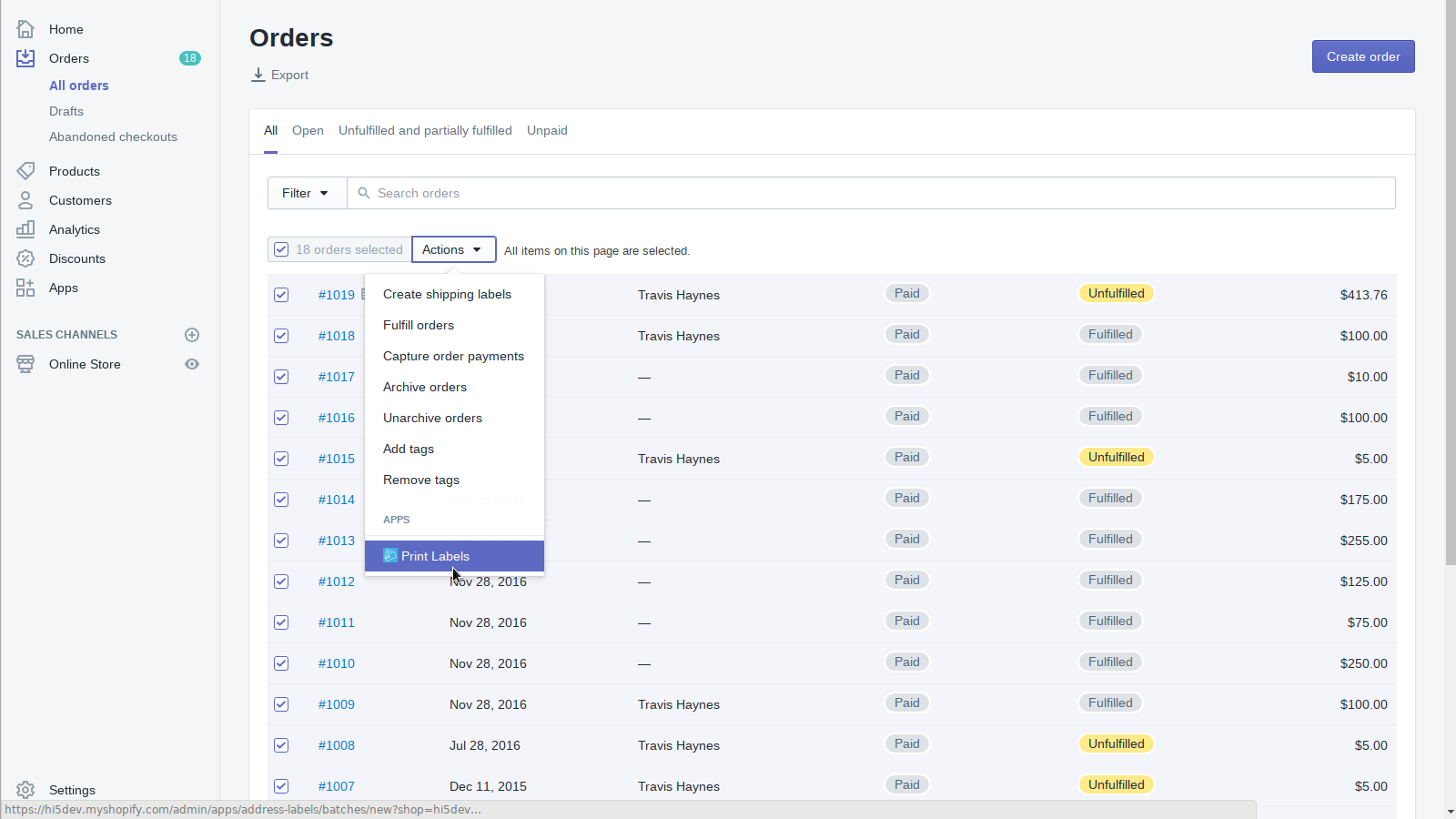
- Print shipping labels directly from your order screen.
- Addresses are automatically formatted for the destination country.
- Labels are provided as PDFs for universal printing compatibility.
- The app features an intuitive, easy-to-understand interface.
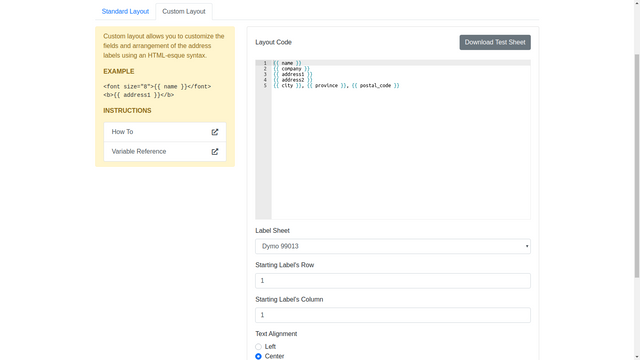
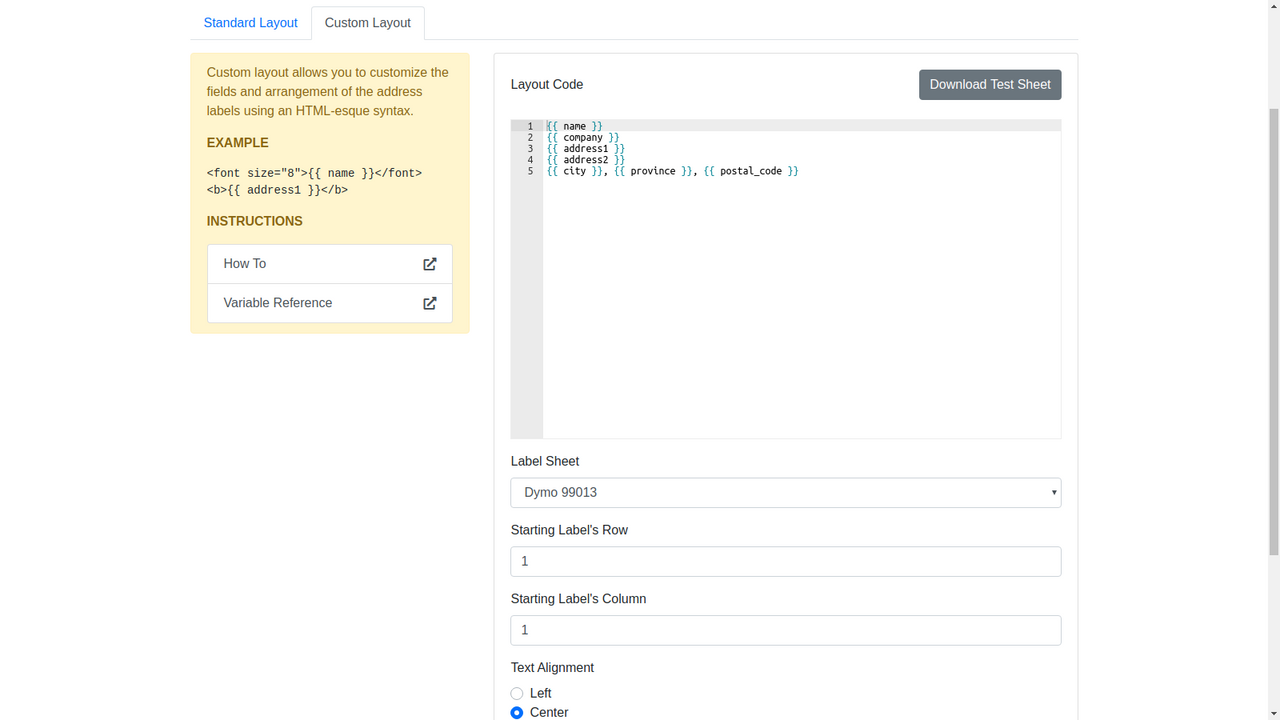
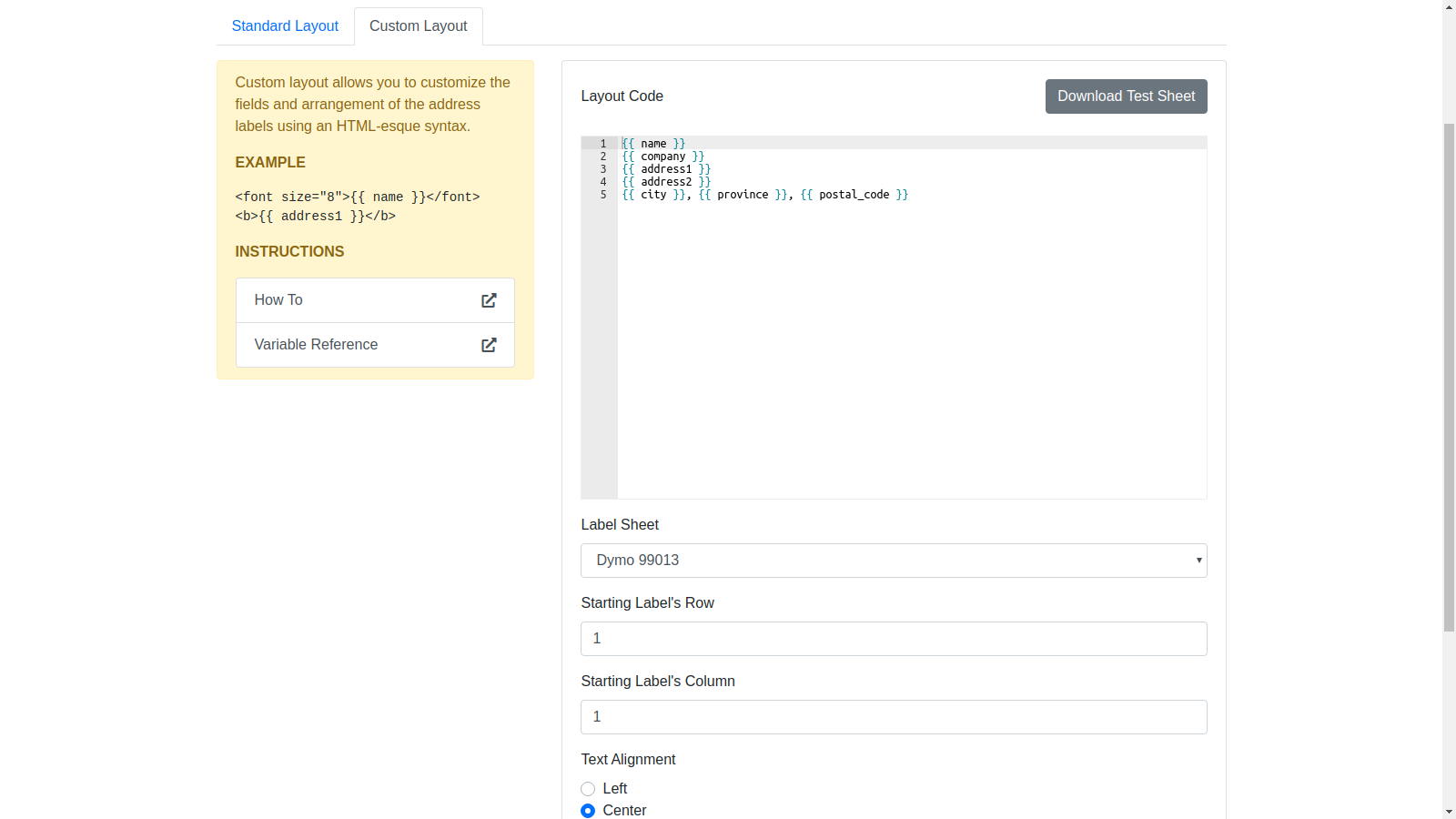
- Fully customize label content using the Liquid template language.
Merchant-Friendly
- Cross-border E-commerce Merchants
- Independent Store Sellers
- Multi-channel Retailers
- Small E-commerce Shops
Basic Information
- Developer:Hi5 Development, LLC
- Address:1125 W Grand Ave, Suite B, Grover Beach, CA, 93433, US
- Price: Free / Free plan
- Rating:2.3 / 5
- Comment Count:14 comment
- Release Date:2011-8-23
- Supported languages:English
- Compatible products:Shopify
Application Screenshot
Price Plan
每月
$5
User Location & Comments
User Location
Comments
Shopify API Used
- POST /admin/api/orders/{order_id}/shipping_labels.json
- GET /admin/api/orders/{order_id}/shipping_labels.json
- GET /admin/api/shipping_labels/{label_id}.pdf
Permission:write_shipping_labels,read_orders,manage_shipping
- POST /admin/api/addresses/format.json
- GET /admin/api/addresses/format/{country_code}.json
- PUT /admin/api/orders/{order_id}/addresses.json
Permission:read_countries,read_orders,manage_addresses
- POST /admin/api/shipping_labels/{label_id}/pdf.json
- GET /admin/api/shipping_labels/{label_id}/pdf
- PUT /admin/api/orders/{order_id}/shipping_labels.json
Permission:read_shipping_labels,write_shipping_labels,read_orders
- POST /admin/api/shop/themes/{theme_id}/assets.json
- GET /admin/api/shop/themes/{theme_id}/assets.json
- PUT /admin/api/shop/themes/{theme_id}/assets.json
Permission:write_themes,read_themes,manage_assets