
Extendons Cart on Collections
App Introduction
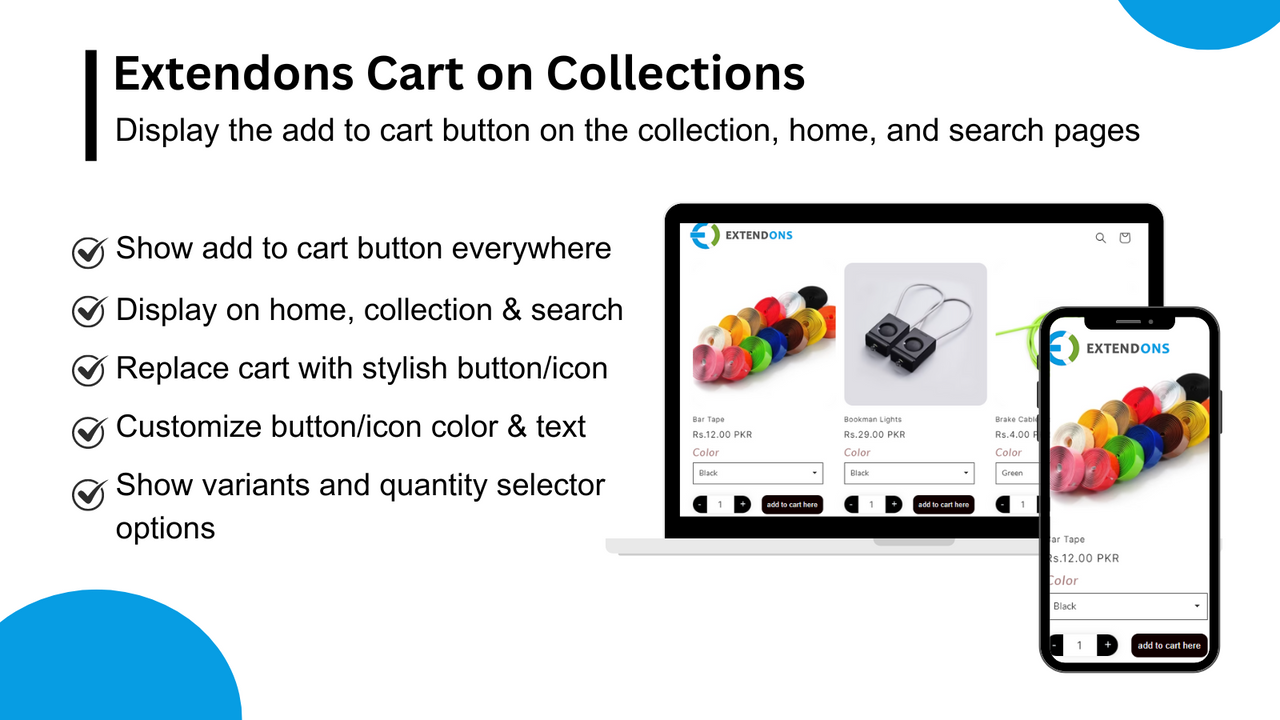
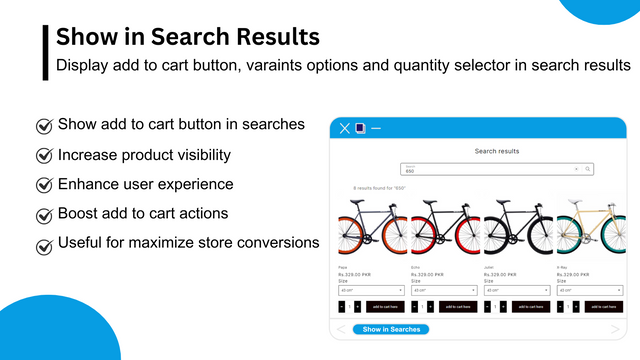
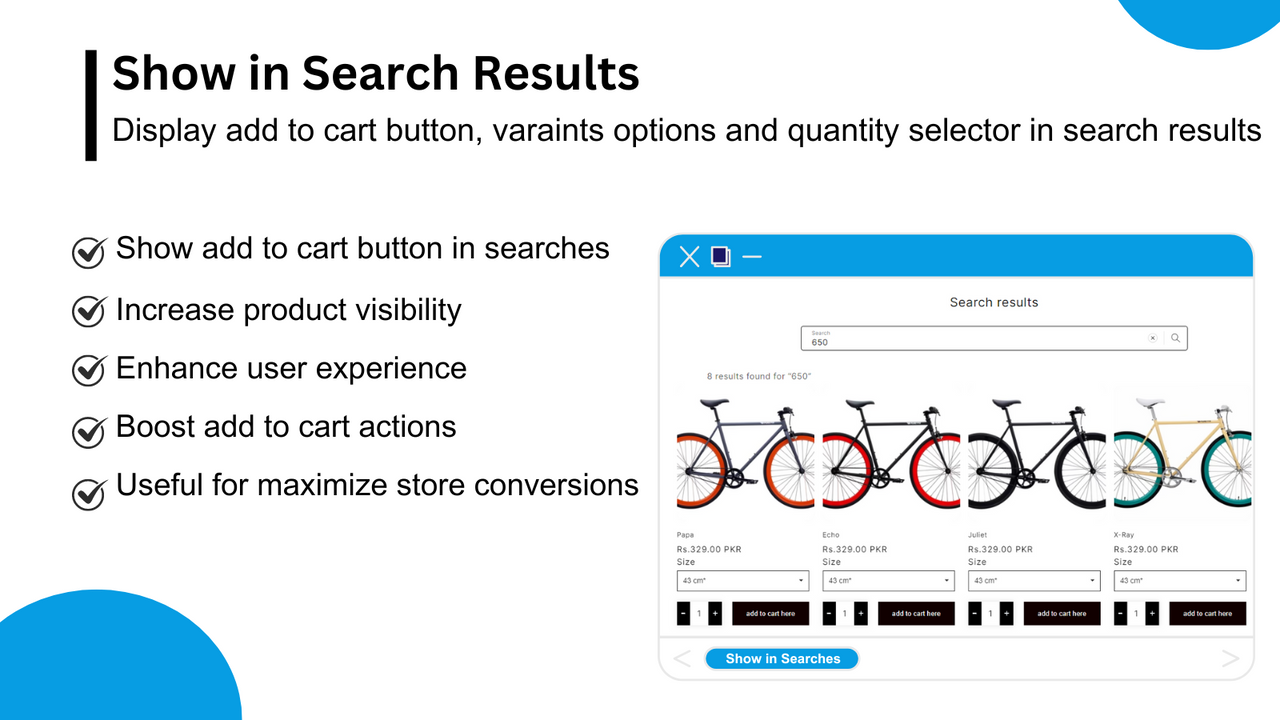
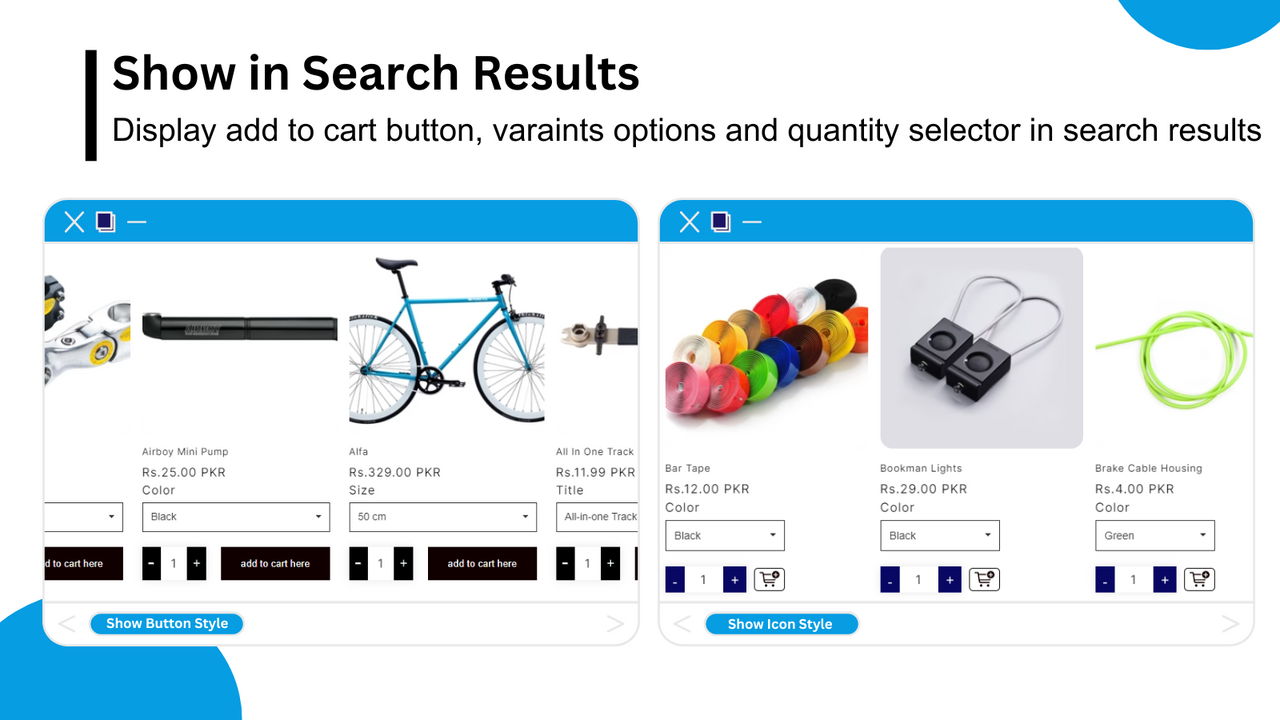
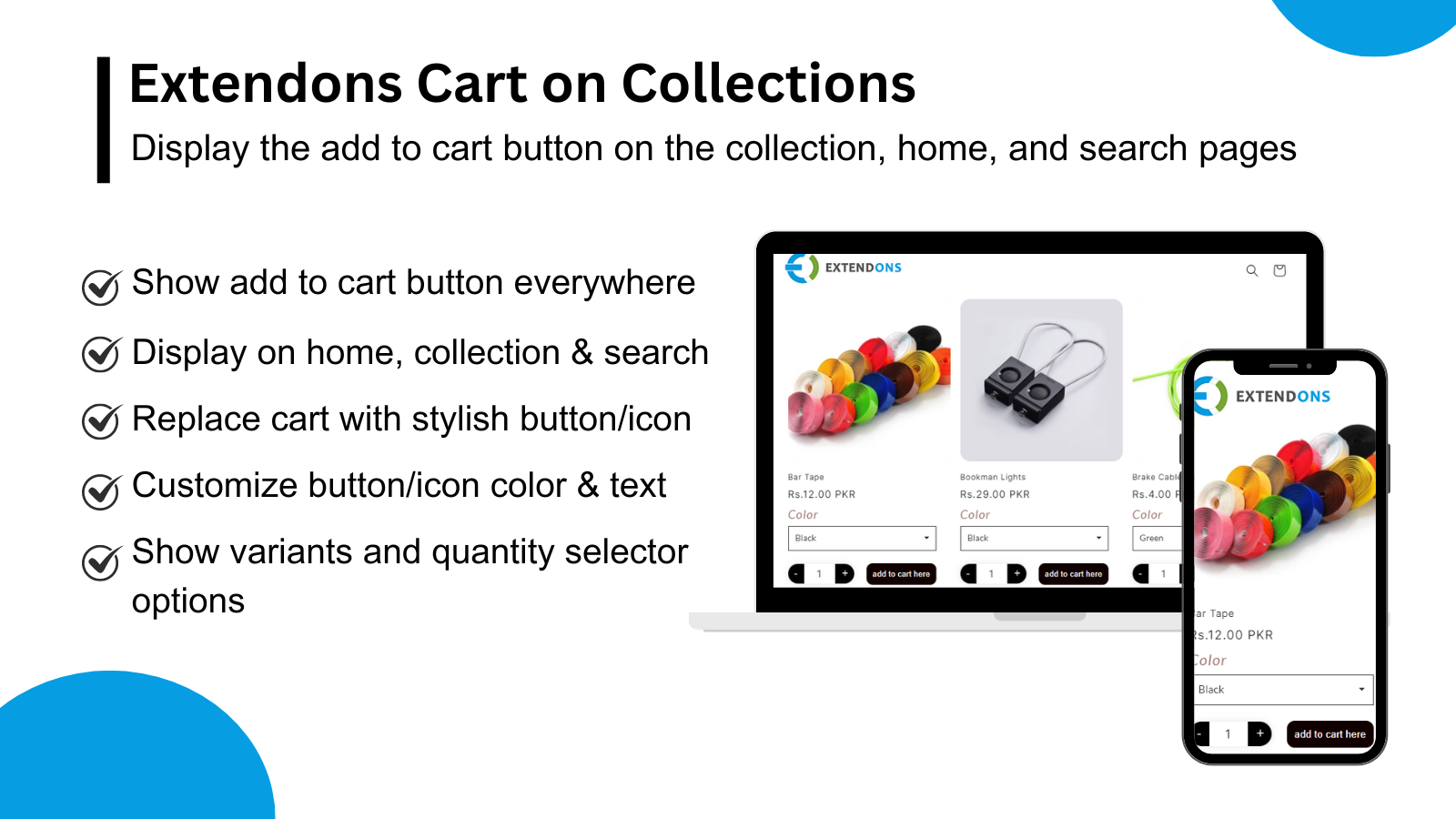
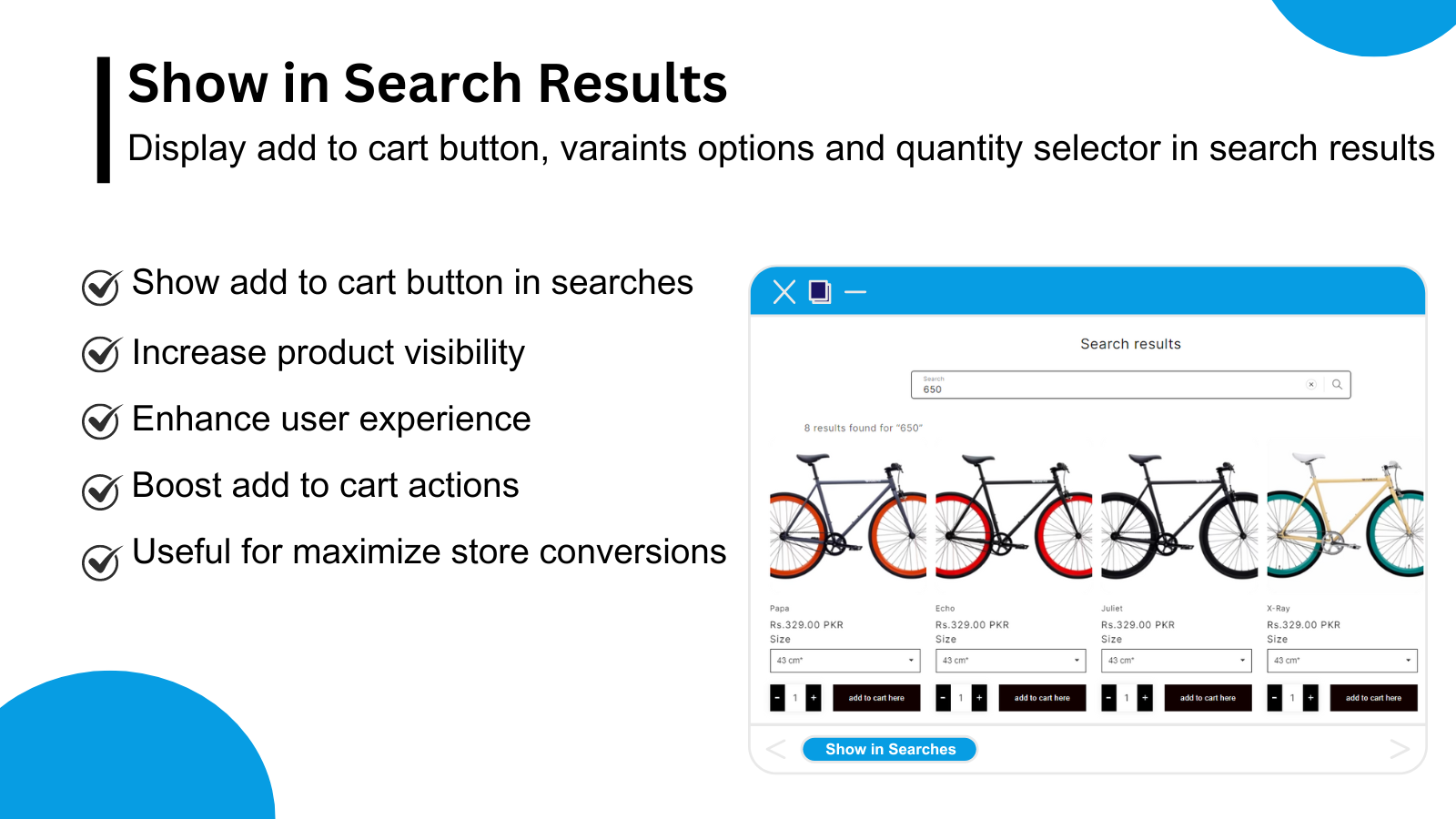
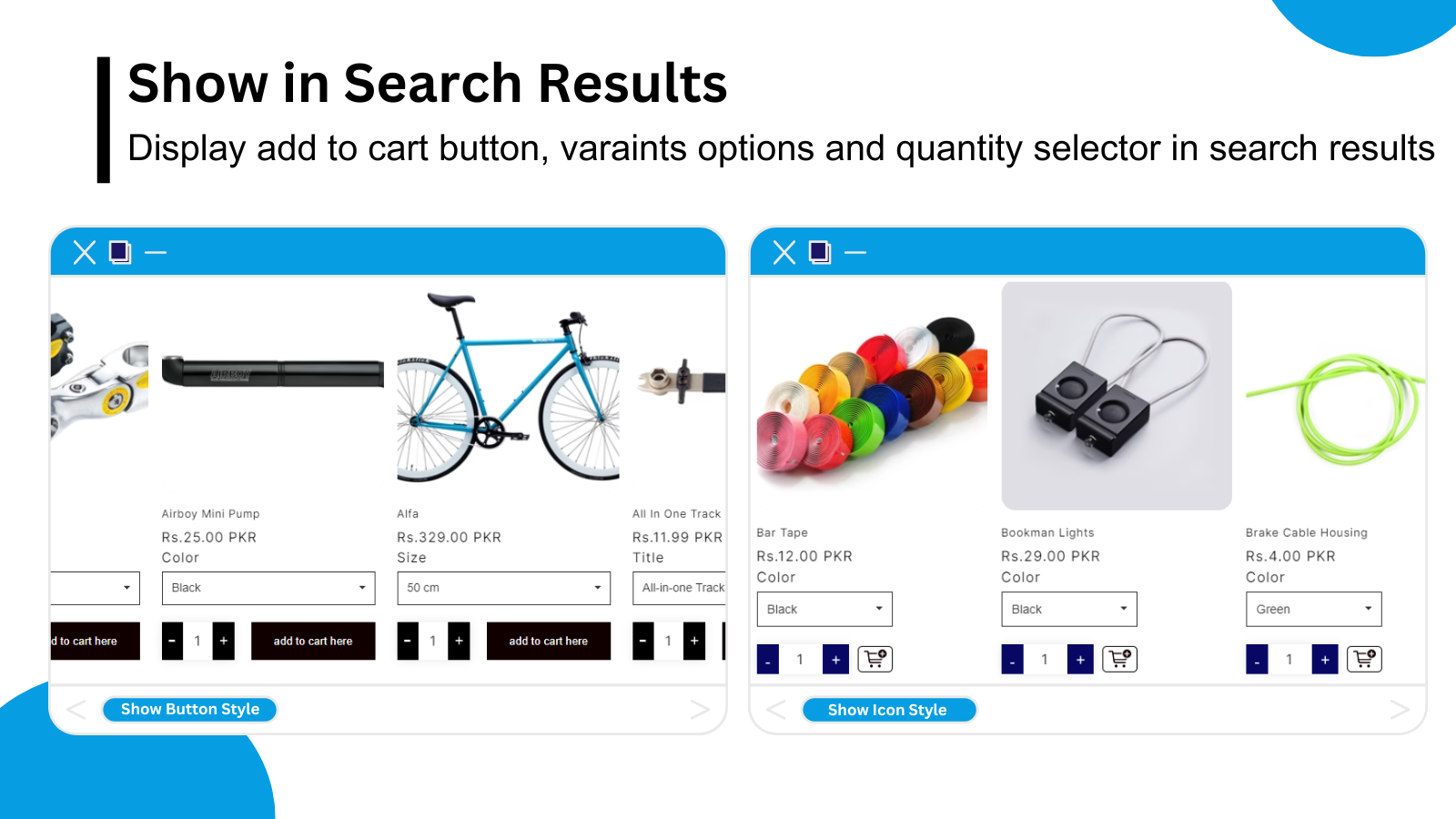
Display Add to Cart buttons on collections, search results, and your homepage to maximize your store’s conversion rate Show Add to Cart buttons on collection pages to enhance the user shopping experience. Let your customers skip the product page and add the items they want to buy to their cart immediately. Whether it’s collections, search results, or your homepage—anywhere products are displayed in your store, you can leverage this opportunity to make a sale. Even for products with multiple sizes, colors, or other variants, customers can quickly select their preferences and add the desired quantity directly to the cart.
Core Functionality
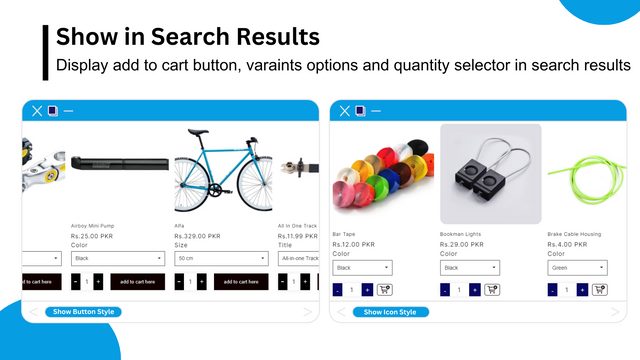
- Display the Add to Cart button/icon on your preferred pages
- Show variant and multi-quantity selection alongside the Add to Cart button
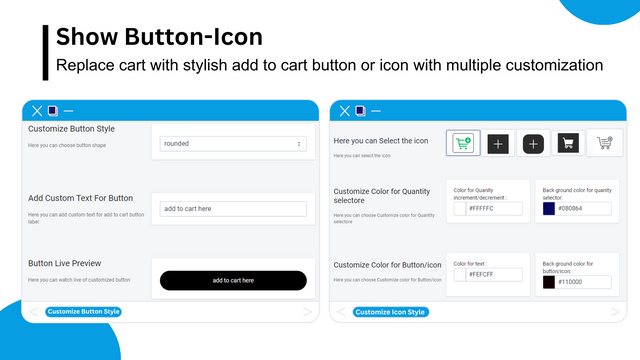
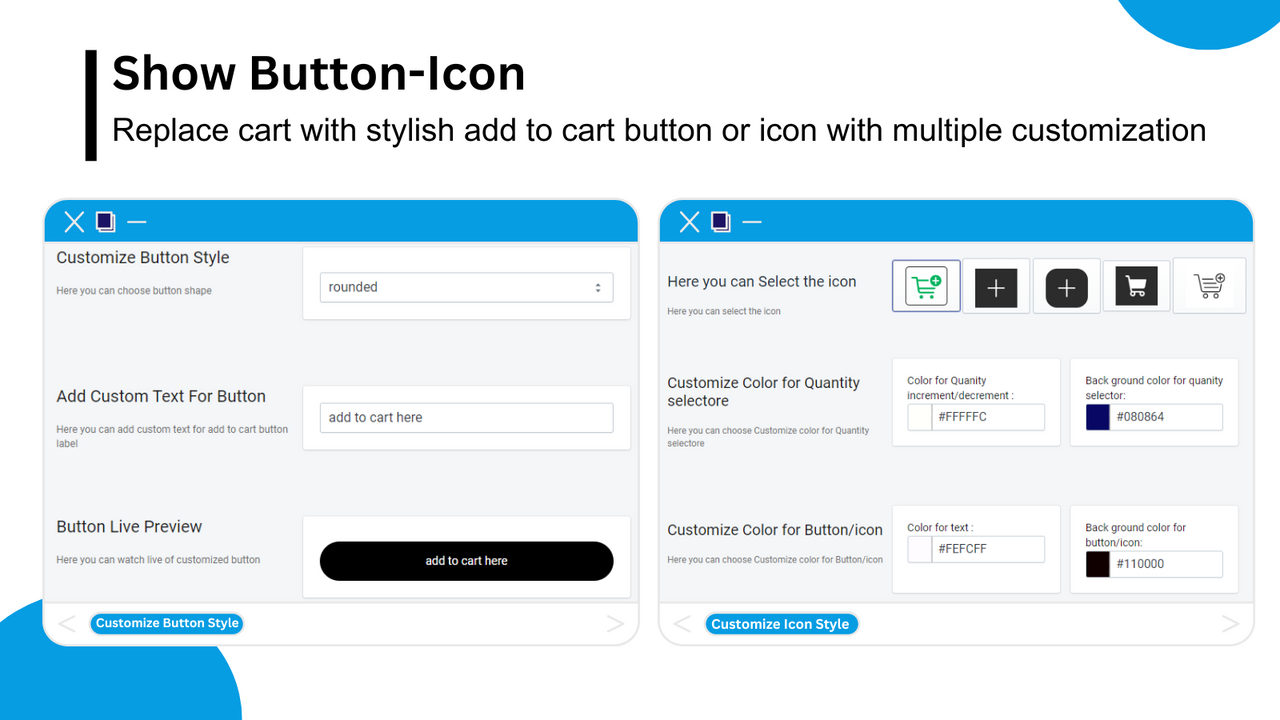
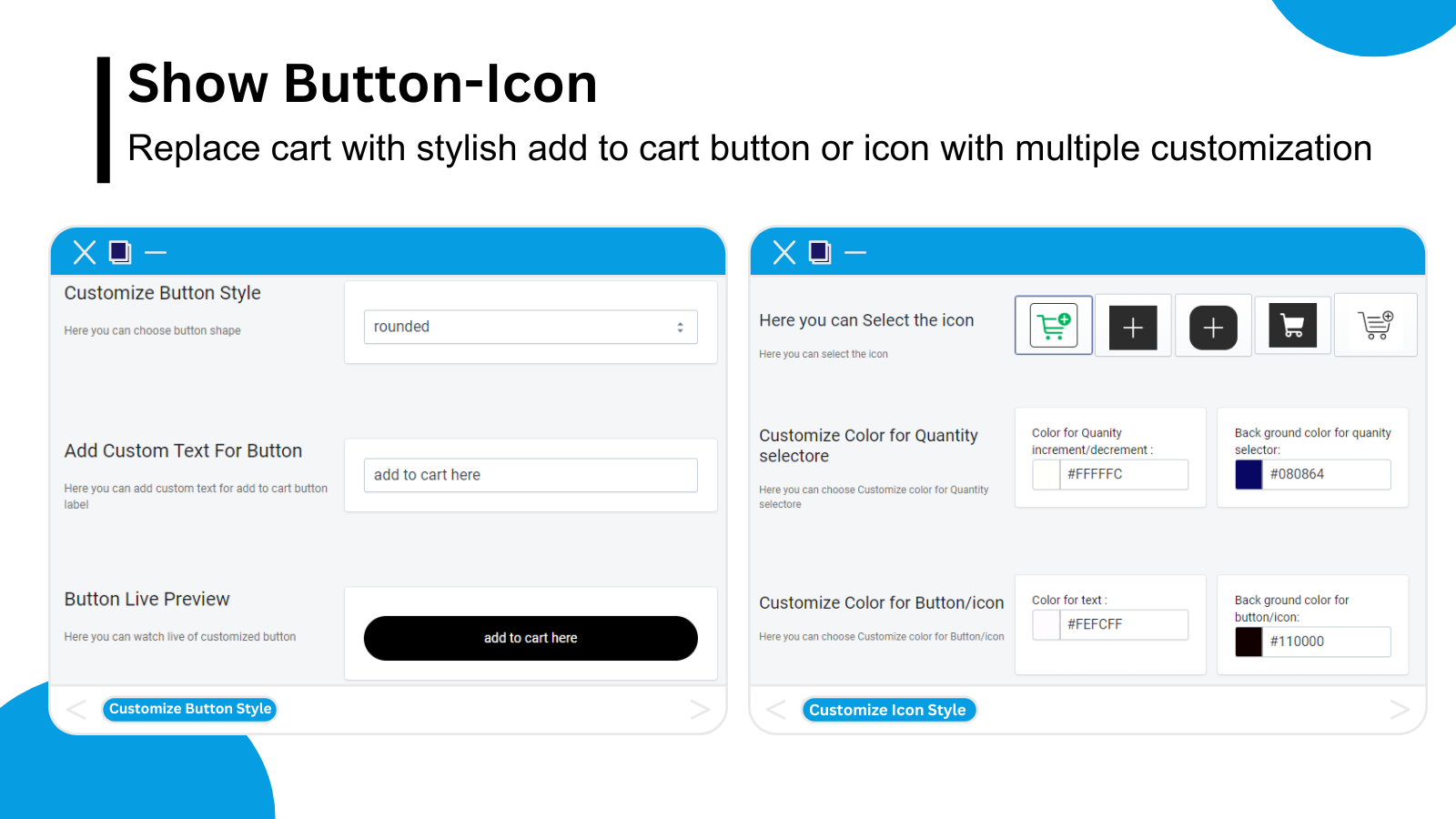
- Customize the Add to Cart button color to match your brand colors
Merchant-Friendly
- Independent Station Merchants
- Fashion Clothing Merchants
- Home Goods Merchants
- 3C Digital Merchants
Basic Information
- Developer:Extendons
- Address:Plot 349, Street 1, I-9/3, Islamabad, 46000, PK
- Price: Free / Free plan
- Rating:5 / 5
- Comment Count:2 comment
- Release Date:2024-5-20
- Supported languages:English
- Compatible products:Shopify
Application Screenshot
Price Plan
Basic Plan
- Show Add to Cart in Multiple Collections
- Customize Add to Cart Button
- Show Cart Button or Icon
- Show Variant Selector
- Show Quantity Selector
Basic Annual
- Show Add to Cart in Multiple Collections
- Customize Add to Cart Button
- Show Cart Button or Icon
- Show Variant Selector
- Show Quantity Selector
User Location & Comments
User Location
Comments
Shopify API Used
- GET /admin/api/online_store/themes/{theme_id}/assets.json
- PUT /admin/api/online_store/themes/{theme_id}/assets.json
- GET /admin/api/online_store/pages/{page_id}.json
Permission:read_themes,write_themes,read_pages
- GET /admin/api/products/{product_id}.json
- PUT /admin/api/products/{product_id}.json
- GET /admin/api/online_store/themes/{theme_id}/assets.json
Permission:read_products,write_products,read_themes
- GET /admin/api/online_store/themes/{theme_id}/assets.json
- PUT /admin/api/online_store/themes/{theme_id}/assets.json
- GET /admin/api/shop.json
Permission:read_themes,write_themes,read_shop