
App Introduction
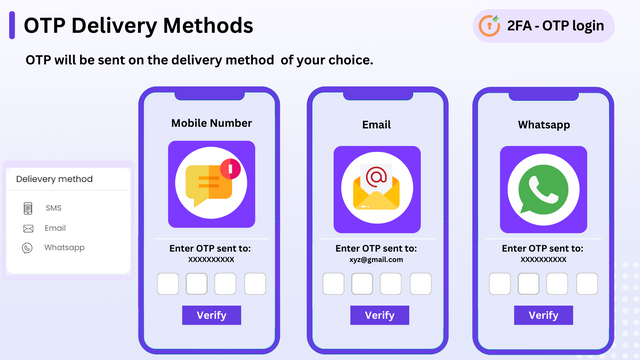
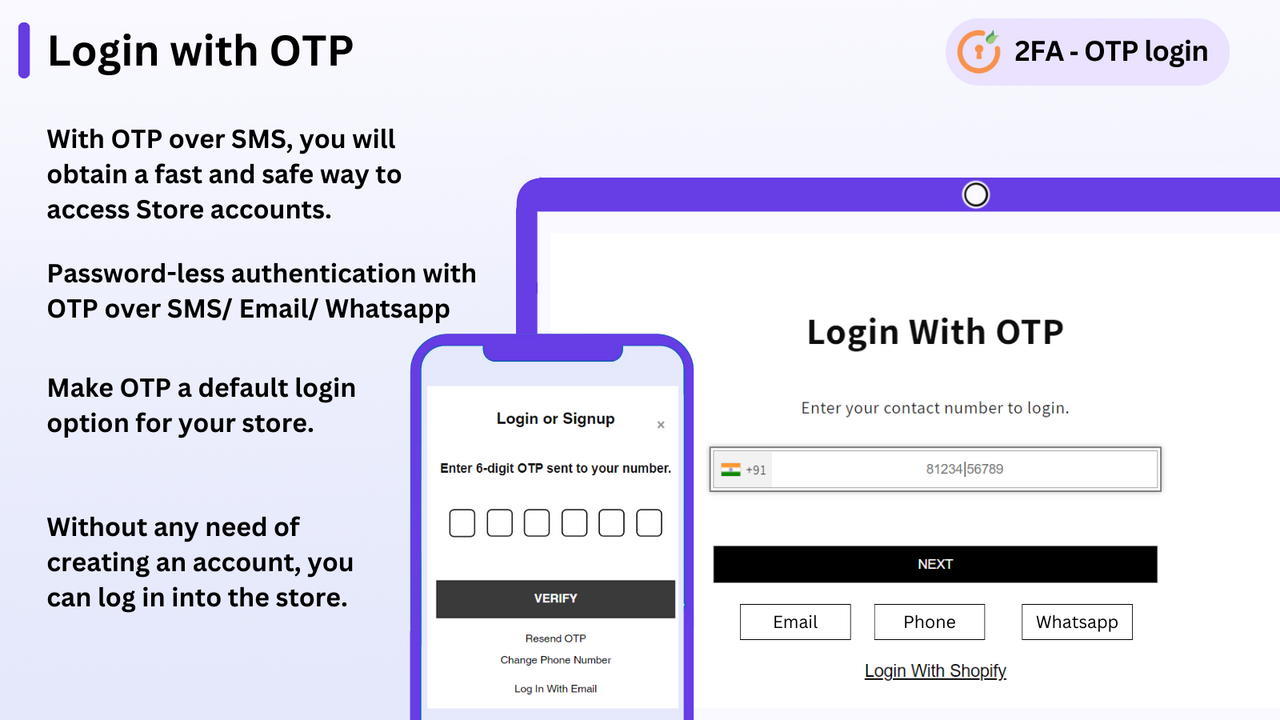
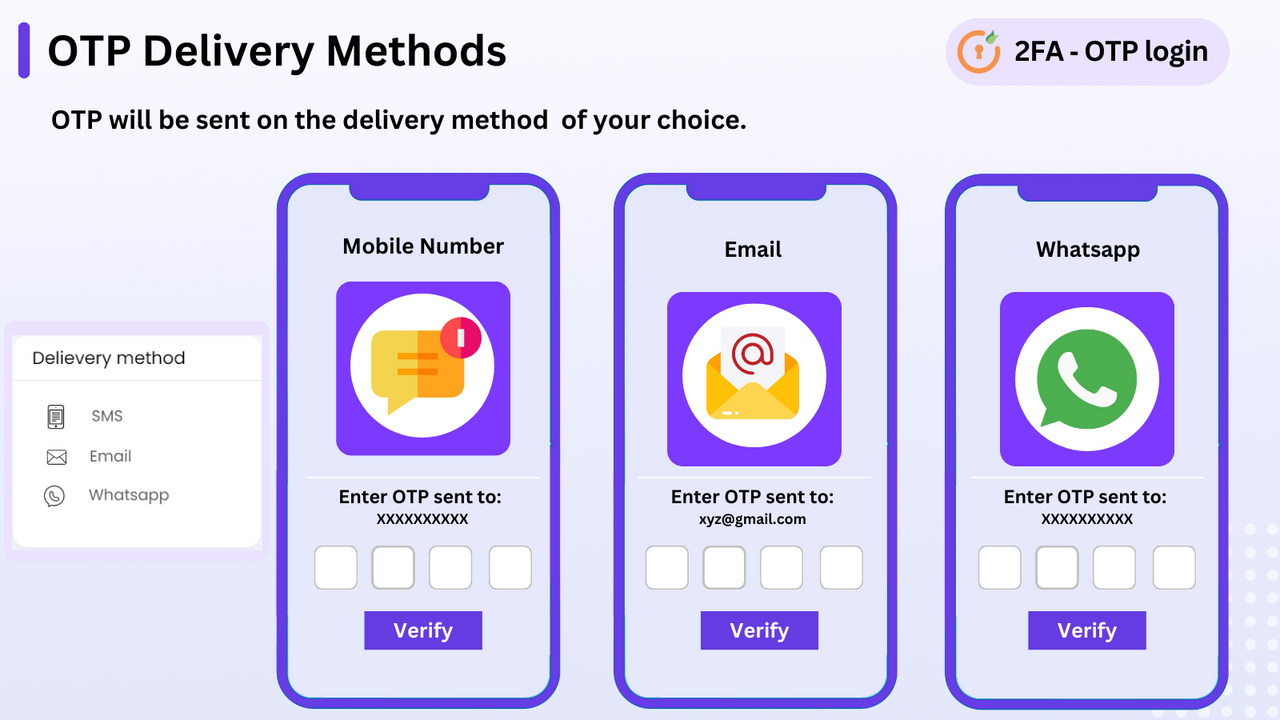
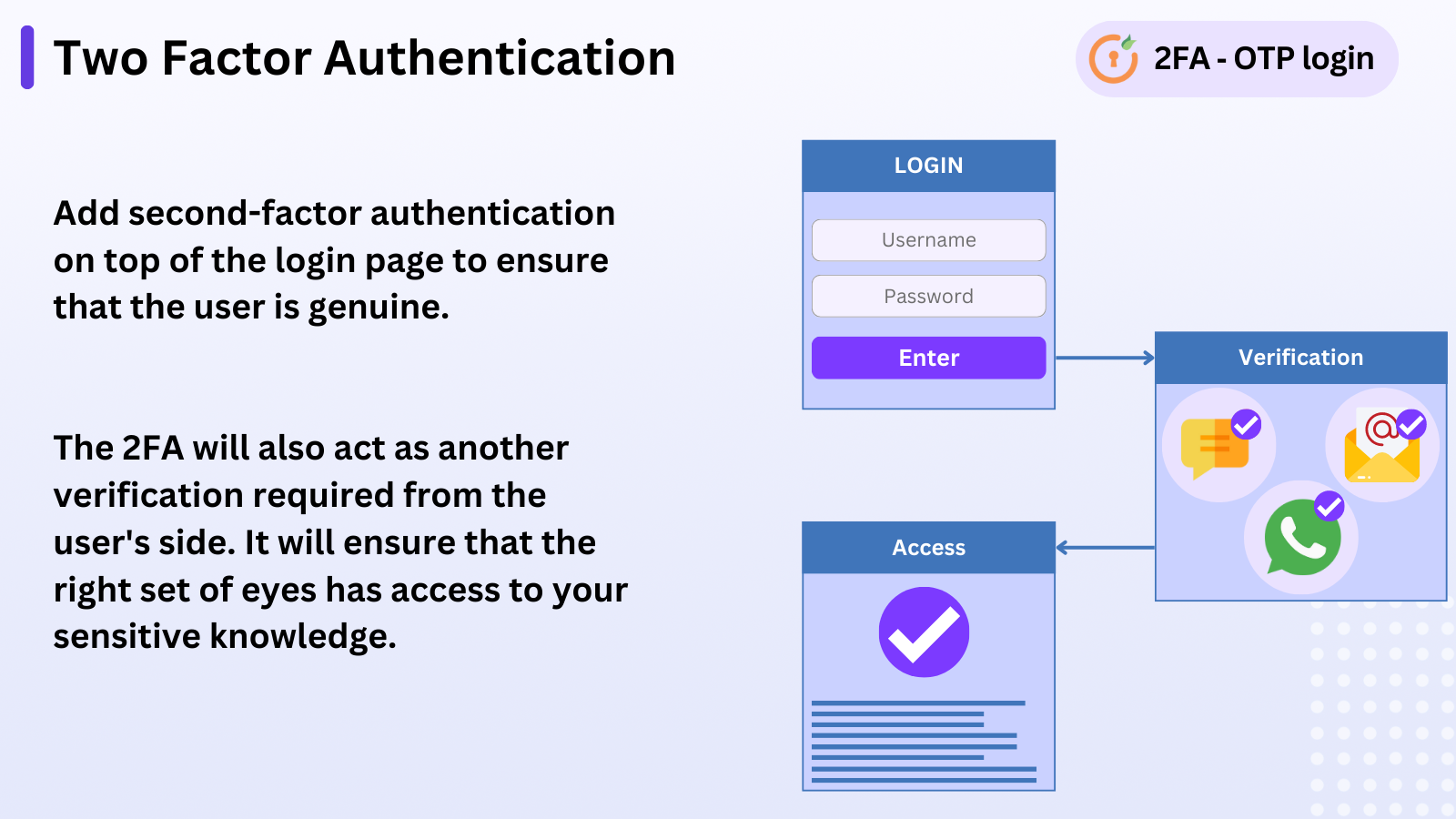
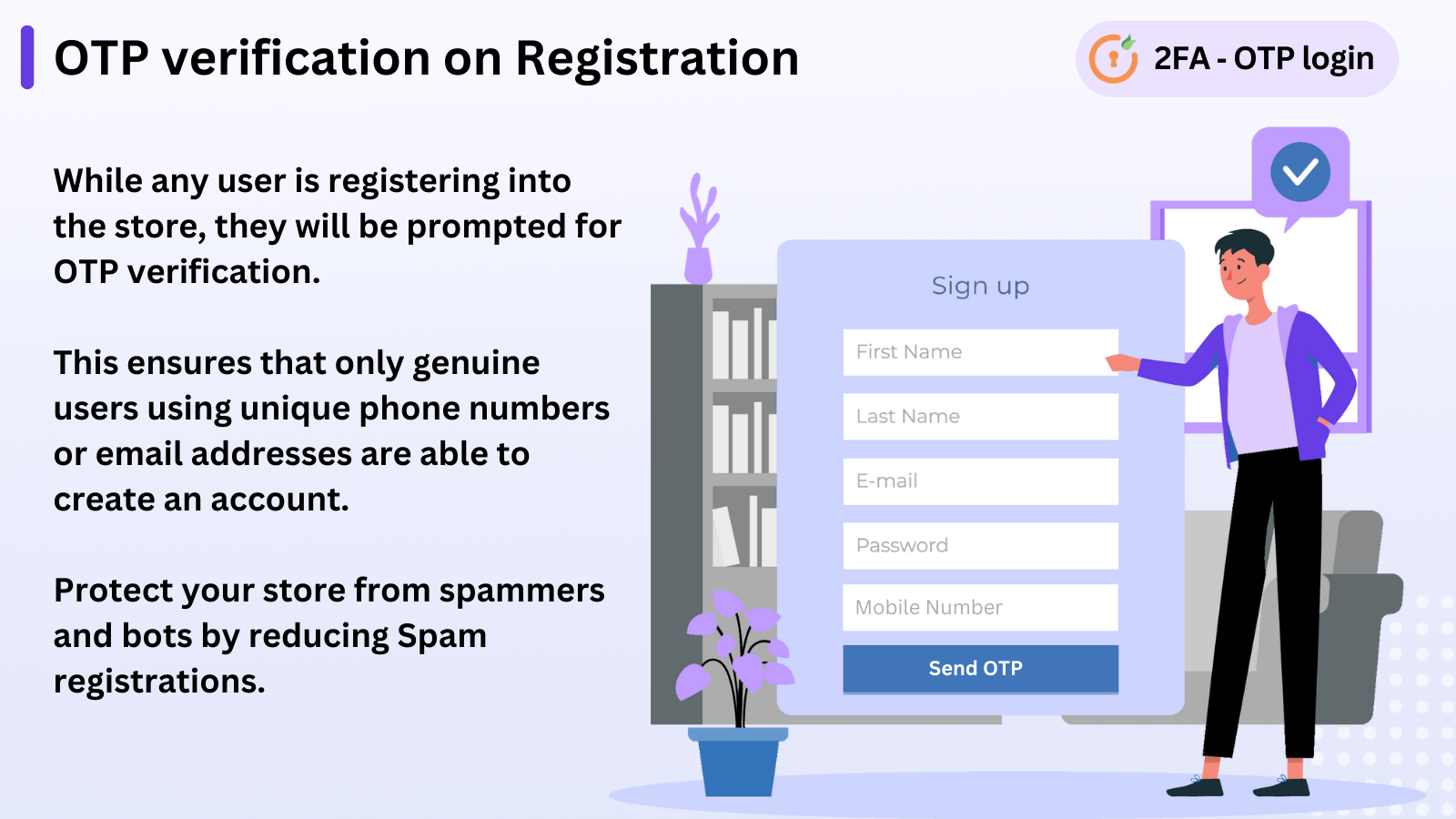
Allow users to verify their login, registration, or checkout via OTPs sent to their phone number, email, or WhatsApp. The OTP verification app validates users’ email addresses or mobile numbers by sending one-time passwords (OTPs) during registration and login. Customers only need to enter their phone number and the received code to log in, which helps boost user sign-ups. Existing users can link their phone number to their current account. It also helps store owners prevent unnecessary user registrations on their websites. Add an extra layer of security to your store by enabling 2FA.
Core Functionality
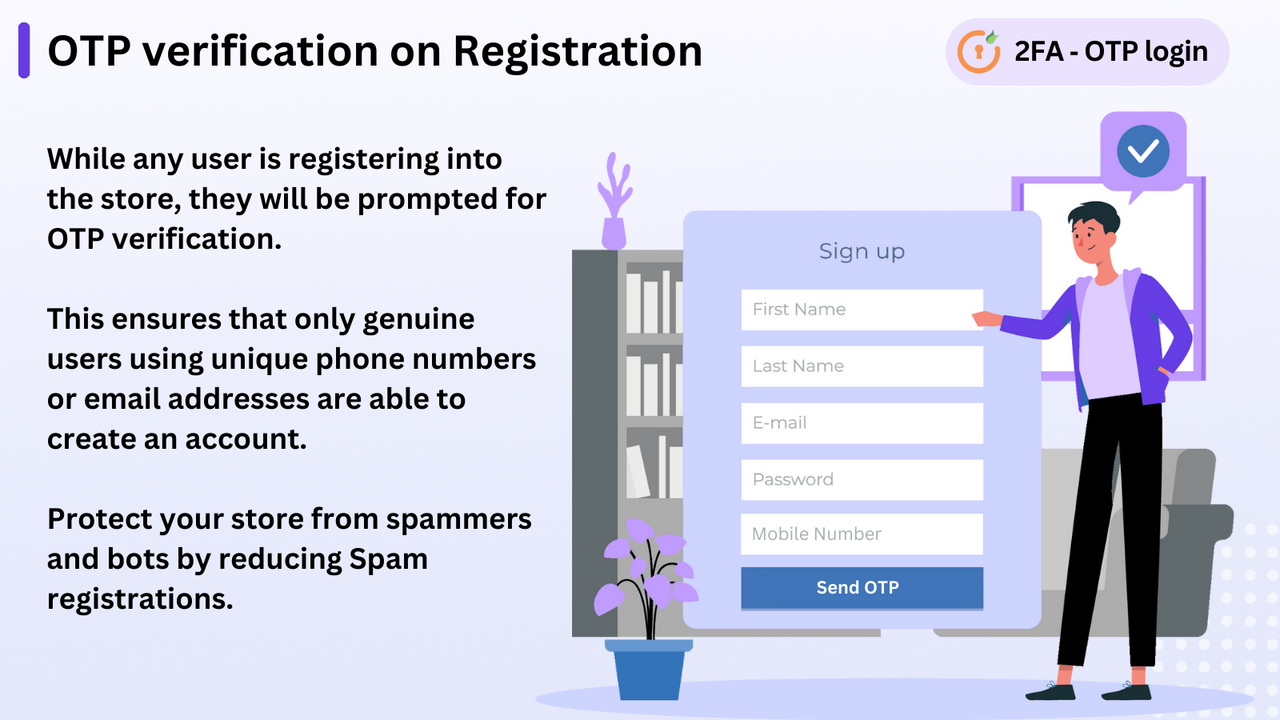
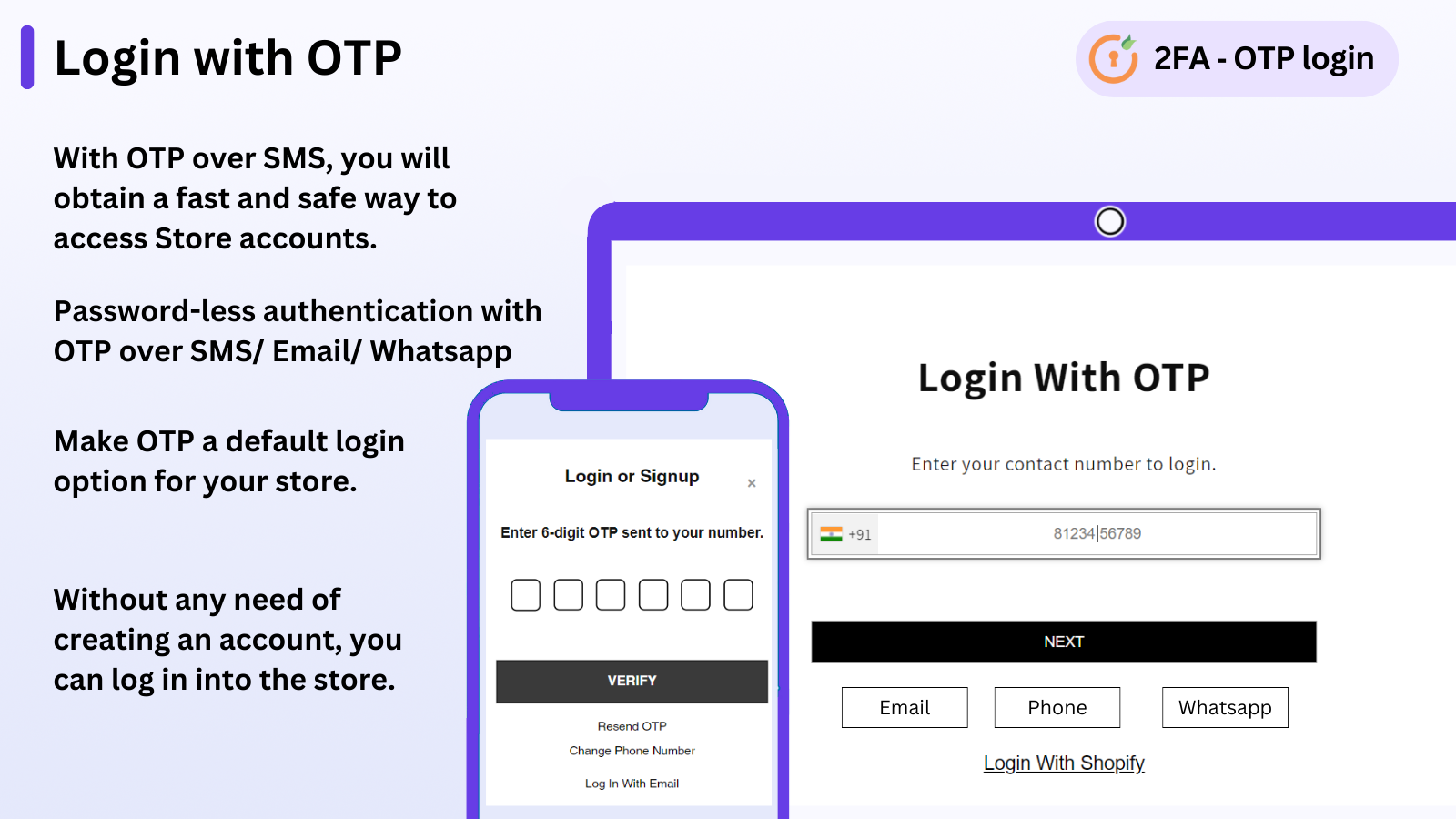
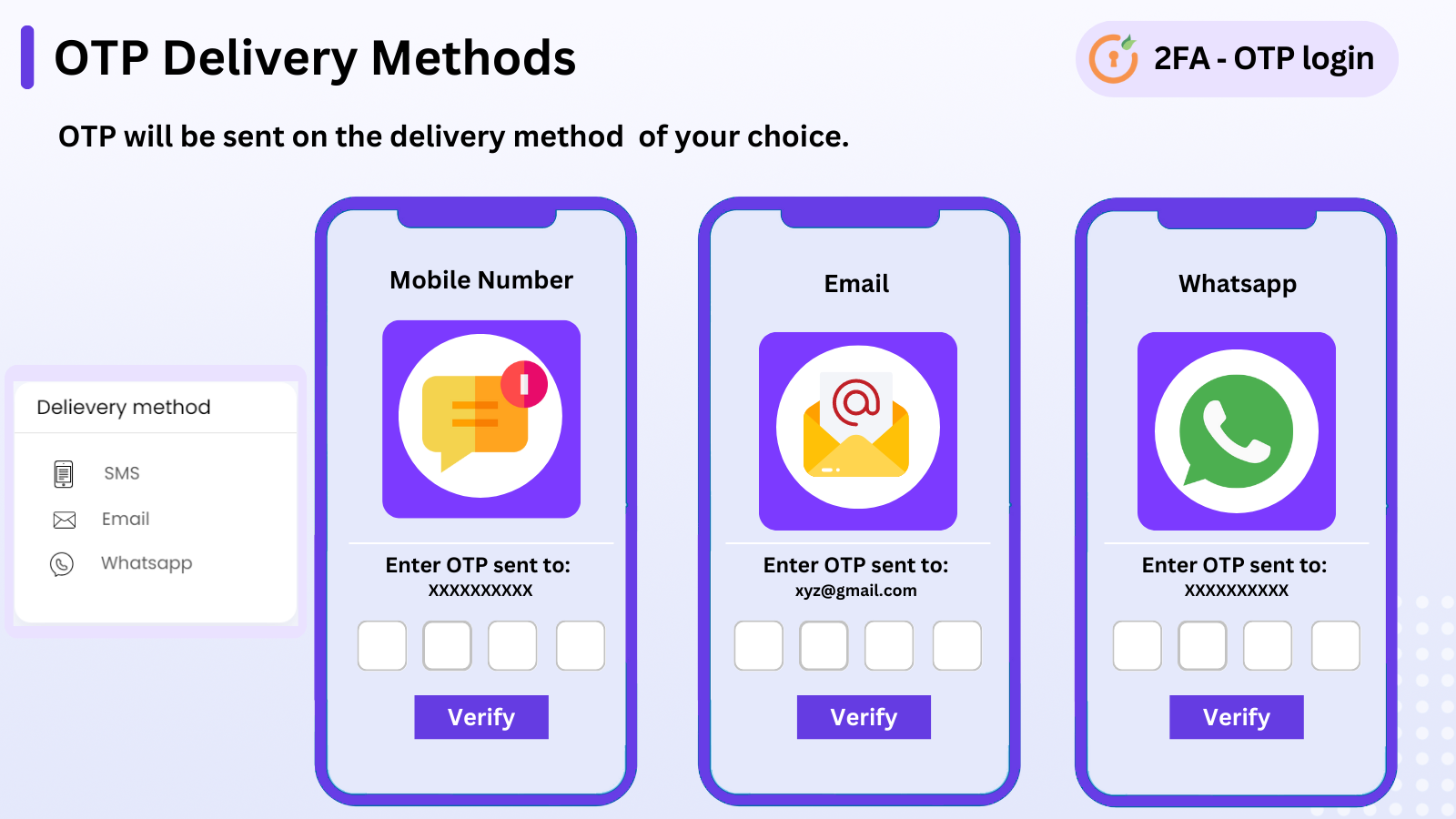
- Allow users to register and log in via OTP through SMS/email/WhatsApp
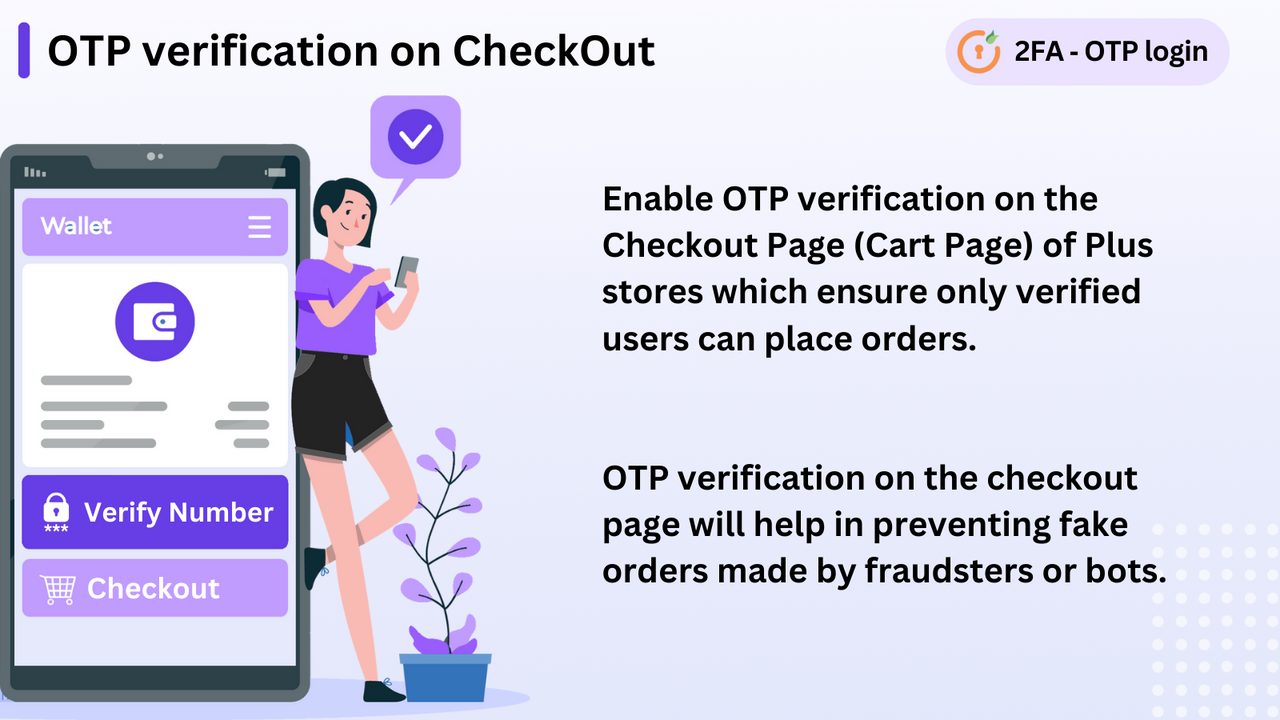
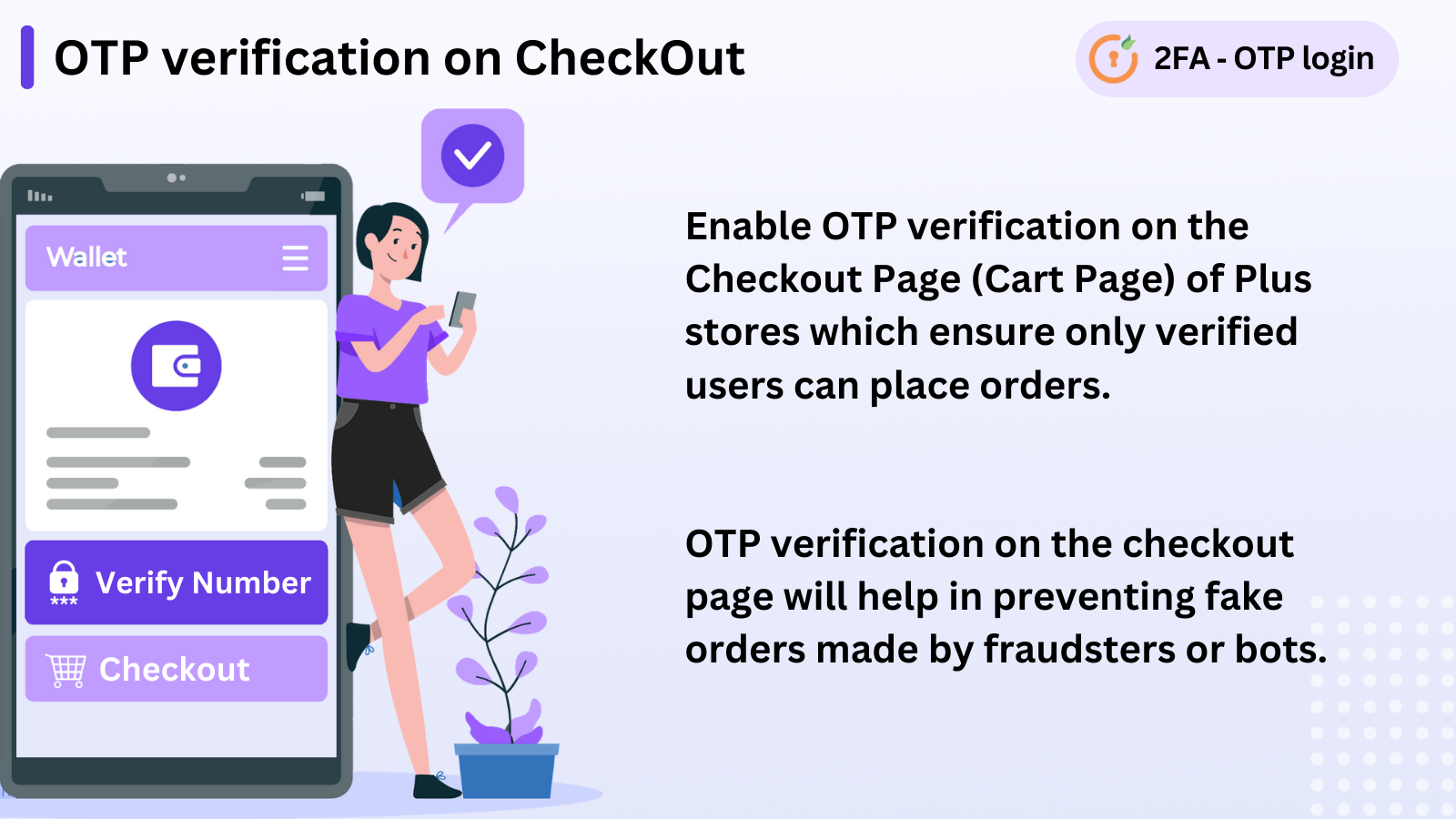
- Enable OTP verification on the Shopify checkout page
- Set OTP as the default login option for your Shopify store
- Restrict users from sharing their credentials via MFA and session management
- Multipass, 2FA, OTP for digital marketing, custom OTP length and validity period
Merchant-Friendly
- Independent Station Merchants
- Cross-border E-commerce
- High-value E-commerce
- Membership E-commerce
- Mobile-first E-commerce
Basic Information
- Developer:miniOrange
- Address:Rainbow Apartment, Laxman Nagar, Baner, pune, MH, 411045, IN
- Price: Free / Free plan
- Rating:4.7 / 5
- Comment Count:21 comment
- Release Date:2021-2-9
- Supported languages:English
- Compatible products:Shopify
Application Screenshot




Price Plan
免费计划
- 10 Free OTPs
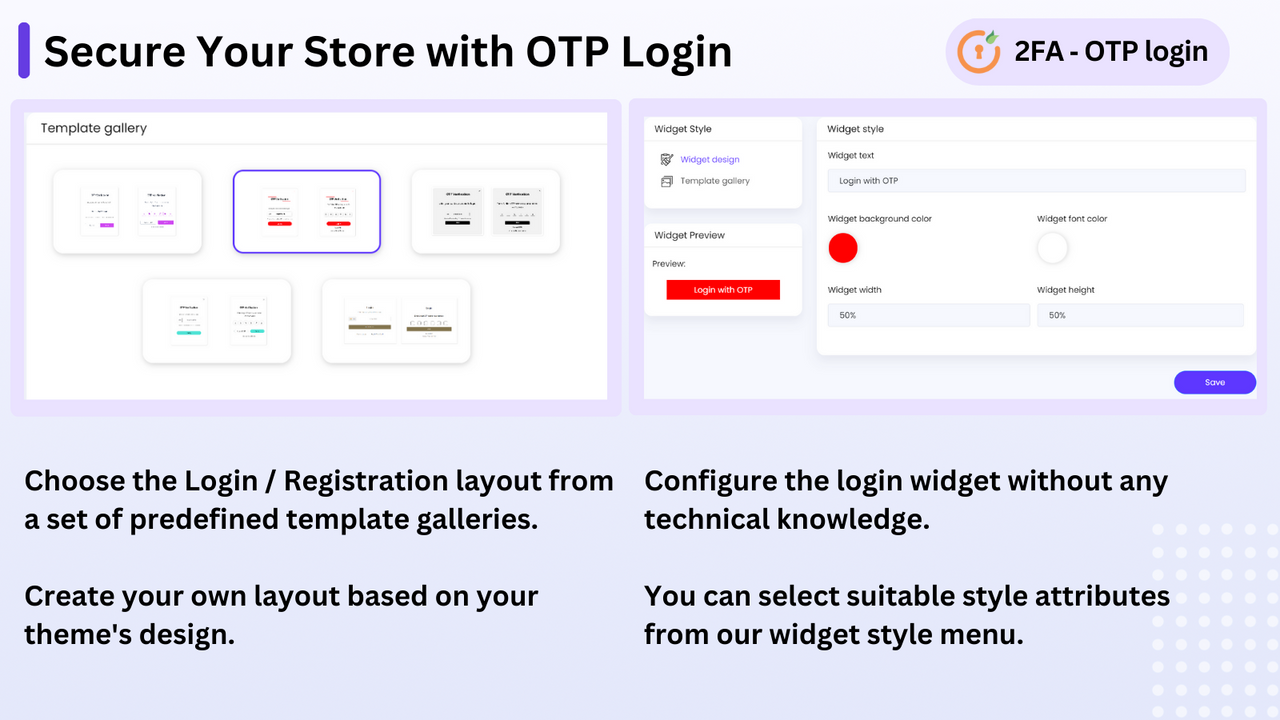
- Login Button Customization
- Redirect to Any Page After Login
- Login with Phone/Email
- Passwordless Login
- Custom Email and SMS Templates
入门计划
- All Free Plan Features
- Update Account Profile
- Receive OTP via SMS/Email
- Verify OTP During Signup
- OTP Verification at Checkout
扩展计划
- All Starter Plan Features
- Custom Gateway Support
- Custom SMS/Email Templates
- Email Domain Restriction
- API for Android/IOS OTP Verification
- Set OTP Login as Default Login Option
增长计划
- All Extension Plan Features
- WhatsApp OTP Login
- Audit Report
- Social Login via OTP
- Whitelist IP
User Location & Comments
User Location
Comments
Shopify API Used
- POST /admin/api/customers.json
- GET /admin/api/customers/{id}.json
- PUT /admin/api/customers/{id}.json
Permission:write_customers,read_customers,manage_authentication
- POST /admin/api/checkout/otp.json
- GET /admin/api/checkout/{id}/otp.json
- PUT /admin/api/checkout/{id}/otp.json
Permission:write_checkouts,read_checkouts,manage_orders
- PUT /admin/api/shop.json
- GET /admin/api/shop.json
- POST /admin/api/access_scopes.json
Permission:write_shop,read_shop,manage_authentication
- POST /admin/api/mfa_sessions.json
- GET /admin/api/mfa_sessions/{id}.json
- PUT /admin/api/mfa_sessions/{id}.json
Permission:write_mfa,read_mfa,manage_authentication
- PUT /admin/api/otp_settings.json
- GET /admin/api/otp_settings.json
- POST /admin/api/otp_templates.json
Permission:write_otp_settings,read_otp_settings,manage_authentication